
Vanilla Fullbright Resource Pack Wiki

Vanilla Fullbright Resource Pack Wiki & Guide
wiki.9minecraft.net/vanilla-fullbright-resource-pack/
Removes darkness and lighting effects for maximum visibility at all times.
Guides
Step-by-step, in-game.
Adjust Brightness Levels to Suit Your PreferenceUnderstanding the Pack's Brightness Settings The Vanilla Fullbright Resource Pack applies a uniform brightness boost…Enable Fullbright for Multiplayer ServersUsing Fullbright on Servers Vanilla Fullbright Resource Pack works on multiplayer servers just like single-player…Troubleshoot Fullbright Not Working in Specific AreasCommon Reasons Fullbright Fails Locally Occasionally, certain biomes, dimensions, or structures may not appear fully…Use Fullbright While Keeping Atmospheric Lighting EffectsBalancing Visibility with Ambiance The Vanilla Fullbright Resource Pack removes darkness entirely, which can make…
Frequently asked questions
Why can't I see fullbright working even though I installed the pack?
Make sure the resource pack is actually enabled in your world settings—go to Options > Resource Packs and move Vanilla Fullbright from the left list to the right. If it's enabled but still not working, check that no other resource pack is overriding it by placing Vanilla Fullbright at the top of your active packs list.
Does fullbright work on multiplayer servers?
Yes, resource packs are client-side only, so servers won't block it. However, some servers may have anti-cheat systems that flag fullbright as unfair advantage—check your server's rules before using it in competitive play.
Will fullbright affect my FPS or cause lag?
No, Vanilla Fullbright is extremely lightweight since it only modifies brightness values without adding new textures or complex rendering. You should see no performance impact compared to vanilla Minecraft.
Can I use fullbright with other resource packs at the same time?
Yes, but pack order matters—place Vanilla Fullbright above any packs that modify lighting or textures so it takes priority. If another pack is positioned higher, it may override the fullbright effect.
See all 10 Vanilla Fullbright questions ›
You May Also Like
Wikis that share the most with this one
 Vanilla Vistas
 Vanilla Cookbook
 Vanilla Degus Mod
 Horse Stats Vanilla
 Vanilla Hammers Mod
 Vanilla Notebook Mod
Wikis on the same theme: light
 Fire RekindledReimagined GUIShadify Resource PackXray Java Resource PackLight Leak Resource PackLight Levels Resource PackBetter Lights Resource PackOre Highlighter Resource PackAuthentic Shadows Resource PackExtended Illumina Resource Pack
 Just Fancy Torches Resource PackSunbathing Godrays Resource Pack
More resource pack wikis on the site
Vanilla Connected Textures Resource PackVanilla 3D Extension Resource PackVampiric GUI Resource PackUrban Transit Fleet Resource PackUrban Resource PackUrban 128X256X512X1024X Resource Pack Updated Engineering Resource Pack
 Updated Aquaculture 9minecraft Resource PackUnlit Campfire Icons Resource Pack
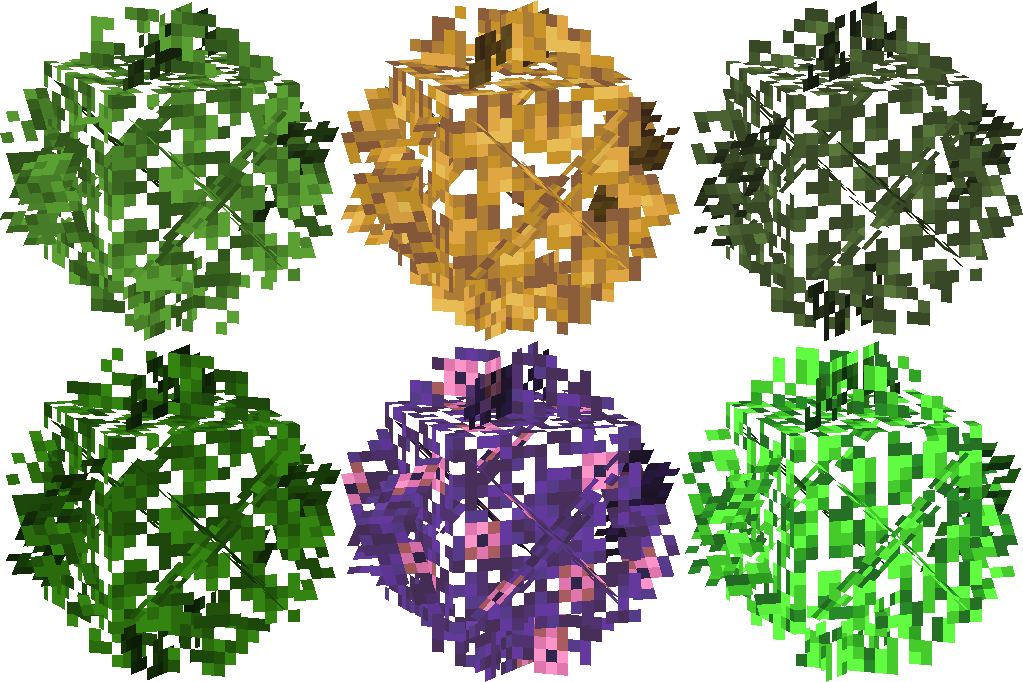 Universal Bushy Leaves Resource Pack
 Unique Dark Resource PackUnique Dark Refined Resource Pack
Updated Engineering Resource PackUpdated Aquaculture 9minecraft Resource PackUnlit Campfire Icons Resource PackUniversal Bushy Leaves Resource PackUnique Dark Resource PackUnique Dark Refined Resource PackThe most downloaded mods that have a wiki here
 AppleSkin
 JourneyMap Mod
 Placebo
 Waystones
 Nature's Compass Mod
 Enchantment Descriptions Mod
 Patchouli Mod
 Jade Mod
 Quark Mod
 Balm Mod