
Urban Resource Pack Wiki

Urban Resource Pack Wiki & Guide
wiki.9minecraft.net/urban-resource-pack/
Retextures standard Minecraft blocks and items with an urban visual style.
Guides
Step-by-step, in-game.
Customizing the Pack for Your PlaystyleGetting the Best Visual Results with ShadersOptimizing Urban Resource Pack PerformanceTroubleshooting Texture and Model Issues
Items
A
 Arrow
ArrowB
 Bow
BowC
 Copper Spear
 Copper Sword
D
 Diamond Axe
 Diamond Hoe
 Diamond Spear
E
 Emerald
 Ender Pearl
 Eye of Ender
G
 Golden Spear
I
 Iron Axe
 Iron Hoe
 Iron Shovel
 Iron Spear
M
 Mace
MaceN
 Netherite Axe
 Netherite Pickaxe
 Netherite Shovel
 Netherite Spear
 Netherite Sword
S
 Stone Spear
W
 Wooden Spear
 Wooden Sword
Blocks
312 blocks · showing 24. Browse all →
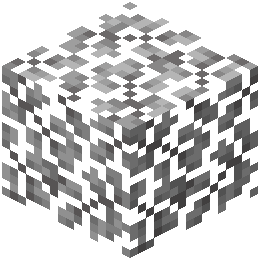 Acacia Leaves
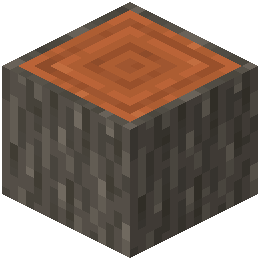 Acacia Log
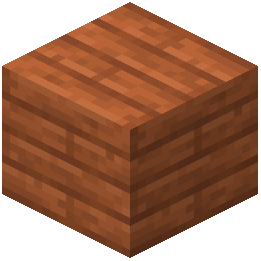 Acacia Planks
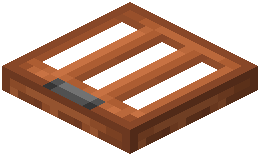 Acacia Trapdoor
 Activator Rail
 Allium
 Amethyst Cluster
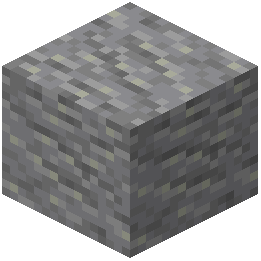 Andesite
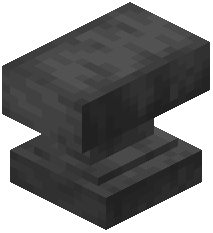 Anvil
Anvil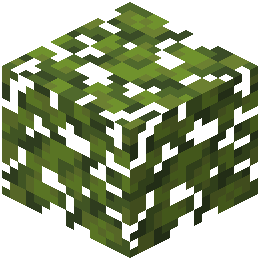 Azalea Leaves
 Azure Bluet
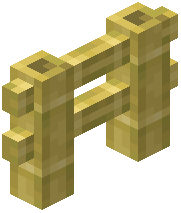 Bamboo Fence
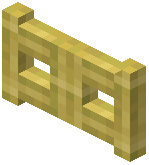 Bamboo Fence Gate
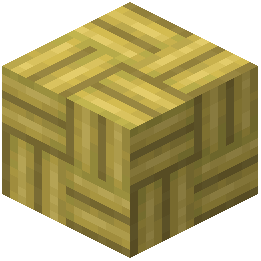 Bamboo Mosaic
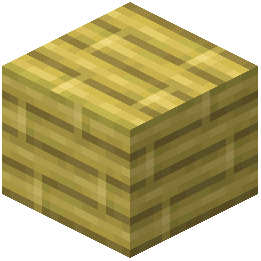 Bamboo Planks
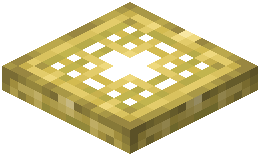 Bamboo Trapdoor
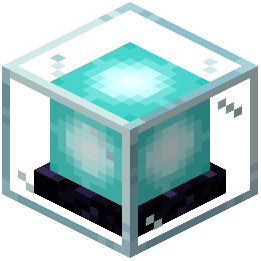 Beacon
 Bedrock
 Big Dripleaf Stem
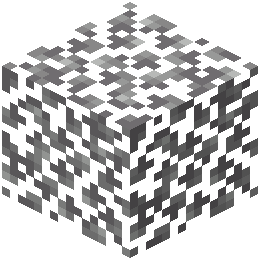 Birch Leaves
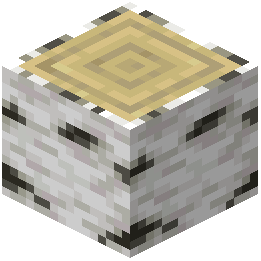 Birch Log
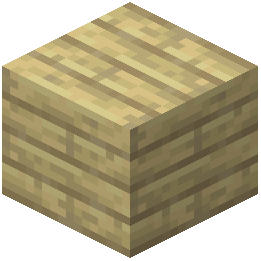 Birch Planks
 Birch Trapdoor
 Black Concrete
What this pack changes
Every texture group the pack replaces, counted from the pack itself.
| Area | Textures replaced |
|---|---|
| Blocks | 1,085 |
| Items | 109 |
| Mobs & entities | 104 |
| Paintings | 36 |
| Models | 30 |
| Biome colours | 2 |
| Particles | 1 |
Pack format 15–1000 (Minecraft 1.20–1.21.9)1,367 texture files in total
Extra features
Custom entity models (OptiFine/CEM)
Custom block/item models
Frequently asked questions
Do I need shaders to use this pack?
No, Urban Resource Pack works without shaders, but it's designed to shine with them—especially BSL shader. Shaders unlock the full potential of the PBR materials and lighting effects, but the detailed textures and models look good on their own.
What PC specs do I need to run this?
This pack is built for mid-to-high-end PCs due to its 128× resolution textures and custom 3D models. If you're getting low FPS, check the Optimizing Urban Resource Pack Performance guide for tips on reducing memory usage and adjusting settings.
Why do some blocks look wrong or have missing textures?
This usually means a conflict with another mod or resource pack, or the pack didn't load correctly. See the Troubleshooting Texture and Model Issues guide to verify the pack is active, check load order, and test with other packs disabled.
Can I use this with other resource packs?
You can layer packs, but Urban Resource Pack is designed as a complete replacement for vanilla textures and models. Mixing it with other packs often causes conflicts; if you want specific features from another pack, check the Customizing the Pack for Your Playstyle guide.
How do I get the best lighting and reflections?
Install a compatible shader (BSL is recommended) and enable PBR support in your shader settings if available. The Getting the Best Visual Results with Shaders guide walks through shader configuration to maximize reflections on water, metal, and other surfaces.
Will this work with modded blocks and items?
Urban Resource Pack only retextures vanilla Minecraft content, so modded items and blocks won't have custom textures unless another pack adds them. Vanilla blocks will look consistent, but modded content will stand out visually.
My FPS dropped a lot after installing this. What can I do?
The high-resolution textures and 3D models are demanding—try lowering your render distance, disabling custom models for certain blocks, or reducing shader complexity. The Optimizing Urban Resource Pack Performance guide has detailed steps for each approach.
Can I edit textures or models myself?
Yes, the pack files are editable if you extract them, but this requires knowledge of texture formats and model files. Refer to the Customizing the Pack for Your Playstyle guide for safe ways to make changes without breaking the pack.
Does this pack change gameplay or just visuals?
Urban Resource Pack is purely visual—it doesn't alter mechanics, recipes, or how blocks function. Everything plays exactly like vanilla Minecraft; only the appearance changes.
Why do some textures look blurry or pixelated?
This usually happens if mipmapping is disabled or your GPU isn't handling the 128× resolution well. Check your video settings for texture filtering options, and see the Optimizing Urban Resource Pack Performance guide for graphics card-specific tweaks.
You May Also Like
Wikis that share the most with this one
 Icons
Icons Excalibur
 Faithless
Wikis on the same theme: craft
 Bare Bones
 Better GUI
 Classic 3D
 Block Pixel
 Ultimacraft
 Icon Xaero's
 Boss Refreshed
 Pop-out Clocks
 Epic Adventures
 Fresh Animations
 More Cave Sounds
 Cubic Sun and Moon
More resource pack wikis on the site
 Updated Engineering Resource Pack
 Updated Aquaculture 9minecraft Resource PackUnlit Campfire Icons Resource Pack
 Universal Bushy Leaves Resource Pack
 Unique Dark Resource PackUnique Dark Refined Resource PackUnbelievable Definition 2048X Resource PackUltimate Realism Pack Resource PackUhc Optimized Resource PackTrusty Tools Resource PackTrims Overhaul Resource PackTrimmable Minimal Armor Resource Pack
The most downloaded mods that have a wiki here
 AppleSkin
 JourneyMap Mod
 Placebo
 Waystones
 Nature's Compass Mod
 Enchantment Descriptions Mod
 Patchouli Mod
 Jade Mod
 Quark Mod
 Balm Mod
A few wikis from each of the other kinds