Wiki 9Minecraft Thermal Foundation Wiki
Thermal Foundation Wiki

Thermal Foundation Wiki & Guide

wiki.9minecraft.net/thermal-foundation-mod/

The community wiki and guide for Thermal Foundation — recipes, items, tags and mechanics, kept current for every Minecraft version the mod supports.

0recipes · MC 1.20.1
0wiki pages
1MC versions
Updated 809 days ago1.3M downloads216 followersLicense: LicenseRef-All-Rights-Reserved

About this mod

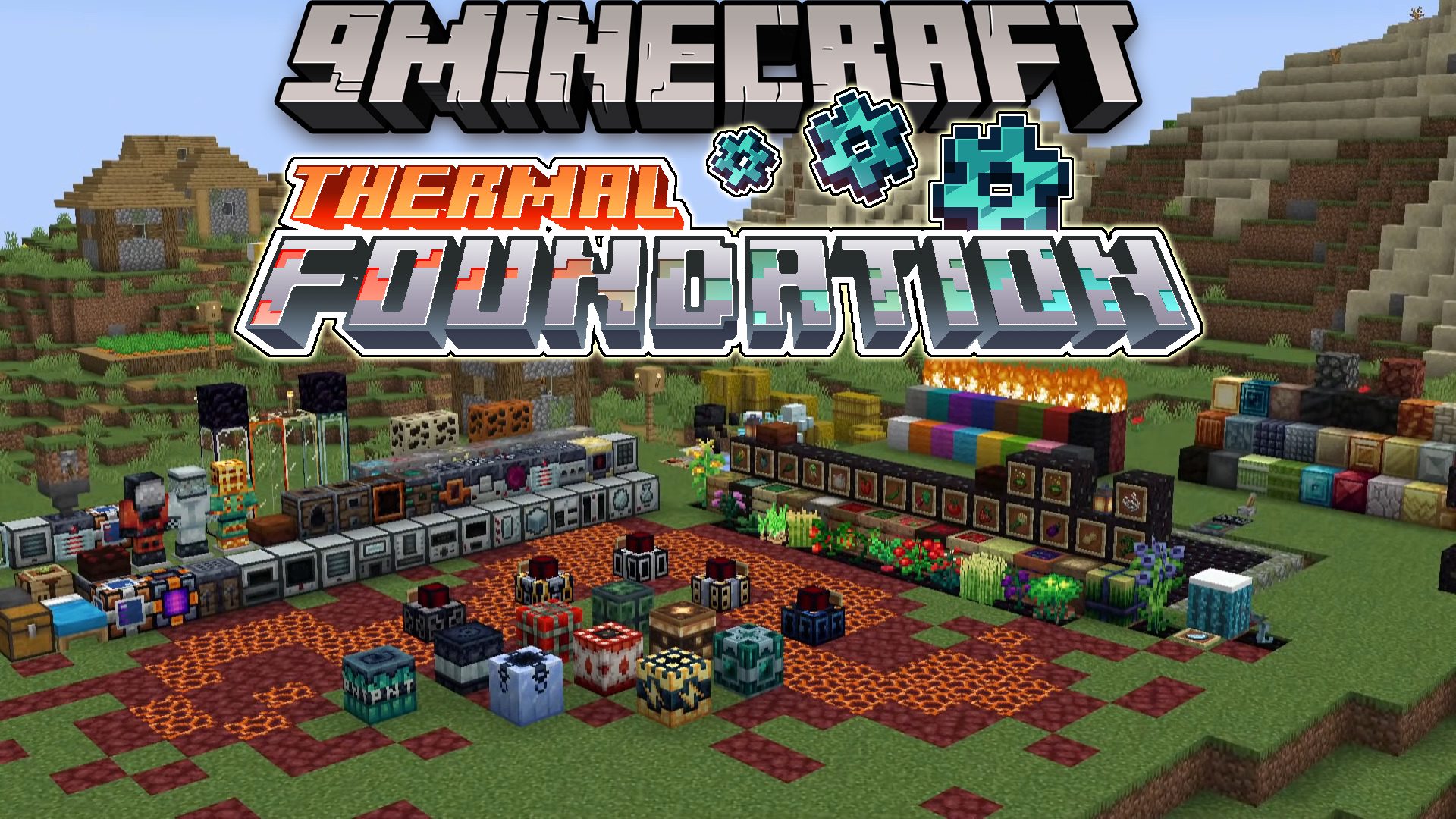
Thermal Foundation

__Active Development__: Minecraft 1.18.2

__Website: Team CoFH__

__Discord: Team CoFH Discord__

__Changelog: Changelog__


The Foundation of a Thermally-enhanced world!

For nearly a decade, the Thermal Series mods have been a cornerstone of modded gameplay. They've pioneered gameplay innovations and optimizations used in practically every modern mod in existence. The Forge Energy system was built from Redstone Flux, and many common modded features - side reconfiguration, advanced redstone control, blue/orange input coloring - all started with the Thermal Series.

The Thermal Series is a modular series of mods, allowing players, server owners, and modpack creators to easily choose the aspects which they want and those which they do not, allowing it to fit into a variety of gameplay styles and worlds.

As a set, the mods form a cohesive experience which greatly expands the Minecraft universe in a lore-friendly (but admittedly technological) way.

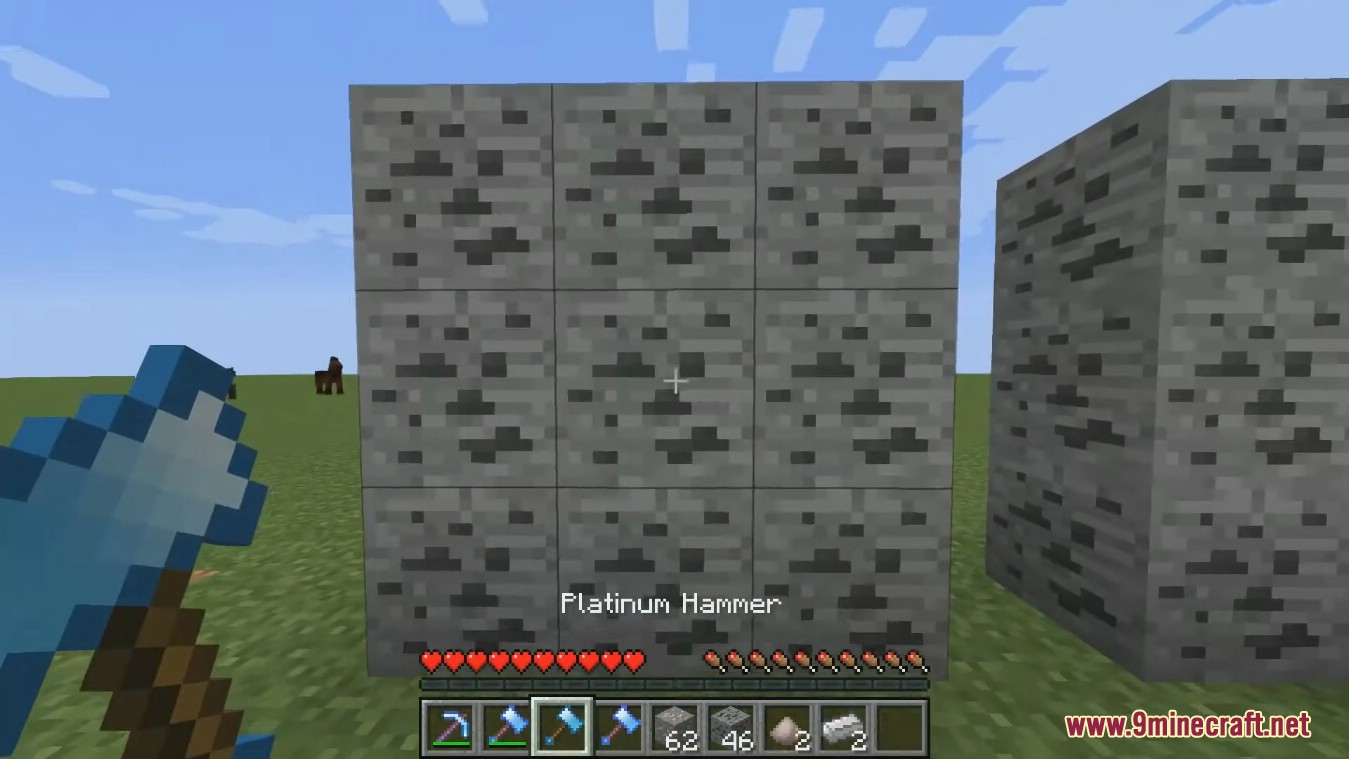
This module contains both "Core" and "Foundation" - a collection of common components, resources, and tools.

The mods are still being updated regularly and the Series is not complete yet! We're working on it and appreciate your patience. Even so, there's a LOT of stuff for both newcomers and veterans. We hope you enjoy the new Thermal Series.

__Configuration__

  • _Client_: thermal-client.toml file located in /config - contains client-specific options.
  • _Common_: thermal-common.toml file located in /config - contains worldgen options.
  • _Server_: thermal-server.toml located in the /saves/WORLD_NAME/serverconfigs folder.

Copying this file to your /defaultsconfig folder will apply those configs to all newly created worlds.

Dedicated servers will have this file in /world/serverconfigs

__Features__

This section describes features available for the version under active development. Older versions may have different features.

WIP - Thanks for your patience.

Thermal Series

__The other modules are here:__

  • __Thermal Cultivation - Farming and Foods__
  • __Thermal Dynamics - Not Yet Updated to 1.16 - Logistics and Transport__
  • __Thermal Expansion - Machinery and Industry (The original mod)__
  • __Thermal Innovation - Advanced Power Tools and Gadgets__
  • __Thermal Integration - Modded Compatibility Enhancements__
  • __Thermal Locomotion - Rails and Minecarts__

__This mod series requires CoFH Core. It can be found here: CoFH Core__

__Historical__

The historical changelog can be found here for versions prior to 1.14: __Old Changelog__

Compatibility

Which Minecraft versions and mod loaders the mod supports.

LoaderMC 1.20.1MC 1.19.2MC 1.18.2MC 1.16.5
Forge
Neoforge

Dependencies

Other mods required (or optional) to run this mod.

CoFH Core (required)

Recent updates

Latest releases with the author's changelog notes.

11.0.6 2024-06-19 · forge, neoforge · MC 1.20.1
  • Minor bugfix for Arboreal Extractor.
  • Backend improvements for the Cyclic Assembler.
11.0.5 2024-06-07 · forge, neoforge · MC 1.20.1

1.20.1-11.0.5 -----------------------------

  • Client-side blocks now force-update when an augment is installed via right-click.
  • Fixed an issue with Creative Tabs not correctly displaying items if a large number of mods were installed.
  • Rendering fixes for Engineer vision.
11.0.4 2024-05-26 · forge, neoforge · MC 1.20.1
11.0.2 2023-12-24 · forge · MC 1.20.1

1.20.1-11.0.2 -----------------------------

  • Merry Christmas!!!
  • New client configuration options. But don't be a grinch.
11.0.1 2023-12-22 · forge · MC 1.20.1

1.20.1-11.0.1 -----------------------------

  • Changed:
  • Minor adjustments to Creative Tab sorting.

Thermal Foundation:

  • Added:
  • Florbs!
  • Fixed:
  • Some items were not correctly showing in Creative Tabs. They now do.
  • Rubberwood trees now properly generate in the appropriate amounts and places.

Mods in the same category as this one.

Mouse TweaksInventory Profiles NextClumpsShulker Box TooltipSupplementariesCarry On

Guides

Frequently asked questions

What is Thermal Foundation?

Thermal Foundation is the base module of the Thermal Series, providing the metals, alloys and fluids that the other Thermal mods build on. On its own it is a materials-and-resources mod.

What is the Thermal Series?

A modular set of mods that has been a cornerstone of modded Minecraft for years. Its energy system grew from Redstone Flux, the ancestor of the modern Forge Energy standard.

What materials does Thermal Foundation add?

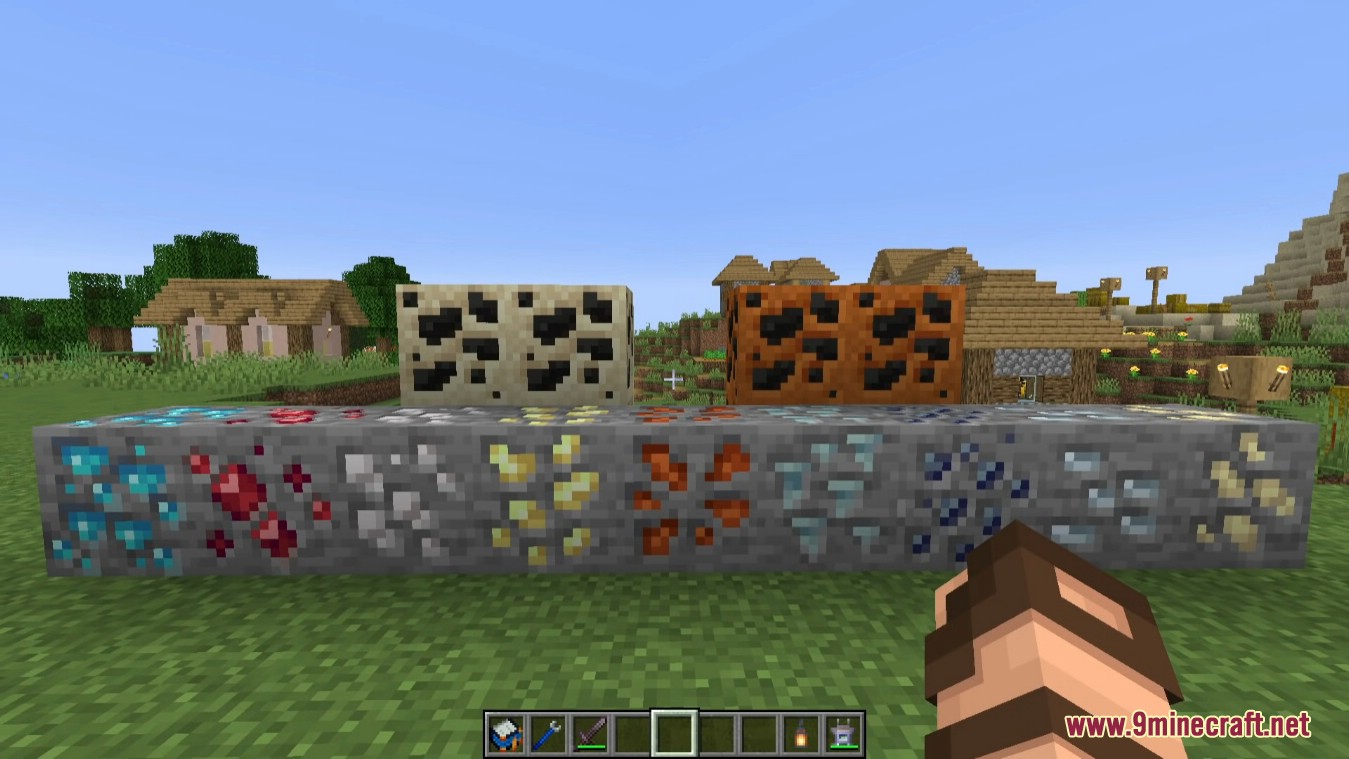
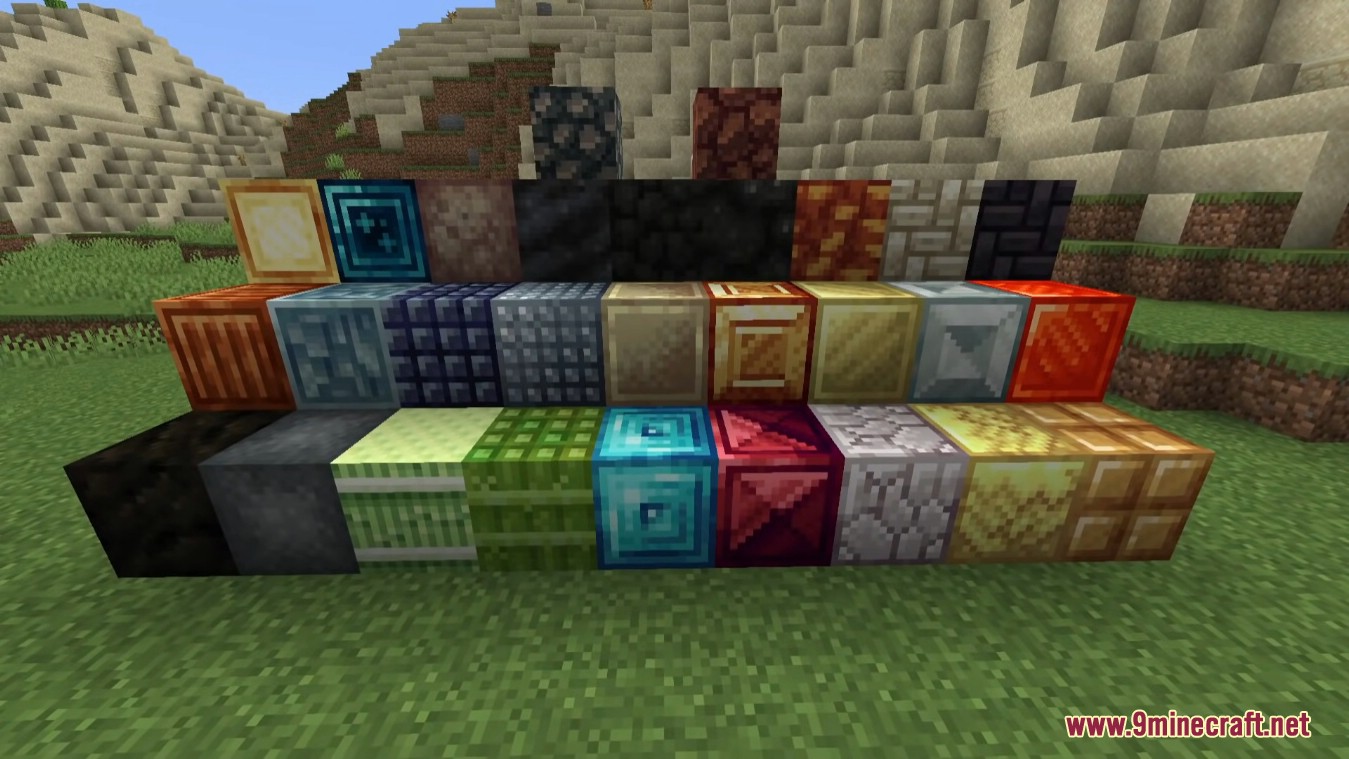
New ores and metals beyond vanilla plus alloys made by combining them, in the usual ingot, gear, plate and block forms, which serve as the crafting base for the wider Thermal Series.

Do you need other Thermal mods to use Thermal Foundation?

No — Thermal Foundation works as a standalone materials mod, but its metals and alloys become the input for machines and automation when paired with the rest of the Thermal Series.

Similar mods

All Technology mods →