

 blocks
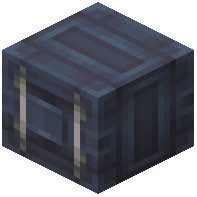 containers
 DownloadCreate: Design n' Decor
Get the files on 9Minecraft
Guides
Step-by-step, in-game.
How to Add Colored Lamps and Velvet Accents to a BuildLighting the Space Design n Decor includes lamps and colored velvet blocks that work well as interior accents. Lamps…How to Build a Colored Cogwheel Machine Aesthetic in Create: Design n' DecorPicking Your Color Palette Create: Design n' Decor adds colored variants of cogwheels, flywheels, and industrial…How to Build Stone Variant Walls and Floors with Castel Bricks and TilesUnderstanding the Stone Family Design n Decor adds stone building variants such as andesite castel brick slabs ,…How to Detail a Factory Interior with Girders, Catwalks and Sheet MetalLaying the Structural Skeleton Girders are the backbone of any Design n Decor industrial interior. Run them…How to Theme a Create Workshop Around a Single ColorWhy Single-Color Theming Works Design n Decor's colored block sets — cogwheels, flywheels, fans, containers , sheet…How to Use Boilers and Containers as Decorative Create MachineryChoosing a Boiler Style Design n Decor offers boiler variants in different stone and metal finishes, including…
Recipes
Every recipe the mod adds, grouped by how it is made.
Items
 Mechanical Belt (Full)
Blocks
 Aluminium Boiler
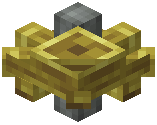 Amber Cogwheel
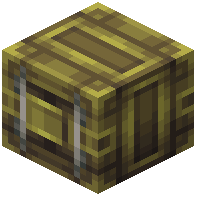 Amber Container
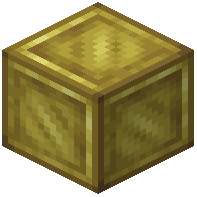 Amber Dark Metal Block
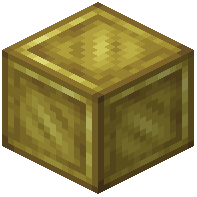 Amber Dark Metal Plating
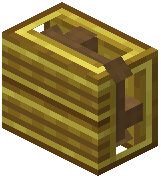 Amber Display Board
 Amber Flywheel
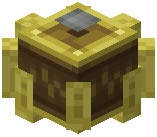 Amber Industrial Cogwheel
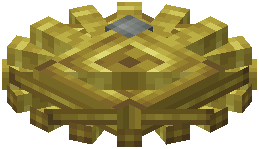 Amber Large Cogwheel
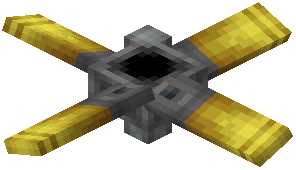 Amber Large Fan
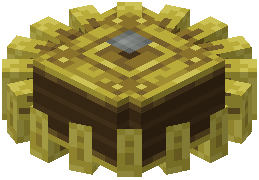 Amber Large Industrial Cogwheel
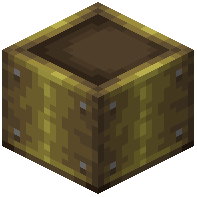 Amber Large Metal Girder
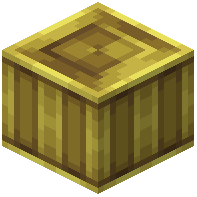 Amber Sheet Metal
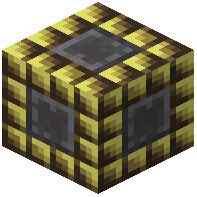 Amber Small Deepslate Tiles
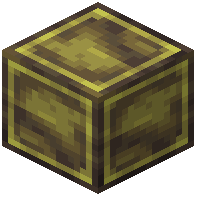 Amber Stone Metal
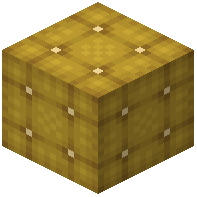 Amber Velvet Block
 Amethyst Crushing Wheel
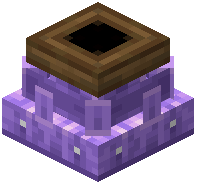 Amethyst Millstone
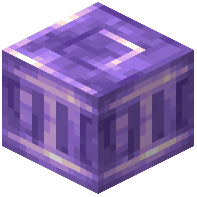 Amethyst Pillar
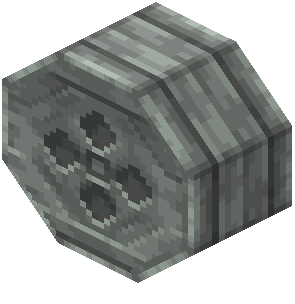 Andesite Boiler
 Andesite Boiler
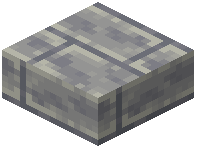 Andesite Castel Brick Slab
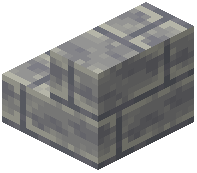 Andesite Castel Brick Stairs
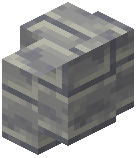 Andesite Castel Brick Wall
Frequently asked questions
How do I get started with Create: Design n Decor?
Craft any of the mod's  decorative blocks using the same materials you already use in Create — most recipes take a base metal, stone, or dye and produce the matching colored or styled variant. Start with a cogwheel or sheet metal block in your favorite color, then branch out into girders, catwalks, and lamps to build a cohesive palette.
decorative blocks using the same materials you already use in Create — most recipes take a base metal, stone, or dye and produce the matching colored or styled variant. Start with a cogwheel or sheet metal block in your favorite color, then branch out into girders, catwalks, and lamps to build a cohesive palette.Do the colored cogwheels and flywheels actually work as Create components, or are they just decorative?
They are functional Create components with the same rotation and stress behavior as their vanilla Create counterparts, just reskinned in a color. You can drop them into any existing Create kinetic network and they will transfer rotation normally.
How do I change the color of a cogwheel, flywheel, or fan?
Each color variant is its own block, so you pick the color at the 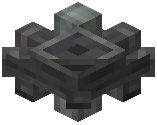 crafting table rather than dyeing a placed block. Craft the variant you want directly — for example, an Amber Cogwheel versus a default one — and place it like any other cogwheel.
crafting table rather than dyeing a placed block. Craft the variant you want directly — for example, an Amber Cogwheel versus a default one — and place it like any other cogwheel.What are boilers and containers used for in this mod?
They are decorative industrial props meant to dress up a factory floor — think pressure vessels, tanks, and vats sitting alongside your Create machinery. They are not a fluid or steam system on their own; they exist to sell the look of a working plant.
See all 10 Create: Design n' Decor questions ›
Gallery
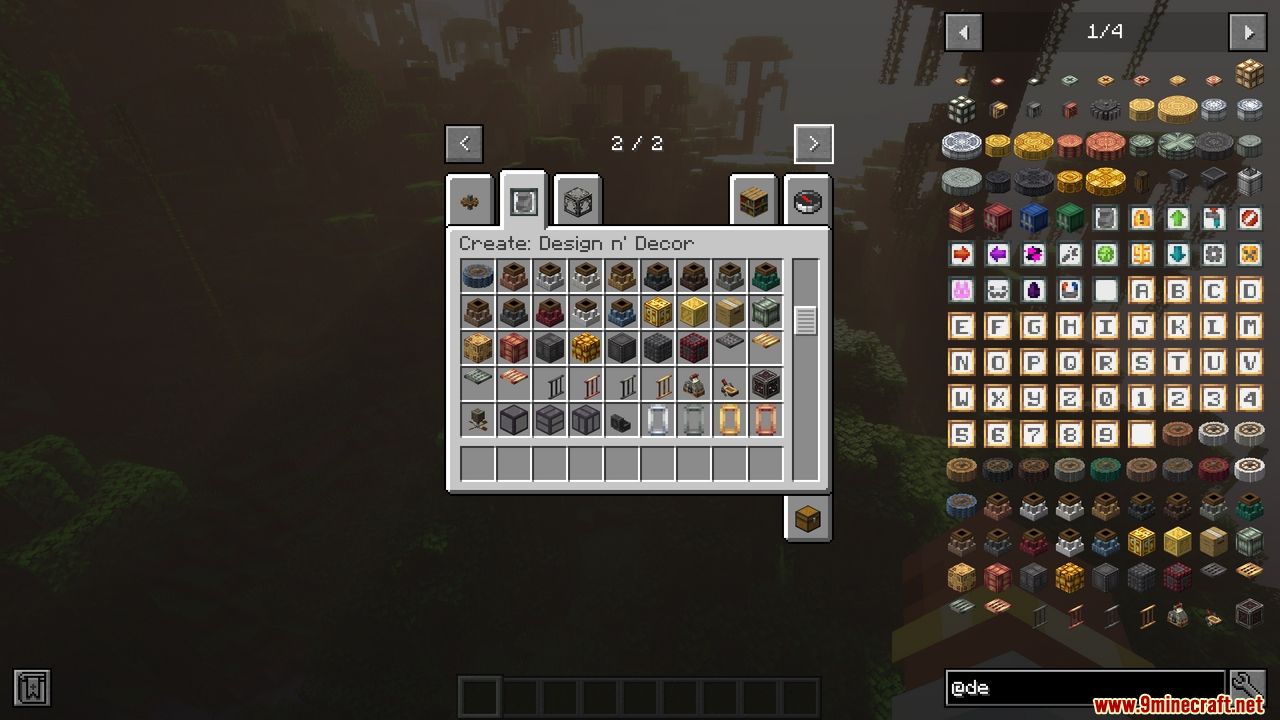
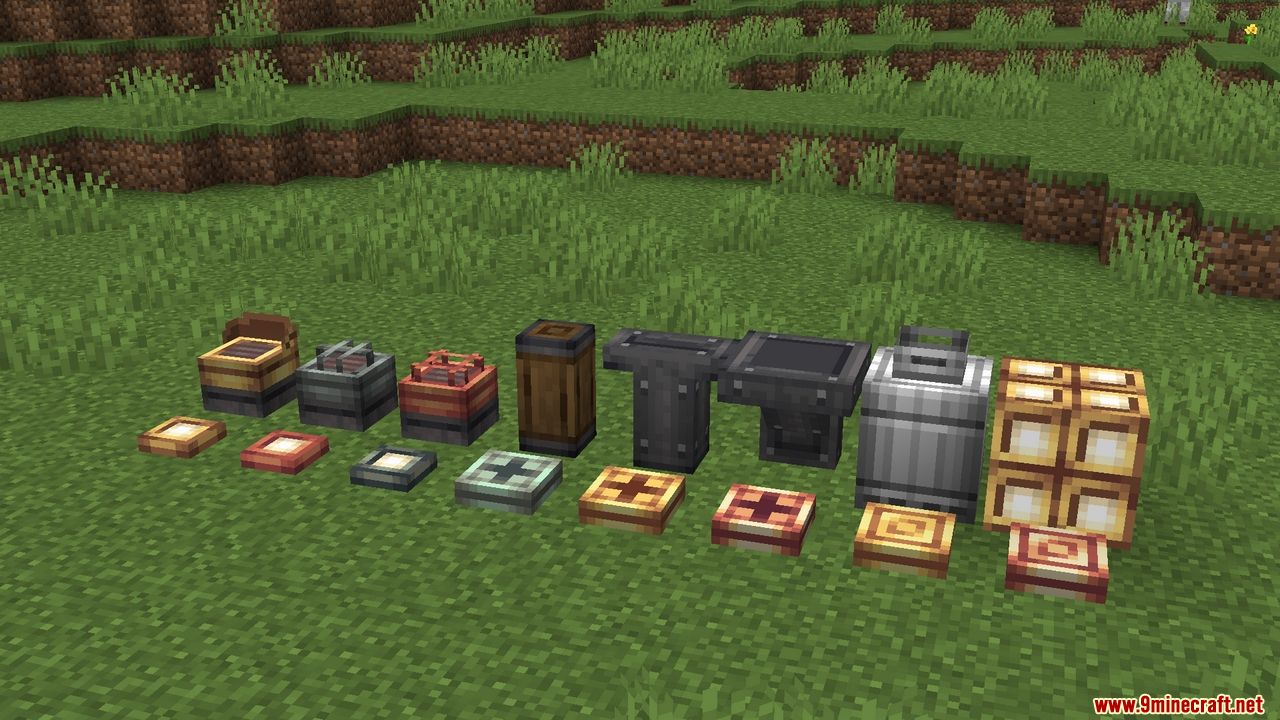
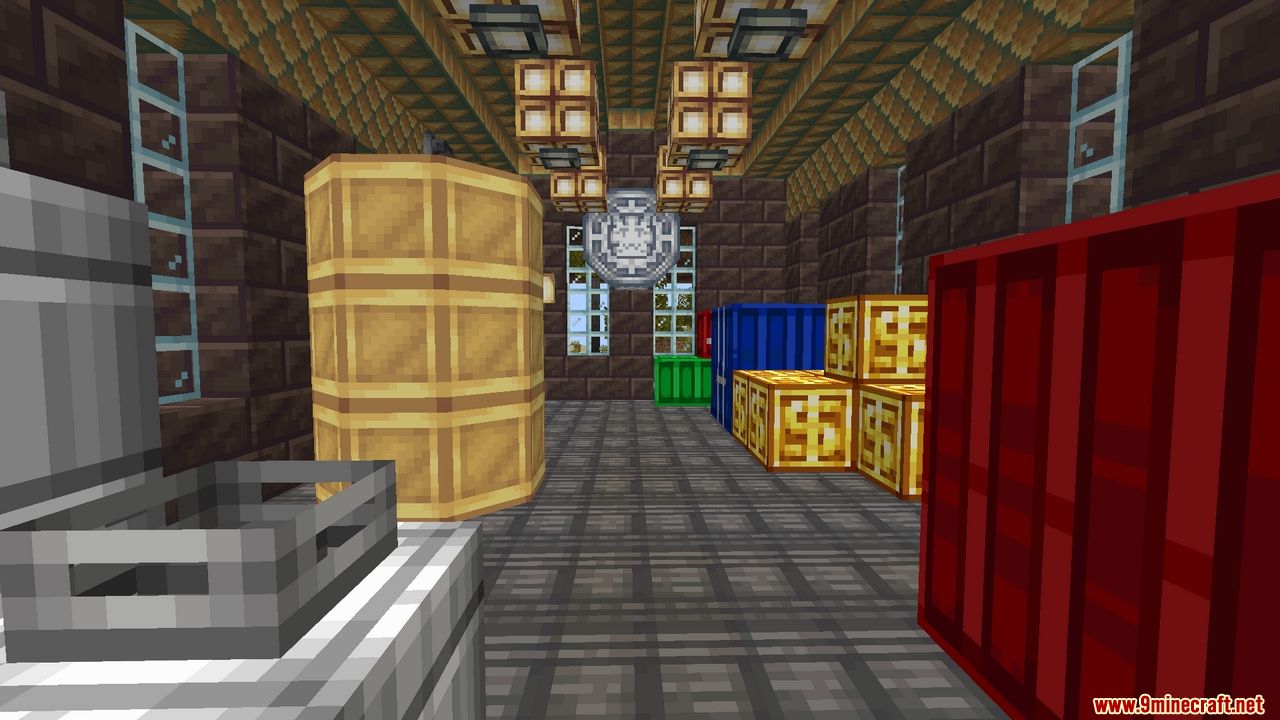
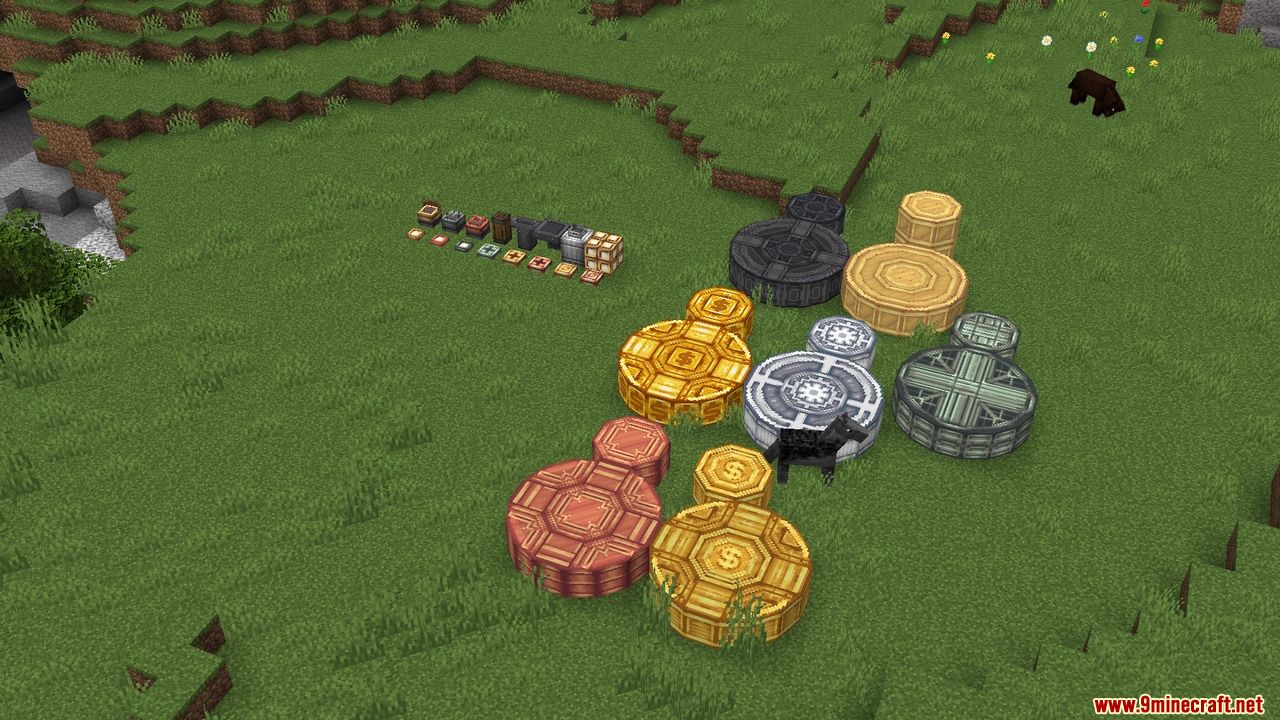
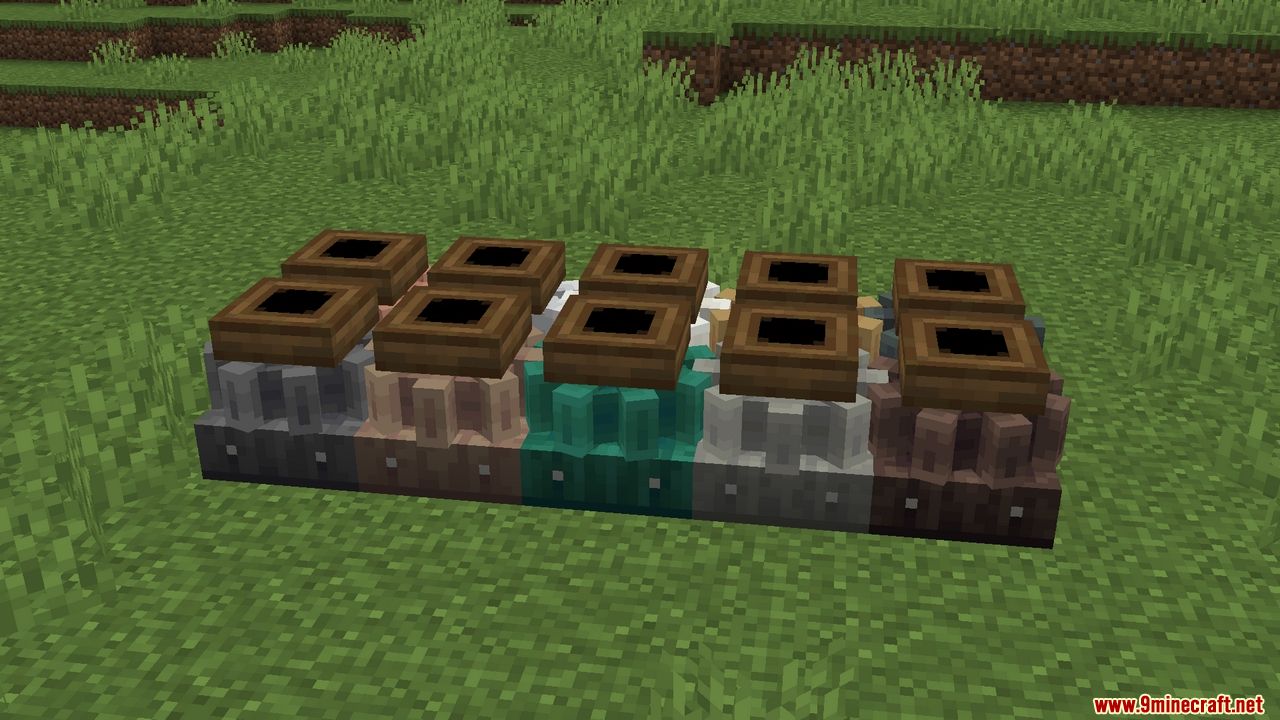
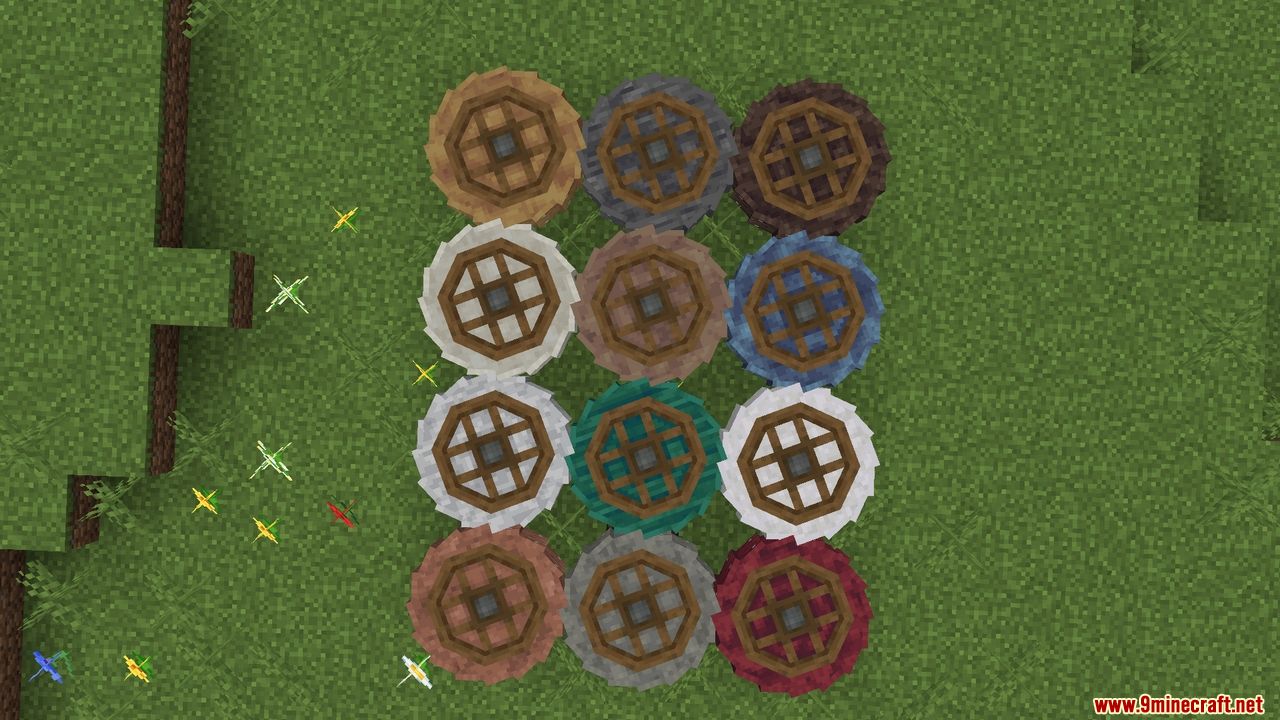
12 images from the Create Design N Decor Mod page.
You May Also Like
Wikis that share the most with this one
Wikis on the same theme: lamp
More mod wikis on the site
The most downloaded mods that have a wiki here
A few wikis from each of the other kinds