

Guides
Step-by-step, in-game.
How to Check Stats on Wild, Untamed HorsesNormally in vanilla Minecraft, you have to spend time mounting and taming a wild horse before you can open its…How to Compare and Breed Better Mounts Using Inventory StatsBreeding horses, mules, and donkeys in vanilla Minecraft often involves guesswork, such as building redstone…How to Configure Horse Stats Vanilla Mod and Use It on ServersHorse Stats Vanilla Mod is designed to blend into the default Minecraft interface while remaining flexible enough…How to View Stats on Tamed Horses, Mules, and DonkeysOnce you have tamed an equine animal in Minecraft, Horse Stats Vanilla Mod lets you check its exact attributes…
Configuration
Every setting in the mod config file, with what it changes.
| Option | What it does |
|---|---|
badHorseHeartsValueBad Hearts Value | Anything below this value will be marked as bad. |
badHorseJumpValueBad Jump Value | Anything below this value will be marked as bad. |
badHorseSpeedValueBad Speed Value | Anything below this value will be marked as bad. |
badStrengthValue | Anything below this value will be marked as bad. |
enableTooltip | Show a tooltip when right-clicking on a horse while sneaking |
goodHorseHeartsValueGood Hearts Value | Anything above this value will be marked as good. |
goodHorseJumpValueGood Jump Value | Anything above this value will be marked as good. |
goodHorseSpeedValueGood Speed Value | Anything above this value will be marked as good. |
goodStrengthValue | Anything above this value will be marked as good. |
showMaxMinShow max and min | Display max and min values. |
useColorsUse colors [#ff+HEX] | Highlight weak values red and good values green. |
badColorBad Value Color | Sets the text color used to display bad horse stat values |
showValueEnable mod | Toggles whether horse stat values are displayed in the GUI |
goodColorGood Value Color | Sets the text color used to display good horse stat values |
neutralColorNeutral Value Color | Sets the text color used to display neutral horse stat values |
valueUpValues are always on top | Toggles whether stat values render above the horse instead of below |
Frequently asked questions
How do I see horse stats with this mod?
Open a horse's inventory screen and the health, speed, and jump height values appear alongside the saddle and armor slots. You don't need to tame, saddle, or ride the horse first — just interact with it to open the GUI.
Does Horse Stats Vanilla work on wild horses?
Yes, you can view the stats of any untamed horse by opening its inventory screen. This lets you judge a wild horse before spending time taming it.
What do the speed and jump height numbers actually mean?
Speed is the horse's internal movement attribute, and jump height is its jump strength attribute — the same values the game rolls when a horse spawns. Higher numbers mean a faster or higher-jumping horse, so compare values side by side rather than expecting a specific unit like blocks per second.
Can I see horse stats without taming the horse?
Yes. Opening the inventory screen shows the stats regardless of whether the horse is tamed, so you can scout wild horses and only tame the good ones.
See all 10 Horse Stats Vanilla questions ›
Dependencies
Other mods needed to run this one.
Gallery
11 images from the Horse Stats Vanilla Mod page.


You May Also Like
Wikis that share the most with this one
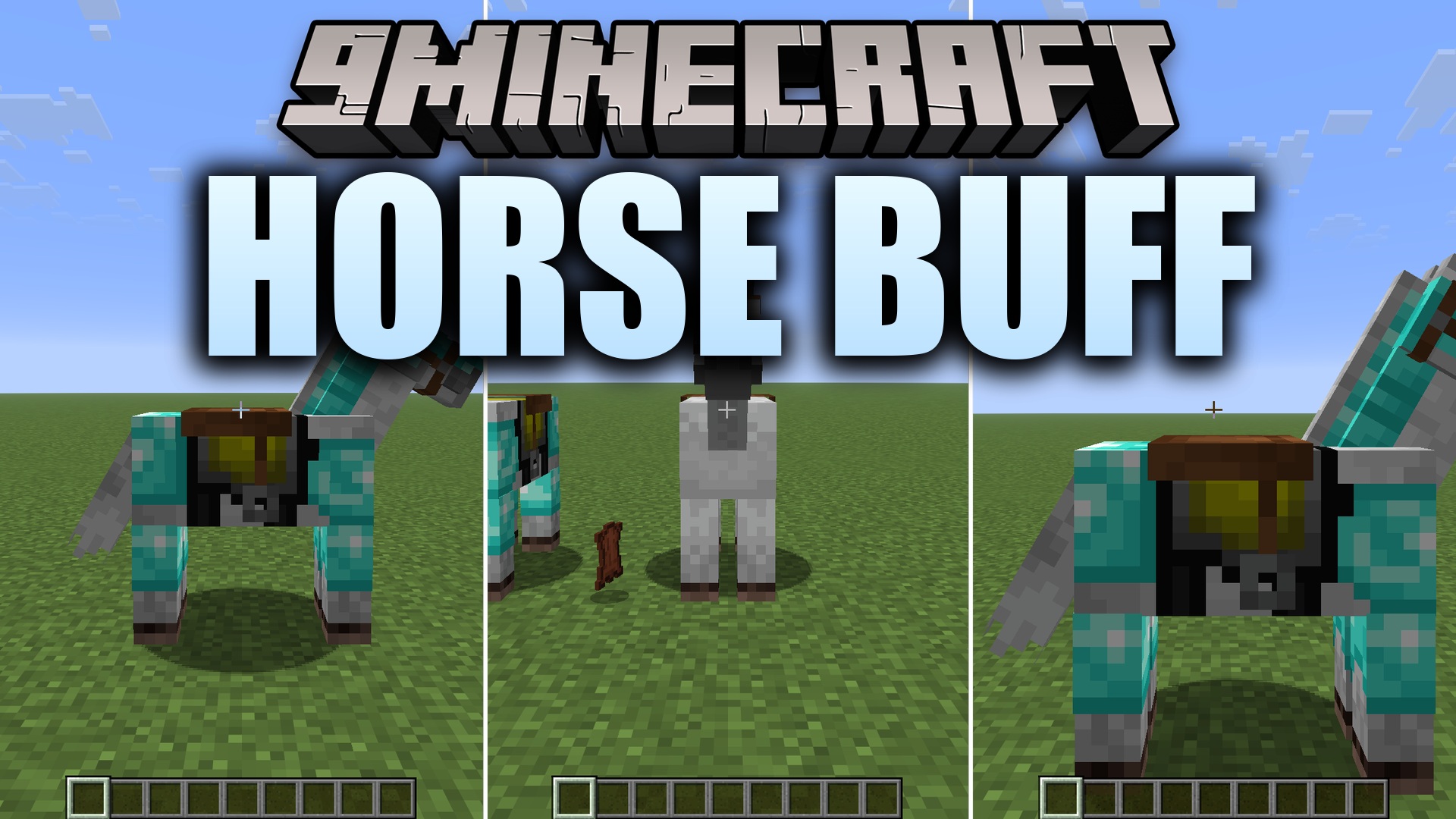 Horse Buff
 Vanilla Gun
 Horse Expert
 Mels Vanilla
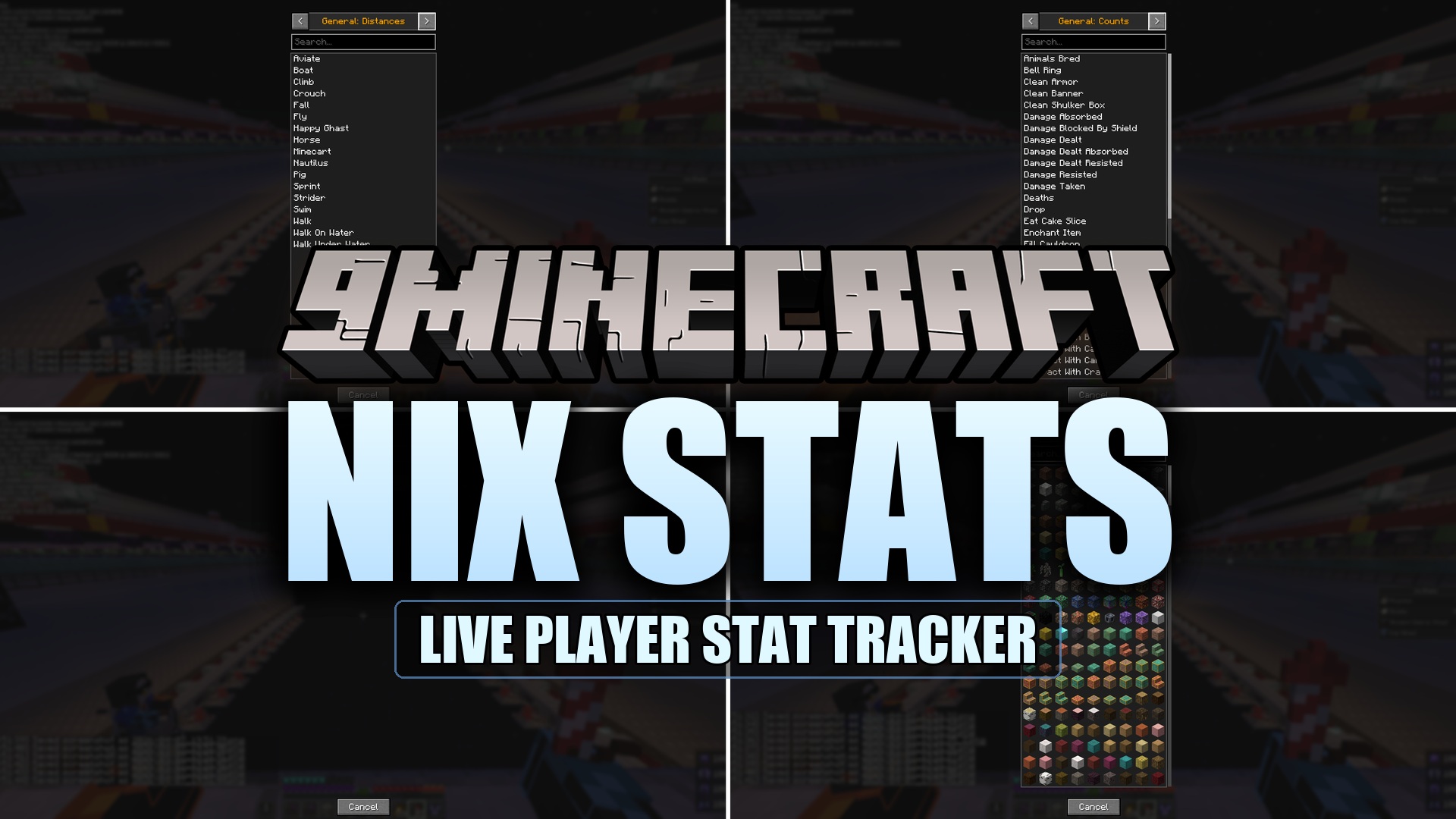 Nix Stats Mod
 Vanilla Degus
 Tool Stats Mod
 Vanilla Armory
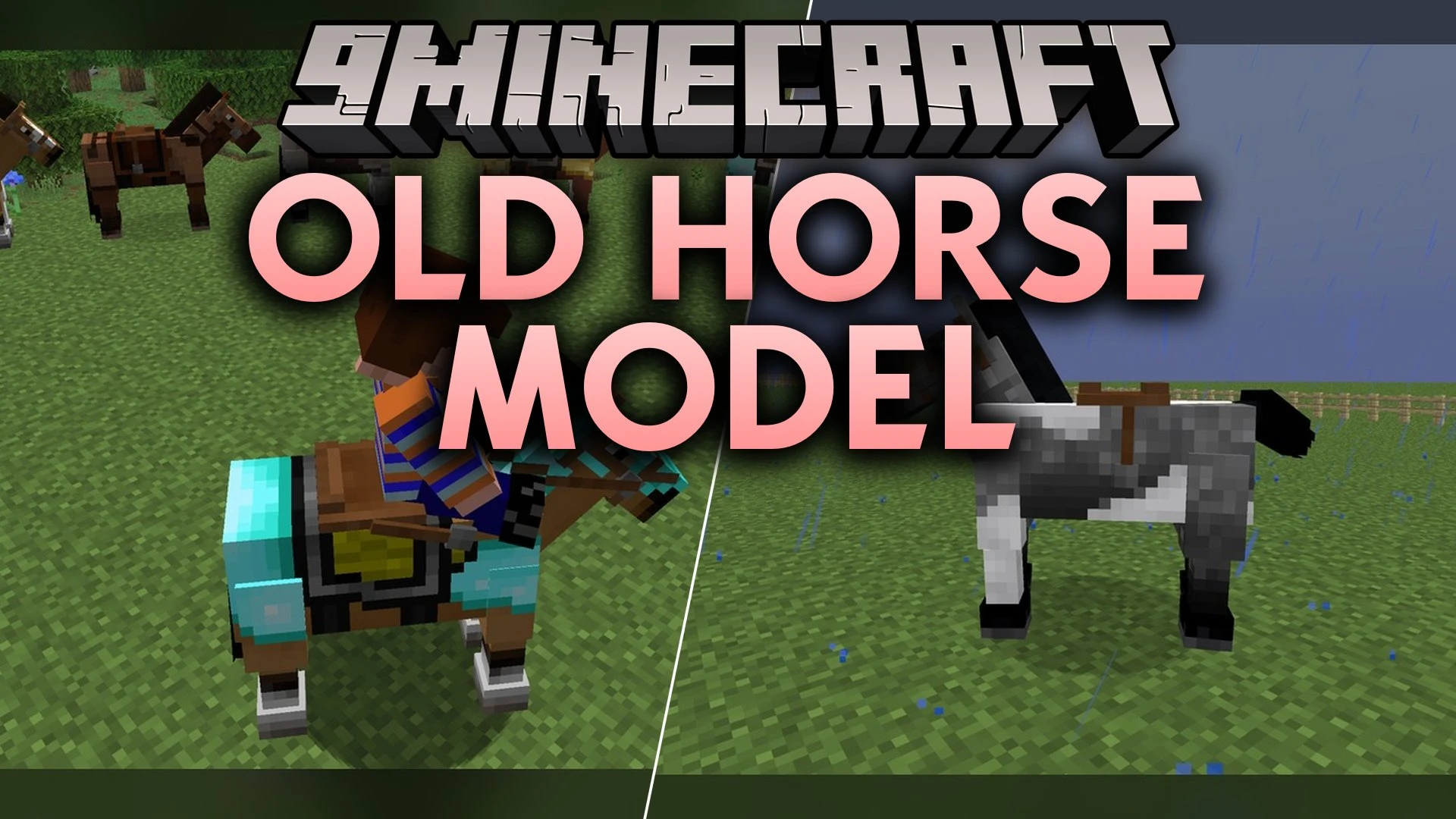 Old Horse Model
 Horse Stonks Mod
 Vanilla Plus Mod
 Vanilla Cookbook
Wikis on the same theme: horse
 Mankini
 Horseman
 BlazeGear
 Mapper Base
 Barnyard Buddies
 Cannibal Villages
 Emerald Equipment
 Mo Creatures Port
 Icys Better Horses
 More Useful Copper
 Call Your Horse Mod
 Horse Statistics Mod
More mod wikis on the site
 Horse Power Mod 1.12.2,
 Horse Breeding Fix Mod
 Horror Movie Monsters
 Horror Elements
 Hornets
 Horizontal Reinforced Deepslate Mod
 Horizons Robots
 Horizon XP Tracker Mod
 Horizon Tapestry Mod
 Horizon Reach Render Mod
 Horizon Braid Mod
 Hopper X Treme
The most downloaded mods that have a wiki here
 Farmer’s Delight Cutting Compat Data Pack
 Mouse Tweaks Mod
 Supplementaries Compat Data Pack
 Bookshelf Mod
 AppleSkin
 GeckoLib Mod
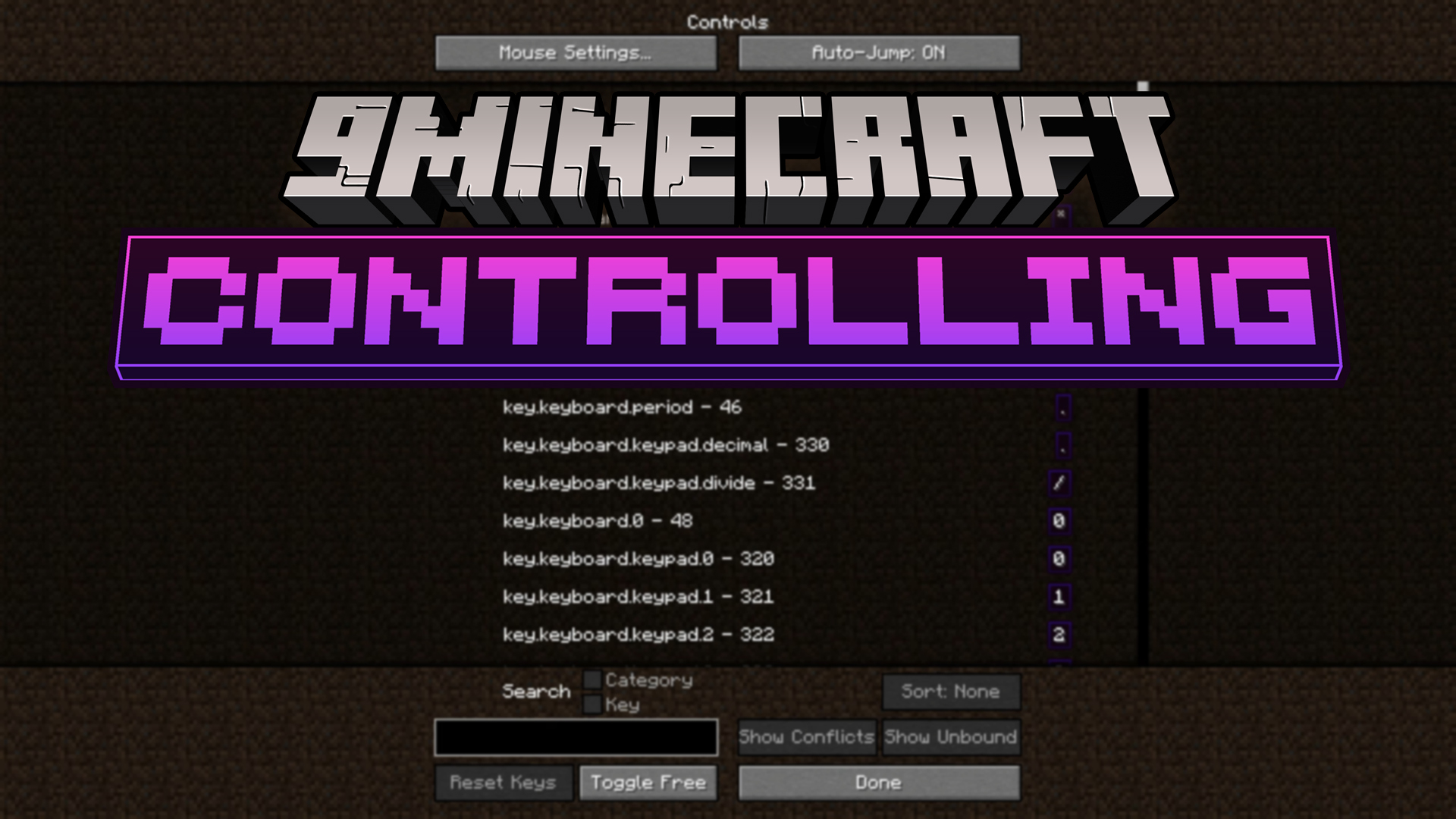 Controlling Mod
 Clumps Mod
 JourneyMap Mod
 Placebo
 Waystones
 Nature's Compass Mod
A few wikis from each of the other kinds
 18W43A Wood Resource Pack
 1×1 Ultimate Resource Pack
 3D Displacement Test Shaders
 8 Bit Trial Chambers Shaders
 100 Levels 2 Map
 1000 Block Parkour Map
 A COZY Adventure Nap Time The Lil Cafe Modpack
 Actions & Better Modpack
 6 Stairs Data Pack
 A Breach Happened Data Pack
 22qq Client Mod
 67 Client Mod