Wiki 9Minecraft Corpse Wiki
Corpse Wiki

Corpse Wiki & Guide

wiki.9minecraft.net/corpse-mod/

The community wiki and guide for Corpse — recipes, items, tags and mechanics, kept current for every Minecraft version the mod supports.

0recipes · MC 1.21.1
0recipes · MC 1.20.1
0wiki pages
2MC versions
Updated 21 days ago4.3M downloads932 followersLicense: LicenseRef-All-Rights-Reserved

About this mod

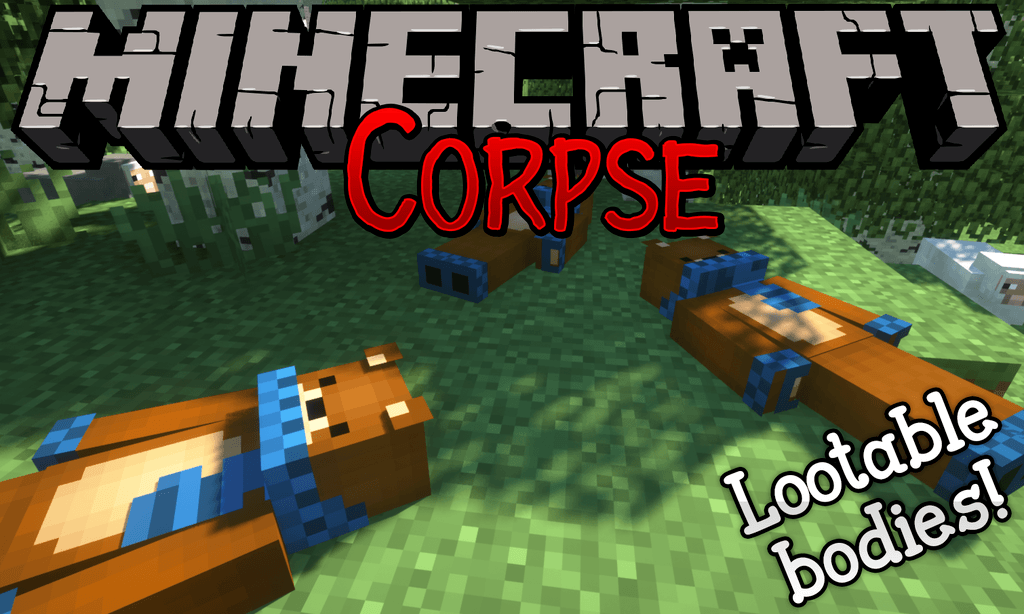
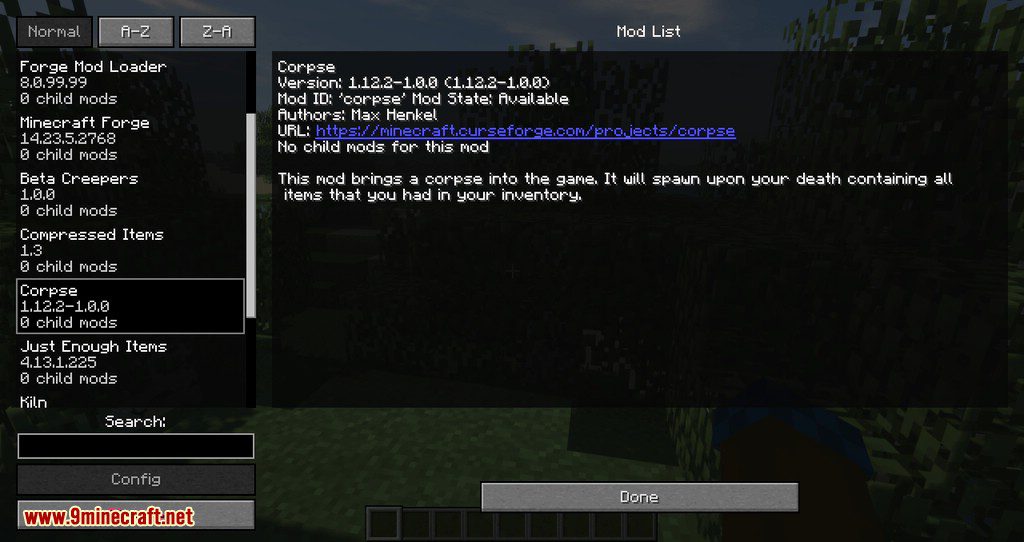
This mod brings a corpse into the game. It will spawn upon your death containing all items that you had in your inventory.

Features

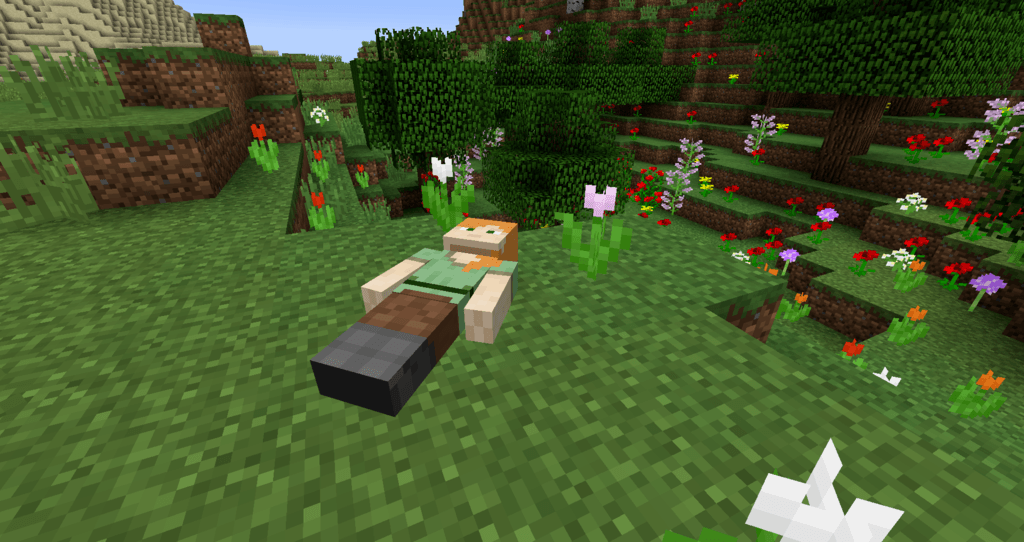
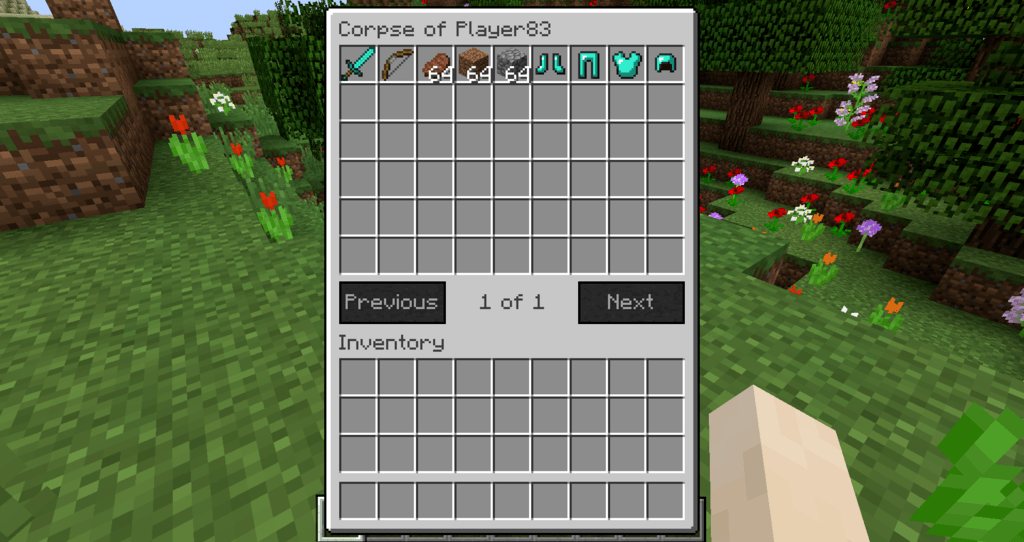
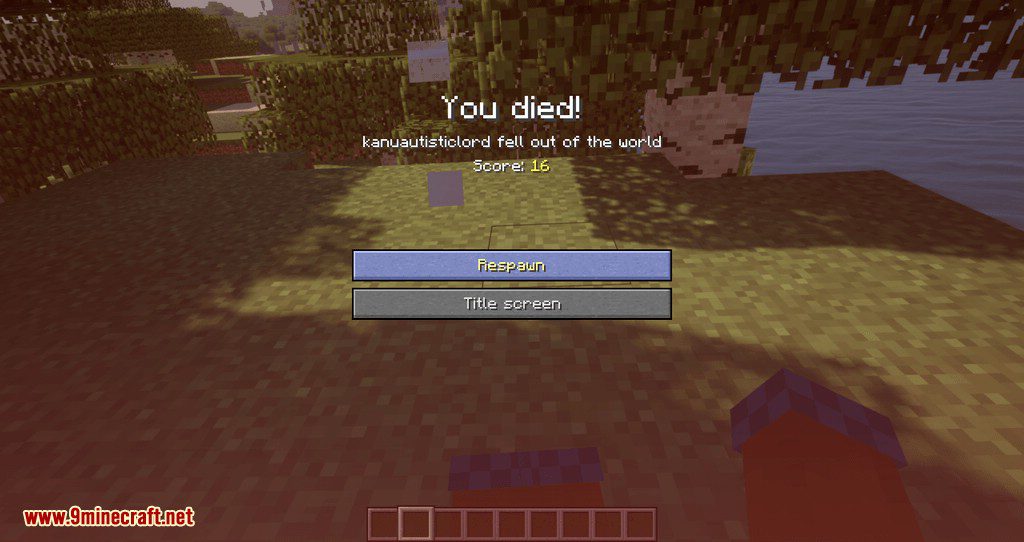
The corpse will appear at the players location upon death. Your player skin will be applied to the corpse. It contains all the items you had when you died. It can hold an infinite amount of items.

You can access the items by right-clicking the corpse.

When you take out all items, the corpse will disappear. The corpse can't fall into the void or burn in lava. It also floats in liquids like lava or water.

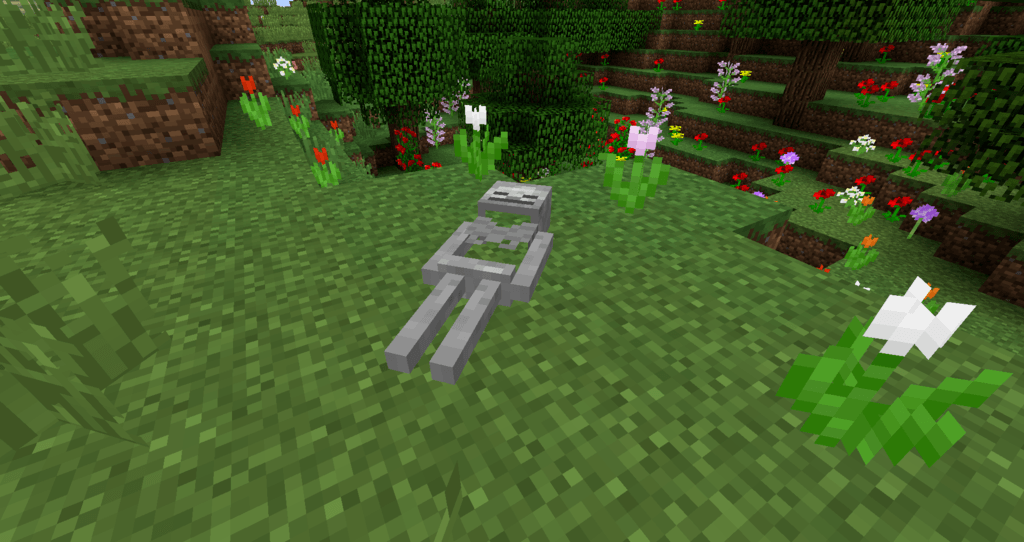
After 1 hour, the corpse will turn into a skeleton, indicating that it existed for a longer time. This won't change the functionality of the corpse.

You get all your items back into their original slots when transferring the items.

Death History

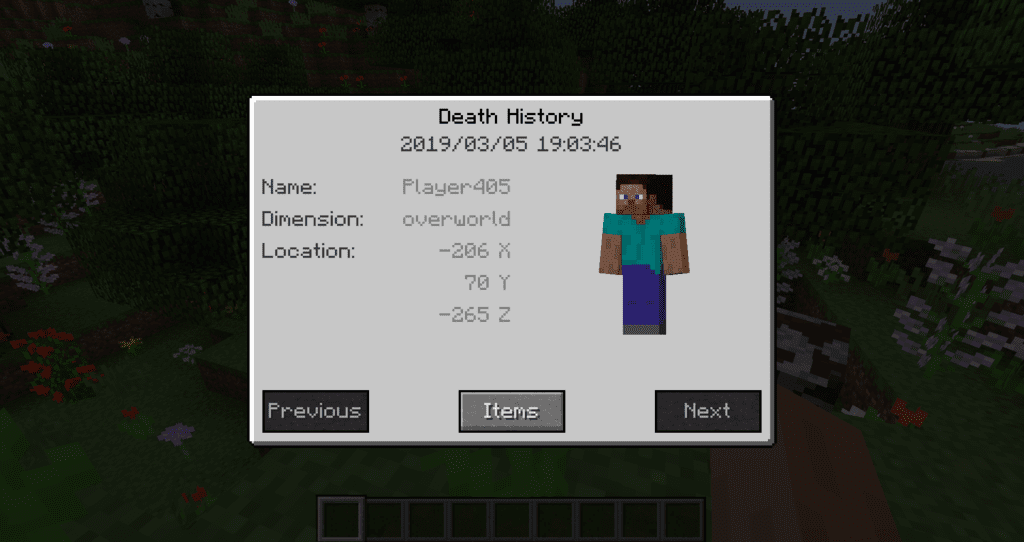
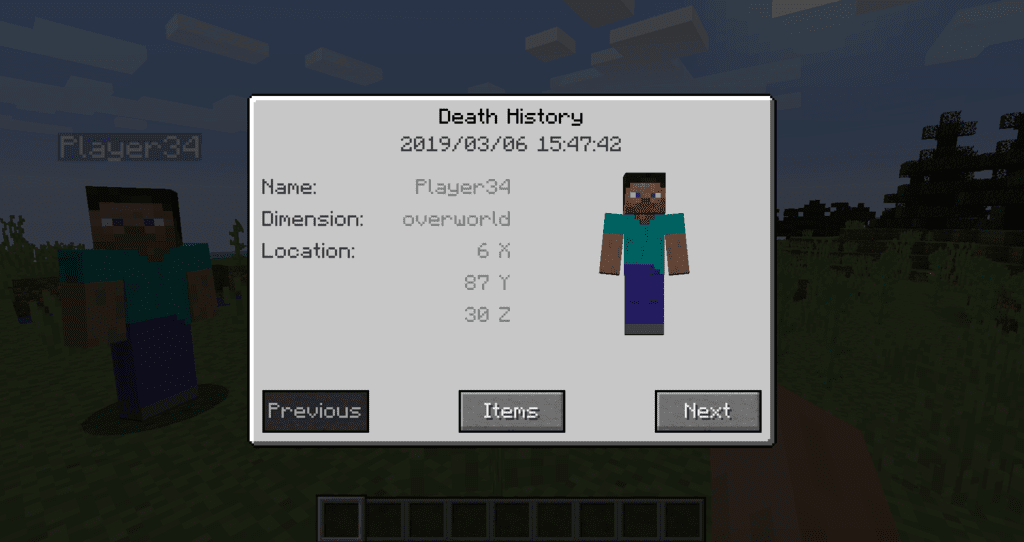
You can view all your past deaths by pressing the 'U' key. You can retrieve lost items if you are in creative mode.

Viewing the Death Hisory of other Players

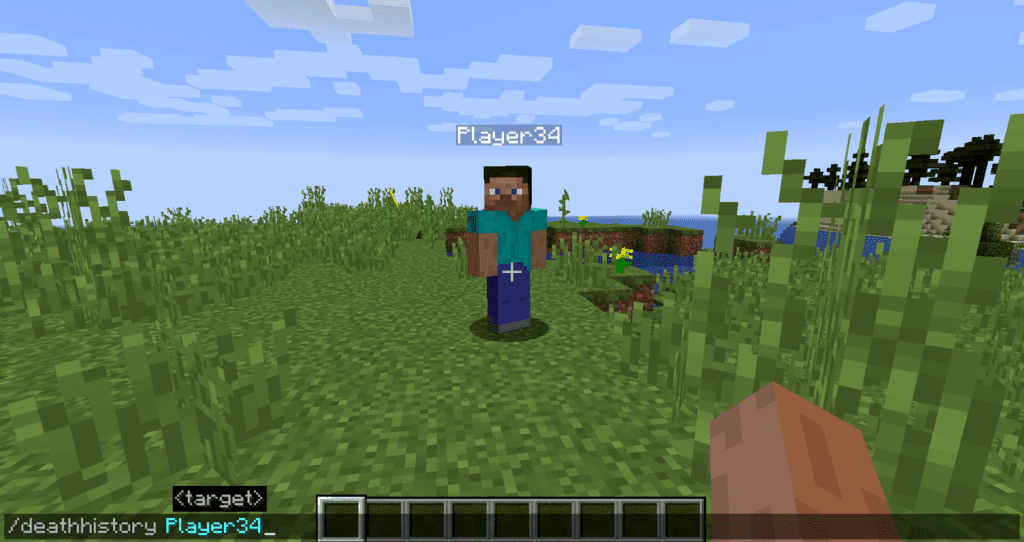
By typing /deathhistory as an operator, you can view the death history of another player.

Recovering Lost Items

You can retrieve lost items by pressing the "Items" button in the death history GUI. Note that you can only take out items if you are in creative mode.

Teleporting to the Death Location

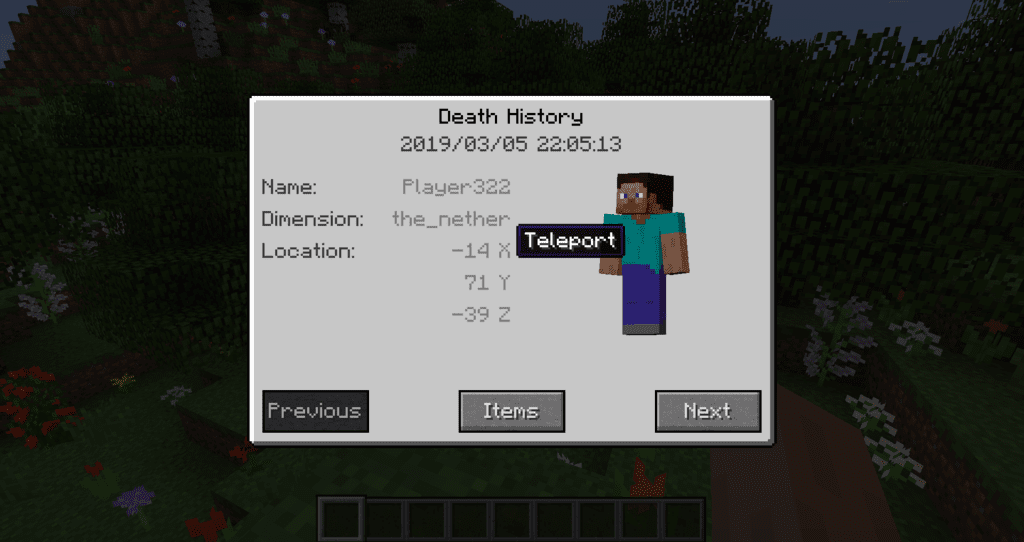
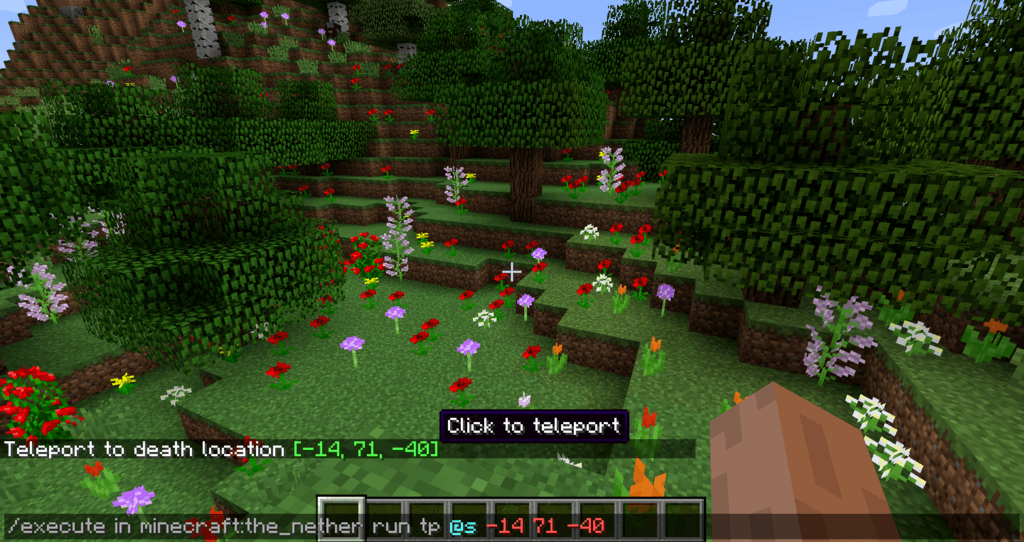
By clicking on the "Location" area in the death history GUI, the command to teleport you to the death location will be displayed in chat. It includes the coordinates and the dimension.

Optional Features (Config Options)

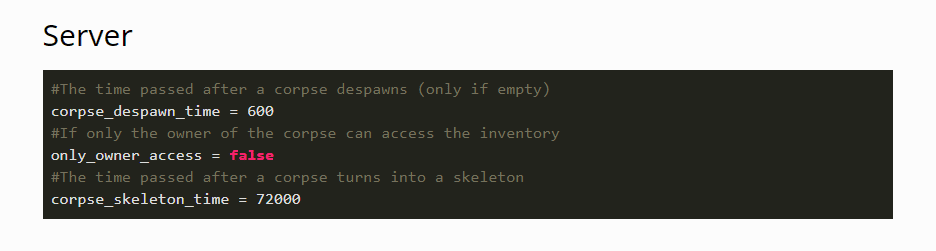
  • If only the owner of the corpse can access the inventory
  • If everybody can access the corpse in the skeleton stage
  • The time passed (in ticks) after a corpse despawns if it is empty
  • The time passed (in ticks) after a corpse despawns even if it is full
  • The time passed (in ticks) after a corpse turns into a skeleton
  • If the corpse should spawn on its face

Compatibility

Which Minecraft versions and mod loaders the mod supports.

LoaderMC 26.2MC 26.1.2MC 26.1.1MC 26.1MC 1.21.11MC 1.21.10MC 1.21.9MC 1.21.8MC 1.21.7MC 1.21.6MC 1.21.5MC 1.21.4
Forge
Neoforge

Dependencies

Other mods required (or optional) to run this mod.

Jade 🔍 (optional)

Recent updates

Latest releases with the author's changelog notes.

neoforge-1.1.19+26.2 2026-08-16 · neoforge · MC 26.2
  • Updated to latest NeoForge version
neoforge-1.1.18+26.2 2026-07-29 · neoforge · MC 26.2
  • Fixed crash with newer NeoForge versions
neoforge-1.1.17+26.2 2026-06-16 · neoforge · MC 26.2
  • Updated to 26.2
  • Updated Russian translation
neoforge-1.1.16+26.1.2 2026-04-10 · neoforge · MC 26.1, 26.1.1, 26.1.2
  • Added support for 26.1.2
neoforge-1.1.16+26.1.1 2026-04-01 · neoforge · MC 26.1, 26.1.1, 26.1.2
  • Added support for 26.1.1

Mods in the same category as this one.

Xaero's MinimapXaero's World MapNot Enough Animations3D Skin LayersSimple Voice ChatLambDynamicLights - Dynamic Lights

Developer resources

Source codeReport an issue

Guides

Frequently asked questions

What does the Corpse mod do?

When you die, a corpse spawns at your death location holding every item you were carrying. Right-click it to reclaim your items; it disappears once emptied.

Can a corpse be destroyed by lava or the void?

No — the corpse holds an infinite amount of items, cannot fall into the void or burn in lava, and floats in liquids, so your items stay safe even after a dangerous death.

What happens to a corpse over time?

After one hour the corpse turns into a skeleton to indicate it has existed for a while, but your items remain inside and retrievable.

Version history

Corpse forge-1.20.1-1.0.23 (MC 1.20.1) → neoforge-1.21.1-1.1.13 (MC 1.21.1): 0 recipes added · 0 recipes removed · 0 recipes updated.

Similar mods

All Quality of Life mods →