
Vampiric GUI Resource Pack Wiki

Vampiric GUI Resource Pack Wiki & Guide
wiki.9minecraft.net/vampiric-gui-resource-pack/
Reskins the GUI with a vampiric or dark-themed visual style.
Guides
Step-by-step, in-game.
Customize Your Health and Hunger DisplayUnderstanding the Vampiric HUD Layout The Vampiric GUI Resource Pack replaces your standard health and hunger bars…Navigate Custom Crafting and Enchanting InterfacesRecognizing Restyled Workstations The Vampiric GUI Resource Pack transforms three key crafting interfaces with dark…Set Up the Pack for Maximum Vampire AtmosphereEnabling the Resource Pack To activate the Vampiric GUI Resource Pack: 1. Place the pack file in your resource packs…Understand the Vampire Fang Icon SystemWhen the Fang Icon Appears The Vampiric GUI Resource Pack adds a fang icon to your HUD when you're using the…
Frequently asked questions
Why does my health bar look different after installing this pack?
The Vampiric GUI Resource Pack replaces your default health bar with a custom vampire-themed design using red, purple, and gold colors, along with fang details. This is the intended appearance and shows your health status the same way the vanilla bar does.
How do I know if the vampire fang icon is working?
When you look directly at a mob or player that you can bite (if using the Vampirism mod), a fang icon will appear near your crosshair. If you don't see it, make sure the Vampirism mod is installed and you're looking at a valid target.
Does this pack work with other mods that change my HUD?
The pack is designed to work with Vampirism, Appleskin, and Overflowing Bars mods and will style their features accordingly. For other HUD mods, compatibility depends on whether they conflict with texture changes—test in-game to see if both packs display correctly.
Why is my hunger bar showing a yellow outline?
If you have the Appleskin mod installed, the yellow outline indicates your saturation level and is part of the Vampiric pack's compatibility with that mod. This is normal and helps you track both hunger and saturation at a glance.
See all 10 Vampiric GUI questions ›
You May Also Like
Wikis that share the most with this one
 Unique Dark Resource Pack
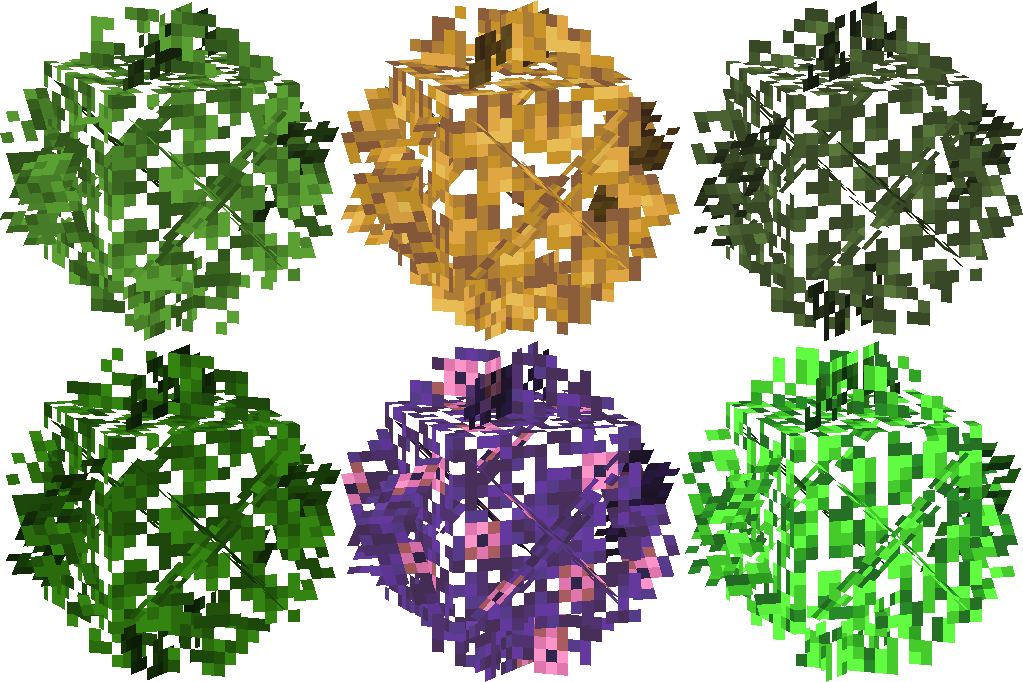 Universal Bushy Leaves Resource PackUnlit Campfire Icons Resource Pack
 Updated Aquaculture 9minecraft Resource Pack
 Updated Engineering Resource PackUrban 128X256X512X1024X Resource PackUrban Resource PackUrban Transit Fleet Resource PackVanilla 3D Extension Resource PackVanilla Connected Textures Resource PackVanilla Fullbright Resource PackVanilla Glowing Ores Resource Pack
More resource pack wikis on the site
Unique Dark Refined Resource PackUnbelievable Definition 2048X Resource PackUltimate Realism Pack Resource Pack UltimacraftTrusty Tools Resource PackTrims Overhaul Resource PackTrimmable Minimal Armor Resource PackTransparent GUI and HUD Ultimate Resource PackTranslucent GUI Resource Pack
 Translations for Sodium Resource PackTrailers Vision Resource PackTowers of the Wild: Reworked Resource Pack
UltimacraftTrusty Tools Resource PackTrims Overhaul Resource PackTrimmable Minimal Armor Resource PackTransparent GUI and HUD Ultimate Resource PackTranslucent GUI Resource PackTranslations for Sodium Resource PackTrailers Vision Resource PackTowers of the Wild: Reworked Resource PackThe most downloaded mods that have a wiki here
 AppleSkin
 JourneyMap Mod
 Placebo
 Waystones
 Nature's Compass Mod
 Enchantment Descriptions Mod
 Patchouli Mod
 Jade Mod
 Quark Mod
 Balm Mod