

 blocks
 DownloadThe Aether
Get the files on 9Minecraft
Contents (15)
Overview
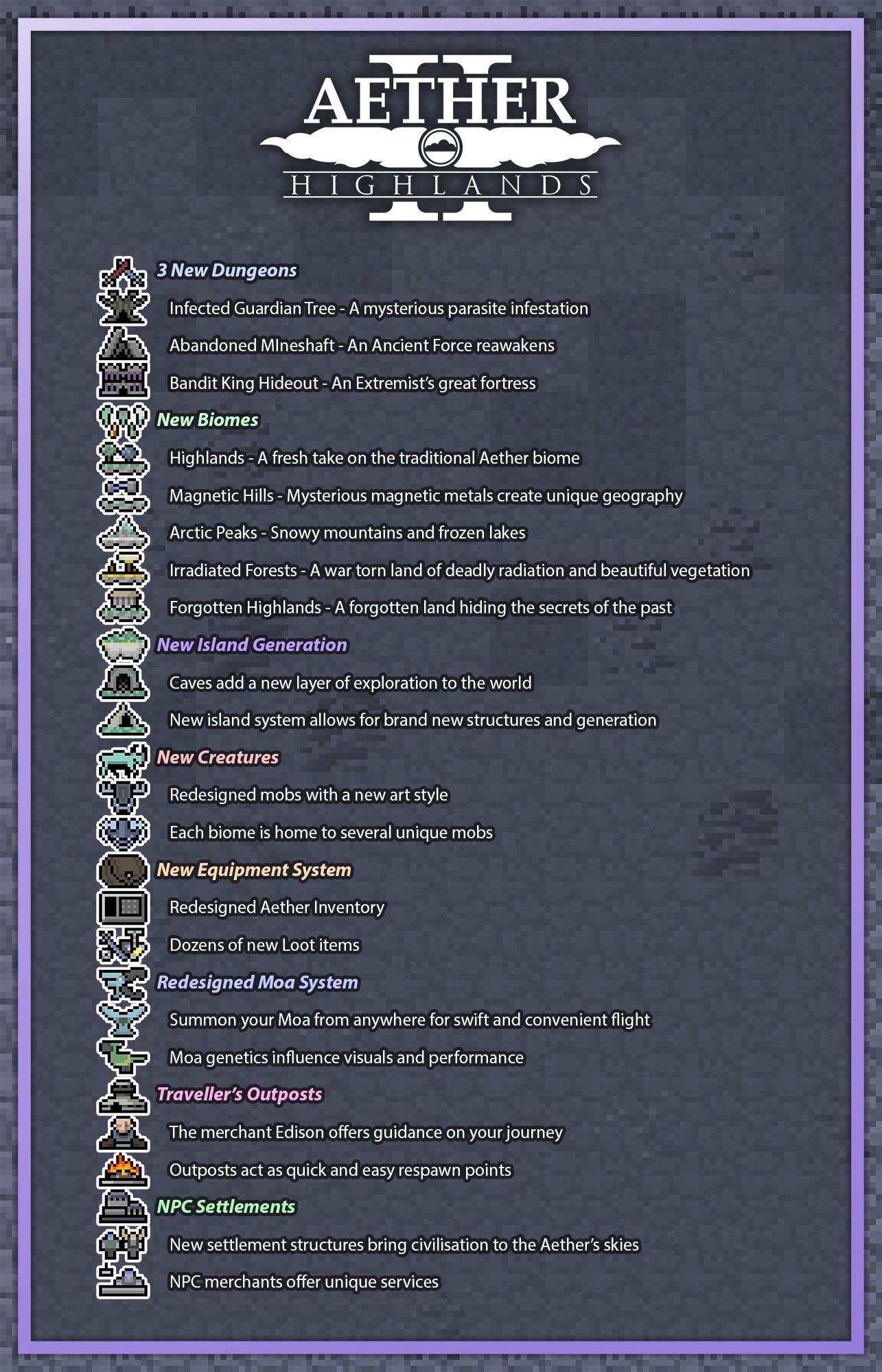
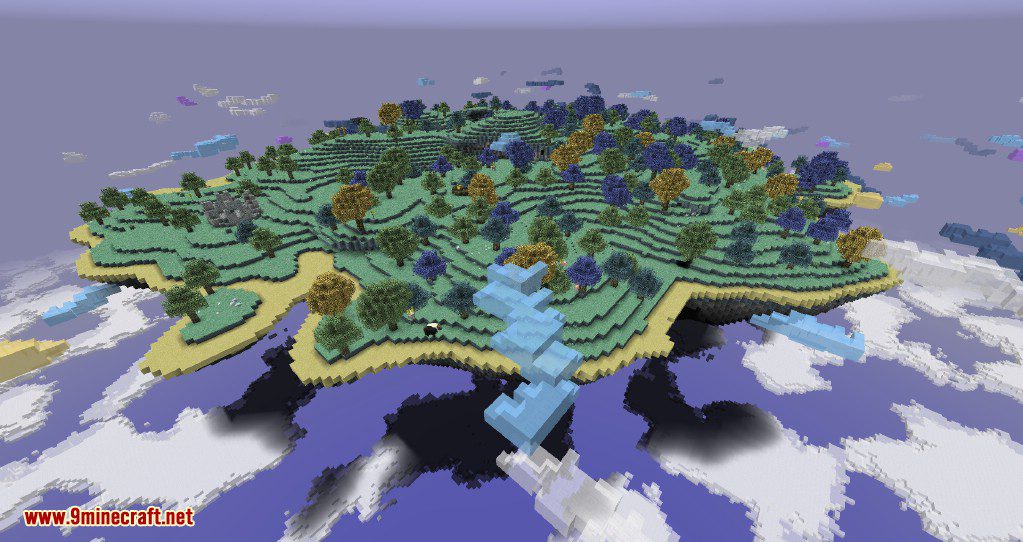
The Aether II (Highlands / Genesis of the Void) is the legendary sequel to the original Aether mod. It transports players to a hostile paradise miles above the clouds, featuring a completely different world from the Overworld. This version, specifically for Minecraft, introduces the Highlands Update, which overhauled the terrain generation, added a new portal system, and implemented the Undercloud—a dangerous layer beneath the floating islands.
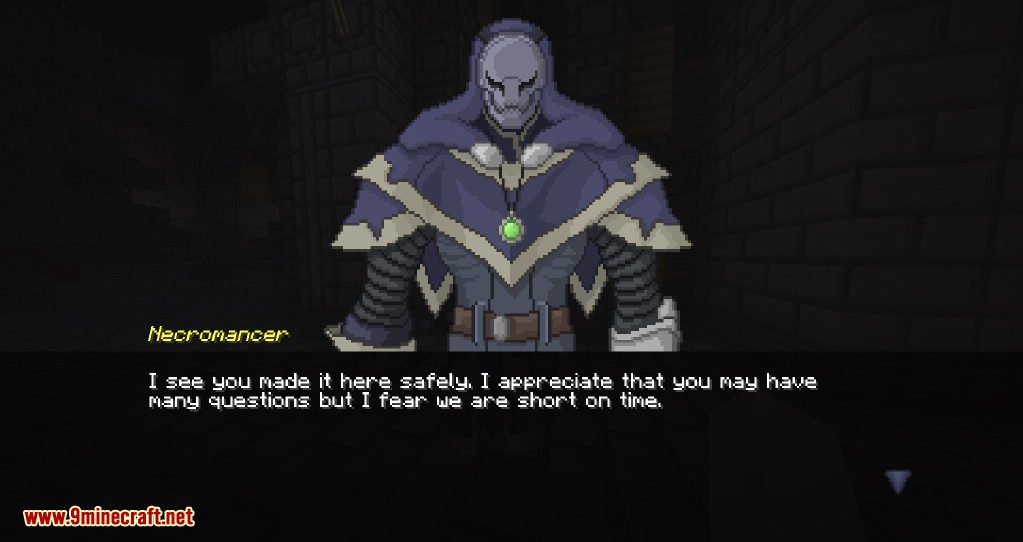
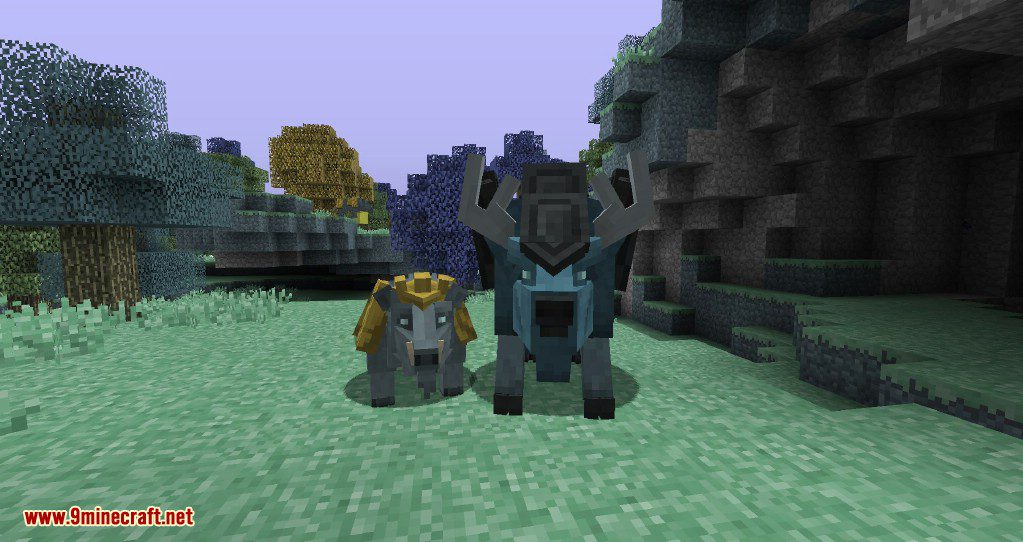
Key features include: * A New Dimension: A vast expanse of floating islands and cloud oceans. * Advanced Progression: Move beyond vanilla tools with materials like Zanite, Arkenium, and Gravitite. * Unique Mechanics: Separate inventories for the Aether and Overworld, a built-in Party System, and a comprehensive Guidebook. * Mythical Mobs: Tame flying Moas, dodge poisonous Cockatrices, and encounter the mysterious Necromancer.
Guides
Step-by-step, in-game.
Recipes
Every recipe the mod adds, grouped by how it is made.
Items
 Aechor Petal
 Aechor Plant Spawn Egg
 Aerbunny Spawn Egg
 Aerwhale Spawn Egg
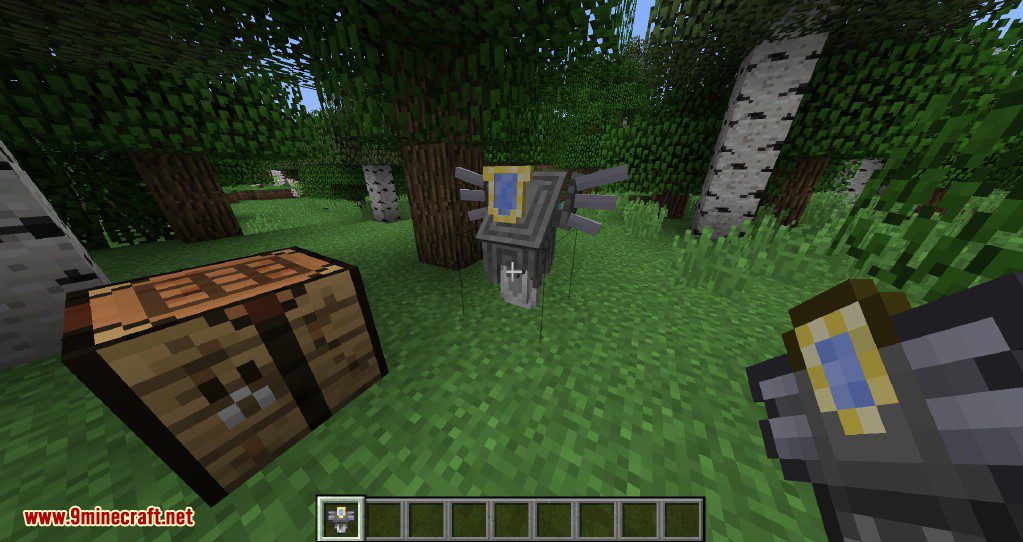
 Aether Portal Frame
 Agility Cape
 Ambrosium Shard
 Black Moa Egg
 Blackened Music Disc
 Blue Berry
 Blue Cape
 Blue Gummy Swet
 Blue Moa Egg
 Blue Music Disc
 Blue Swet Spawn Egg
 Book of Lore
 Bronze Key
 Candy Cane
 Candy Cane Sword
 Carved Music Disc
 Chainmail Gloves
 Cloud Staff
 Cockatrice Spawn Egg
 Cold Parachute
Blocks
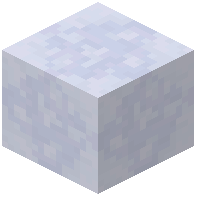 Aerogel
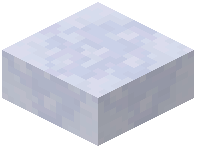 Aerogel Slab
 Aerogel Stairs
 Aerogel Wall
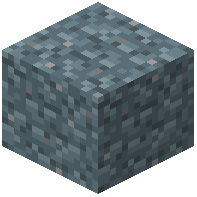 Aether Dirt
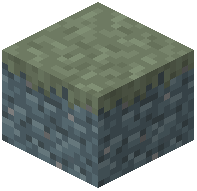 Aether Dirt Path
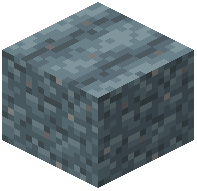 Aether Farmland
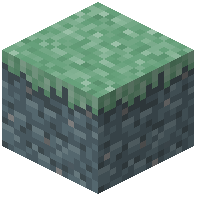 Aether Grass Block
 Aether Portal
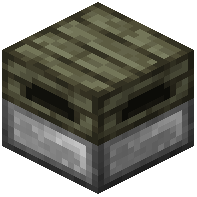 Altar
Altar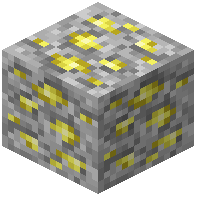 Ambrosium Ore
 Ambrosium Torch
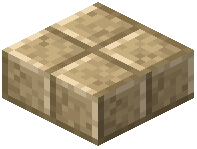 Angelic Slab
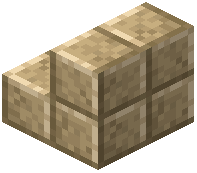 Angelic Stairs
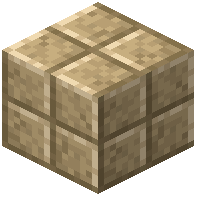 Angelic Stone
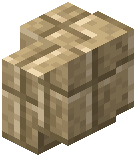 Angelic Wall
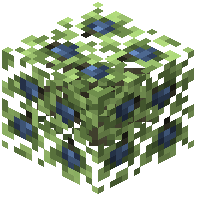 Berry Bush
 Block of Ambrosium
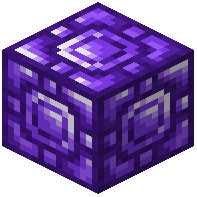 Block of Zanite
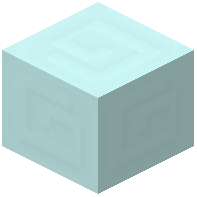 Blue Aercloud
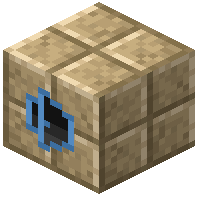 Boss Doorway Angelic Stone
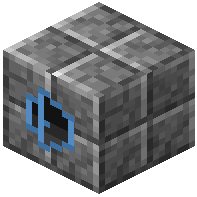 Boss Doorway Carved Stone
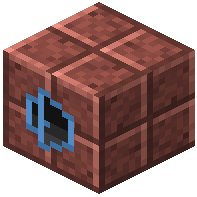 Boss Doorway Hellfire Stone
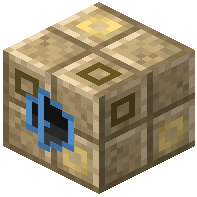 Boss Doorway Light Angelic Stone
Mobs
Creatures this mod adds.
Aechor PlantAerbunnyAerwhaleBlue SwetCloud CrystalCloud MinionCockatriceCold Parachute Enchanted Dart
 Evil WhirlwindFire Crystal
 Fire MinionFloatingFloating Block
 Flying Cow
 Golden Dart
 Golden Parachute
 Golden SwetIce Crystal
 Lightning Knife
 Mimic
Mimic Moa
Moa Phyg
Phyg Poison DartPoison Needle
 Sentry
 Sheepuff
 Slider
 Sun SpiritThunder CrystalTNT Present
 Valkyrie
 Valkyrie Queen
 Whirlwind
 Zephyr
World generation
Where this mod’s ores and features appear.
| Block | Height | Vein size | Replaces |
|---|---|---|---|
| Aether Dirt | Y -64 to 64 | up to 33 | holystone ore replaceables |
| Ambrosium Ore | Y -64 to 64 | up to 16 | holystone ore replaceables |
| Gravitite Ore | Y -122 to 10 | up to 4 | holystone ore replaceables |
| Icestone | Y -64 to 64 | up to 32 | holystone ore replaceables |
| Zanite Ore | Y -64 to 11 | up to 5 | holystone ore replaceables |
Commands
Chat commands this mod registers, and what each one does.
| Command | What it does |
|---|---|
/function aether:dev_new_world | Prepares or resets a development world environment for the Aether mod |
/function aether:dev_powerwash_chunk | Clears or resets the current chunk for development purposes |
/function aether:setup_structure_hunt | Sets up a structure hunt event or challenge in the Aether |
Structures
Buildings this mod generates in the world.
Configuration
Every setting in the mod config file, with what it changes.
| Option | What it does |
|---|---|
tooltipConfig options for some audio-related features in the mod | Shows a tooltip describing the mod's world generation config options |
enable_quick_load_buttonAdds a button to the top right of the main menu screen to allow quick loading into a world if the world preview is enabl | Adds a main menu button to quickly load into the last played world |
enable_aether_menu_buttonAdds a button to the top right of the main menu screen to toggle between the Aether and vanilla menu | Adds a main menu button to toggle between Aether and vanilla menus |
enable_world_preview_buttonAdds a button to the top right of the main menu screen to toggle between the panorama and world preview | Adds a main menu button to toggle between panorama and world preview |
enable_triviaAdds random trivia and tips to the bottom of loading screens | Shows random trivia and tips on loading screens |
align_aether_menu_elements_leftAligns the elements of the Aether menu to the left, only works if 'Align menu left with world preview' is set to false | Aligns Aether menu elements left when world preview alignment is disabled |
align_vanilla_menu_elements_leftAligns the elements of the vanilla menu to the left, only works if 'Align menu left with world preview' is set to false | Aligns vanilla menu elements left when world preview alignment is disabled |
enable_world_previewChanges the background panorama into a preview of the latest played world | Replaces the menu panorama background with the latest played world |
enable_aether_menuChanges the vanilla Minecraft menu into the Aether menu | Replaces the vanilla Minecraft main menu with the Aether menu |
legacy_modelsChanges Zephyr and Aerwhale rendering to use their old models from the b1.7.3 version of the mod | Renders Zephyrs and Aerwhales with their old b1.7.3 models |
Other settings in this file
11 more options the mod ships without its own description. Names are taken straight from the config file.
- Audio
- Data Pack
- Gameplay
- Gui
- Loot
- Miscellaneous
- Modpack
- Multiplayer
- Rendering
- World Generation
- buttonOptions
Frequently asked questions
What is The Aether Mod?
How do you make The Aether portal?
How do you tame a Moa in The Aether Mod?
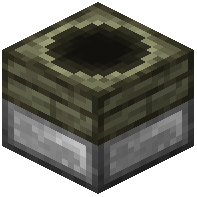 Incubator.
What Minecraft versions does The Aether Mod support?
See all 10 The Aether questions ›
Dependencies
Other mods needed to run this one.
Gallery
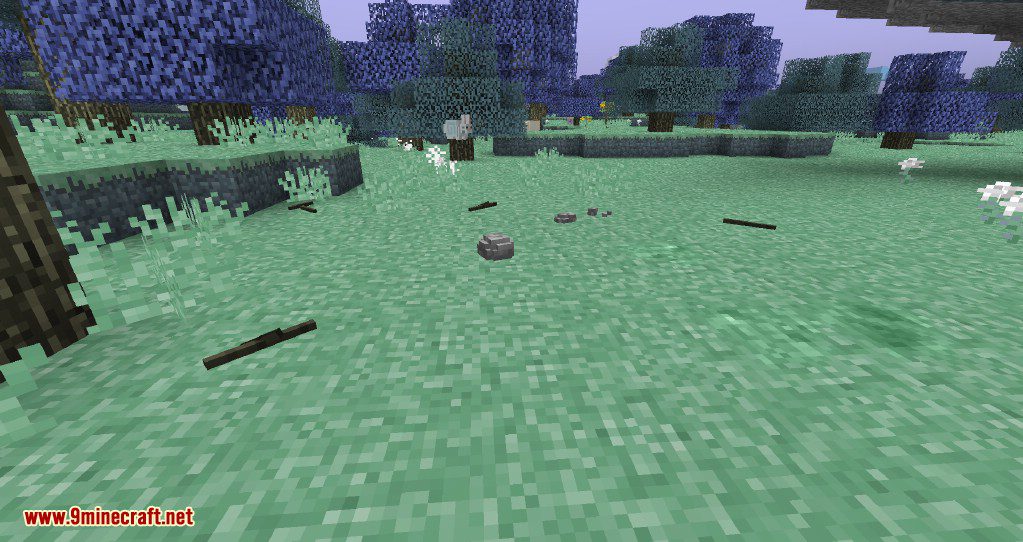
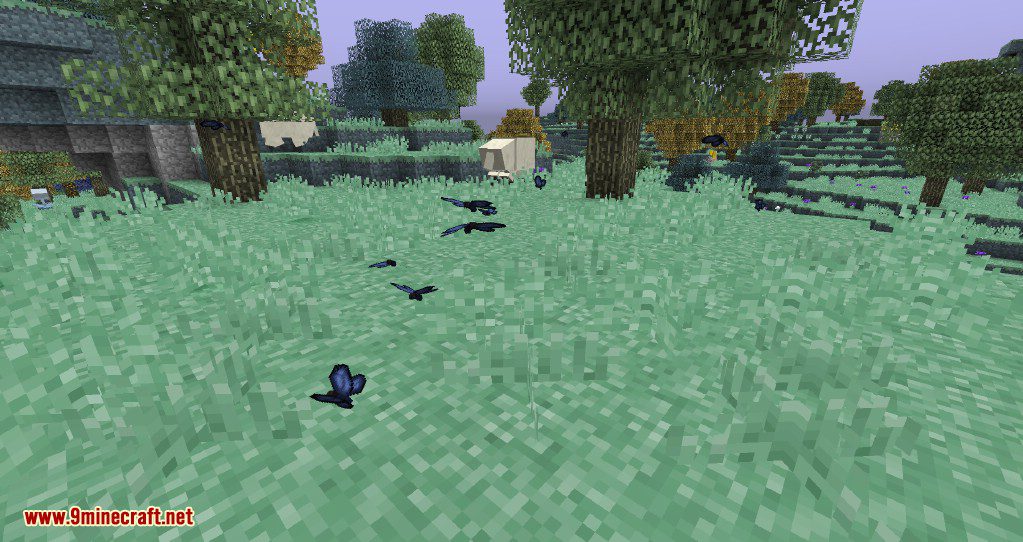
12 images from the Aether 2 Mod page.

You May Also Like
Wikis that share the most with this one
Wikis on the same theme: boss
More mod wikis on the site
The most downloaded mods that have a wiki here
A few wikis from each of the other kinds