
Vanilla Connected Textures Resource Pack Wiki

Vanilla Connected Textures Resource Pack Wiki & Guide
wiki.9minecraft.net/vanilla-connected-textures-resource-pack/
Applies connected textures to blocks so adjacent blocks blend seamlessly.
Guides
Step-by-step, in-game.
Enable Connected Textures for Glass and Stained GlassActivate the Resource Pack Connected textures for glass blocks are enabled by default once you load the Vanilla…See Connected Textures on Ore BlocksUnderstanding Ore Block Connections The Vanilla Connected Textures Resource Pack extends connected textures to ore…Troubleshoot Missing Connected TexturesVerify Resource Pack is Active Open your resource pack menu and confirm the Vanilla Connected Textures Resource Pack…Use Connected Textures for Sea Lanterns and ShroomlightsApplying Connected Textures to Light Sources Sea lanterns and shroomlights receive connected texture treatment,…
Frequently asked questions
Do I need Optifine or a mod loader to use this resource pack?
No, this resource pack uses only vanilla-compatible connected textures features and works with the default Minecraft launcher. It does not require Optifine, Fabric, or Forge.
Why aren't my glass panes showing connected textures?
Make sure the resource pack is placed in your resourcepacks folder and activated in the Resource Packs menu in-game. If you're using another texture pack on top of it, check that pack's load order—this pack should load after any conflicting packs for its textures to display.
Can I use this with other texture packs at the same time?
Yes, it layers smoothly over other packs. If you want connected textures to show, place this pack higher in your resource pack list than any other packs that modify the same blocks.
Does this resource pack change how blocks look or just how they connect?
It only adds connected texture variants—the base appearance of blocks stays vanilla. You'll only notice the difference where blocks touch each other, creating smoother visual transitions.
See all 10 Vanilla Connected Textures questions ›
You May Also Like
Wikis that share the most with this one
 Fusion (Connected Textures)
 Fusion Connected Textures Mod
 Clear Glass With Connected Textures Resource Pack
 Midnighttigger’s Default Connected Textures Resource Pack
 Vanilla Vistas
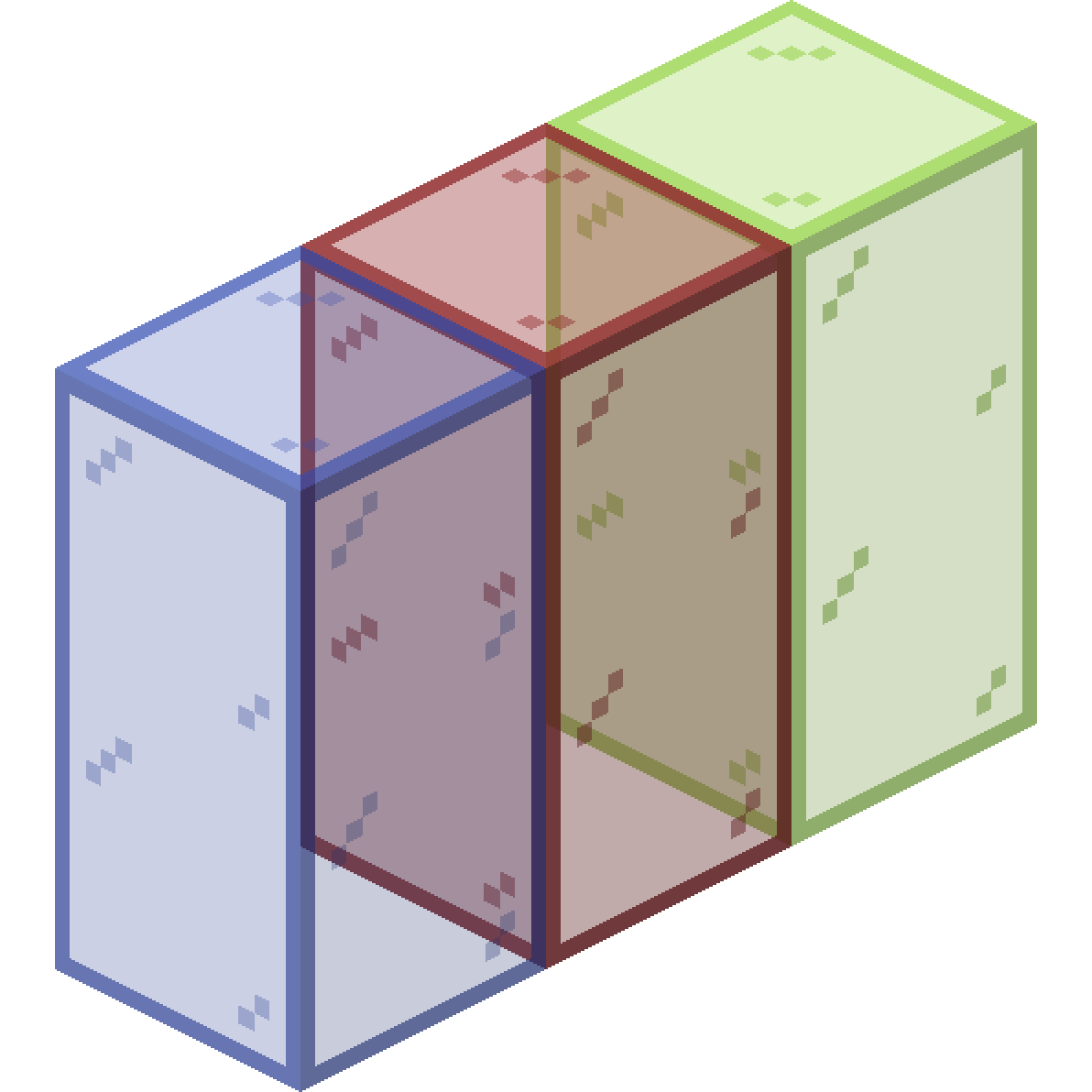 Connected Glass
 Vanilla Cookbook
 Vanilla Degus Mod
Wikis on the same theme: end
 UltimacraftShaded Font Resource PackVibrant Pbr Resource PackX-Ray Vision Resource PackLiving Dragon Resource PackNew End Stone Resource PackShield by Side Resource PackA7Mds 3D Potions Resource PackAuthentic Shadows Resource PackEnderman Enhanced Resource PackExtended Illumina Resource PackFaithful Pbr 256X Resource Pack
More resource pack wikis on the site
Vanilla 3D Extension Resource PackVampiric GUI Resource PackUrban Transit Fleet Resource PackUrban Resource PackUrban 128X256X512X1024X Resource Pack Updated Engineering Resource Pack
 Updated Aquaculture 9minecraft Resource PackUnlit Campfire Icons Resource Pack
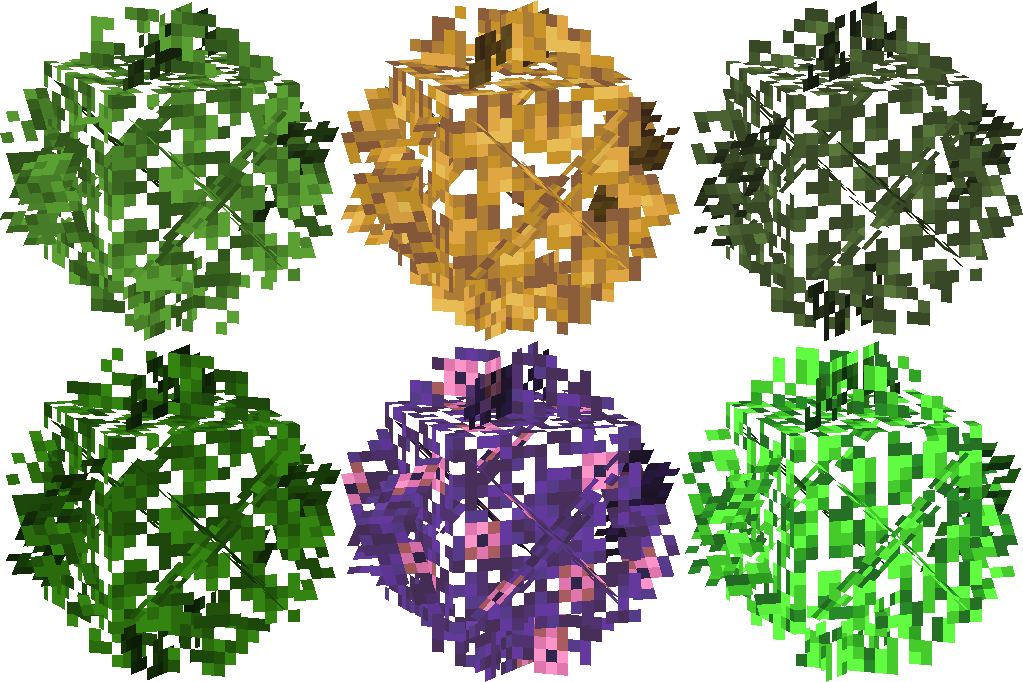 Universal Bushy Leaves Resource Pack
 Unique Dark Resource PackUnique Dark Refined Resource PackUnbelievable Definition 2048X Resource Pack
Updated Engineering Resource PackUpdated Aquaculture 9minecraft Resource PackUnlit Campfire Icons Resource PackUniversal Bushy Leaves Resource PackUnique Dark Resource PackUnique Dark Refined Resource PackUnbelievable Definition 2048X Resource PackThe most downloaded mods that have a wiki here
 AppleSkin
 JourneyMap Mod
 Placebo
 Waystones
 Nature's Compass Mod
 Enchantment Descriptions Mod
 Patchouli Mod
 Jade Mod
 Quark Mod
 Balm Mod