
Midnighttigger’s Default Connected Textures Resource Pack Wiki

Midnighttigger’s Default Connected Textures Resource Pack Wiki & Guide
wiki.9minecraft.net/midnighttiggers-default-connected-textures-resource-pack/
Midnighttigger’s Default Connected Textures Resource Pack simply brings the convenience and visual appeal of connected textures to Minecraft’s default look.
Guides
Step-by-step, in-game.
Frequently asked questions
What does Midnighttigger's Default Connected Textures Resource Pack do?
It brings connected textures to Minecraft's default look, creating seamless transitions between blocks instead of blocky separation. This makes builds like large glass windows and bookshelves look smoother and more natural.
Which blocks benefit from this resource pack's connected textures?
Blocks like glass and bookshelves benefit, since their textures look better with smoother edges and fewer visible seams. Any similar block that would look more polished with connected textures is the target.
What feature inspired this resource pack?
It was inspired by Optifine's connected textures feature. The pack applies that same idea to Minecraft's default textures.
Does this pack change Minecraft's default art style?
No, it keeps the default look while adding connected textures. The goal is convenience and visual polish rather than a new art style.
See all 6 Midnighttigger’s Default Connected Textures questions ›
Related mods
Other wikis you may find useful.
 Fusion (Connected Textures)
 Fusion Connected Textures Mod
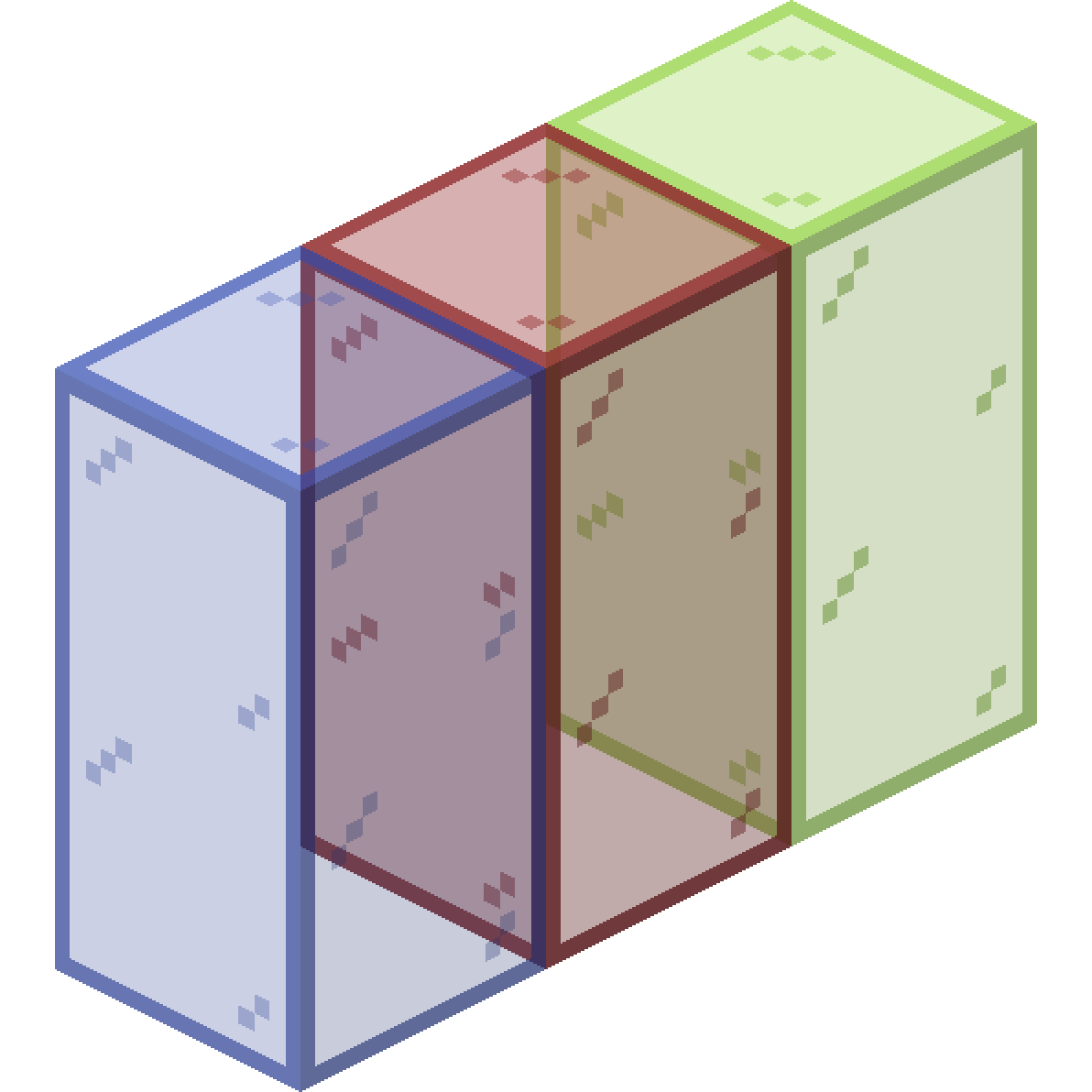 Connected Glass
 Default Dark Mode
 Default Options Mod
 Default World Type Mod
 Default Skill Trees Mod
 Better Default Biomes Mod