
Programmer Art Fix Resource Pack Wiki

Programmer Art Fix Resource Pack Wiki & Guide
wiki.9minecraft.net/programmer-art-fix-resource-pack/
Retextures blocks and items to match classic Programmer Art style.
Guides
Step-by-step, in-game.
Appreciating Fixed Paintings and Mob EffectsIdentifying Fixed Copper Blocks and DoorsUsing Fixed Music Discs and Trial KeysViewing Fixed Mob Textures in Your World
Items
166 items · showing 24. Browse all →
 Acacia Boat
 Acacia Boat with Chest
 Acacia Hanging Sign
 Amethyst Shard
 Bamboo Door
 Bamboo Hanging Sign
 Bamboo Raft
 Bamboo Raft with Chest
 Bamboo Sign
 Banner Pattern (Skull)
 Banner Pattern (Creeper)
 Banner Pattern (Flow)
 Banner Pattern (Piglin)
 Banner Pattern (Globe)
 Banner Pattern (Flower)
 Banner Pattern (Mojang)
 Banner Pattern (Guster)
 Bell
Bell Birch Boat
 Birch Boat with Chest
 Birch Hanging Sign
 Black Candle
 Black Dye
 Blue Candle
Blocks
140 blocks · showing 24. Browse all →
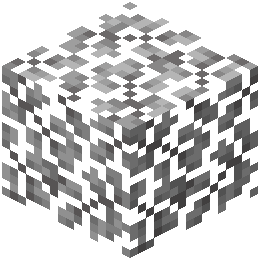 Acacia Leaves
 Acacia Sign
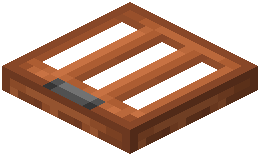 Acacia Trapdoor
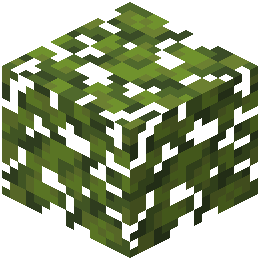 Azalea Leaves
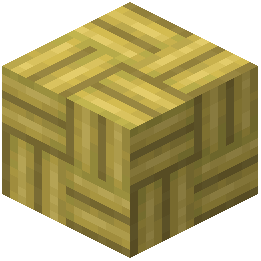 Bamboo Mosaic
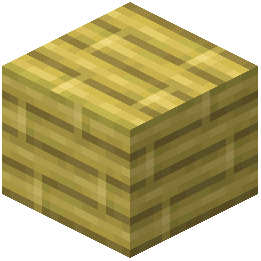 Bamboo Planks
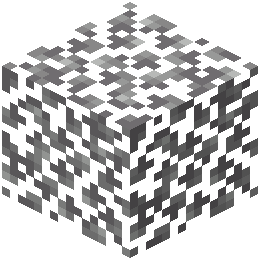 Birch Leaves
 Birch Sign
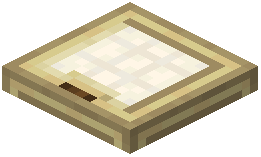 Birch Trapdoor
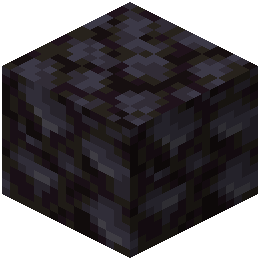 Blackstone
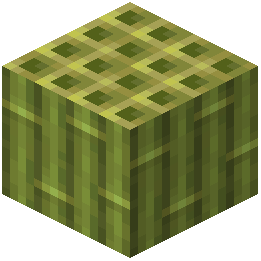 Block of Bamboo
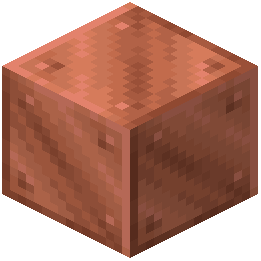 Block of Copper
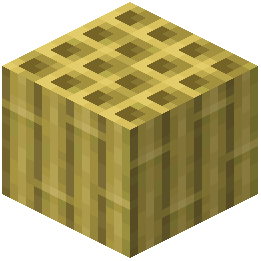 Block of Stripped Bamboo
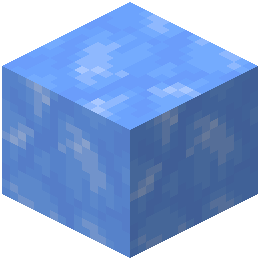 Blue Ice
 Bush
Bush Cactus Flower
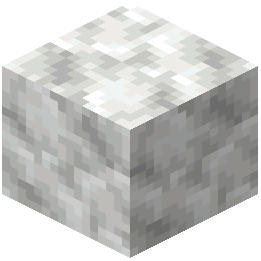 Calcite
 Cave Vines
 Cave Vines Plant
 Cherry Hanging Sign
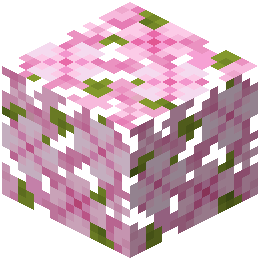 Cherry Leaves
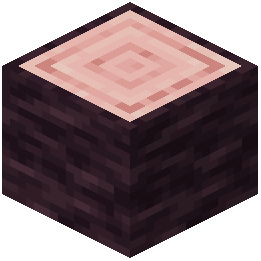 Cherry Log
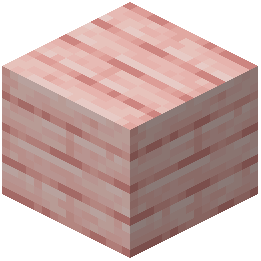 Cherry Planks
 Cherry Shelf
What this pack changes
Every texture group the pack replaces, counted from the pack itself.
| Area | Textures replaced |
|---|---|
| Blocks | 382 |
| Mobs & entities | 303 |
| Items | 254 |
| GUI & menus | 53 |
| Particles | 28 |
| Status effects | 17 |
| Armor trims | 13 |
| Maps | 12 |
| Palettes | 9 |
| Paintings | 2 |
| Sky & weather | 1 |
Pack format 77–99 (Minecraft 1.21.9)1,074 texture files in total
Extra features
Custom block/item models
Reworked GUI
Custom particles
Frequently asked questions
Do I need to restart my world after installing this resource pack?
Yes, you'll need to restart your world or reload chunks for the fixed textures to appear. Simply applying the resource pack while in-game may not immediately update all textures you've already seen.
Will this resource pack work with other texture packs?
It depends on load order and which textures the other pack modifies. Place this pack higher in your resource pack list if you want its fixes to take priority, or lower if you prefer another pack's style for overlapping textures.
Why do some copper blocks still look wrong after installing the pack?
Make sure the resource pack is actually enabled in your resource pack menu and that you've reloaded your world. If copper blocks were already loaded before applying the pack, they won't update until those chunks are reloaded.
Are the fixed mob textures applied to mobs that already spawned in my world?
Existing mobs will show the new textures immediately once the resource pack is active. You don't need to find or spawn new mobs to see the fixes.
Does this pack change any gameplay mechanics or just textures?
This is purely a visual resource pack—it only fixes and improves textures. No gameplay mechanics, item properties, or block behavior are altered.
What's the difference between the normal and ominous Trial Key textures?
The ominous variant has a distinctly different visual appearance to match its rarer, more dangerous version. Both are fixed to be clearer and more visually distinct from programmer art.
Can I use this pack on a multiplayer server?
Yes, this is a client-side resource pack, so it only affects your view of the world. Other players won't see your fixes unless they also install the pack.
Why do the mob effect icons look different now?
The pack improves clarity and visual consistency for newer effect icons like Bad Omen, Trial Omen, and Weaving. The fixes make them easier to distinguish at a glance during gameplay.
Do I need this pack if I'm already using a different programmer art fix?
Not necessarily—if another pack already fixes the textures you care about, you can use either one. However, this pack may include fixes for items or mobs the other doesn't cover.
Will this resource pack affect my game performance?
No, resource packs have minimal performance impact. The fixed textures are the same file size as the originals, so there's no noticeable difference to frame rate or load times.
You May Also Like
Wikis that share the most with this one
Programmer Art x Fresh Animations Resource Pack Pop-out ClocksPotato Graphics Resource PackPretty Realistic Pbr Resource PackPrimes Hd Textures Free 32X Resource PackPrism Glyph Standard Resource PackPrismic Patterned Depth Resource PackPristine Vein Deposits Resource PackPrivate’s Skies Resource Pack
 Puff Radio Resource PackPurplefied Gui Resource PackPvp Haimiya Pack Anime Sky Resource Pack
Pop-out ClocksPotato Graphics Resource PackPretty Realistic Pbr Resource PackPrimes Hd Textures Free 32X Resource PackPrism Glyph Standard Resource PackPrismic Patterned Depth Resource PackPristine Vein Deposits Resource PackPrivate’s Skies Resource PackPuff Radio Resource PackPurplefied Gui Resource PackPvp Haimiya Pack Anime Sky Resource PackMore resource pack wikis on the site
Poly Smooth Vanilla Resource Pack Pollachius Resource Pack
 Poke Discs Resource PackPlanks 3D Resource PackPlana Pollachius Resource PackPlain & Precious Resource Pack
 Pixlli Resource Pack
 Pixels Simple Hud Resource PackPixel Perfection Legacy Resource PackPixel Perfection Fidelity Resource PackPixel Consistency Resource PackPirates Of The Caribbean Mash Up Resource Pack
Pollachius Resource PackPoke Discs Resource PackPlanks 3D Resource PackPlana Pollachius Resource PackPlain & Precious Resource PackPixlli Resource PackPixels Simple Hud Resource PackPixel Perfection Legacy Resource PackPixel Perfection Fidelity Resource PackPixel Consistency Resource PackPirates Of The Caribbean Mash Up Resource PackThe most downloaded mods that have a wiki here
 AppleSkin
 JourneyMap Mod
 Placebo
 Waystones
 Nature's Compass Mod
 Enchantment Descriptions Mod
 Patchouli Mod
 Jade Mod
 Quark Mod
 Balm Mod
A few wikis from each of the other kinds