
Productive Metalworks Wiki

Productive Metalworks Wiki & Guide
wiki.9minecraft.net/productive-metalworks-mod/
Adds colored  fire bricks and foundry multiblock components, plus
 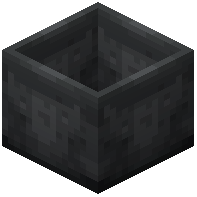 casting basins and channels for molten metal processing.
Guides
Step-by-step, in-game.
How to Automate a Productive Metalworks FoundryHow to Build Your First Foundry in Productive MetalworksHow to Use the Casting Table and CastsHow to Use the Foundry Tap and Casting BasinHow to Use the Powered Heating CoilTroubleshooting: Foundry Not Working
Recipes
Every recipe the mod adds, grouped by how it is made.
Items
Fire Brick Gear Cast
 Gem Cast
 Ingot Cast
 Meat Ingot
 Meat Nugget
 Nugget Cast
 Plate Cast
 Rod Cast
 Shiny Meat Ingot
Blocks
148 blocks · showing 24. Browse all →
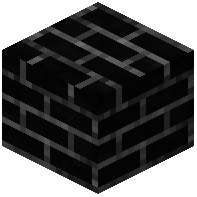 Black Fire Bricks
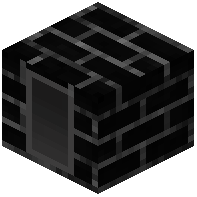 Black Foundry Capacitor
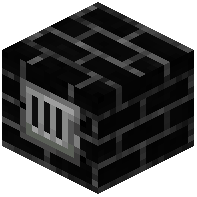 Black Foundry Controller
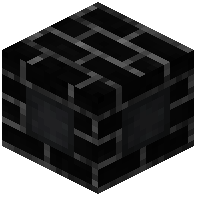 Black Foundry Drain
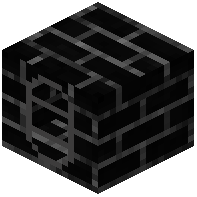 Black Foundry Tank
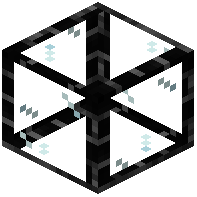 Black Foundry Window
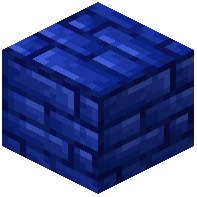 Blue Fire Bricks
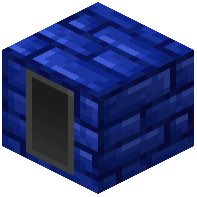 Blue Foundry Capacitor
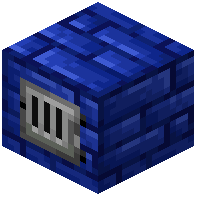 Blue Foundry Controller
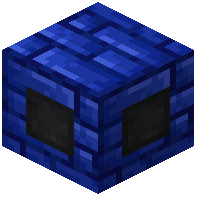 Blue Foundry Drain
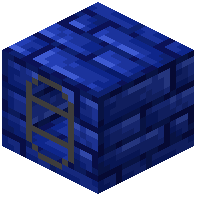 Blue Foundry Tank
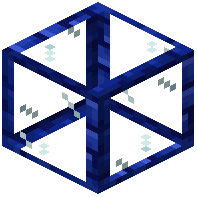 Blue Foundry Window
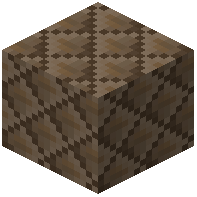 Brown Fire Bricks
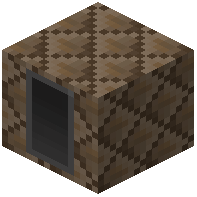 Brown Foundry Capacitor
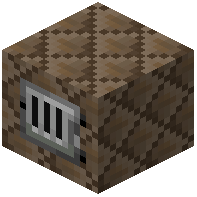 Brown Foundry Controller
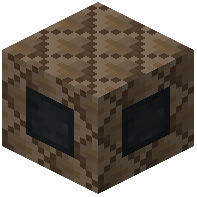 Brown Foundry Drain
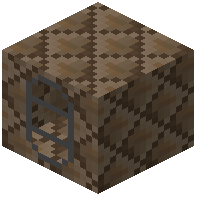 Brown Foundry Tank
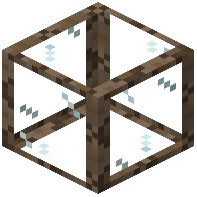 Brown Foundry WindowCasting Basin
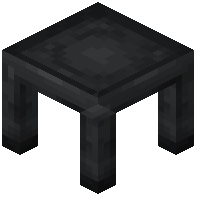 Casting Table
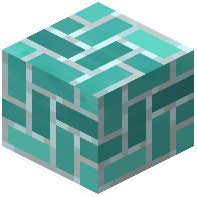 Cyan Fire Bricks
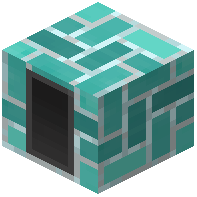 Cyan Foundry Capacitor
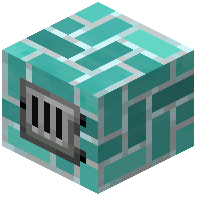 Cyan Foundry Controller
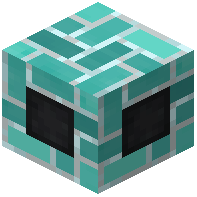 Cyan Foundry Drain
Configuration
Every setting in the mod config file, with what it changes.
| Option | What it does |
|---|---|
casting | Productive Metalworks |
Frequently asked questions
How do I start Productive Metalworks?
Mine 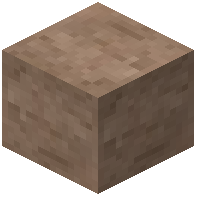 fire clay and craft Fire Bricks, then build a Foundry Controller surrounded by a brick shell with at least one Foundry Tank, Drain and Tap. Place a Casting Basin or Casting Table below the Tap, add fuel and ore to the Controller, and pour your first molten metal.
fire clay and craft Fire Bricks, then build a Foundry Controller surrounded by a brick shell with at least one Foundry Tank, Drain and Tap. Place a Casting Basin or Casting Table below the Tap, add fuel and ore to the Controller, and pour your first molten metal.How to use Productive Metalworks foundry?
Build a valid multiblock out of Fire Bricks with a Foundry Controller, Tank, Drain and Tap forming the walls, then insert ore and fuel through the Controller. Molten metal collects in the Tank and flows out the Tap into a Casting Basin or Casting Table below it.
Fire Bricks with a Foundry Controller, Tank, Drain and Tap forming the walls, then insert ore and fuel through the Controller. Molten metal collects in the Tank and flows out the Tap into a Casting Basin or Casting Table below it.Minecraft Productive Metalworks foundry not working
The most common causes are a missing or blocked Tank, a Controller that isn't part of a complete brick shell, or a Tap with nothing beneath it to pour into. Check that every face of the multiblock is sealed with Fire Bricks and that the Drain and Tap are on the correct sides.
Fire Bricks and that the Drain and Tap are on the correct sides.How to use  foundry tap Productive Metalworks?
The Foundry Tap attaches to the Drain on your foundry and pours molten metal downward when the foundry has metal in its Tank. Place a Casting Basin or Casting Table directly underneath the Tap so the metal has somewhere to land.
Foundry Tap attaches to the Drain on your foundry and pours molten metal downward when the foundry has metal in its Tank. Place a Casting Basin or Casting Table directly underneath the Tap so the metal has somewhere to land.See all 20 Productive Metalworks questions ›
Related mods
Other wikis you may find useful.
 Productive Bees
 Productive Trees
 PrimalCore
 Base Metals
 All The Ores
 Geolosys Mod
 Allomancy Mod
 Ftb Materials
 More Cauldrons
 Create Deco Mod