
Productive Metalworks Wiki › Guides › How to Use the Foundry Tap and Casting Basin
How to Use the Foundry Tap and Casting Basin
Place the Tap Correctly
The  Foundry Tap attaches to a Foundry Drain on the outside of your foundry shell. Place the drain so it faces the direction you want metal to flow, then right-click the tap onto it. The tap acts as the on/off valve for that drain — without it, molten metal won't pour.
Pour Into a Casting Basin
Place a 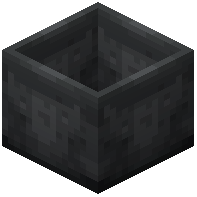 Casting Basin directly below or in front of the tap, depending on the drain's facing. Right-click the tap to open it. Molten metal flows from the foundry tank through the drain and into the basin. The basin fills until it reaches the recipe amount for the item you're casting, then solidifies into a block. Casting Basins are used for block-shaped outputs — metal blocks, storage
  blocks, and similar large casts.
Tips for Reliable Pouring
- Keep the basin empty before pouring; a partially filled basin can waste metal.
- Close the tap when you're done so leftover metal stays in the tank.
- If nothing pours, verify the tank has enough molten metal for the recipe and that the tap is actually attached to a drain (not floating).
- Use a
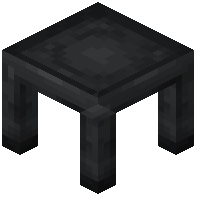 Casting Table instead of a Basin when you want ingots, gears, or gems via
  Gear Casts and
  Gem Casts.