
Productive Metalworks Wiki › Guides › How to Use the Casting Table and Casts
How to Use the Casting Table and Casts
What the Casting Table Does
The 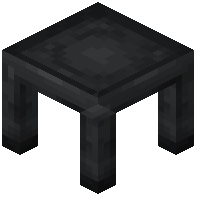 Casting Table is the smaller cousin of the
 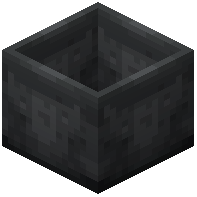 Casting Basin. Where the basin produces block-shaped outputs, the table produces ingots, gears, gems, and other shaped items. It works together with
  Gear Casts and
  Gem Casts, which define the shape of the output.
Setting Up a Cast
Place a Casting Table under or beside a  Foundry Tap connected to a drain. Right-click the table to open it, then place the appropriate cast in the cast slot — a Gear Cast for gears, a Gem Cast for gems, or leave it empty for a plain ingot. Open the tap and molten metal flows in. Once the table has enough metal for one item, it solidifies and the finished product appears in the output slot.
Common Mistakes
- Forgetting the cast: without one, you'll only get ingots.
- Using the wrong cast: a Gear Cast won't produce a gem.
- Overfilling: the table only accepts enough metal for one cast at a time, so close the tap between pours if you're producing multiple items.
- Mismatched metal: some casts only accept certain metals. If nothing forms, try a different metal or check the recipe in JEI/REI.