
Golden Days Resource Pack Wiki

Golden Days Resource Pack Wiki & Guide
wiki.9minecraft.net/golden-days-resource-pack/
Reworks textures for boats, doors, signs, leaves, planks, flowers, pottery sherds, and many other blocks and items into a classic retro style.
Guides
Step-by-step, in-game.
How to Build a Retro Village Using Golden Days TexturesHow to Combine Golden Days with Other Resource PacksHow to Decorate Interiors with Golden Days BlocksHow to Make Your World Look Like Classic Minecraft with Golden DaysHow to Use Golden Days for a Retro Survival BaseWhich Blocks and Items Golden Days Retextures (and Where to Use Them)
Items
219 items · showing 24. Browse all →
 Acacia Boat
 Acacia Boat with Chest
 Acacia Door
 Acacia Hanging Sign
 Acacia Sign
 Amethyst Shard
 Angler Pottery Sherd
 Apple
Apple Archer Pottery Sherd
 Armor Stand
 Arms Up Pottery Sherd
 Baked Potato
 Bamboo Door
 Bamboo Hanging Sign
 Bamboo Raft
 Bamboo Raft with Chest
 Bamboo Sign
 Banner Pattern (Piglin)
 Banner Pattern (Flow)
 Banner Pattern (Creeper)
 Banner Pattern (Globe)
 Banner Pattern (Mojang)
 Banner Pattern (Flower)
 Banner Pattern (Guster)
Blocks
354 blocks · showing 24. Browse all →
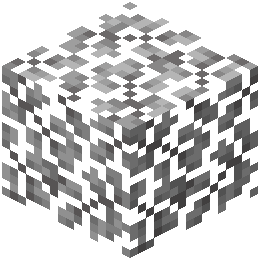 Acacia Leaves
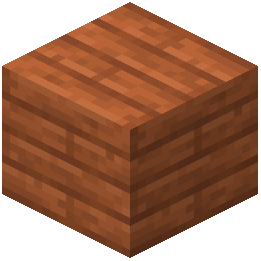 Acacia Planks
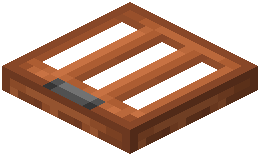 Acacia Trapdoor
 Allium
 Amethyst Cluster
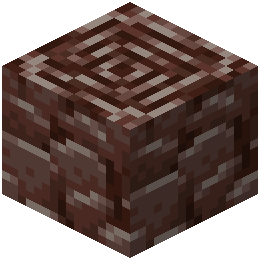 Ancient Debris
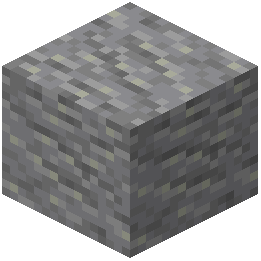 Andesite
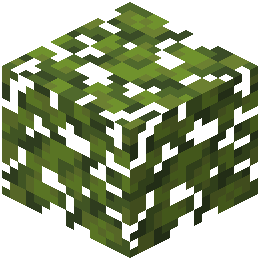 Azalea Leaves
 Azure Bluet
 Bamboo
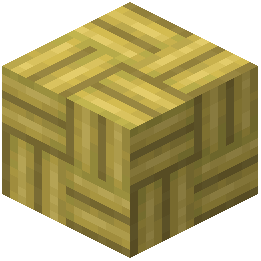 Bamboo Mosaic
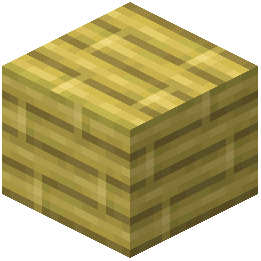 Bamboo Planks
 Bamboo Shoot
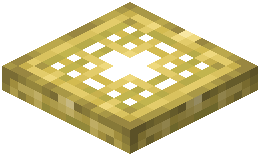 Bamboo Trapdoor
 Big Dripleaf Stem
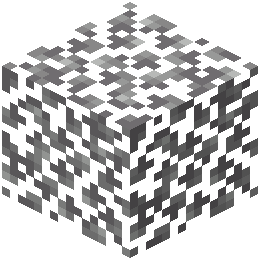 Birch Leaves
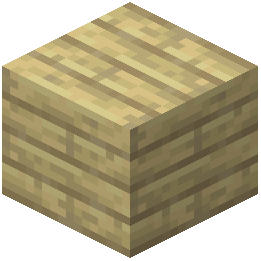 Birch Planks
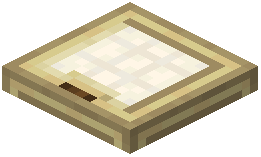 Birch Trapdoor
 Black Candle
 Black Concrete
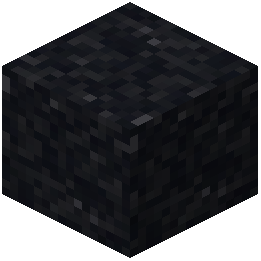 Black Concrete Powder
 Black Stained Glass
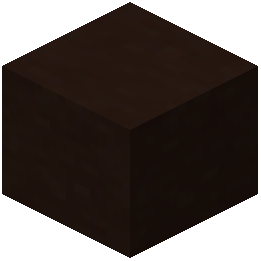 Black Terracotta
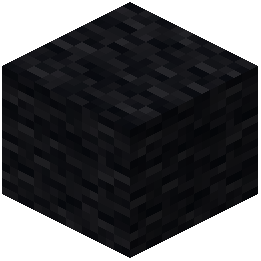 Black Wool
What this pack changes
Every texture group the pack replaces, counted from the pack itself.
| Area | Textures replaced |
|---|---|
| Blocks | 815 |
| Items | 442 |
| Mobs & entities | 411 |
| GUI & menus | 173 |
| Particles | 30 |
| Models | 19 |
| Font | 6 |
| Biome colours | 5 |
| Paintings | 5 |
| Misc | 4 |
| Armor trims | 4 |
| Sky & weather | 2 |
Pack format 15–420 (Minecraft 1.20–1.21.9)1,916 texture files in total
Extra features
Custom entity models (OptiFine/CEM)
Custom shaders
Custom font
Custom sounds
Sound overrides
Custom block/item models
Reworked GUI
Custom particles
Frequently asked questions
How do I actually enable golden days after installing it?
Open Options, then Resource Packs, and move Golden Days from the left column to the right column. Make sure it sits above any other pack that also touches vanilla textures, otherwise the other pack wins and you'll see no change.
Do I need OptiFine or a mod loader for golden days?
No, it's a resource pack, so it works on vanilla. OptiFine or a loader is only useful if you want to stack it with other packs or use extra features, not for the pack itself.
Why do some blocks still look modern after I turn the pack on?
Golden Days only retextures the blocks and items it covers, like boats, doors, signs, leaves, planks, flowers and pottery sherds. Anything outside that list keeps its vanilla look, so a mixed world is expected.
Does golden days change how the game plays or just the visuals?
It's purely cosmetic. No recipes, drops, mob behavior or world generation are altered, so you can add or remove it from an existing world without breaking anything.
See all 20 Golden Days questions ›
Related mods
Other wikis you may find useful.
 Better Days Mod
 Golden Hopper Mod
 Golden Feather Mod
 Epic Adventures
 Enhanced Mushrooms Mod
 Xalis Enhanced Vanilla
 Better Vanilla Building
 Fresh Food Resource Pack