
Modern World Creation Mod Wiki

Modern World Creation Mod Wiki & Guide
wiki.9minecraft.net/modern-world-creation-mod/
Modern World Creation Mod is a client-side mod for Minecraft that enhances the world creation menu to resemble the modern Bedrock Edition style.
Guides
Step-by-step, in-game.
How to Change Game Mode Button Border Color and ThicknessWhere the Button Styling Lives The game mode buttons on the world creation screen — Survival, Hardcore, Creative, and…How to Enable or Disable Tooltips on Game Mode ButtonsWhat the Tooltips Do Modern World Creation can show tooltips and extra information when you hover over the game mode…How to Make the World Creation Menu Look Like Bedrock EditionGetting the Bedrock-Style Layout Modern World Creation is a client-side mod, so you do not need to install anything…How to Turn Off the Bold World Creation TitleWhy the Title Looks Bold By default, Modern World Creation renders the world creation menu title in a bold style to…
Frequently asked questions
How do I open the Modern World Creation config?
Open the file at .minecraft/config/modernworldcreation/config.cfg with any plain text editor. Edit the values, save, then restart the game for the changes to apply.
Do I need to restart the game after changing the config?
Yes. The mod reads its config at startup, so you must fully close and relaunch Minecraft after editing config.cfg for your changes to show up.
How do I make the world creation menu look like Bedrock Edition?
Enable the modern menu styling options in the config, such as the dark menu header and footer, and keep the bold title disabled. Tweak the button border and tooltip options until it matches the Bedrock look you want.
How do I turn off the bold world creation title?
Find the bold menu title option in config.cfg and set it to disabled. Restart the game and the title will render in normal weight.
See all 10 Modern World Creation questions ›
Related mods
Other wikis you may find useful.
 Chisel Modern
 Modern UI Mod
 World Edit Mod
 Modern Life Mod
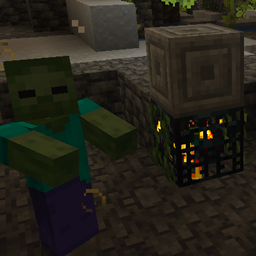 Deadly World Mod
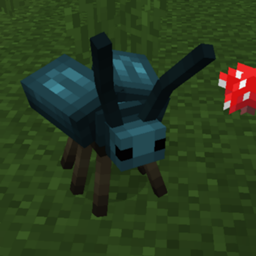 Mystic World Mod
 Wilder World Mod
 World Weaver Mod
 The World Beneath