

 DownloadWorld Edit Mod
Get the files on 9Minecraft
Overview
WorldEdit is a powerful, easy-to-use in-game Minecraft map editor. It is designed to help players build large-scale structures, terraform terrain, and perform complex block manipulations that would otherwise take hours of manual labor. By using a combination of commands and "brushes," users can sculpt worlds, generate geometric shapes, and copy-paste entire regions.
Key Features
- Massive Block Manipulation: Set, replace, or delete thousands of blocks in seconds.
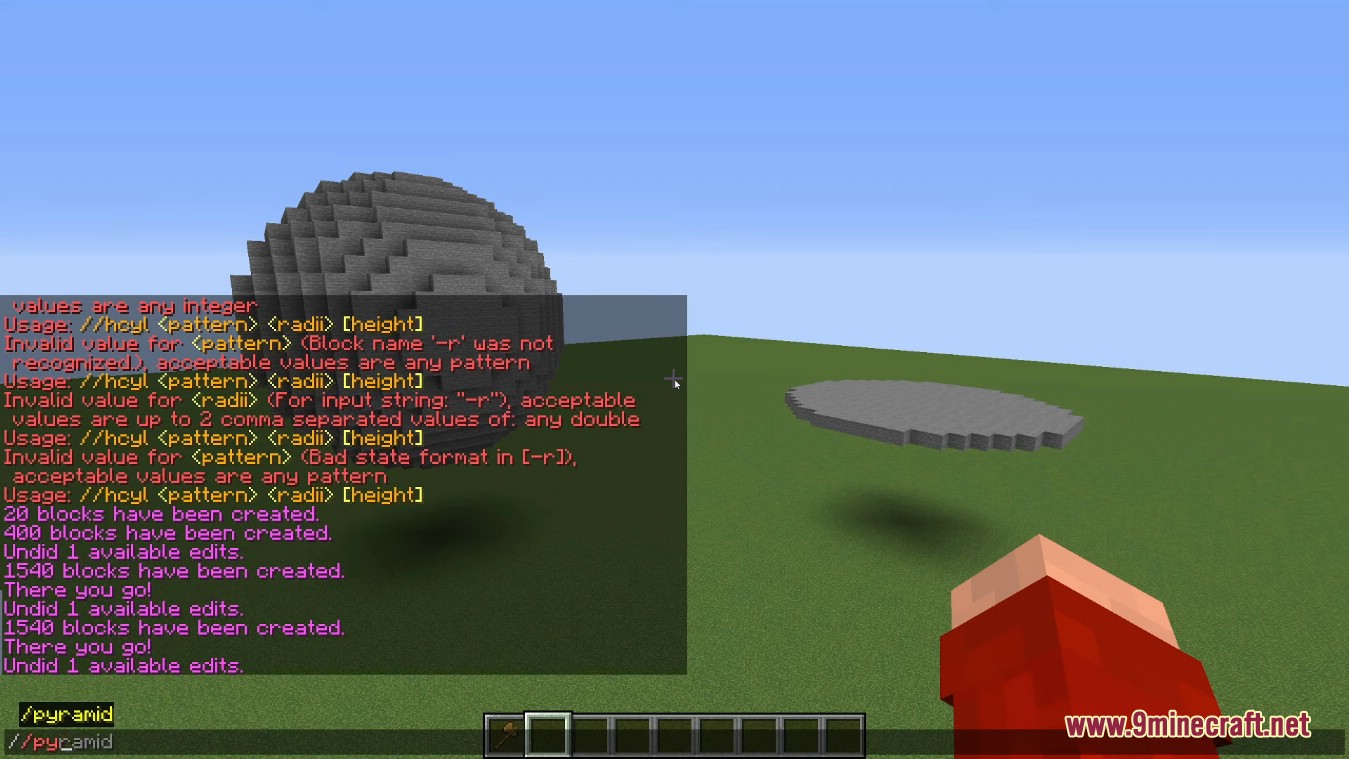
- Geometric Generation: Create spheres, cylinders, pyramids, and more with simple commands.
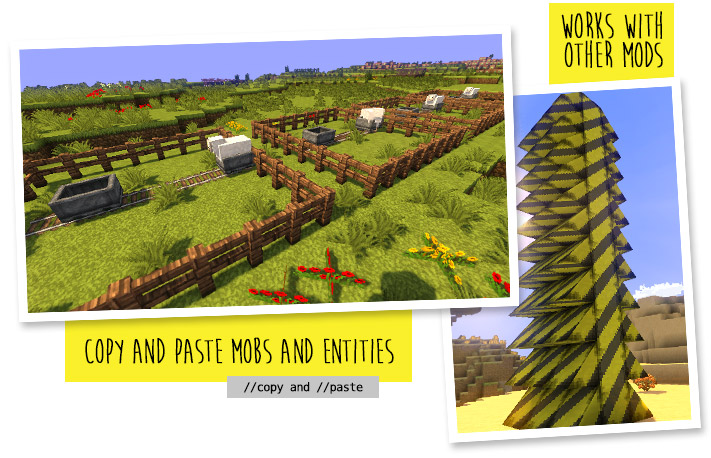
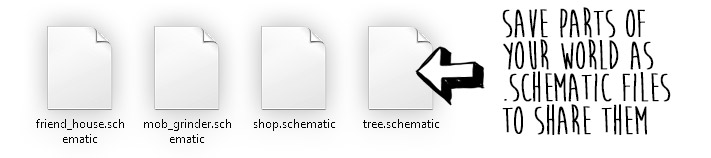
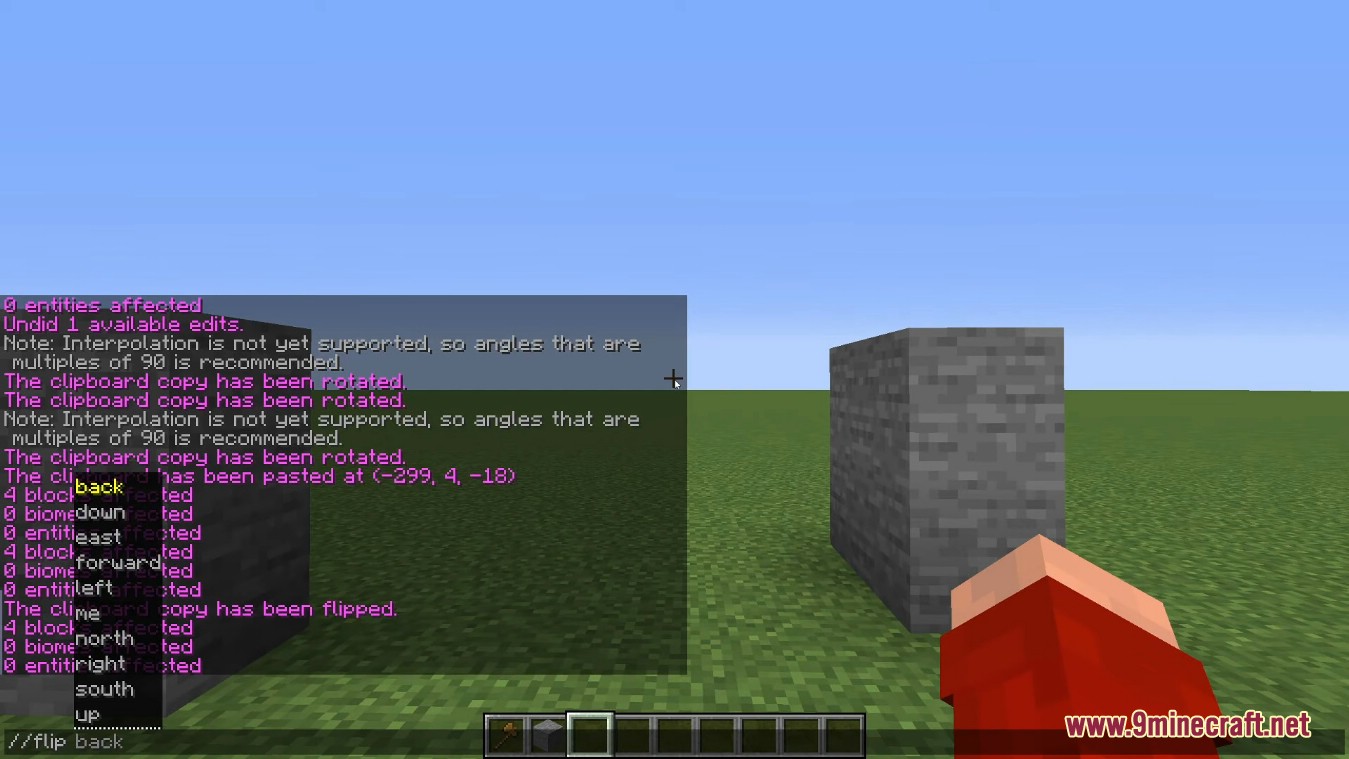
- Clipboard System: Copy areas to a clipboard, rotate them, flip them, and paste them elsewhere.
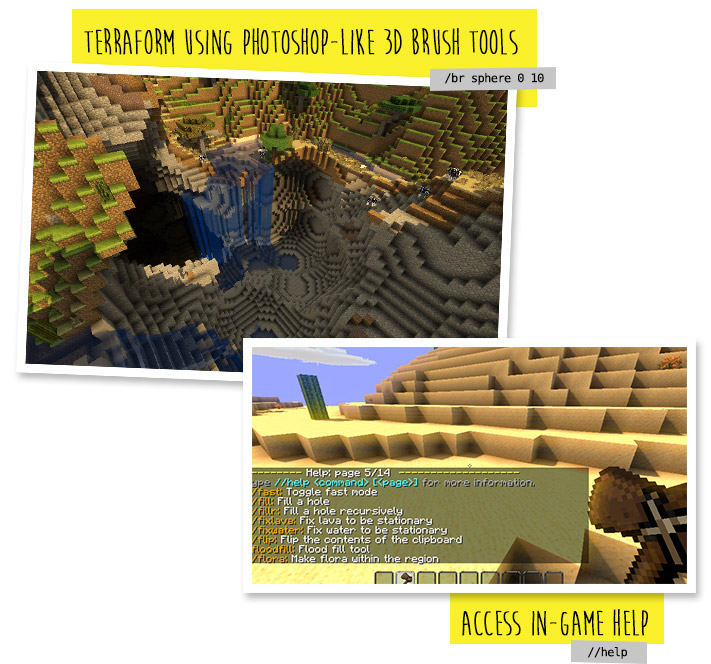
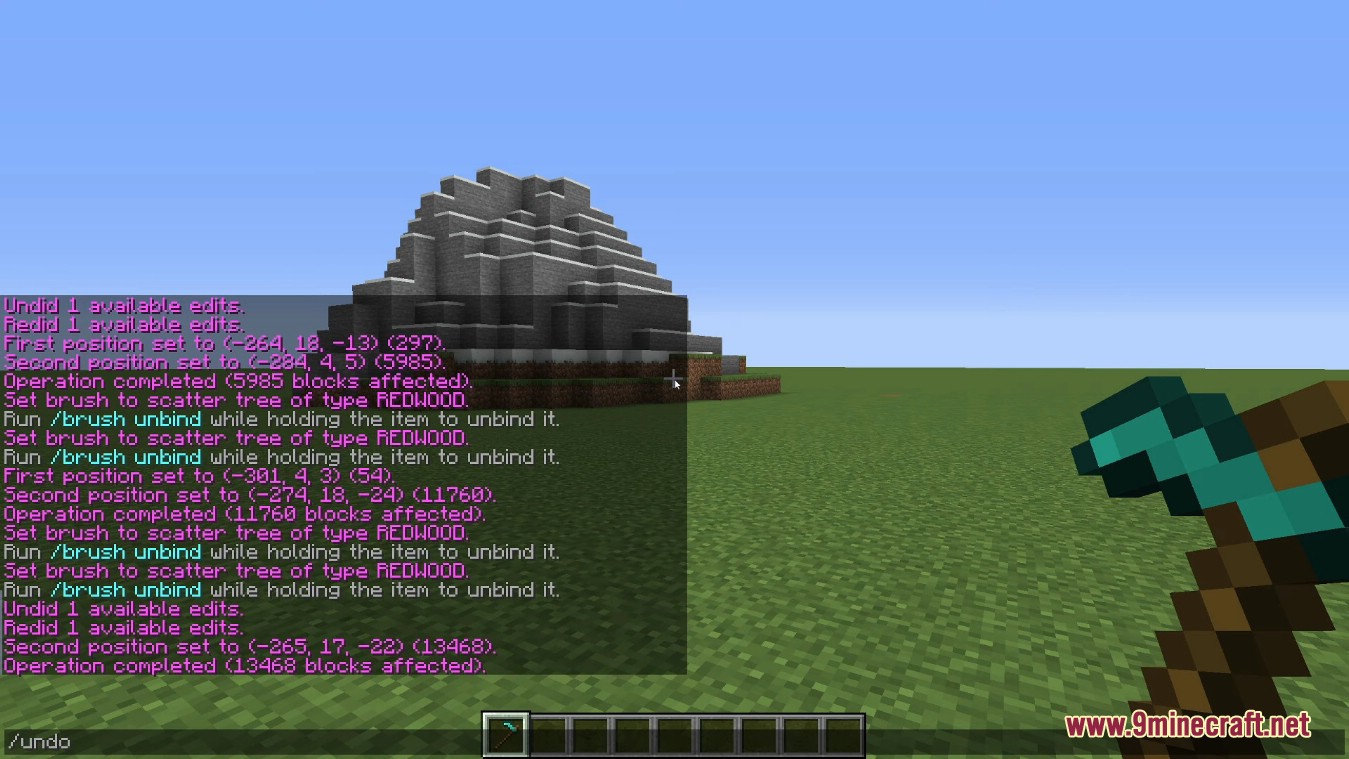
- Terraforming Tools: Use brushes to carve mountains, smooth terrain, or generate forests.
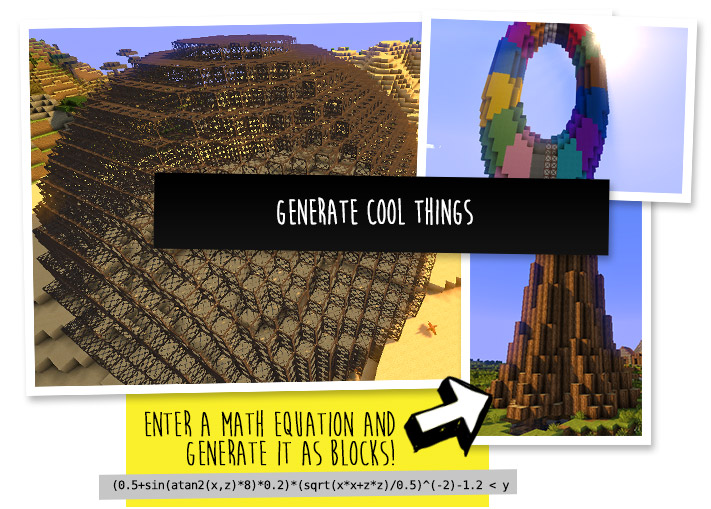
- Mathematical Expressions: Generate complex terrain using mathematical formulas.
- Navigation Utilities: Quickly teleport through walls or to the top of structures.
Guides
Step-by-step, in-game.
Copying, Pasting, and Rotating Builds with WorldEditCopying a build Select the build with two corners, then copy it. The copy is stored relative to your current…Fixing Common WorldEdit Mistakes: Undo, Limits, and PermissionsUndoing a bad edit The most important command to know is undo. Every edit you make is recorded, so if a replace,…How to Make Your First Selection and Replace Blocks in WorldEditSelecting a region WorldEdit edits happen inside a selection, so you always start by defining one. Stand at one…Using WorldEdit Brushes to Sculpt Terrain as You WalkWhat a brush does A brush turns your normal tool use into a terrain edit. You bind a brush to an item in your hand,…
Frequently asked questions
How do I get started with worldedit?
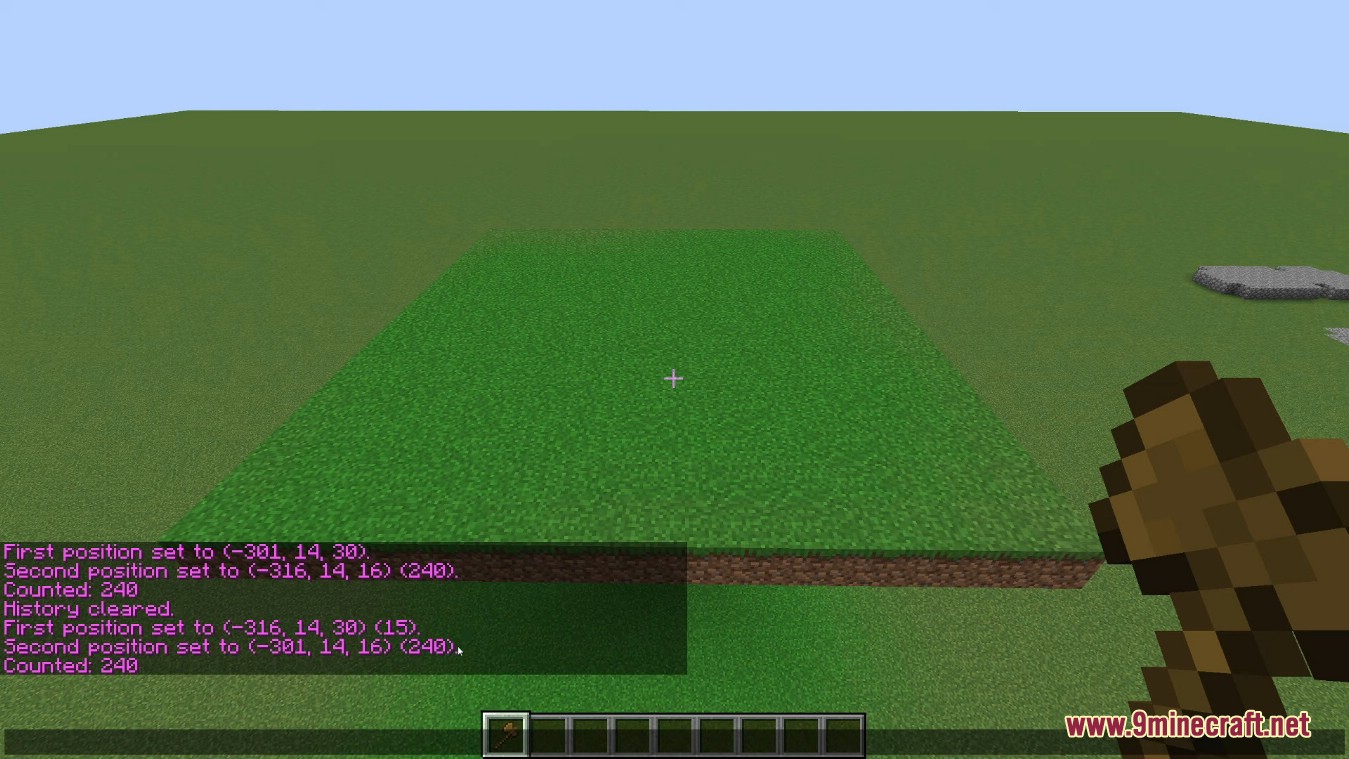
Give yourself the wand item (usually via the //wand command) and left-click one corner of the area you want to edit, then right-click the opposite corner. Once you have a selection, run a command like //set or //replace to change the blocks inside it.
What's the difference between left click and right click with the wand?
Left-clicking a block sets your first position, and right-clicking sets your second position. Together these two corners define the cuboid region that all your commands will affect.
How do I select a region that isn't a box?
Use the selection commands like //hpos1 and //hpos2 to set corners where you're looking, or switch to a polygonal or convex selection mode with //sel. Non-cuboid selections let you match irregular shapes before running edits.
How do I undo a worldedit command I messed up?
Type //undo to reverse your last edit. You can keep running //undo to step back through previous operations, and //redo brings them forward again if you change your mind.
See all 20 World Edit questions ›
Gallery
12 images from the Worldedit Mod page.
You May Also Like
Wikis that share the most with this one
Wikis on the same theme: world
More mod wikis on the site
The most downloaded mods that have a wiki here
A few wikis from each of the other kinds