

 DownloadDefault Options Mod
Get the files on 9Minecraft
Contents (9)
Overview
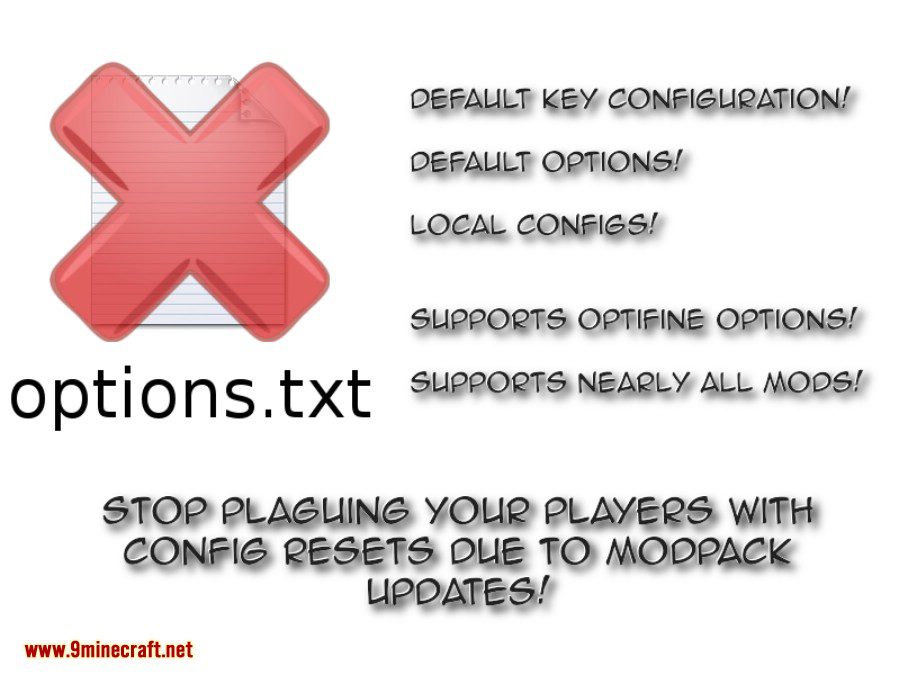
Default Options is a technical utility mod that solves a common issue in Minecraft modding: the management of the options.txt file. In standard modpacks, including an options.txt file in the distribution would cause a user's custom settings (like sensitivity, volume, or graphics) to be reset every time the modpack is updated.
This mod allows developers to ship a defaultoptions folder instead. On the first launch of the modpack, the mod populates the game's settings from this folder. On subsequent launches, it respects the user's changes, ensuring that updates do not interfere with personal preferences while still providing a functional baseline for new players.
In-game Screenshots

Guides
Step-by-step, in-game.
Configuration
Every setting in the mod config file, with what it changes.
| Option | What it does |
|---|---|
defaultDifficulty | Sets the difficulty level applied to newly created worlds |
defaultResourcePacks | Lists resource pack IDs enabled by default on first run |
lockDifficulty | Locks new worlds to the default difficulty, preventing players from changing it |
Other settings in this file
1 more option the mod ships without its own description. Names are taken straight from the config file.
- tooltipThe default difficulty selected for newly created worlds.
Frequently asked questions
What does the Default Options Mod do?
How do I use the Default Options Mod in a modpack?
Will the Default Options Mod override my settings on modpack updates?
 configured options, and future changes are not overridden on updates. Keybinds and server list changes made by users also persist across updates.
What Minecraft versions does the Default Options Mod support?
See all 10 Default Options questions ›
Dependencies
Other mods needed to run this one.
Gallery
3 images from the Default Options Mod page.
You May Also Like
Wikis that share the most with this one
Wikis on the same theme: world
More mod wikis on the site
The most downloaded mods that have a wiki here
A few wikis from each of the other kinds