

 blocks
 DownloadDefault World Type Mod
Get the files on 9Minecraft
Overview
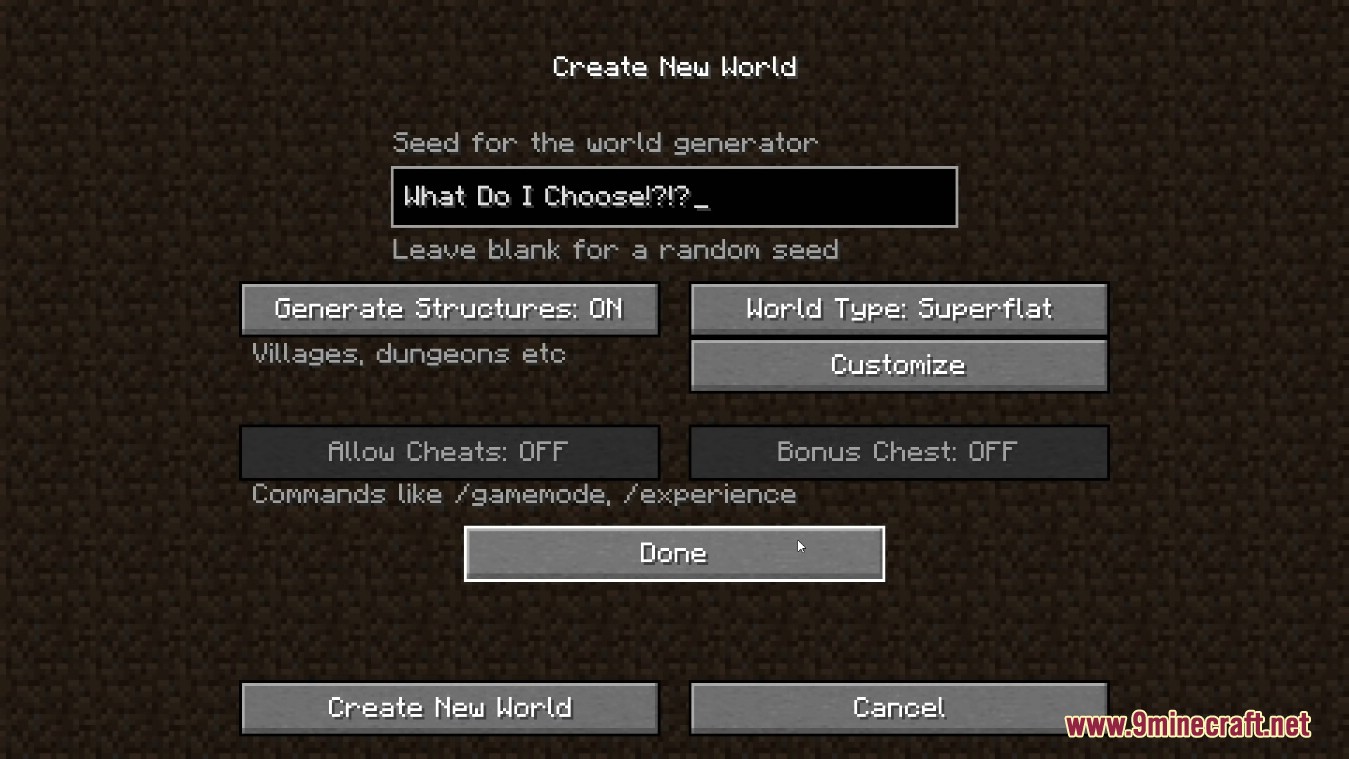
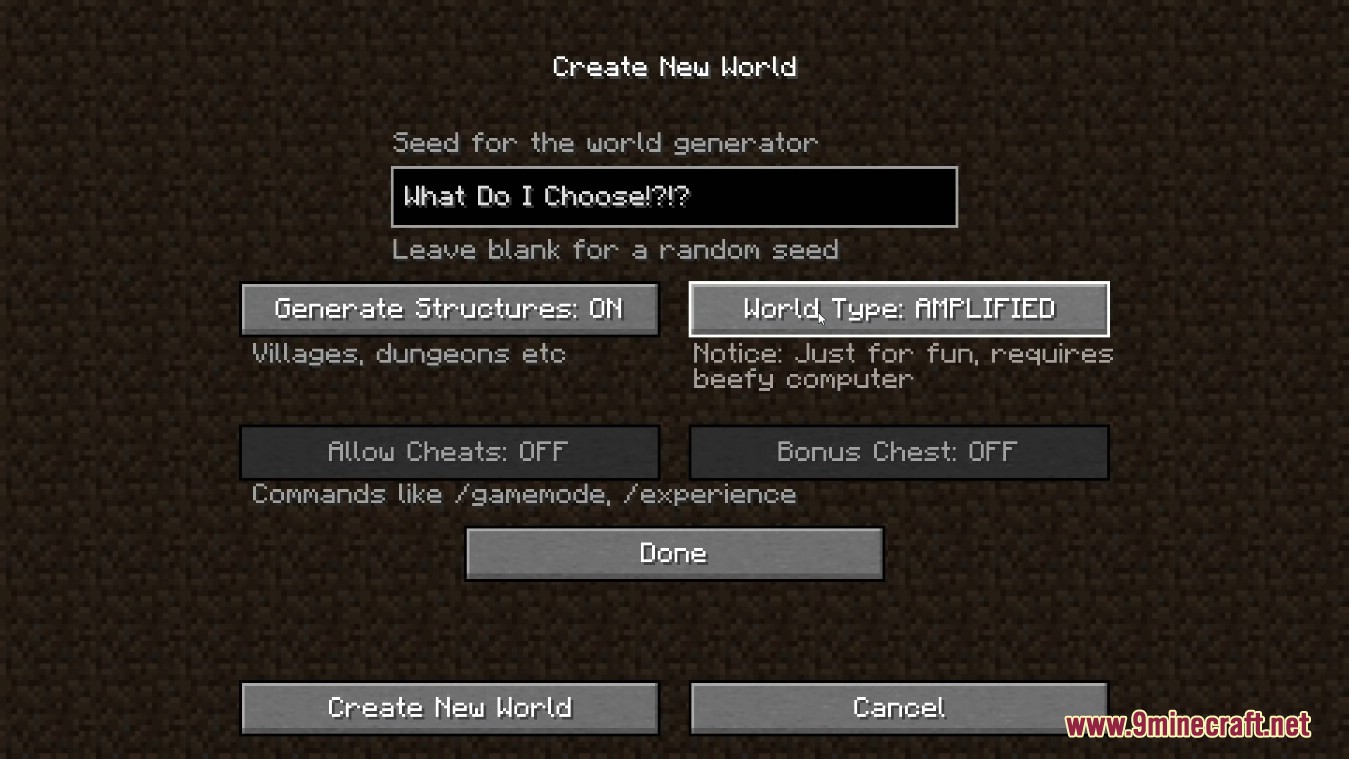
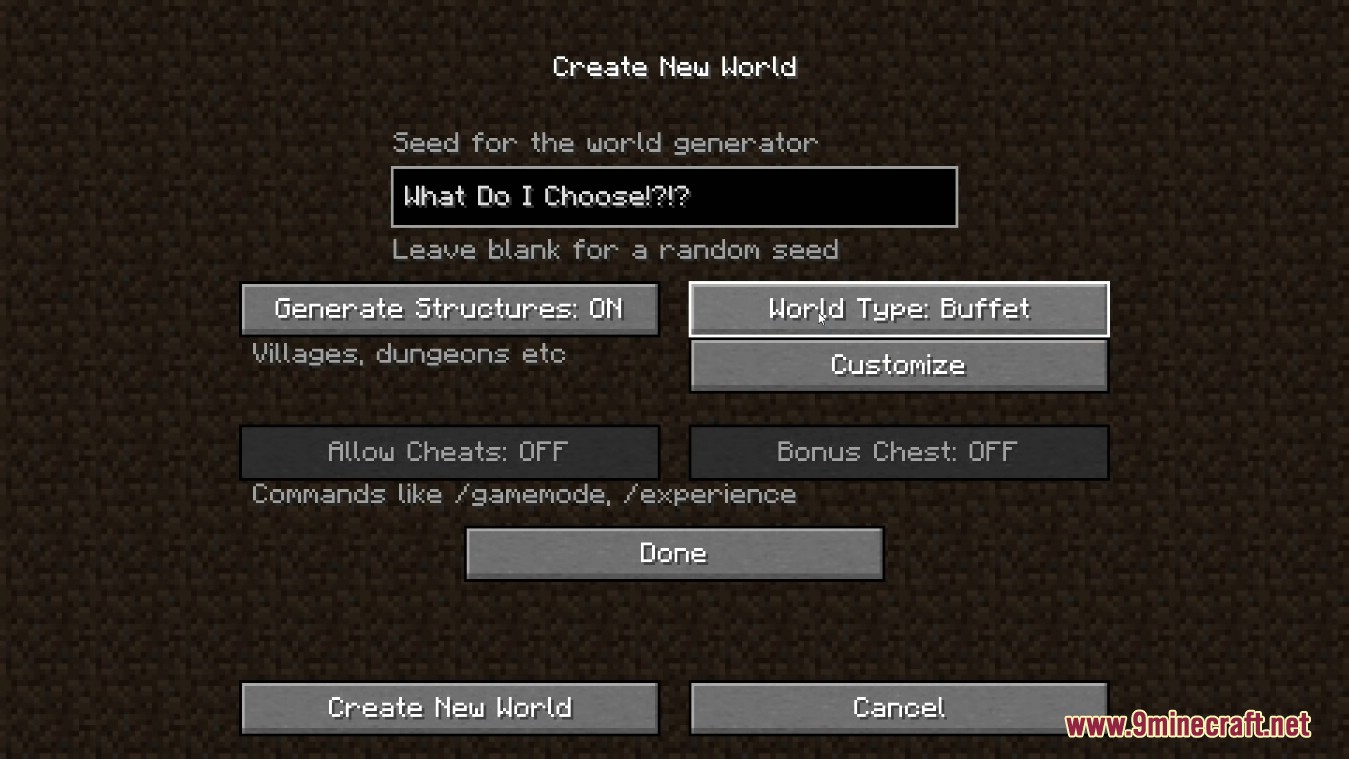
The Default World Type mod is a specialized utility designed for modpack creators and server administrators. Its primary function is to override the default world generation setting in the "Create New World" menu. In standard Minecraft, the world type defaults to "Default." This mod allows the selection to be locked or defaulted to any other available type, such as Superflat, Large Biomes, Amplified, or types introduced by external mods like Biomes O' Plenty or Oh The Biomes You'll Go.

By automating the world type selection, the mod ensures that players experience the intended environment of a modpack without needing to manually adjust settings, which is particularly useful for skyblock, wasteland, or highly customized exploration packs.
Guides
Step-by-step, in-game.
Frequently asked questions
Where do I find the config file to set my default world type?
How do I find the correct world type ID to put in the config?
Will this mod work on a multiplayer server?
What happens if I type in a world type ID that doesn't exist?
See all 17 Default World Type questions ›
Gallery
4 images from the Default World Type Mod page.
You May Also Like
Wikis that share the most with this one
Wikis on the same theme: world
More mod wikis on the site
 Default Style Christmas Model
The most downloaded mods that have a wiki here
A few wikis from each of the other kinds