

 DownloadPneumaticCraft: Repressurized
Get the files on 9Minecraft
Contents (6)
Setting Up the Pressure Chamber
The Pressure Chamber is a multiblock structure. Build a hollow cube of  Pressure Chamber Glass or
 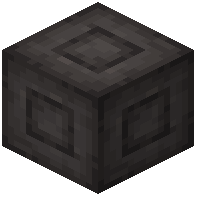 Pressure Chamber Walls (minimum 3x3x3, but larger works). Place a
 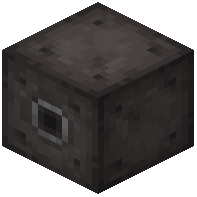 Pressure Chamber Valve on one face and a
 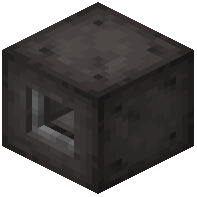 Pressure Chamber Interface on another. Connect the valve to your air system with tubes.
Running a Recipe
Right-click the Interface to open it. Inside you'll see slots for ingredients and a pressure requirement. Insert the items the recipe calls for — for example, Compressed Iron requires iron ingots and high pressure. Pump air into the valve until the gauge reads the required bar. The chamber will process the items and output results into the Interface's output slots.
Common Recipes
 Compressed Iron Ingot: iron ingots under high pressure — used in almost every PneumaticCraft machine
- Printed Circuit Board: copper and gold under pressure
 Turbine Blade: compressed iron and a diamond
Tips
Keep a  Pressure Gauge on the valve so you can see when you've hit the target pressure. If the chamber won't start, check that pressure is high enough and that the Interface has the correct items. Use an
 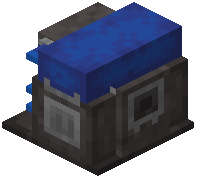 Advanced Air Compressor later for faster pressure buildup. You can also chain multiple chambers to the same air line — just make sure your compressor can keep up with demand.


