

 DownloadPneumaticCraft: Repressurized
Get the files on 9Minecraft
Contents (7)
Getting an Amadron Tablet
Craft an  Amadron Tablet in a Pressure Chamber. It requires Compressed Iron, a Printed Circuit Board, and other components. Once crafted, right-click to open the trading interface.
How Trading Works
The Amadron Tablet connects to the Amadron trading network. You can buy and sell items using Amadron Credits or by bartering with specific items. The tablet shows a list of available offers — each offer specifies what you give and what you get. Some offers are always available; others rotate or require you to unlock them.
Placing Orders
Select an offer and confirm. If you're buying, the items will be delivered by an Amadron Delivery 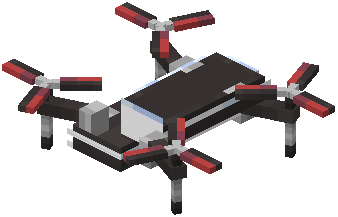 Drone to a
 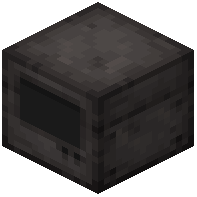 Drone Interface or a chest you designate. If you're selling, you'll need to have the items ready in the designated inventory. The drone will pick them up and deliver payment.
Setting Up Delivery
Place a Drone Interface and link it to your Amadron Tablet. When you place an order, the delivery drone will fly to the interface and drop off your goods. Make sure the interface has space and is accessible.
Tips
Amadron is great for getting rare resources without mining. Check the offers regularly — some are very profitable. Use Logistics 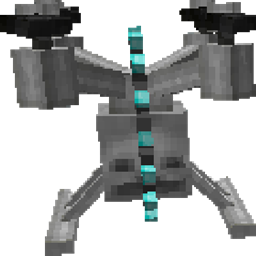 Drones to automate moving goods from the Drone Interface to your storage. Keep your tablet charged with air if it requires it.


