

 DownloadPneumaticCraft: Repressurized
Get the files on 9Minecraft
Contents (7)
Crafting a Drone
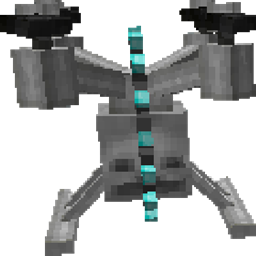 Drones are crafted in a Pressure Chamber. You'll need Compressed Iron, a Printed Circuit Board, and other components. Once you have a
 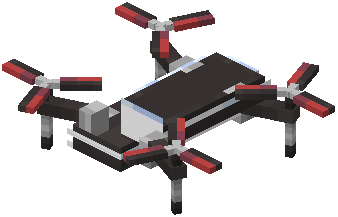 Drone, you need a
 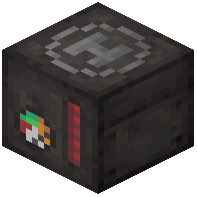 Programmable Controller to give it instructions.
Writing a Program
Place a Programmable Controller and right-click it to open the programming GUI. You build programs by dragging Puzzle Pieces (program widgets) onto a grid. Each piece represents an action: move, dig, place, pickup, drop, attack, etc. Connect pieces with wires to define the order of operations. The controller stores the program.
Deploying the Drone
Place a Drone in the world and right-click it with a Programmable Controller that has a program. The drone will begin executing the program. It has an internal air supply — if it runs out, it stops. You can recharge it by placing it near a 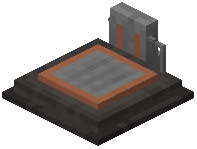 Charging Station or by using an
  Air Canister on it.
Common Drone Tasks
- Mining: program a drone to dig a tunnel and drop ores into a chest
- Farming: use a
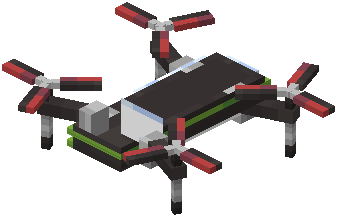 Harvesting Drone or program a regular drone to harvest and replant crops
 - Item Logistics: use a
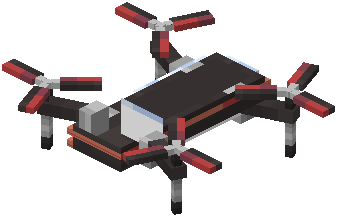 Logistics Drone to move items between inventories
Tips
Start with simple programs — one or two pieces — and test them. Use a Drone Debugger to see what the drone is doing. Drones can be picked up by right-clicking them with an empty hand. Keep spare Air Canisters nearby to refuel them.


