

 DownloadPneumaticCraft: Repressurized
Get the files on 9Minecraft
Contents (5)
Building Your First Compressor
Place an 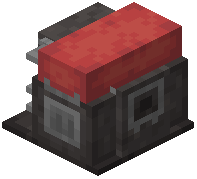 Air Compressor down and give it a redstone signal or a lever to turn it on. It will begin generating compressed air, which is stored in its internal buffer. Connect an
  Advanced Pressure Tube (or basic
  Pressure Tube) to the compressor's output side — the side with the arrow. Tubes carry air pressure to whatever you connect them to.
Reading Pressure
Craft a  Pressure Gauge and right-click it onto a tube or machine to see the current pressure in bar. Most basic machines run happily between 0 and 5 bar. If pressure climbs too high, tubes can burst — so always give your system somewhere for the air to go, or install a Safety Valve Tube Module to vent excess pressure.
Your First Machines
With a working compressor and tubes, you can now power:
- A Pressure Chamber for
 crafting advanced components
 - A Refinery to turn oil into fuels and
 lubricants
 - A
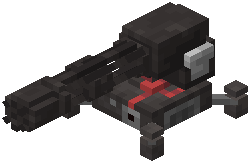 Sentry Turret or
 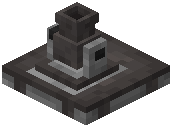 Air Cannon for defense
Start small: one compressor feeding one machine. Add a Pressure Gauge so you can watch the numbers, and keep a  Air Canister on hand to manually top up machines when you're away from your base. Once you understand pressure flow, expanding is just a matter of adding more compressors and more tubes.


