

 DownloadPneumaticCraft: Repressurized
Get the files on 9Minecraft
Contents (7)
What the Assembly Line Does
The Assembly Line is an automated  crafting system. It uses Assembly
  Platforms, Assembly IO Units, and Assembly Programs to craft items without you manually operating machines. It's ideal for mass-producing complex components.
Building the Line
Place an 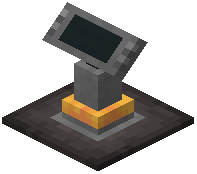 Assembly Controller and connect it to Assembly Platforms with
  Pressure Tubes. Each platform holds an Assembly Program — a disk that tells the platform what to craft. You'll need Assembly IO Units (import and export) to feed ingredients in and pull products out. Connect these to chests or hoppers.
Programming
Craft Assembly Programs in a Pressure Chamber. Each program corresponds to a specific recipe — for example,  Assembly Program: Drill makes drills. Insert the program into an
 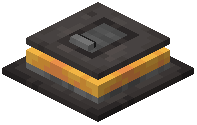 Assembly Platform. The platform will request the required ingredients from the Import IO Unit and output the finished item to the Export IO Unit.
Running the Line
Supply air pressure to the controller and platforms. Put ingredients into the import chest. The line will automatically craft items as long as it has materials and air. Use multiple platforms with different programs to craft several items at once.
Tips
Start with one platform and one program to learn the system. Use  Classify Filters to sort outputs. Keep an eye on pressure — the assembly line consumes air quickly. Add more compressors or a
 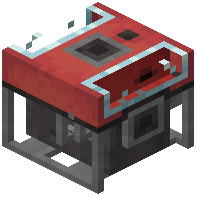 Liquid Compressor if pressure drops. You can also use Logistics
 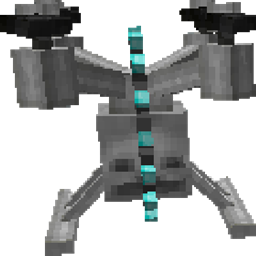 Drones to feed the import chest automatically.


