
Nautilus3D Resource Pack Wiki

Nautilus3D Resource Pack Wiki & Guide
wiki.9minecraft.net/nautilus3d-resource-pack/
Replaces textures for signs, bookshelves, ores, leaves, flower pots, and the heavy core with 3D models and higher-resolution visuals.
Guides
Step-by-step, in-game.
Decorating with Leaves, Flower Pots, and Sugar CaneFixing Nether Portal and Redstone Lamp Textures in Nautilus3DHow to Make Signs Look 3D in Nautilus3DMaking Ores Pop While Mining with Nautilus3DUpgrading Your Storage Room with 3D Bookshelves and LanternsUsing the 3D Heavy Core, Trial Keys, and Trident
Items
Blocks
A
 Acacia Sign
B
 Bamboo Sign
 Birch Sign
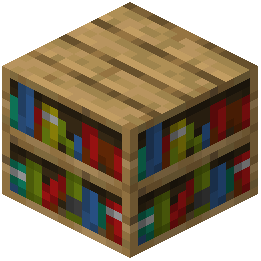 Bookshelf
C
 Cherry Sign
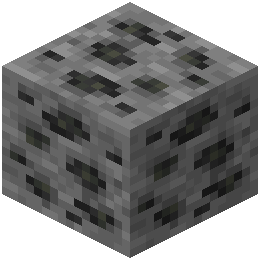 Coal Ore
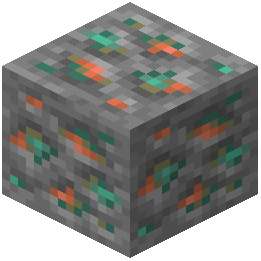 Copper Ore
 Crimson Sign
D
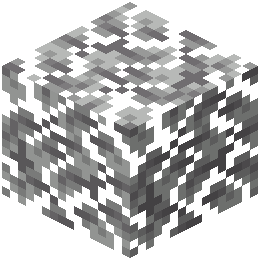 Dark Oak Leaves
 Dark Oak Sign
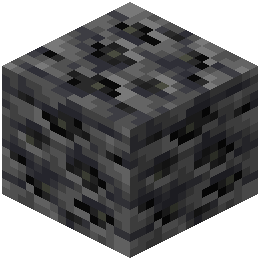 Deepslate Coal Ore
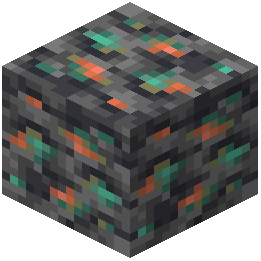 Deepslate Copper Ore
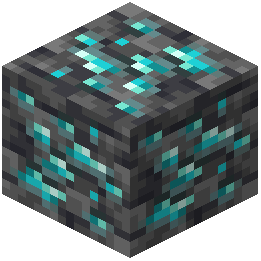 Deepslate Diamond Ore
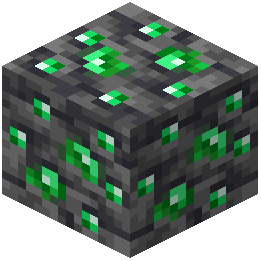 Deepslate Emerald Ore
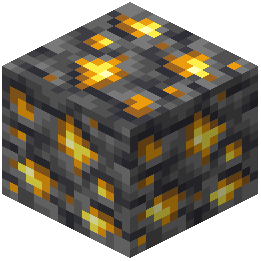 Deepslate Gold Ore
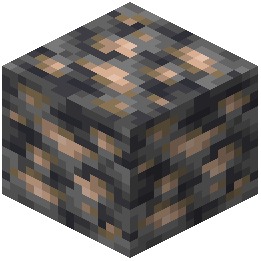 Deepslate Iron Ore
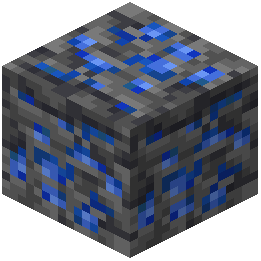 Deepslate Lapis Lazuli Ore
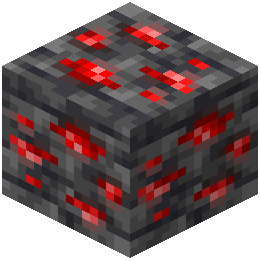 Deepslate Redstone Ore
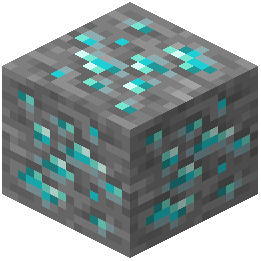 Diamond Ore
E
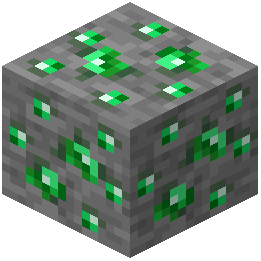 Emerald Ore
F
 Flower Pot
G
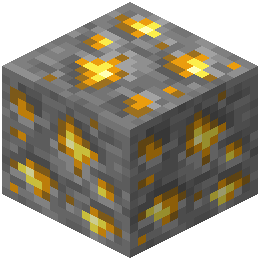 Gold Ore
I
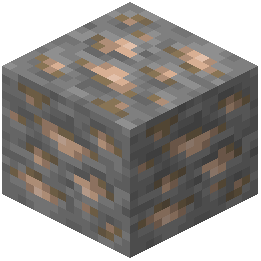 Iron Ore
J
 Jungle Sign
L
 Lantern
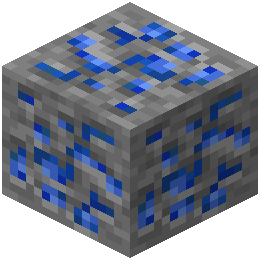 Lapis Lazuli Ore
M
 Mangrove Sign
N
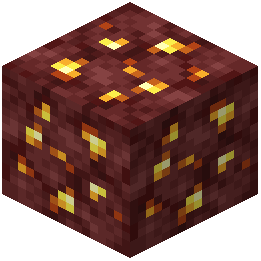 Nether Gold Ore
 Nether Portal
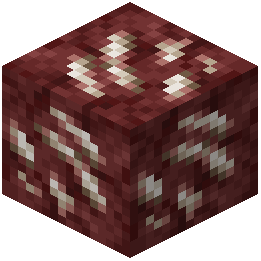 Nether Quartz Ore
O
 Oak Sign
 Ominous Trial Key
P
 Pale Oak Sign
R
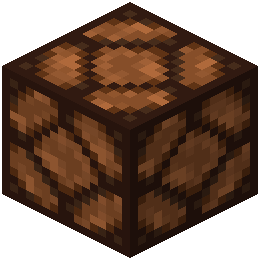 Redstone Lamp
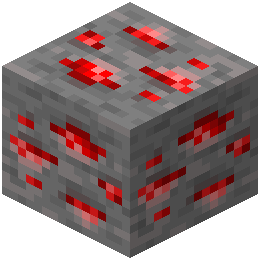 Redstone Ore
S
 Spruce Sign
T
 Trial Key
W
 Warped Sign
What this pack changes
Every texture group the pack replaces, counted from the pack itself.
| Area | Textures replaced |
|---|---|
| Blocks | 348 |
| GUI & menus | 133 |
| Mobs & entities | 43 |
| Items | 9 |
| Misc | 1 |
| Paintings | 1 |
Pack format 84–88 (Minecraft 1.21.9)535 texture files in total
Extra features
Custom entity models (OptiFine/CEM)
Custom block/item models
Reworked GUI
Frequently asked questions
What does the Nautilus3D Resource Pack actually change?
It swaps flat textures for 3D models and higher-resolution visuals on signs, bookshelves, ores, leaves, flower pots, the  heavy core, lanterns, nether portals, redstone lamps,
  sugar cane, trial keys, and the
  trident. Everything else in the game stays vanilla, so you can drop it into an existing world without surprises.
heavy core, lanterns, nether portals, redstone lamps, sugar cane, trial keys, and the trident. Everything else in the game stays vanilla, so you can drop it into an existing world without surprises.How do I enable Nautilus3D after installing it?
Open Options, go to Resource Packs, and move Nautilus3D from the left column to the right so it sits above any other packs you want it to override. If you use it alongside other packs, keep Nautilus3D on top so its 3D models win for the blocks it touches.
Do I need OptiFine or a specific mod loader for the 3D models to work?
No. The pack uses vanilla model and texture formats, so it works on a plain install. OptiFine or similar mods are only useful if you want extra features like connected textures or emissive ores, which the pack does not require.
Why do my signs still look flat after enabling the pack?
Signs only render as 3D when they are placed as blocks in the world; the item icon in your inventory stays flat by design. If placed signs still look flat, check that Nautilus3D is at the top of your resource pack list and that no other pack is overriding sign models.
See all 20 Nautilus3D questions ›
Related mods
More resource pack wikis on the same theme.
 Floralis
 Nature X
 Classic 3D
 Verdure Mod
 Realism Mats
 Fresh Animations
 More Cave Sounds
 Wilder World Mod
 Biomes O' Plenty Mod
 Golden Days Resource Pack