
Plonk Mod Wiki

Plonk Mod Wiki & Guide
wiki.9minecraft.net/plonk-mod/
Plonk Mod allows players to place or hang any item in the Minecraft world, adding realism and enhancing decoration possibilities. You can attach or position items on any of the six sides of a block and even place multiple items at once.
Guides
Step-by-step, in-game.
Blocks
 Placed Items
Frequently asked questions
What does the Plonk Mod let you do?
It lets you place or hang any item in the Minecraft world, attaching it to any of the six sides of a block for decoration. You can also place multiple items at once.
How do you place an item with the Plonk Mod?
Press the placement key while holding the item, and it will be placed or hung on a block surface. The default key is P, but it can be changed in settings since it conflicts with other controls.
How do you rotate a placed item?
Use Shift + Right-Click to rotate items.
What happens if you place a whole stack of items?
The entire stack is placed, but it visually appears as a single object.
You May Also Like
Wikis that share the most with this one
 PlayerAnimator 9minecraft Mod
 PlayerRevive Mod
 Players Drop Heads Mod
 PleasureCraft
 Plushables
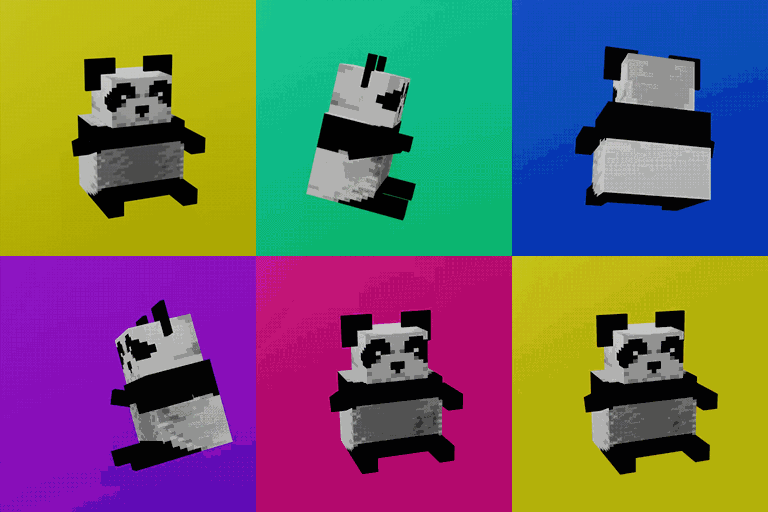 Plushie Mod
More mod wikis on the site
 Player Roles Mod
 Player Plates Mod
 Player Health Indicators Mod
 Player Ex Mod
The most downloaded mods that have a wiki here
 AppleSkin
 JourneyMap Mod
 Placebo
 Waystones
 Nature's Compass Mod
 Enchantment Descriptions Mod
 Patchouli Mod
 Jade Mod
 Quark Mod
 Balm Mod
A few wikis from each of the other kinds
 3D Crops 9minecraft Resource Pack