

 DownloadCreate Slice & Dice
Get the files on 9Minecraft
Setting Up the Slicer
Place the 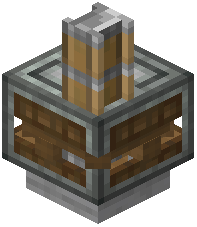 Slicer block and give it a rotational force input from a Create kinetic source. The Slicer processes mobs that come into contact with its blade, producing drops based on the mob type. Route animals toward the Slicer using belts, fans, or a controlled pen so they walk into the blade on their own.
Breeding Loop
Keep a breeding pair separated from the processing area. Feed them their breeding food to produce offspring, then move the offspring into the Slicer path. This gives you a renewable source of drops without killing your breeding stock. Use a conveyor or a water stream to push the young animals in.
Collecting Output
Place a depot, chute, or belt beneath the Slicer to catch drops. If the Slicer produces fluid byproducts, connect a pipe or spout to drain them into a tank. For solid drops, a funnel into a chest works well.
Tips
- Keep the blade area enclosed so animals cannot wander off before being processed.
- Use a mechanical arm or funnel to feed animals automatically if you want a fully hands-off farm.
- Pair the Slicer with a
 Sprinkler and
  Fertilizer setup nearby to keep crops for feeding animals growing continuously.


