Replay Mod Wiki › Guides › Replay Utility Features
Replay Utility Features
Ambient Lighting
Press Z to toggle Ambient Lighting. This illuminates dark areas (caves, night scenes) without changing the sky color or requiring Night Vision potions. An eye icon in the bottom-right indicates when this is active.

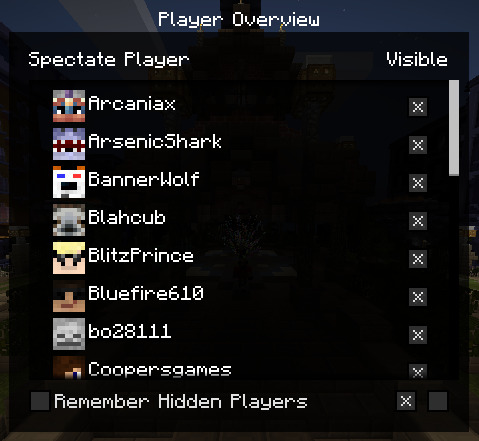
Player Overview
Press B to open the Player Overview menu. Here you can see a list of all players in the recording. You can toggle their visibility individually or hide all players to focus on the environment.
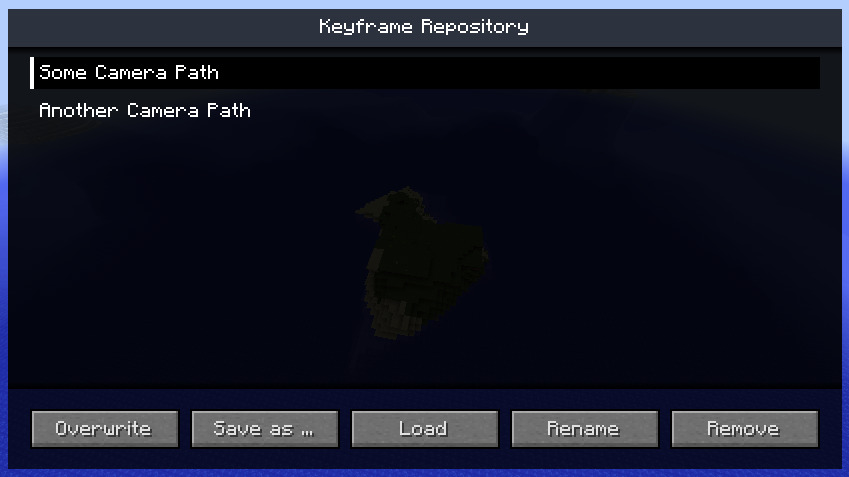
Keyframe Repository
Press X to open the Repository. This allows you to save and load camera path presets. Every replay file has its own repository, making it easy to manage multiple different shots for the same recording.