
Recording Mechanics in Replay
Recording is the core function of the mod. By default, the mod is set to automatically record all Singleplayer and Multiplayer sessions.
Recording Indicators
When a recording is active, a "Recording" indicator appears in the top-left corner of the screen. This can be toggled in the settings. Upon joining a world or server, a chat message will confirm that the recording has started.
Event Markers
While recording, you can press the M key to set an Event Marker. These markers act as bookmarks, allowing you to easily find specific moments (like a boss fight or a build completion) when you later open the Replay Viewer. Markers save your current coordinates and the exact timestamp.
Saving Replays
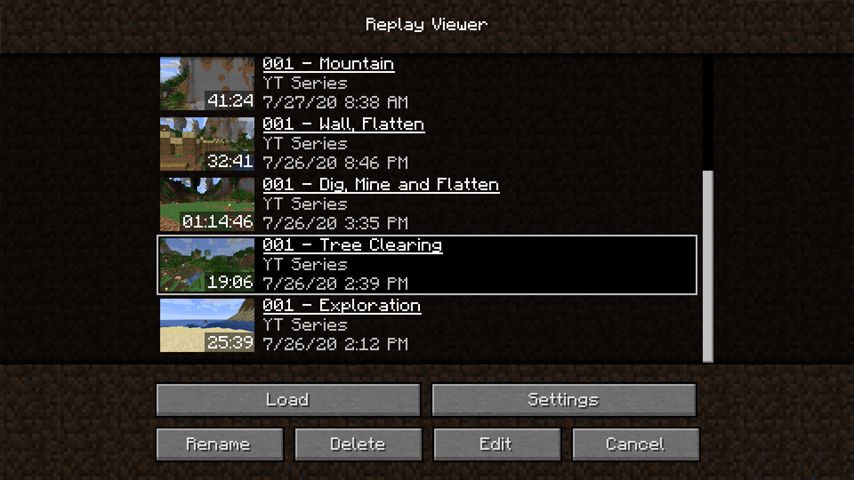
Replays are saved as .mcpr files. When you leave a world or server, the mod will finalize the file. Larger sessions may take a few seconds to save. These files are stored in the /replay_recordings folder within your Minecraft directory.