
Optimum Realism Pom Pbr Resource Pack Wiki

Optimum Realism Pom Pbr Resource Pack Wiki & Guide
wiki.9minecraft.net/optimum-realism-pom-pbr-resource-pack/
Replaces vanilla textures with realistic POM and PBR materials for blocks, plants, and items.
Guides
Step-by-step, in-game.
Fixing Flat or Missing 3D Textures After Installing Optimum RealismGetting Metals, Gems, and Netherite Blocks to Reflect ProperlyHow to Enable POM and PBR in Optimum Realism (Iris/OptiFine Setup)Making Leaves, Plants, and Saplings Look Right with POMTroubleshooting POM Depth, Warping, and Performance with Optimum RealismUsing Optimum Realism with Stained Glass, Wool, and Glazed Terracotta
Items
77 items · showing 24. Browse all →
 Apple
Apple Beetroot
 Beetroot Soup
 Bone
Bone Book
Book Book and Quill
 Bottle o' Enchanting
 Bow
Bow Bread
Bread Bucket
 Cake
Cake Carrot
 Cooked Chicken
 Cooked Mutton
 Cooked Porkchop
 Cookie
 Diamond
 Diamond Axe
 Diamond Hoe
 Diamond Pickaxe
 Diamond Shovel
 Diamond Sword
 Egg
Egg Emerald
Blocks
240 blocks · showing 24. Browse all →
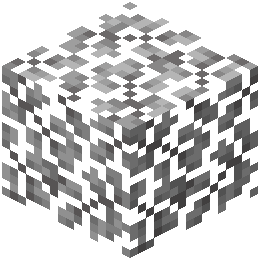 Acacia Leaves
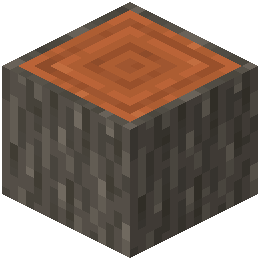 Acacia Log
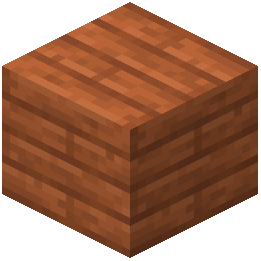 Acacia Planks
 Acacia Sapling
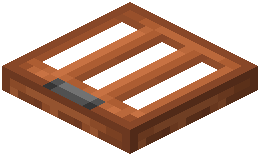 Acacia Trapdoor
 Allium
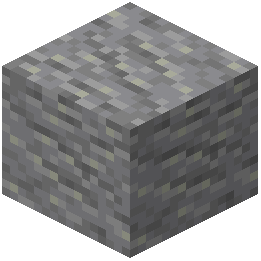 Andesite
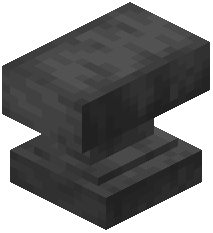 Anvil
Anvil Attached Melon Stem
 Attached Pumpkin Stem
 Azure Bluet
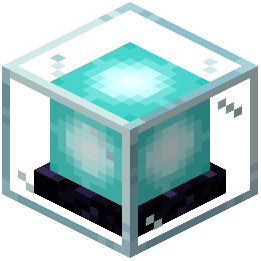 Beacon
 Bedrock
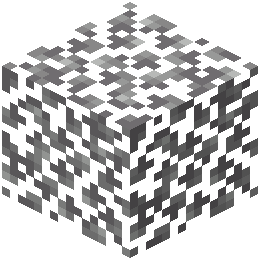 Birch Leaves
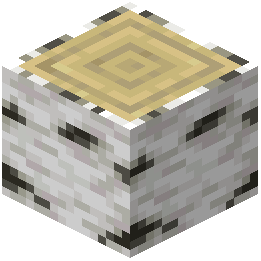 Birch Log
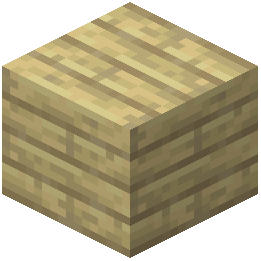 Birch Planks
 Birch Sapling
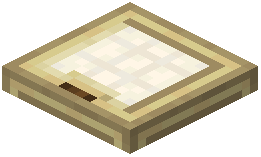 Birch Trapdoor
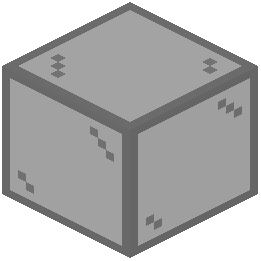 Black Stained Glass
 Black Wool
 Blackstone
 Block of Coal
 Block of Diamond
 Block of Emerald
What this pack changes
Every texture group the pack replaces, counted from the pack itself.
| Area | Textures replaced |
|---|---|
| Blocks | 2,186 |
| Mobs & entities | 397 |
| Items | 360 |
| Paintings | 39 |
| Particles | 24 |
| GUI & menus | 8 |
Pack format 80–130 (Minecraft 1.21.9)3,014 texture files in total
Extra features
Custom entity models (OptiFine/CEM)
Custom block/item models
Reworked GUI
Frequently asked questions
How do I actually turn on POM and PBR after installing Optimum Realism?
POM and PBR are shader features, so you need a shader that supports them (like a PBR-capable shaderpack) loaded through Iris or OptiFine, plus the resource pack enabled above vanilla. In the shader settings, enable the parallax/POM option and make sure normal and specular maps are being read, otherwise blocks stay flat.
Why do my blocks look flat with no depth even though the pack is on?
This almost always means POM is off in your shader settings or the shader you're using doesn't support parallax occlusion mapping. Check that the resource pack is at the top of your pack list and that your shader's parallax depth is set above zero.
Do I need OptiFine or Iris for this pack to work?
You need one of them, because vanilla Minecraft can't read PBR or POM data. Iris with a compatible shader is the common choice on modern versions, while OptiFine works on older setups; the pack itself just supplies the textures and maps.
My leaves and plants look wrong or see-through with POM on. How do I fix it?
Foliage uses cutout transparency, which POM handles differently than solid blocks, so depth can look broken or leaves can vanish at certain angles. Lower the parallax depth for cutout materials or disable POM specifically for plants in your shader settings if the option exists.
See all 20 Optimum Realism Pom Pbr questions ›
Related mods
Other wikis you may find useful.
 Realism Mats
 Reasonable Realism
 LB Photo Realism Reload
 Night Vision 9minecraft Resource Pack
 No Resource Pack Warnings Mod