
Crystal Vanilla Tweaks Resource Pack Wiki

Crystal Vanilla Tweaks Resource Pack Wiki & Guide
wiki.9minecraft.net/crystal-vanilla-tweaks-resource-pack/
Retextures wool colors, nether blocks, and other vanilla textures with crystal-themed visuals.
Guides
Step-by-step, in-game.
Building with Enhanced Crystal and Ore BlocksEnsuring the Resource Pack is Active in Your WorldIdentifying Enhanced Crystals in Your WorldUsing Enhanced Ores to Improve Cave Aesthetics
Items
 Bow
Bow Tall Grass
 Totem of Undying
Blocks
B
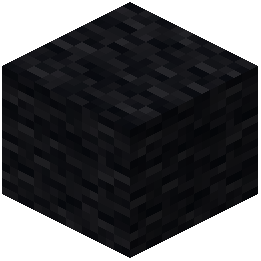 Black Wool
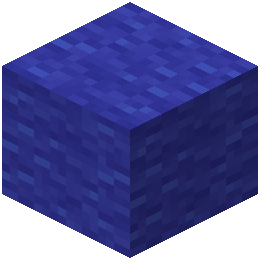 Blue Wool
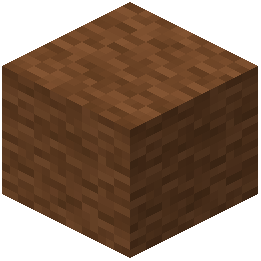 Brown Wool
C
 Chiseled Nether Bricks
 Cracked Nether Bricks
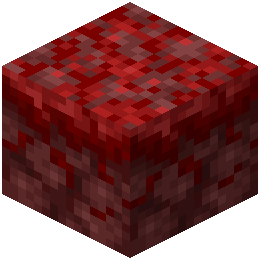 Crimson Nylium
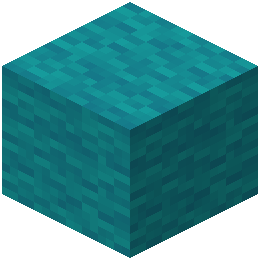 Cyan Wool
G
 Grass
Grass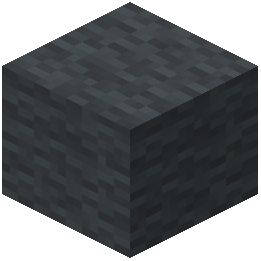 Gray Wool
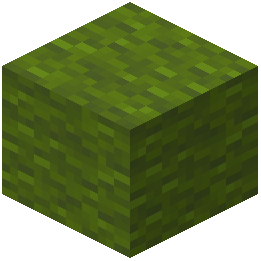 Green Wool
L
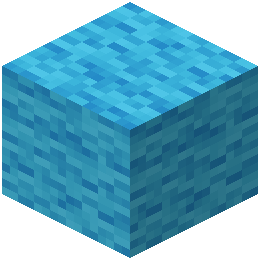 Light Blue Wool
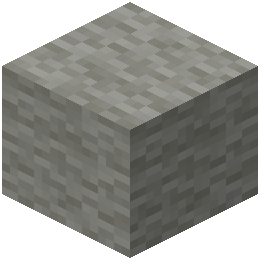 Light Gray Wool
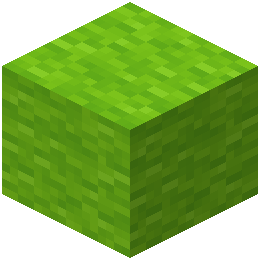 Lime Wool
M
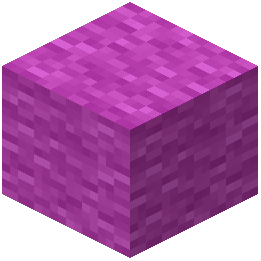 Magenta Wool
N
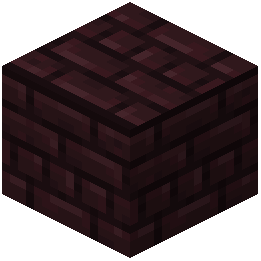 Nether Bricks
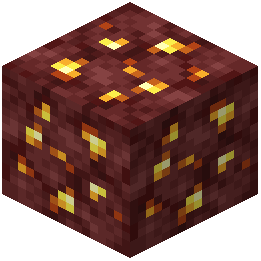 Nether Gold Ore
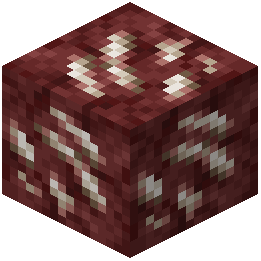 Nether Quartz Ore
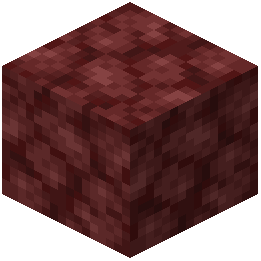 Netherrack
O
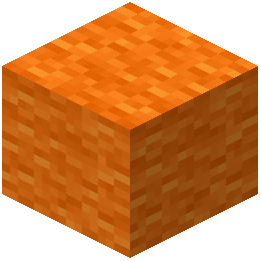 Orange Wool
P
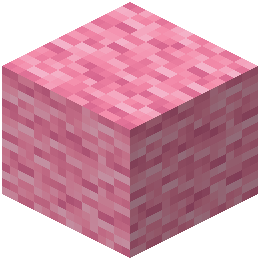 Pink Wool
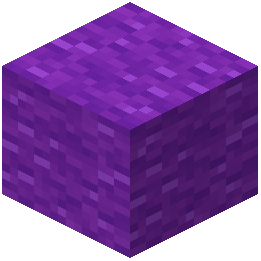 Purple Wool
R
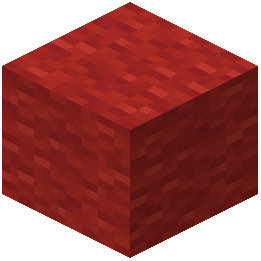 Red Wool
S
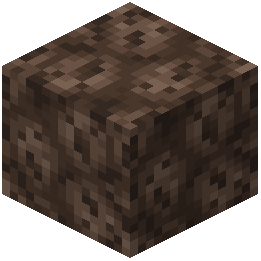 Soul Sand
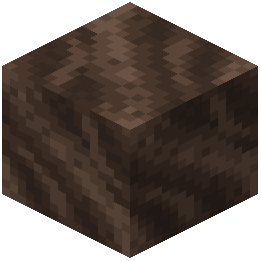 Soul Soil
W
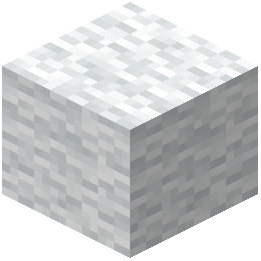 White Wool
Y
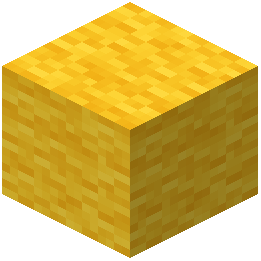 Yellow Wool
What this pack changes
Every texture group the pack replaces, counted from the pack itself.
| Area | Textures replaced |
|---|---|
| Particles | 53 |
| Blocks | 37 |
| Items | 11 |
| Misc | 5 |
| GUI & menus | 4 |
| Models | 2 |
Pack format 97 (Minecraft 1.21.9)112 texture files in total
Extra features
Custom font
Custom sounds
Custom block/item models
Reworked GUI
Custom particles
Frequently asked questions
How do I know if the resource pack is actually working?
Load into a world and look for crystals or ores underground—they should appear noticeably cleaner and more polished than vanilla. If they still look rough or pixelated, check your resource pack settings in the pause menu to confirm the pack is enabled and ranked above any conflicting packs.
Do the enhanced crystals and ores have different properties or just look different?
This is a resource pack, so it only changes appearance—mining speed, drop rates, and all gameplay mechanics remain identical to vanilla Minecraft. The flowing ore effect is purely visual and doesn't affect how you interact with the blocks.
Will this pack work with my other resource packs?
It depends on what those packs modify; if they also retexture crystals or ores, you'll see conflicts. Place Crystal Vanilla Tweaks higher in your resource pack list to prioritize its textures, or use only packs that modify different elements (like GUIs or mobs).
Can I use this pack on a multiplayer server?
Yes—resource packs are client-side only, so you can enable it on your end without affecting other players or requiring server installation.
Which crystals and ores does this pack enhance?
The pack refines the appearance of crystal blocks and includes flowing versions for ores found underground; check the mod's screenshots or description to see the full list of affected blocks.
Does this pack affect performance or FPS?
Resource packs have minimal performance impact since they only change textures, not game logic. You shouldn't notice any FPS drop unless you're running many heavy packs simultaneously.
How do I build with the enhanced crystal and ore blocks?
Mine them normally and place them like any other block—the enhanced textures make them look more polished in builds, so they work well for decorative structures or themed underground bases.
What if the enhanced ores don't look right in my caves?
Make sure the resource pack is ranked above any conflicting packs in your list, and try adjusting your graphics settings (especially mipmap levels) to see if that improves the appearance.
Can I use this pack with shader mods?
Yes, resource packs and shaders work together—the pack will apply its textures and the shader will render them with enhanced lighting and effects.
Do I need to create a new world for the pack to work?
No, the pack works on existing worlds immediately once enabled; just load in and you'll see the enhanced crystals and ores right away.
Related mods
Other wikis you may find useful.
 V-Tweaks Mod
 Hoe Tweaks Mod
 Vanilla Vistas