
How to Decorate a Room Step by Step with Beautify Refabricated
If you have just installed the mod and want a furnished room rather than a pile of loose blocks, this is a practical order of operations.
Step 1: Pick a Wood Palette
Choose one or two wood types and stick to them. Blinds, lattices, and picture frames all come in matching variants, so a single palette keeps the room coherent.
Step 2: Windows First
Install blinds in your window openings and lattices on the outside faces. Toggle the blinds to check the look from both inside and out before moving on.
Step 3: Lighting
Add one main lamp per room, then accent with 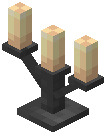 candelabras or
  light bulbs. Colored candelabras let you tint a room's mood without changing the
  blocks.
Step 4: Walls and Surfaces
Hang picture frames and fill them with maps or items. Place a 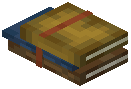 Bookstack on a desk or shelf for a lived-in feel.
Step 5: Plants and Details
Set up a 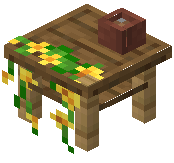 Botanist Workbench in a corner and hang pots above it. Add a
 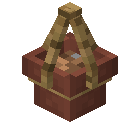 Hanging Pot near the door.
Step 6: Final Pass
Walk the room at night. Fix dark corners with extra lighting, and swap any frame or blind that clashes with your palette. Decorate one room fully before starting the next.