
Enable Connected Textures for Seamless Block Transitions
What Connected Textures Do
Connected textures make adjacent blocks of the same type blend together visually, eliminating harsh lines between them. This creates a more natural, cohesive appearance—especially noticeable with  stone,
 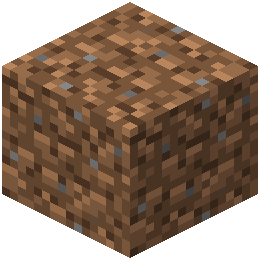 dirt, and wood blocks.
How to Enable Them
1. Open your Options menu in-game
2. Navigate to Video Settings
3. Look for Graphics or Quality options
4. Ensure Mipmap Levels is set to at least 1 (higher values improve appearance but use more resources)
5. Confirm that your resource pack is active in the Resource Packs menu
6. Return to your world—connected textures should now be visible
Performance Considerations
Connected textures require minimal extra processing on modern devices. If you're playing on a weak device, the pack is still optimized for performance, but you can disable fancy graphics options if needed:
- Reduce Mipmap Levels to 0
- Lower Render Distance
- Disable Fancy Graphics in Video Settings
The pack's standard resolution ensures it remains playable even with these adjustments.