
Mandala’s GUI Dark Mode 9minecraft Resource Pack Wiki
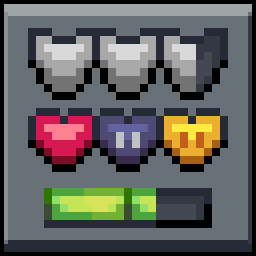
Mandala’s GUI Dark Mode 9minecraft Resource Pack Wiki & Guide
wiki.9minecraft.net/mandalas-gui-dark-mode-9minecraft-resource-pack/
Mandala’s GUI Dark Mode 9minecraft Resource Pack transforms the look of every menu into a clean, dark blue-gray panel. This pack replaces the bright vanilla screens with flat colors that are easier on your eyes.
Guides
Step-by-step, in-game.
Frequently asked questions
What does Mandala's GUI Dark Mode Resource Pack do to Minecraft's menus?
It transforms every menu into a clean, dark blue-gray panel, replacing the bright vanilla screens with flat colors. This includes the survival and creative inventory screens.
Which containers does this pack darken?
It darkens every storage container, including chests, furnaces, crafting tables, and brewing stands. The hotbar and health hearts are also recolored.
Why is this pack easier on the eyes?
It uses a flat blue-gray palette that reduces glare in low light. This makes it more comfortable to play at night.
Does the pack affect the main menus and pause screens?
Yes, it updates the main menus, pause screens, and options with a matching dark style. The in-game display is recolored as well.
See all 6 Mandala’s GUI Dark Mode questions ›
Related mods
Other wikis you may find useful.
 Mandala’s GUI – Dark Mode Resource Pack
 Default Dark Mode
 Mandala’s GUI – White Mode Resource Pack
 Colourful Containers Dark Mode GUI Resource Pack
 Dark RTP Mod
 Dark Loot Mod
 Dark Death Mod