
Better Archeology Wiki › Guides › How to Use the Archeology Table to Restore Artifact Shards
How to Use the Archeology Table to Restore Artifact Shards
What the table is for
 Artifact Shards are fragments, not finished items. The
 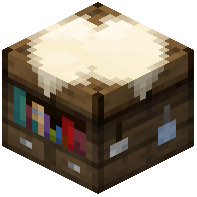 Archeology Table is the workstation that turns those fragments back into complete
 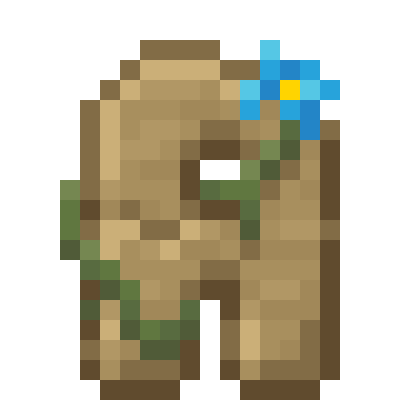 artifacts. Place the table down and right-click it to open its interface.
Restoring a shard
Put your Artifact Shards into the table's input slot. The interface shows the shards you have collected and lets you combine matching fragments into a restored artifact. Follow the on-screen slots rather than guessing at a recipe: the table itself tells you which shards belong together. Once the required fragments are in place, take the finished artifact from the output slot.
Practical tips
- Sort your shards by type before you sit down, so you are not shuffling stacks mid-craft.
- Keep a chest of spare shards next to the table; you will accumulate duplicates faster than you expect.
- Restored artifacts are the payoff for all your brushing, so restore them as soon as you have a full set rather than letting shards pile up.
- If a combination will not complete, you are probably missing one fragment type, not doing the action wrong. Go brush more
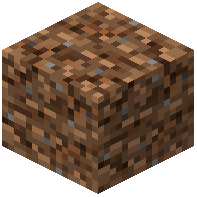 Suspicious Dirt and
 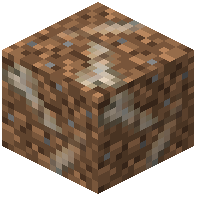 Fossiliferous Dirt.