

 DownloadAquareal Shaders
Get the files on 9Minecraft
Guides
Step-by-step, in-game.
Adjust Water Appearance and Reflection QualityAccess Shader Settings Open the shader options menu while in-game by pressing the designated key (typically found in…Enhance Daytime Landscape Visibility Without OversaturationAccess Sky and Terrain Lighting Open the shader configuration menu and find the Sky and Terrain or Global Lighting…Optimize Lighting for Underground ExplorationConfigure Cave and Block Light Access the shader options menu and locate the Lighting or Ambient Light section.…Reduce Performance Impact While Maintaining Visual QualityIdentify Performance-Heavy Features Open the shader options menu and look for toggles or sliders related to…
Frequently asked questions
How do I turn on the shader after installing it?
Open your Video Settings in-game, select Shaders, and choose Aquareal Shaders from the list. The shader will activate immediately and you'll see the lighting and water changes take effect.
Why does my game look washed out or too bright during the day?
Check your shader settings for brightness and saturation sliders—you may need to lower them slightly. Also verify your monitor's gamma settings aren't conflicting with the shader's light passes.
Can I customize how water looks?
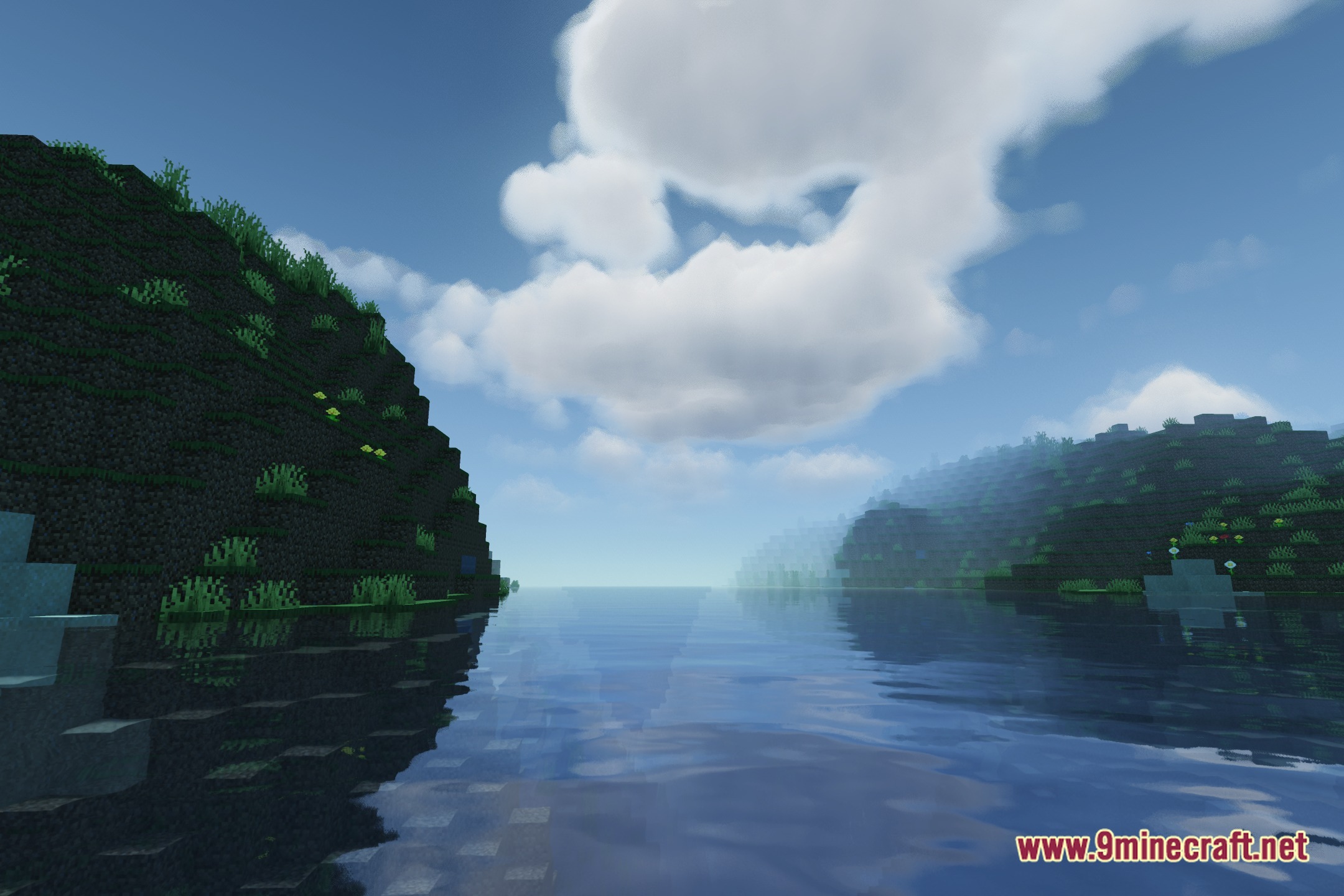
Yes, the shader includes options to adjust water reflection quality, wave intensity, and surface transparency. Access these through the shader settings menu while in-game.
My caves are too dark to see anything. How do I fix this?
See all 10 Aquareal Shaders questions ›
Gallery
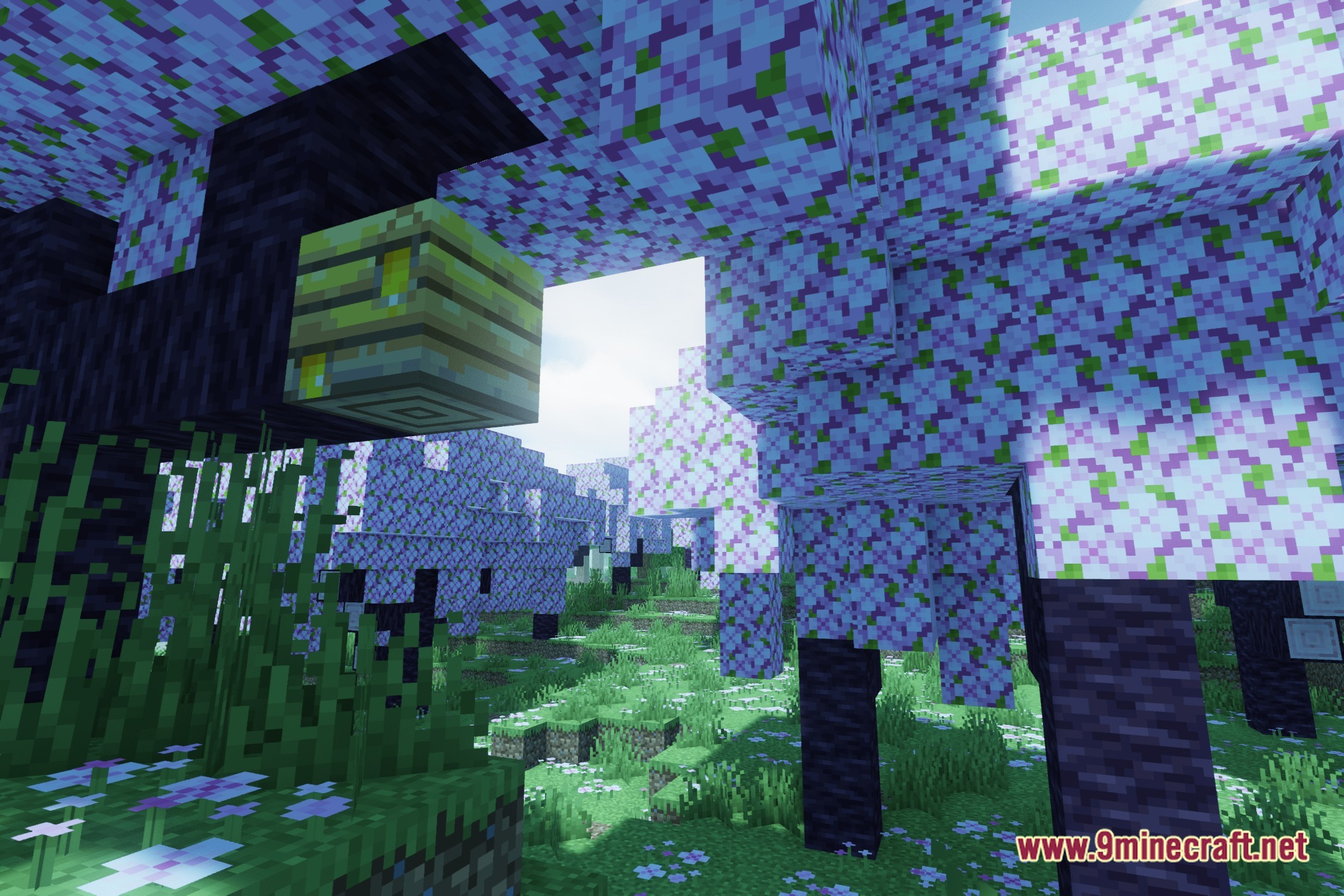
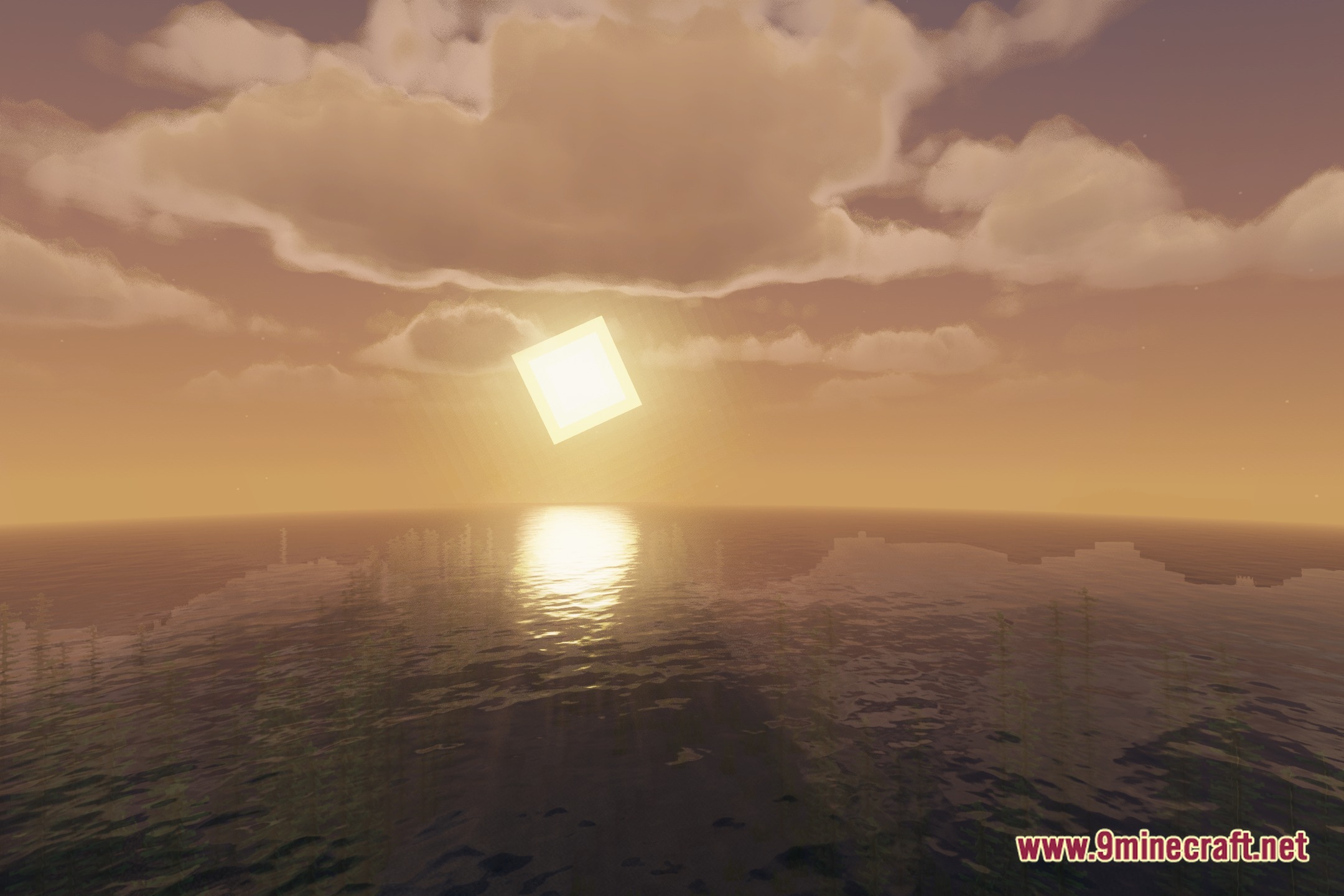
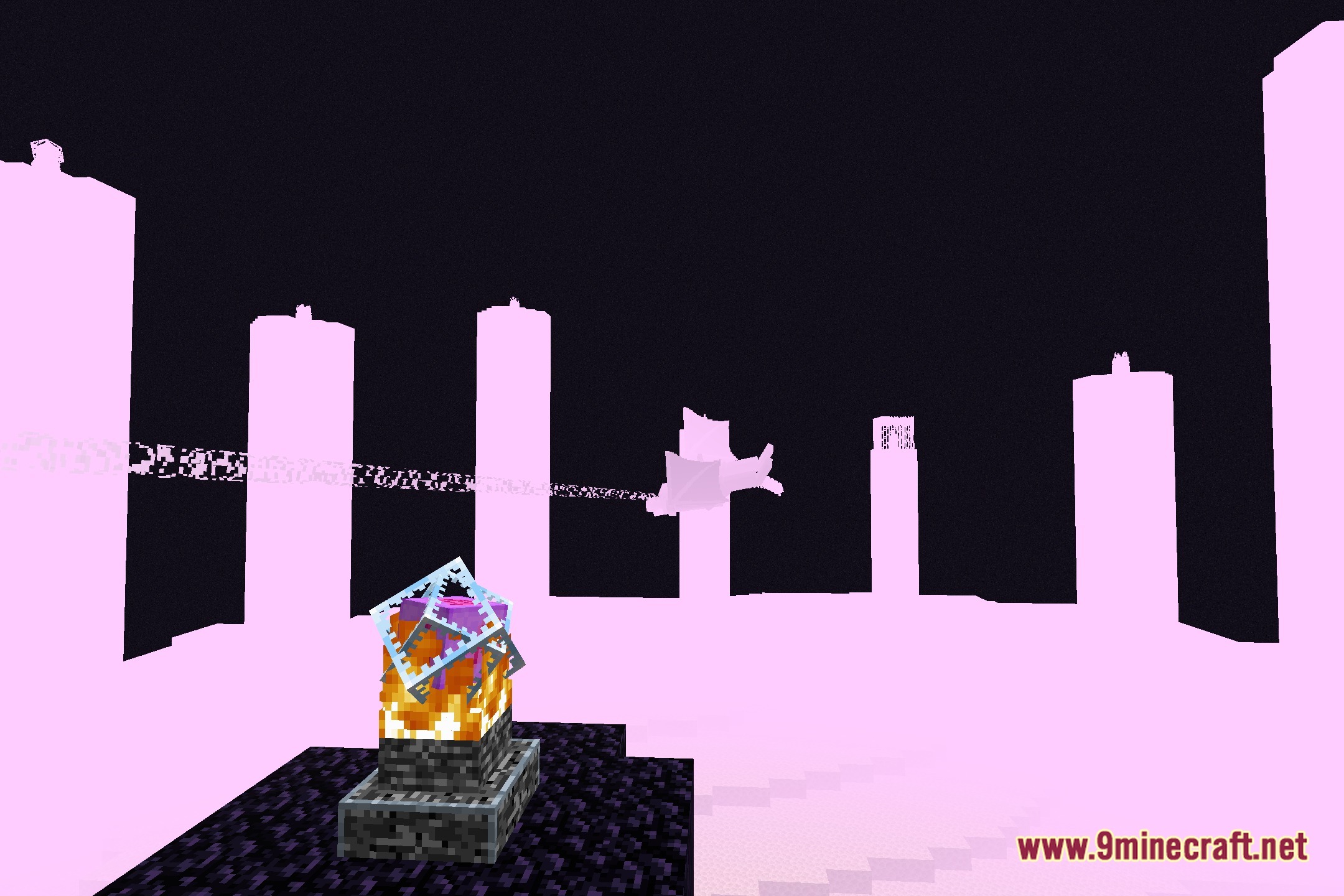
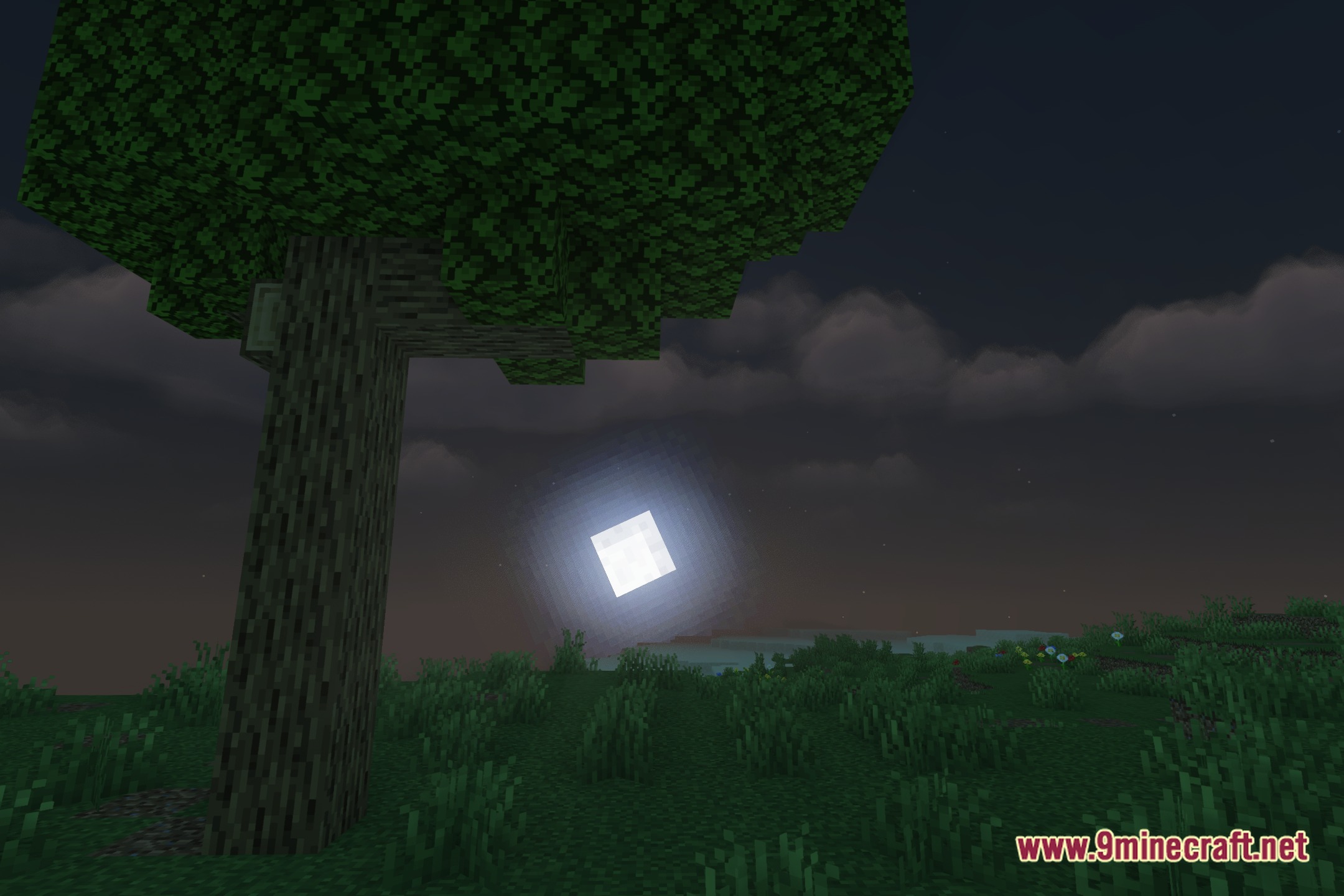
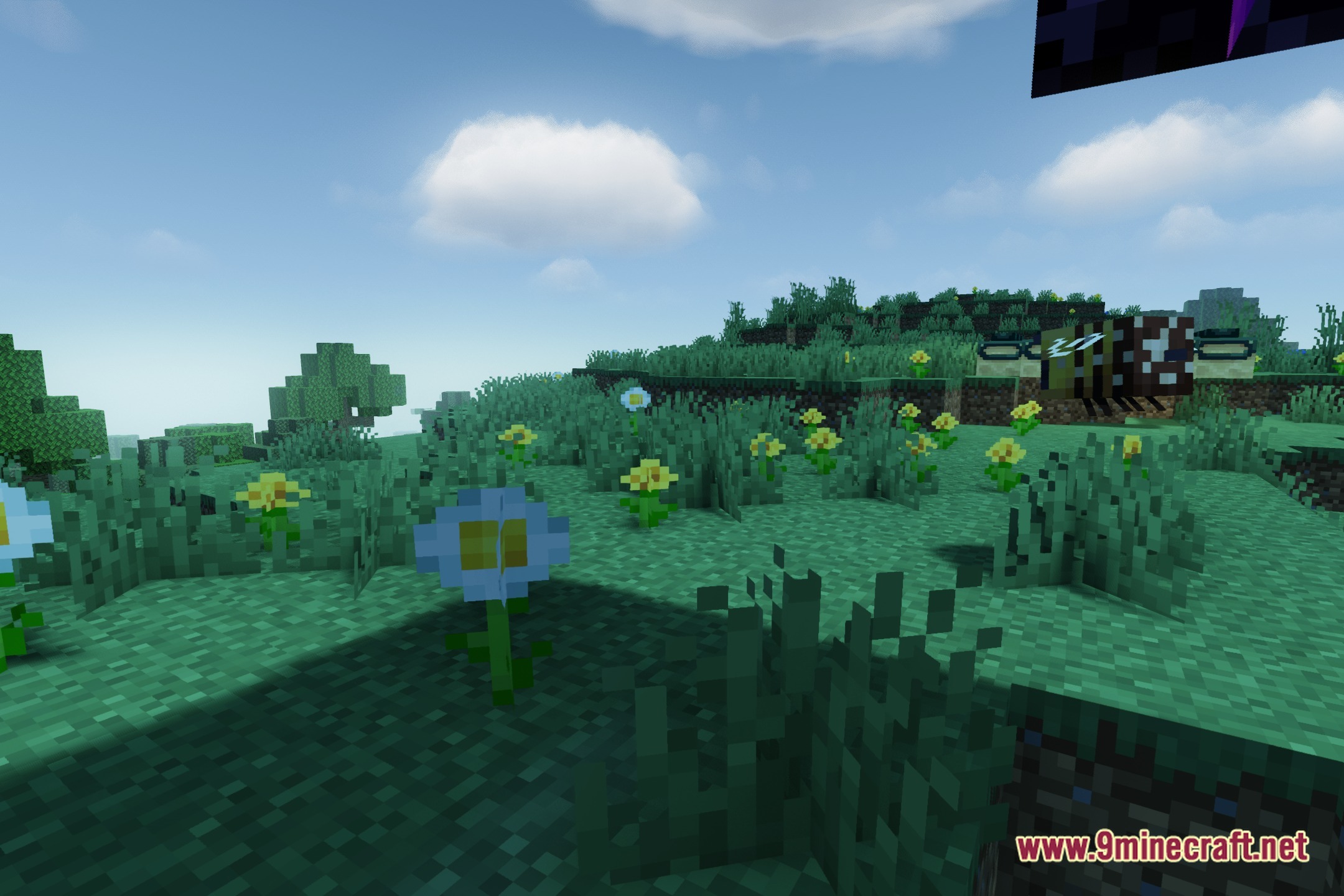
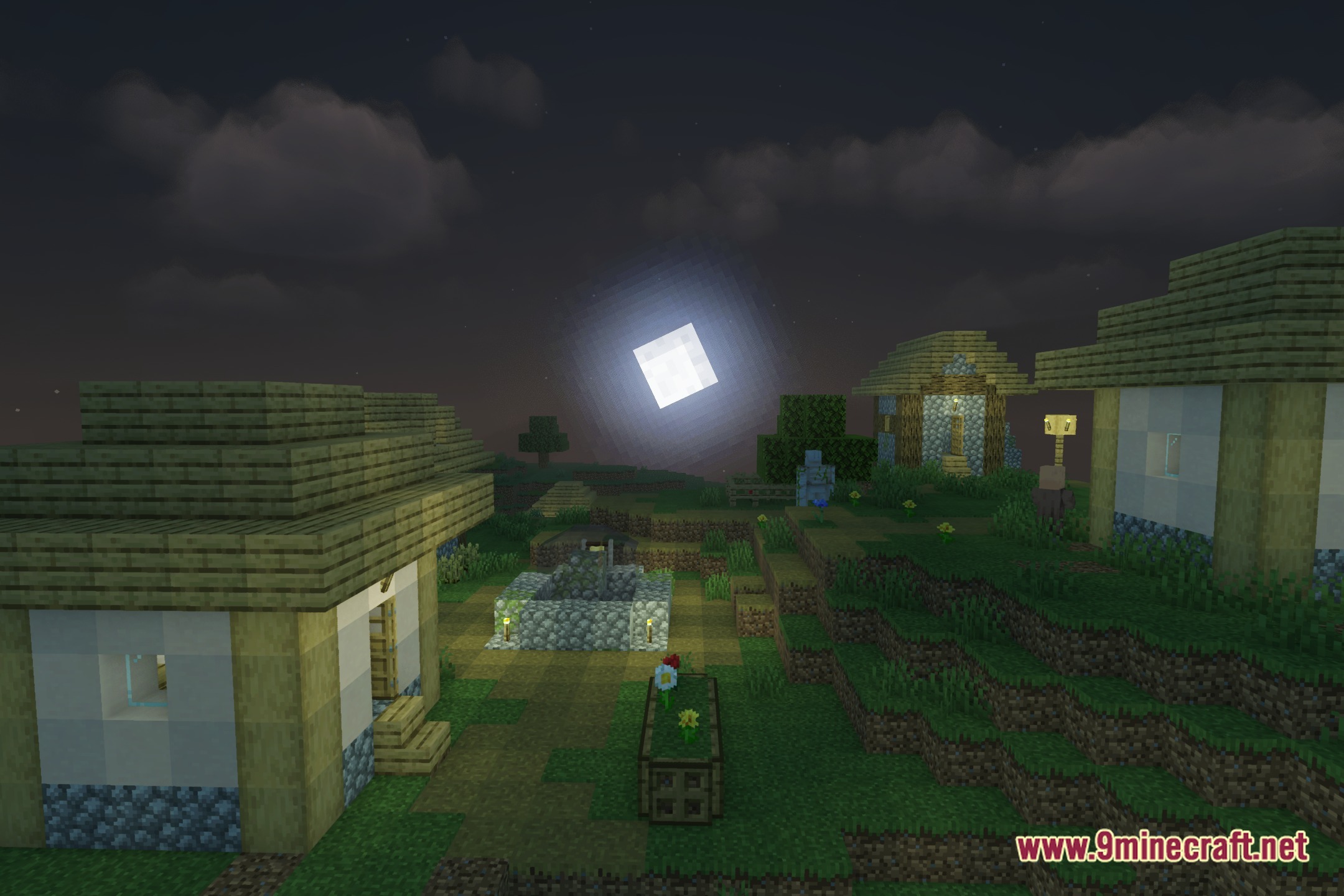
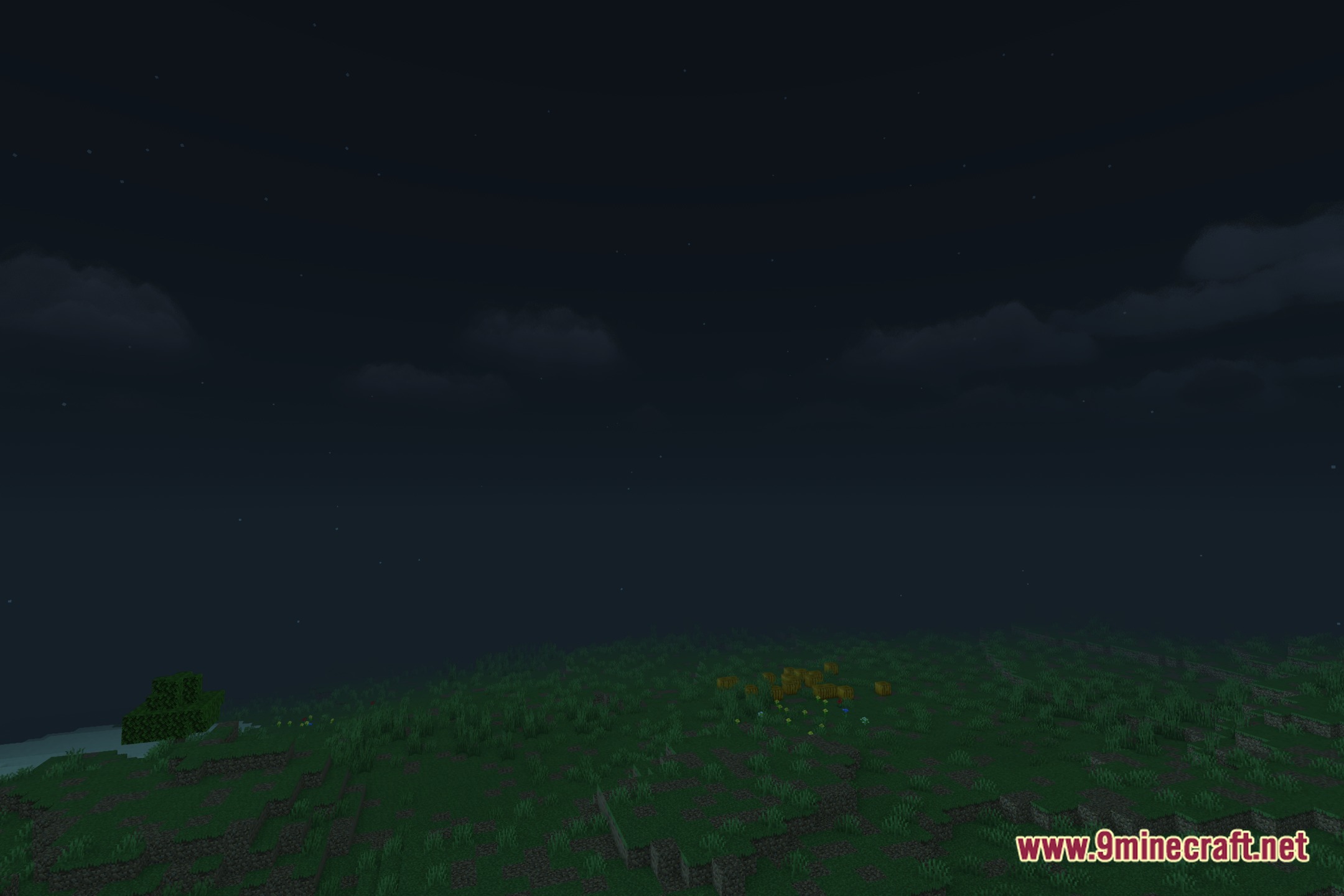
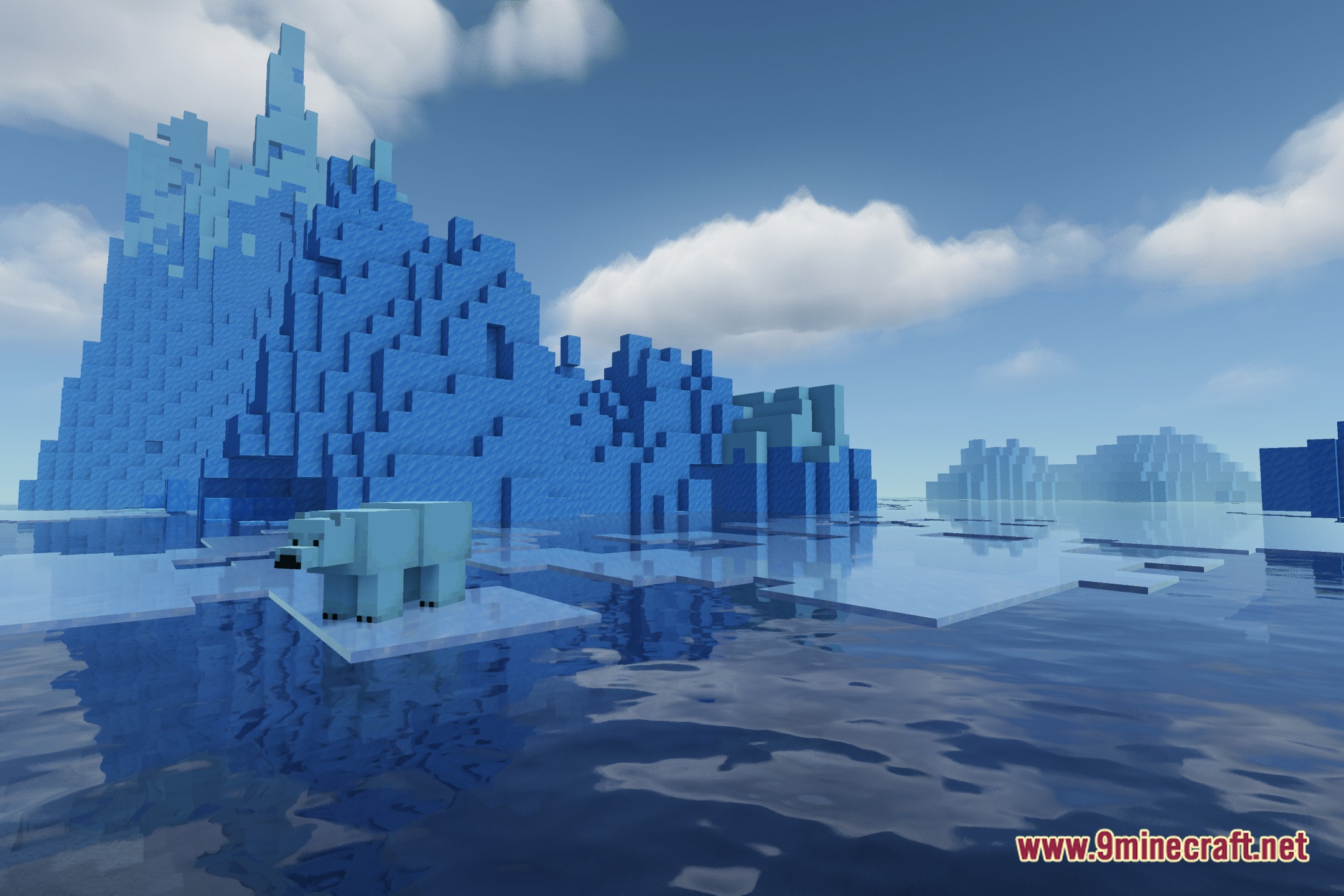
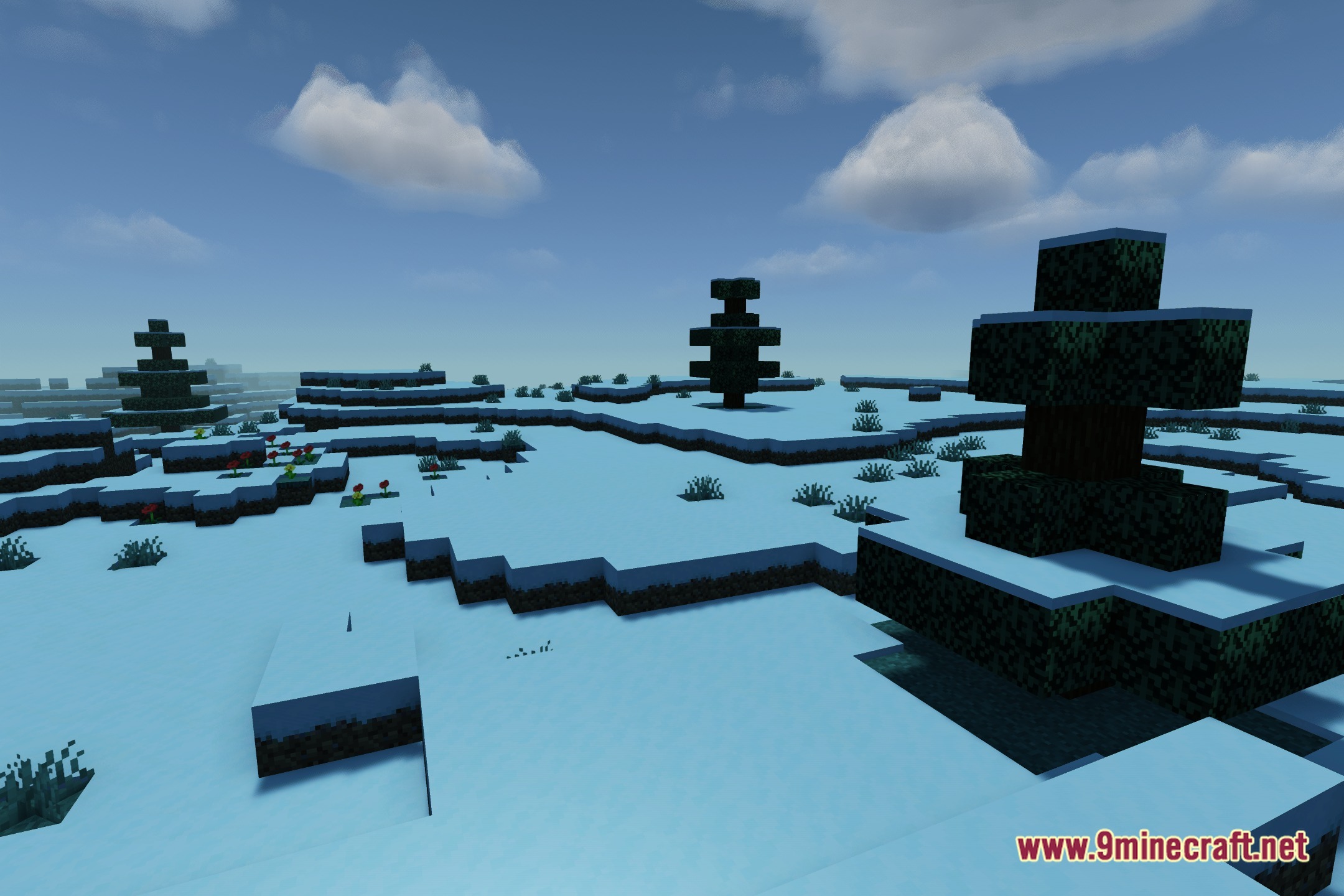
12 images from the Aquareal Shaders page.
You May Also Like
Wikis that share the most with this one
Wikis on the same theme: iron
 Cealith Shaders
More shader wikis on the site
The most downloaded mods that have a wiki here