

 DownloadAnalogCraft Shaders
Get the files on 9Minecraft
Guides
Step-by-step, in-game.
Adjust Color Mood for Your BuildUnderstanding Color Mood Options AnalogCraft Shaders includes three distinct color mood presets that work alongside…Create Cinematic Screenshots with Film FiltersChoosing the Right Filter for Cinematics For polished, movie-like screenshots, the 35mm Film filter provides clean…Switch Between Camera FiltersAccessing the Filter Menu AnalogCraft Shaders provides quick access to its 10 retro camera filters through an in-game…Use the Bodycam Filter for Immersive ExplorationActivating Bodycam Mode The bodycam filter applies a gritty, realistic first-person perspective that mimics handheld…
Frequently asked questions
How do I open the shader settings menu?
Press the designated hotkey (usually configurable in your mod settings) to bring up the AnalogCraft Shaders menu overlay. From there you can browse and switch between all available filters.
Can I use AnalogCraft Shaders with other shader mods?
AnalogCraft Shaders is designed as a standalone filter mod and may conflict with full shader packs like Optifine or Iris shaders. Check your mod's compatibility guide to see if it supports running alongside other visual mods.
Why do some filters make my game lag?
More complex filters like VHS distortion and film grain require more processing power. Try disabling intensive visual effects or lowering your render distance if performance drops with certain filters.
How do I switch back to normal Minecraft visuals?
Open the AnalogCraft Shaders menu and select the vanilla or default filter option to return to unmodified Minecraft visuals.
See all 10 AnalogCraft Shaders questions ›
Gallery
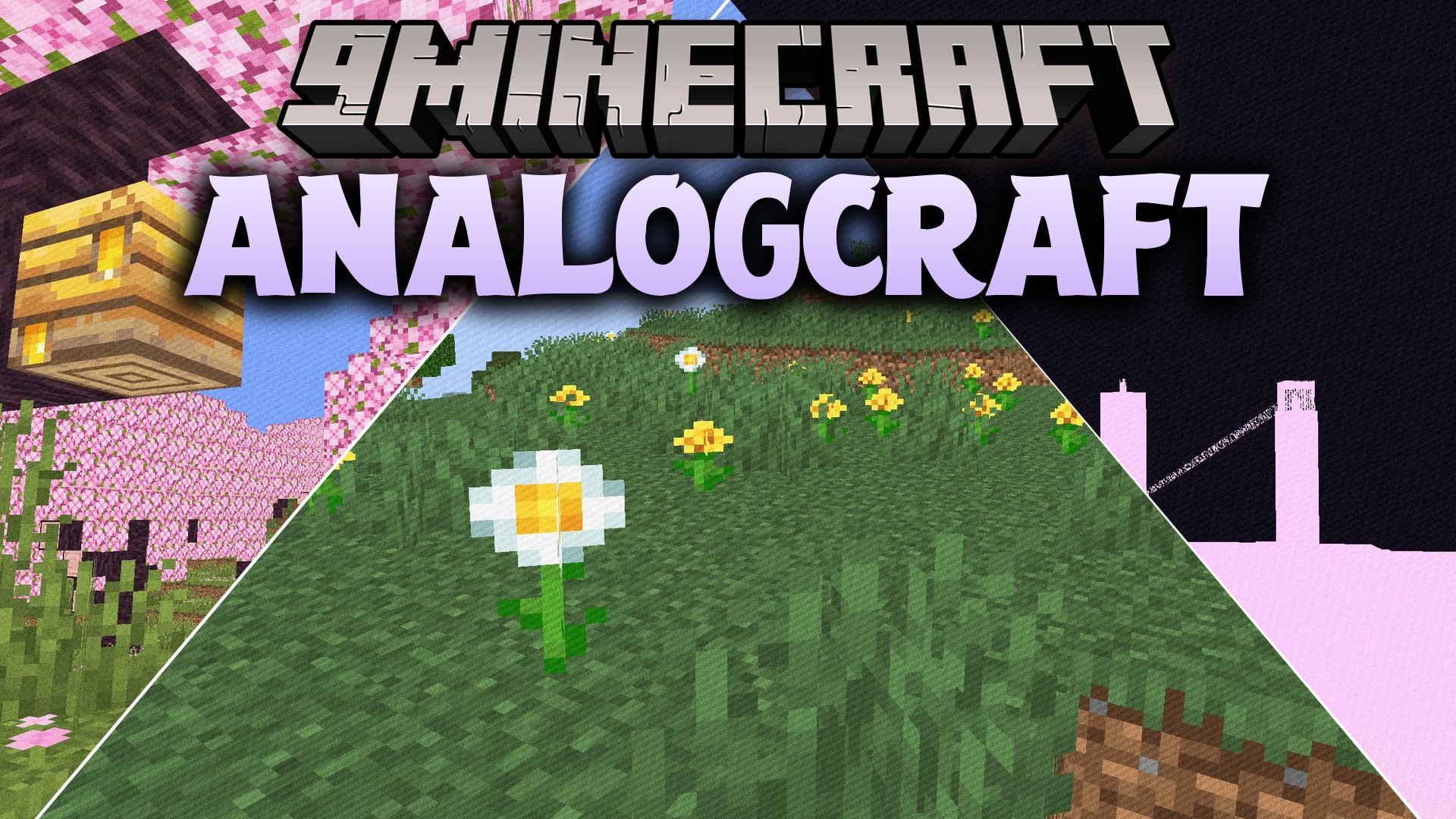
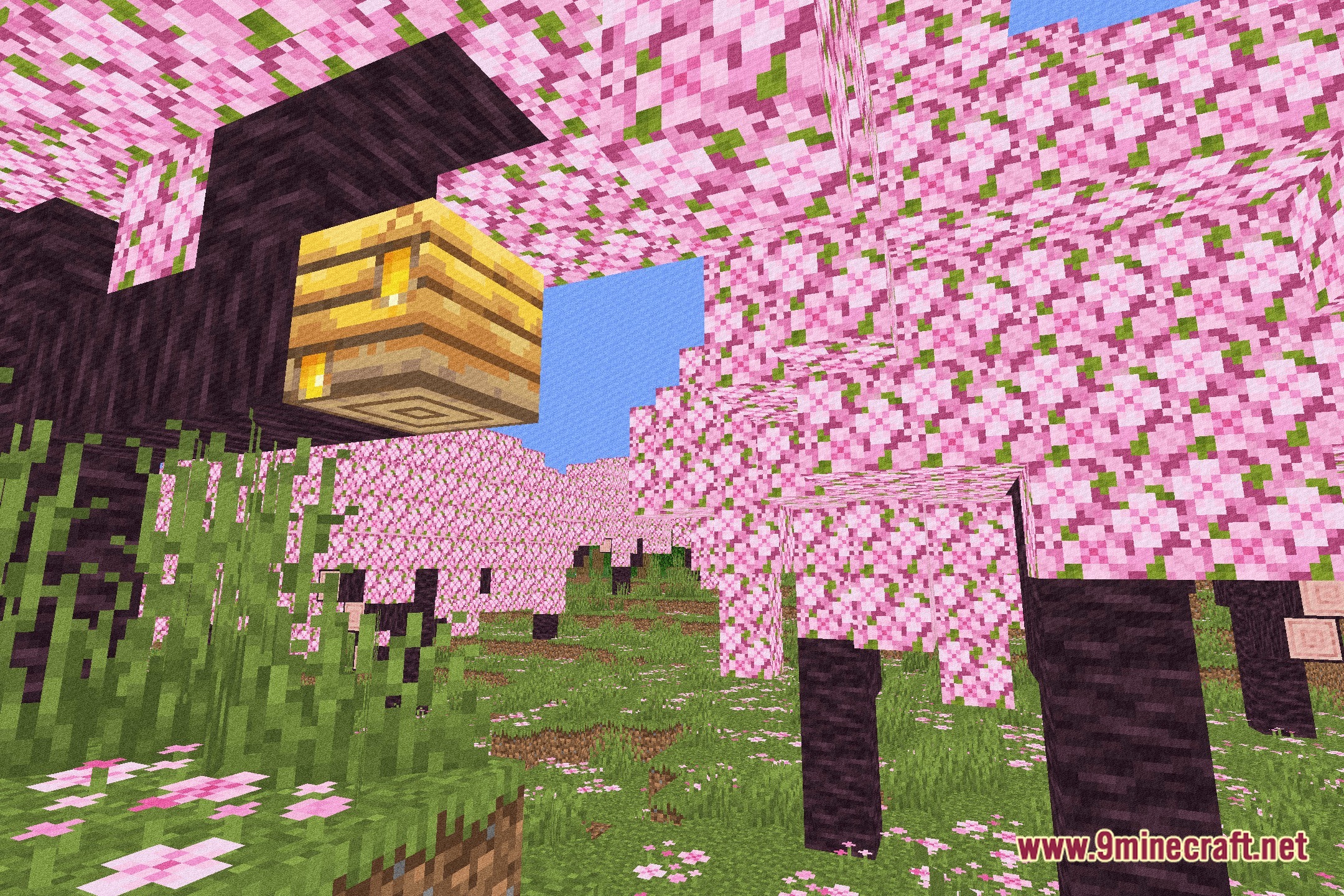
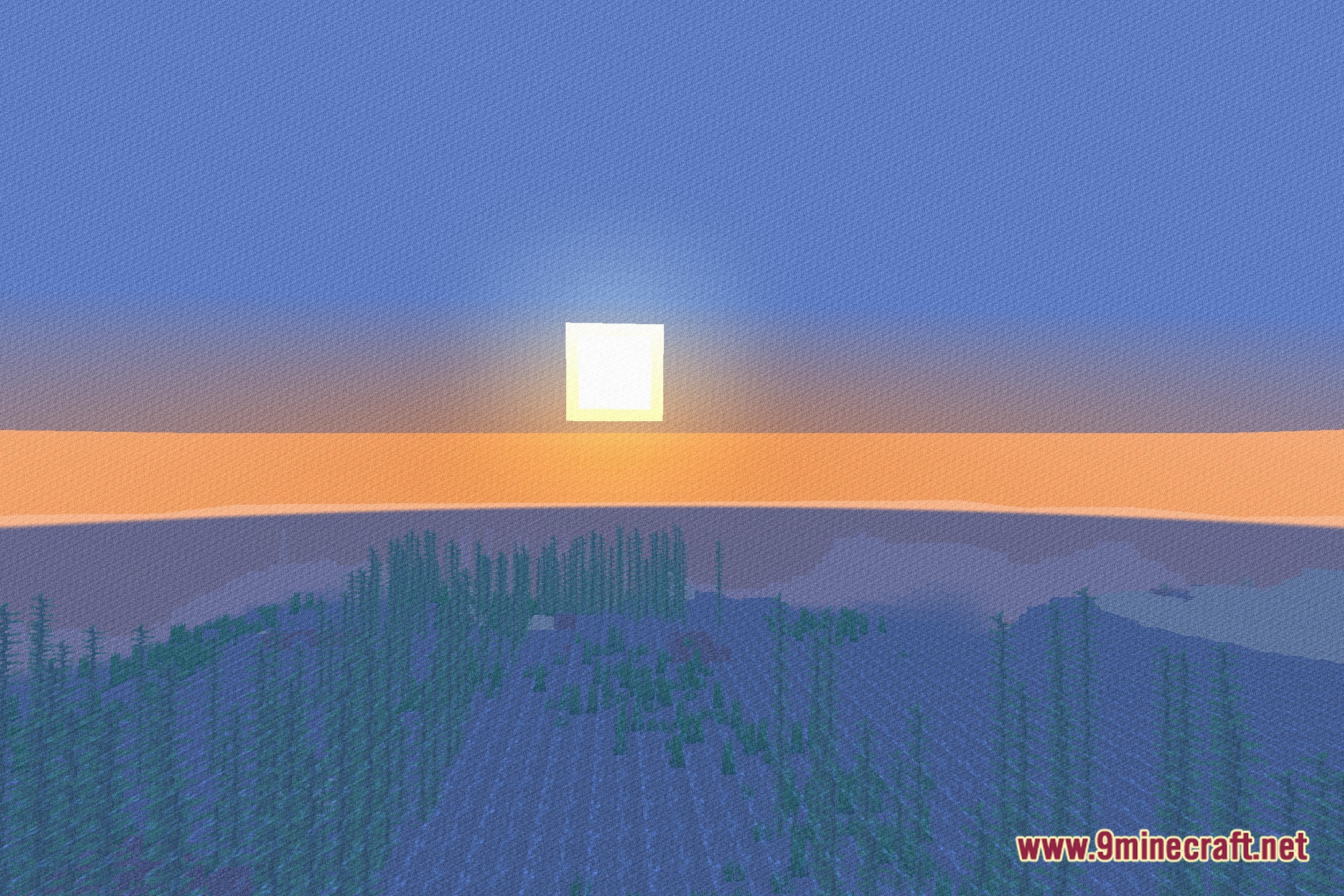
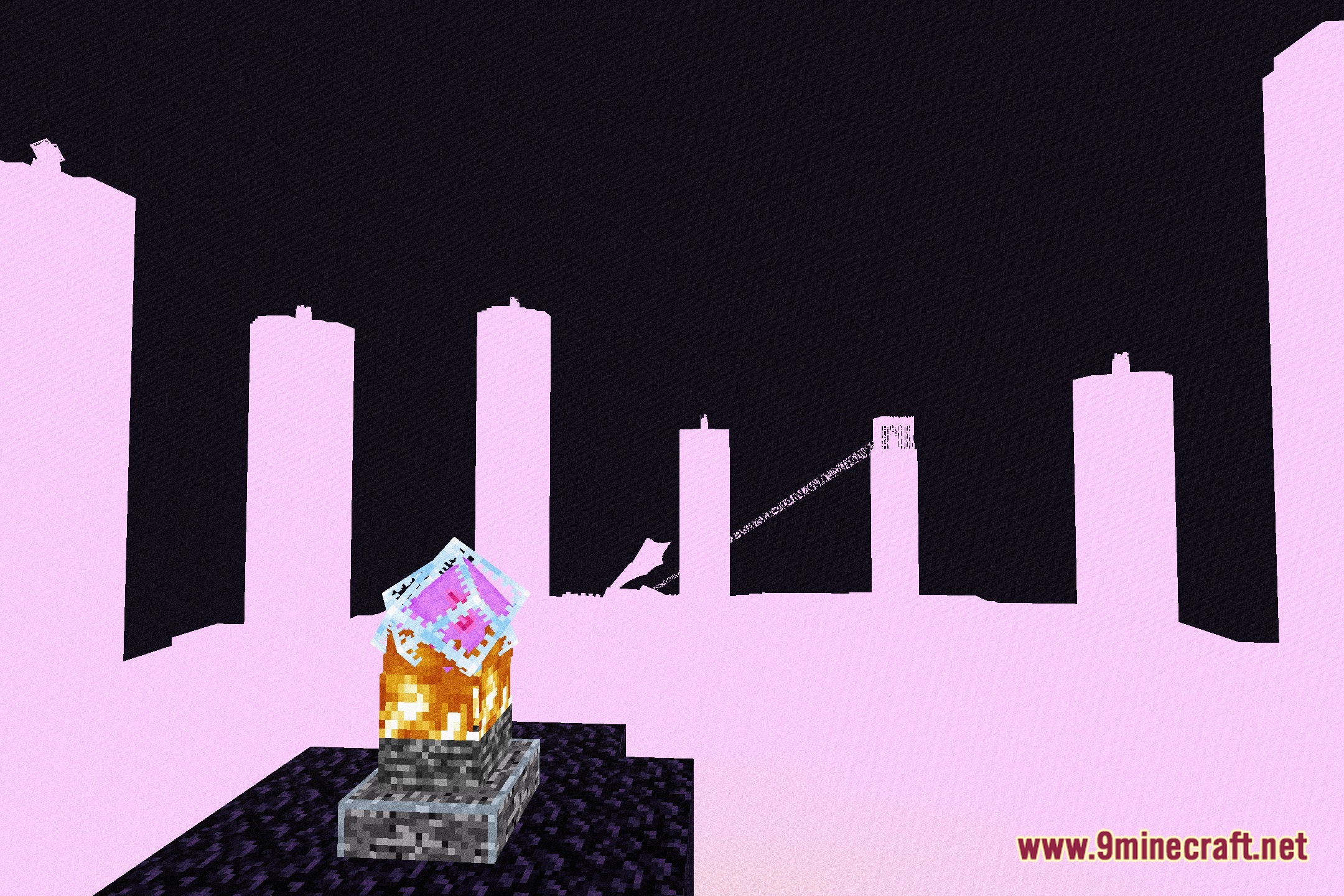
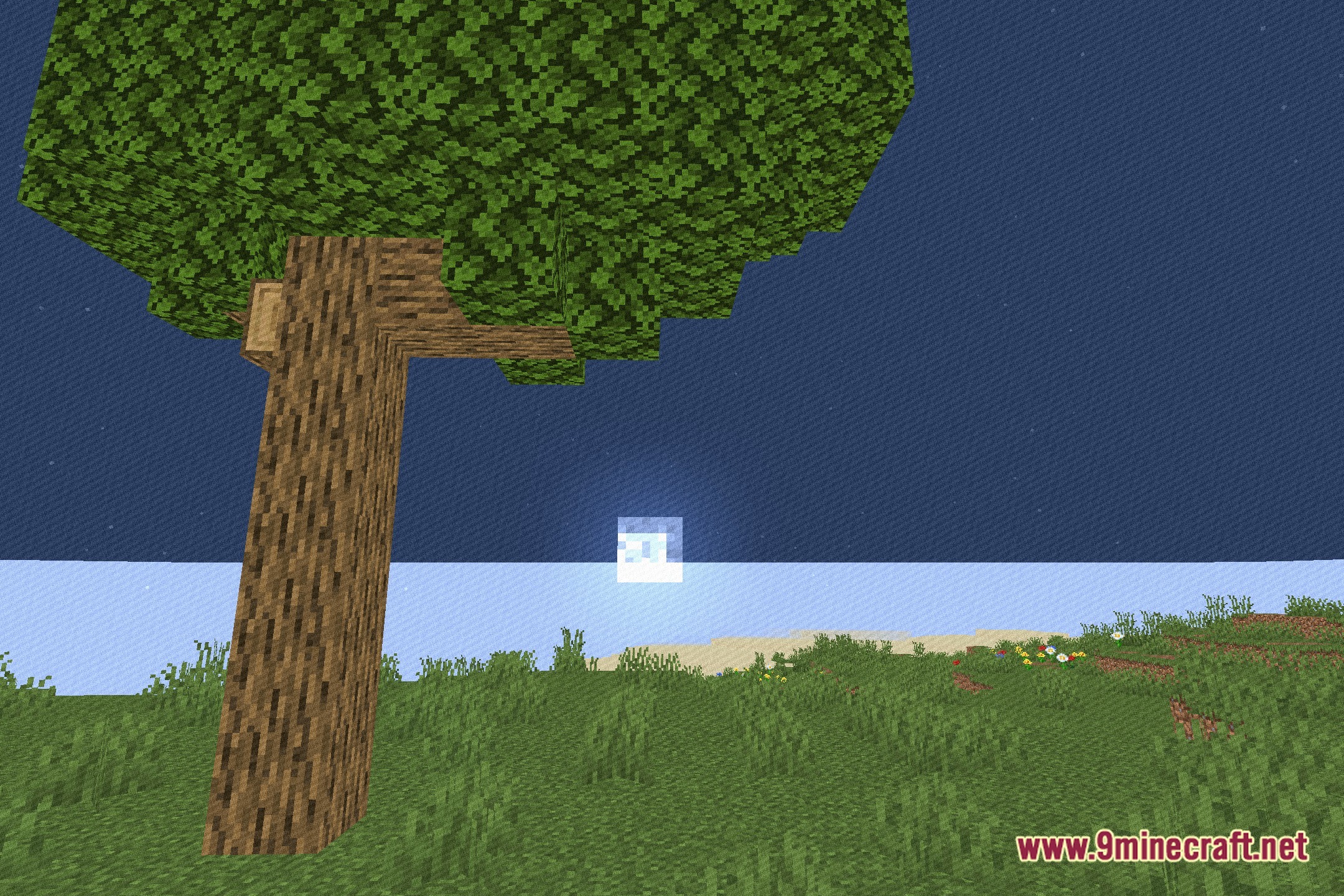
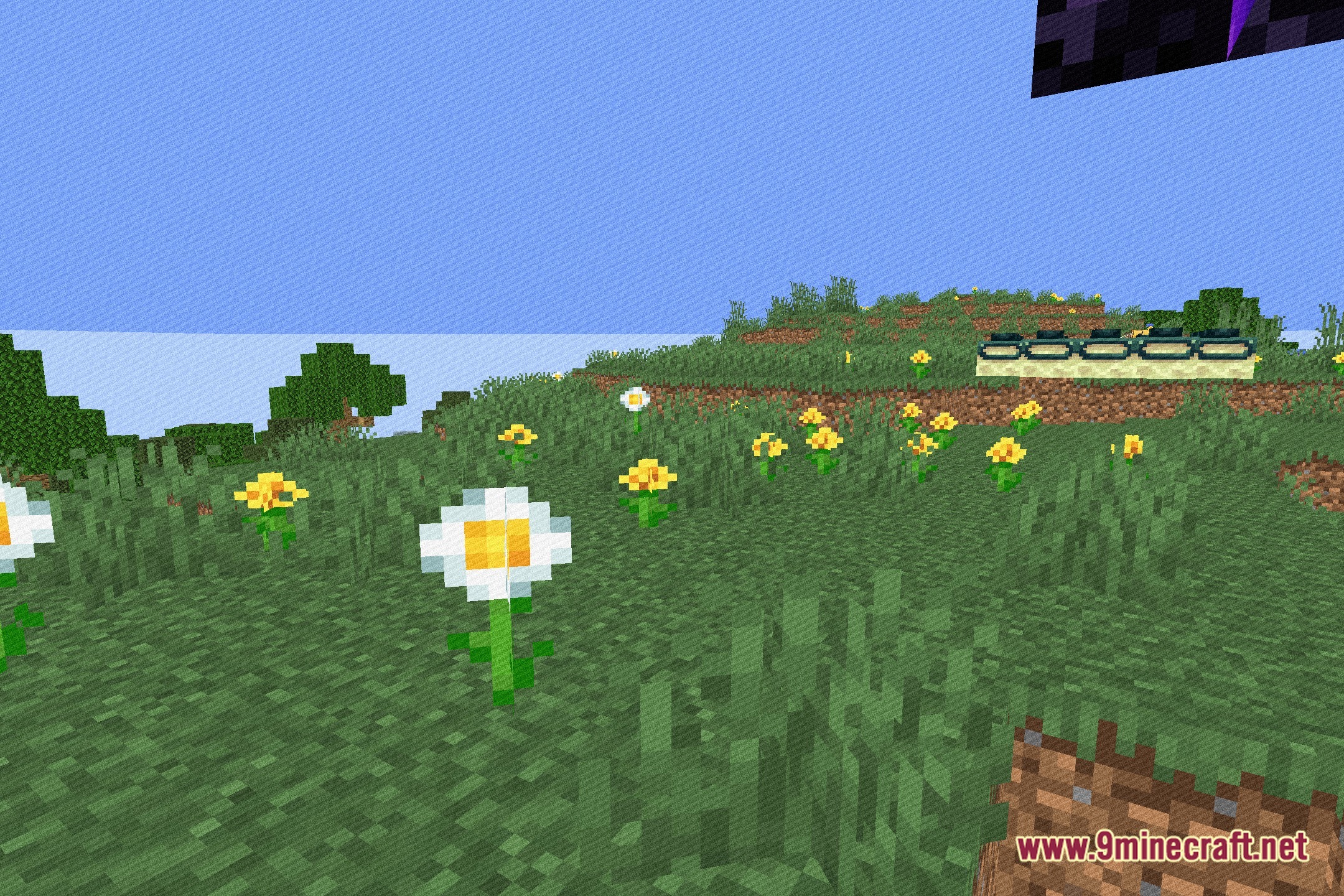
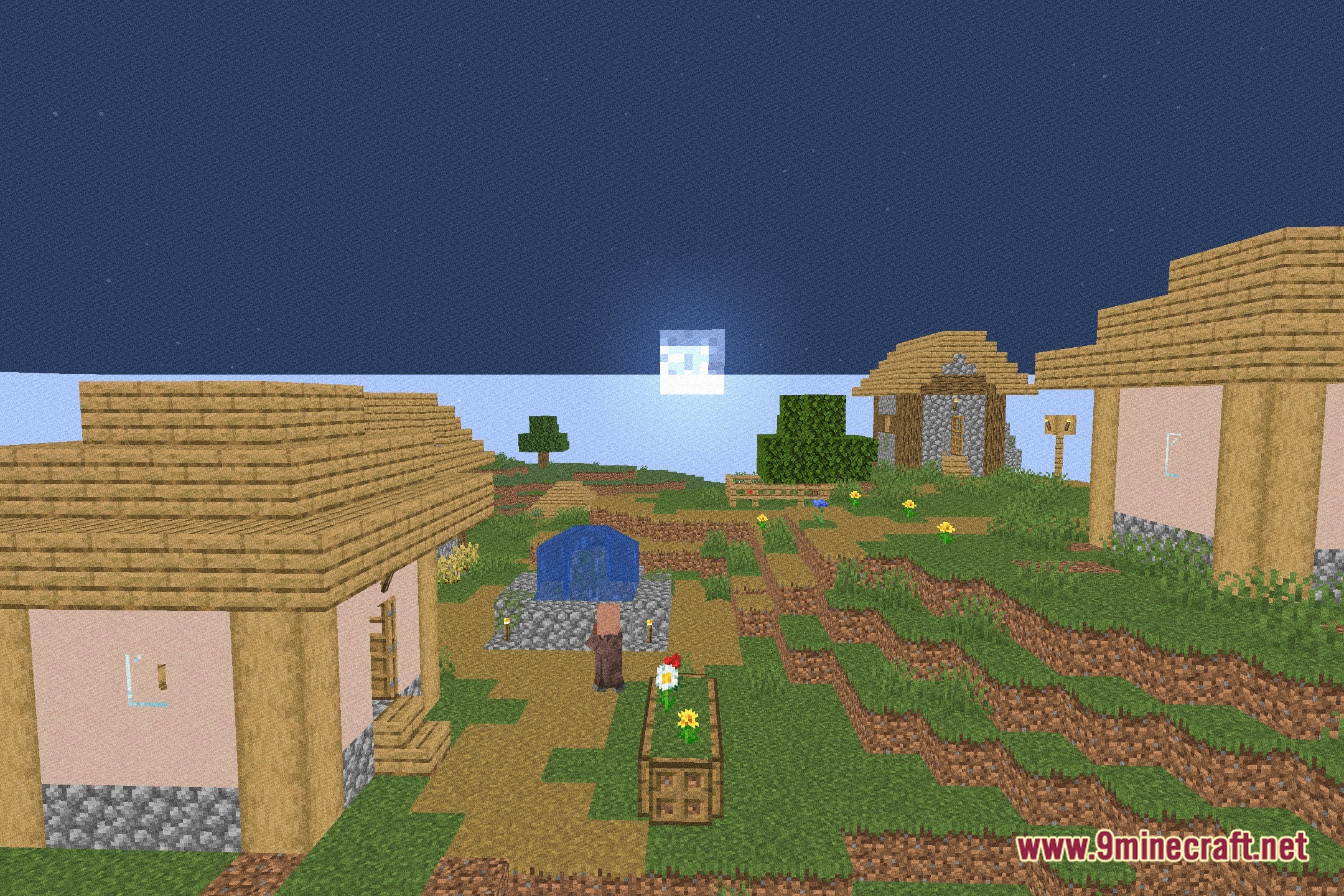
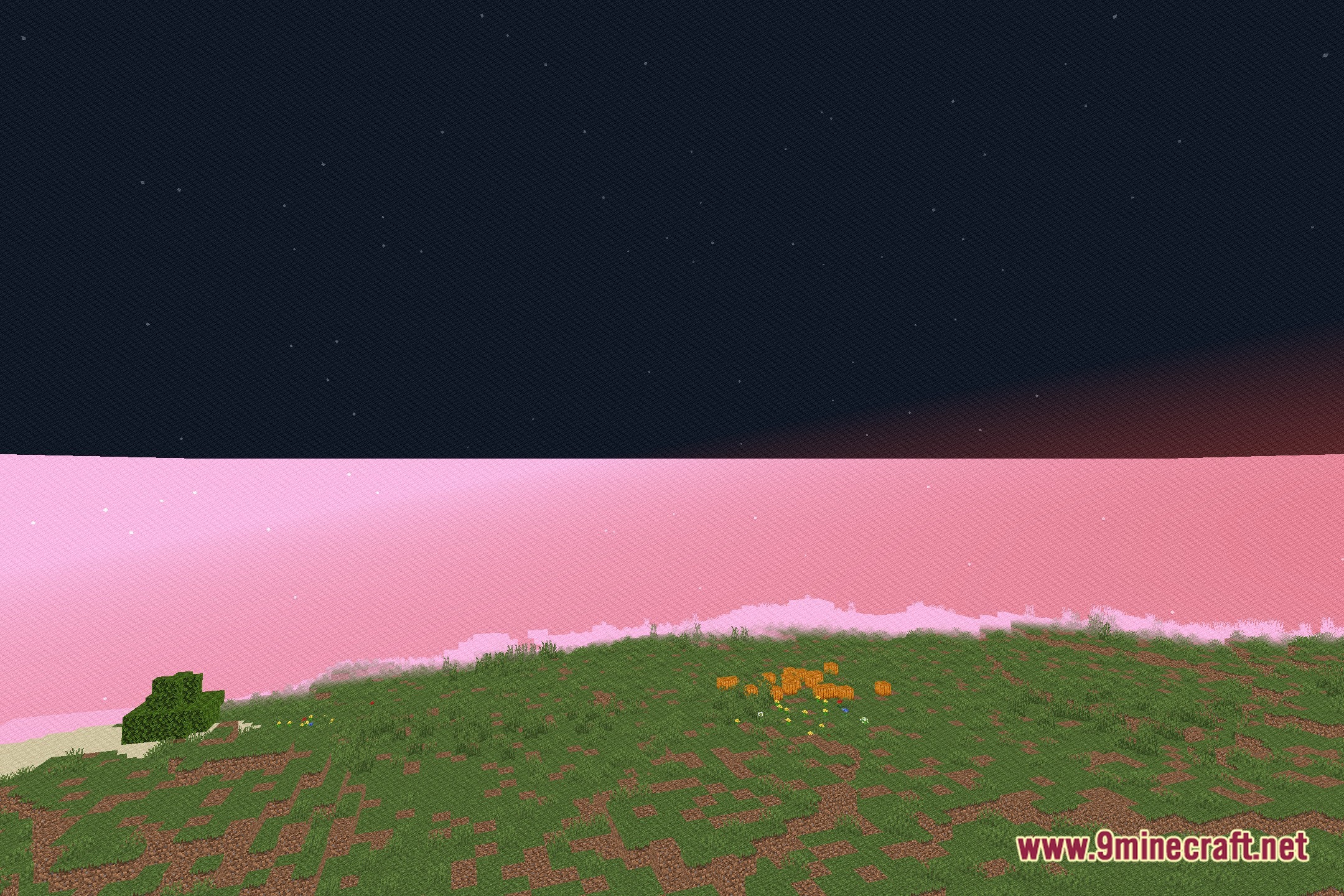
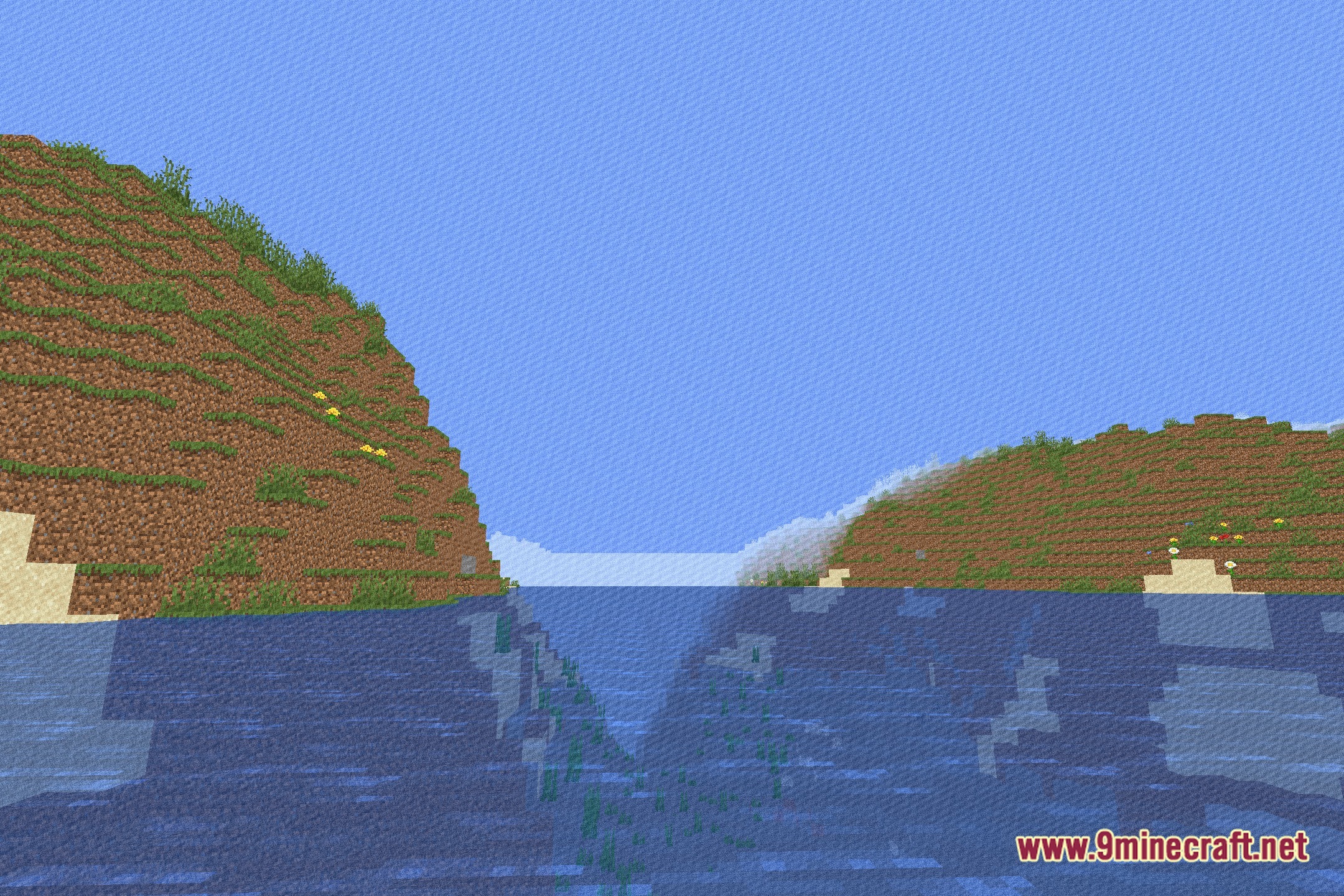
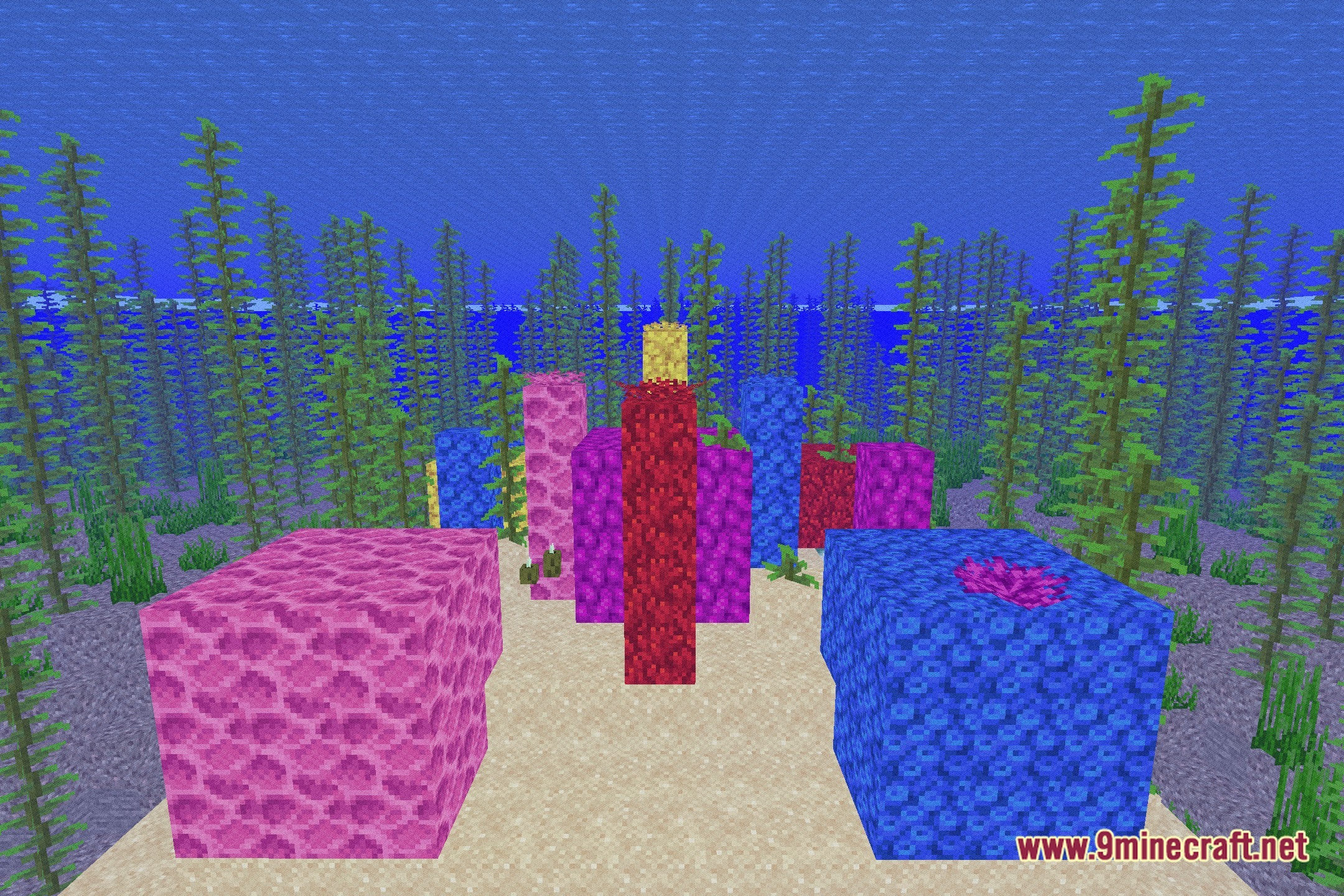
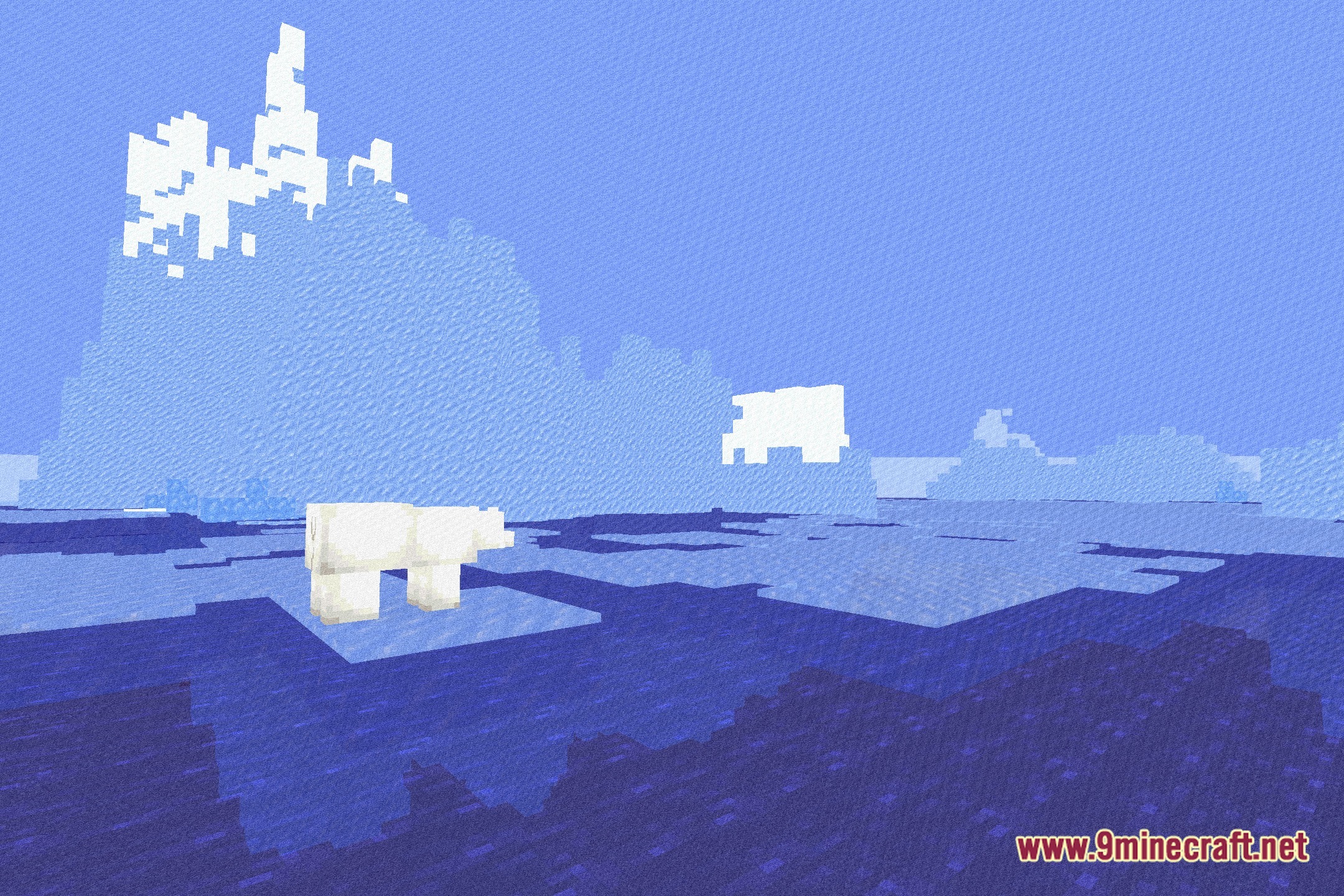
12 images from the Analogcraft Shaders page.
You May Also Like
Wikis that share the most with this one
 Lenscraft Shaders
Wikis on the same theme: craft
More shader wikis on the site
 AetherVisuals Shaders
The most downloaded mods that have a wiki here