

 DownloadSkylumine Shaders
Get the files on 9Minecraft
Guides
Step-by-step, in-game.
Adjust Shader Settings for Better PerformanceAccess the Shader Menu Press Shift + O while in-game to open the Skylumine Shaders configuration screen. This menu…Customize Day and Night Lighting BalanceAccess Time-of-Day Settings Open the shader configuration menu and find the Lighting or Time section. Skylumine…Make Water Look Crystal Clear with Better ReflectionsEnable Water Reflection Features Skylumine Shaders includes water reflection settings that make oceans and rivers…Optimize Cave Lighting to Spot Mobs EasilyUnderstanding Cave Lighting in Skylumine Skylumine Shaders brightens dark caves automatically, making hostile mobs…
Frequently asked questions
How do I turn on Skylumine Shaders after installing it?
Open the Options menu in-game, go to Video Settings, then select Shaders. Find Skylumine in the list and click it to activate. You'll see the shader take effect immediately on your world.
Why is my game lagging with this shader pack?
Check your shader settings by clicking the Settings button next to the shader name in Video Settings—try lowering shadow quality or disabling advanced water reflections. If performance is still poor, lower your render distance or reduce other video settings like clouds and particles.
Can I use Skylumine Shaders with other mods?
Yes, Skylumine works with most mods, but mods that heavily change lighting or add custom blocks may look odd. Test your mod combination in a small world first to check for visual conflicts.
How do I make caves brighter so I can see mobs?
Open shader settings and look for cave lighting or ambient light options—increase these values to brighten dark areas. You can also adjust the night brightness slider to make underground spaces more visible without affecting surface lighting.
See all 10 Skylumine Shaders questions ›
Gallery
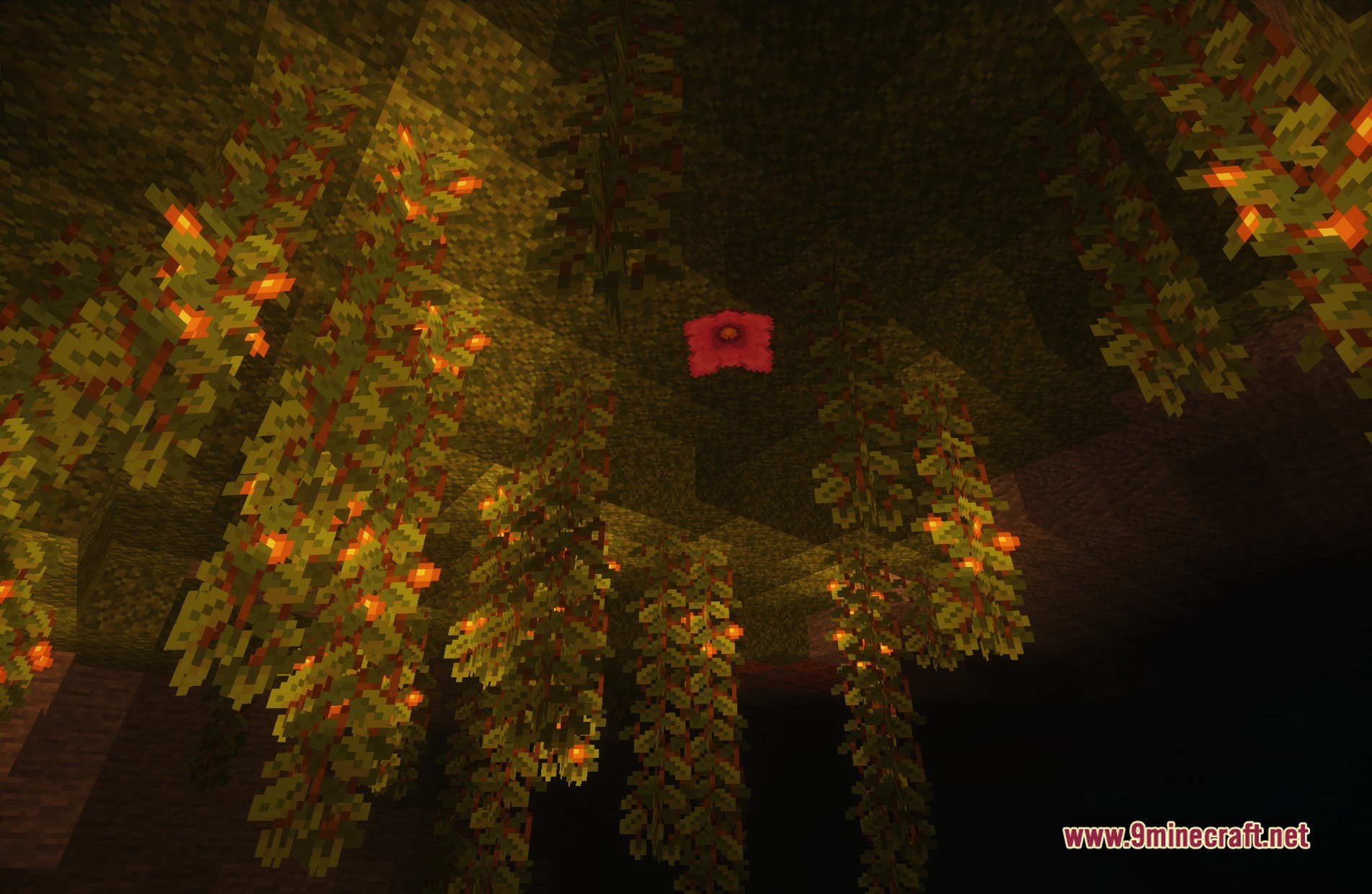
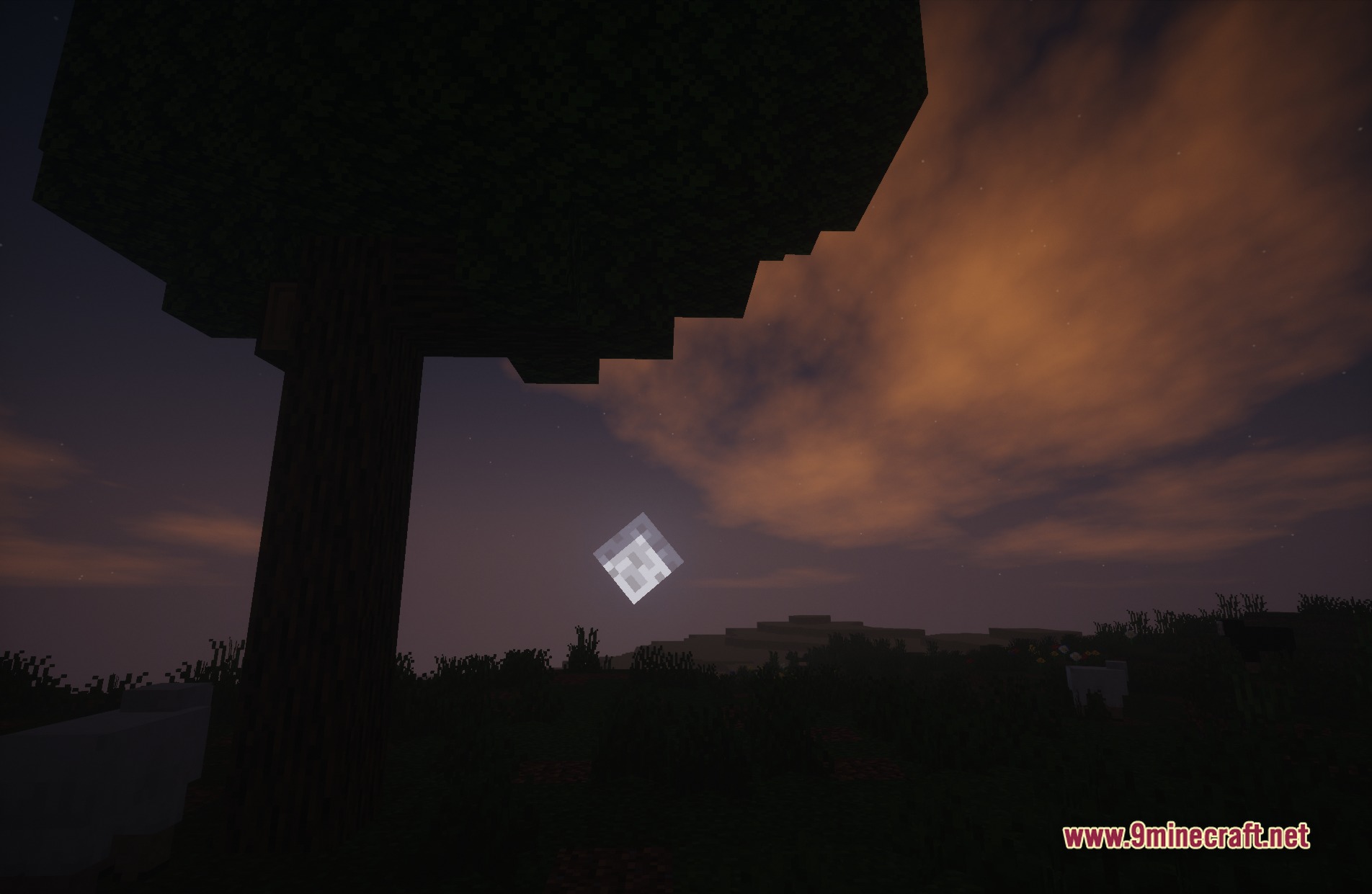
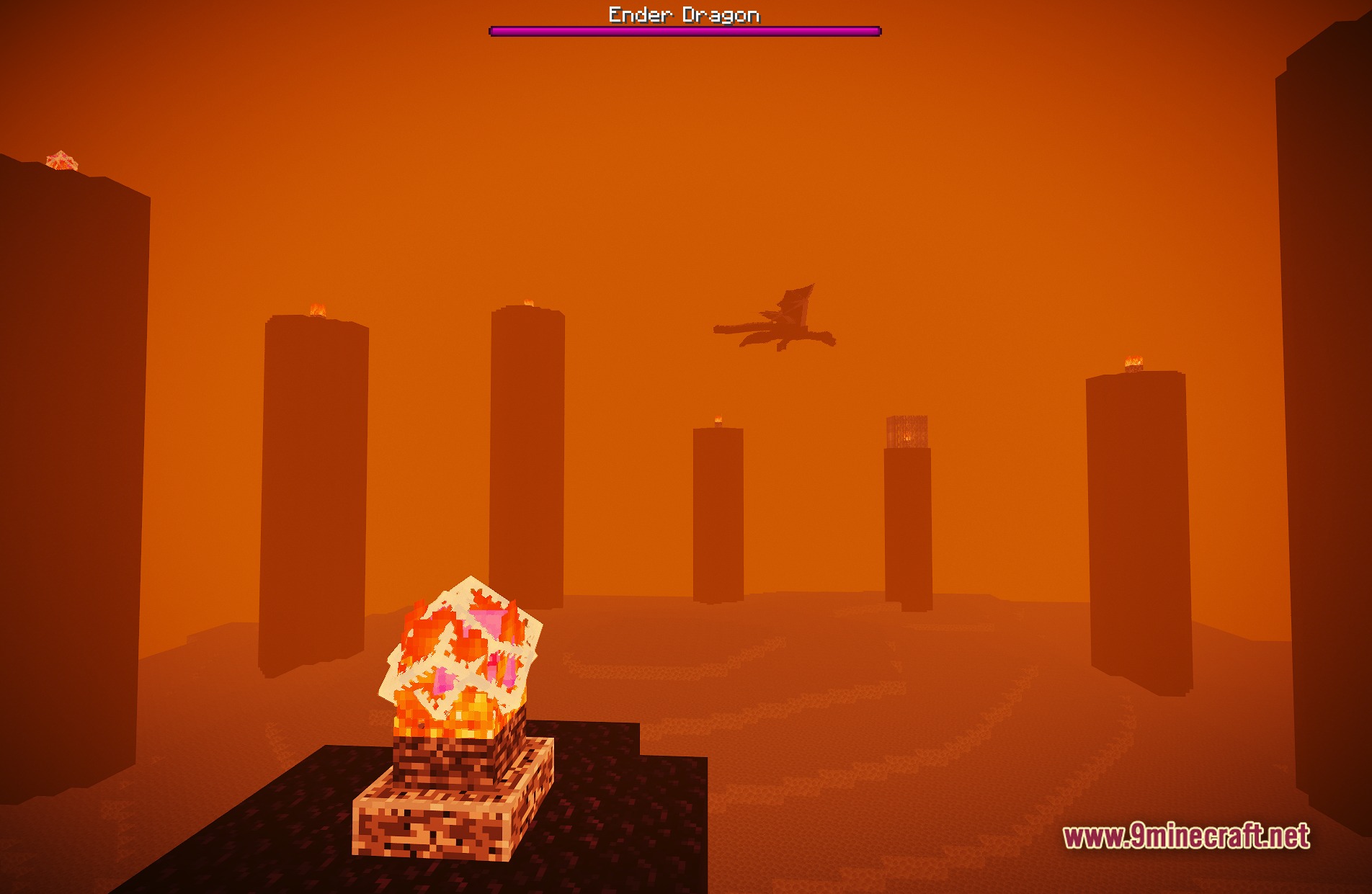
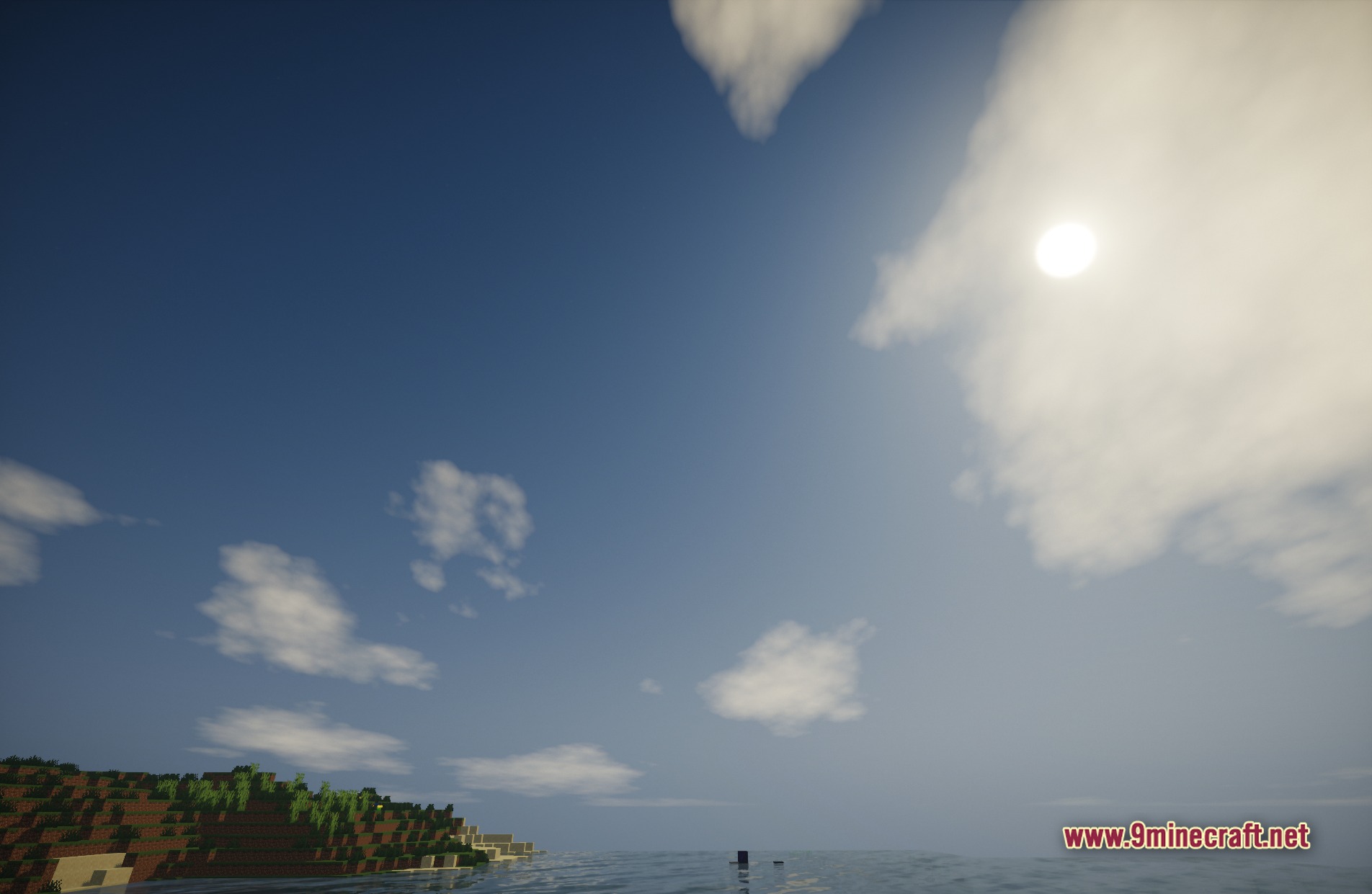
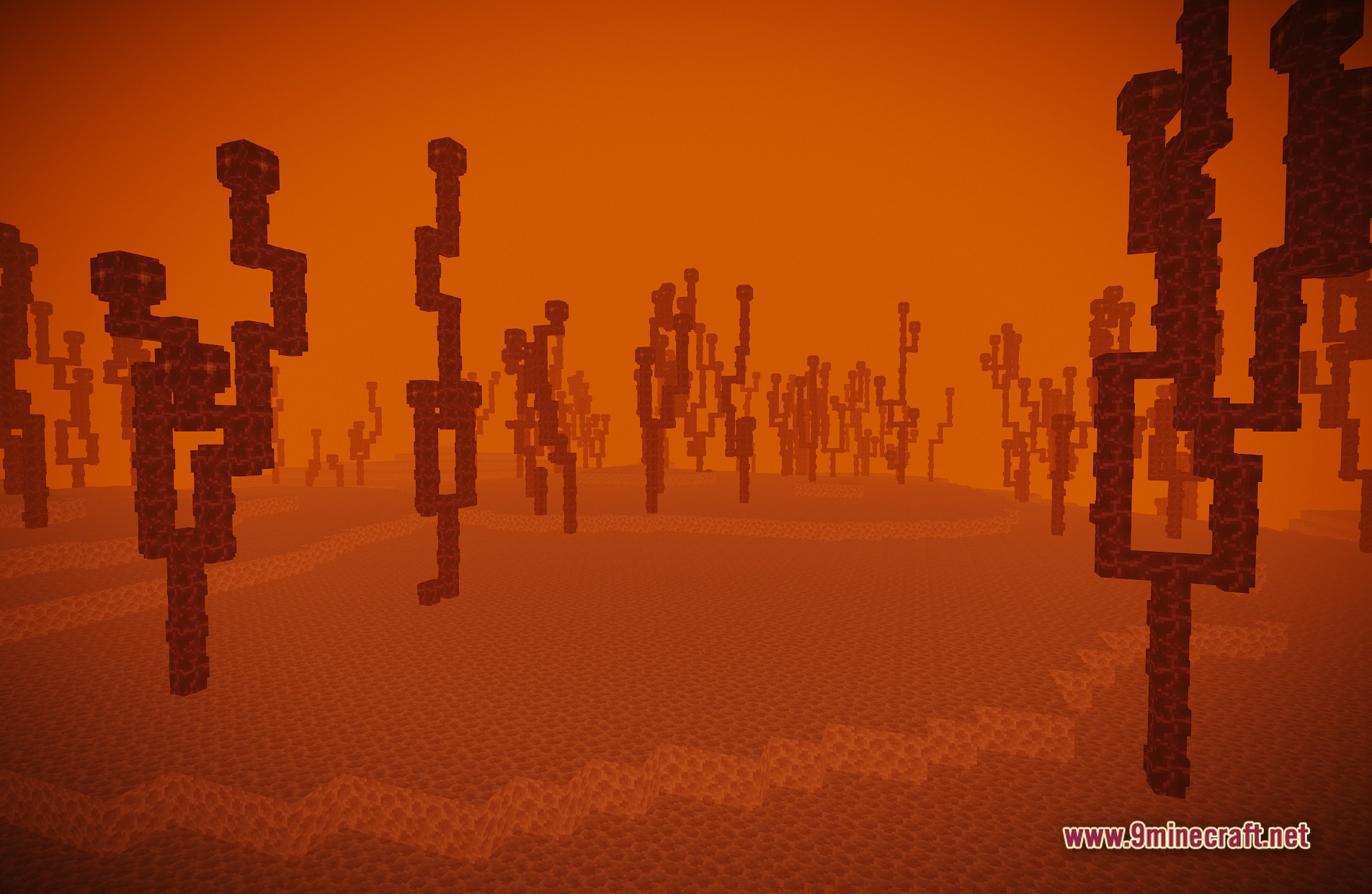
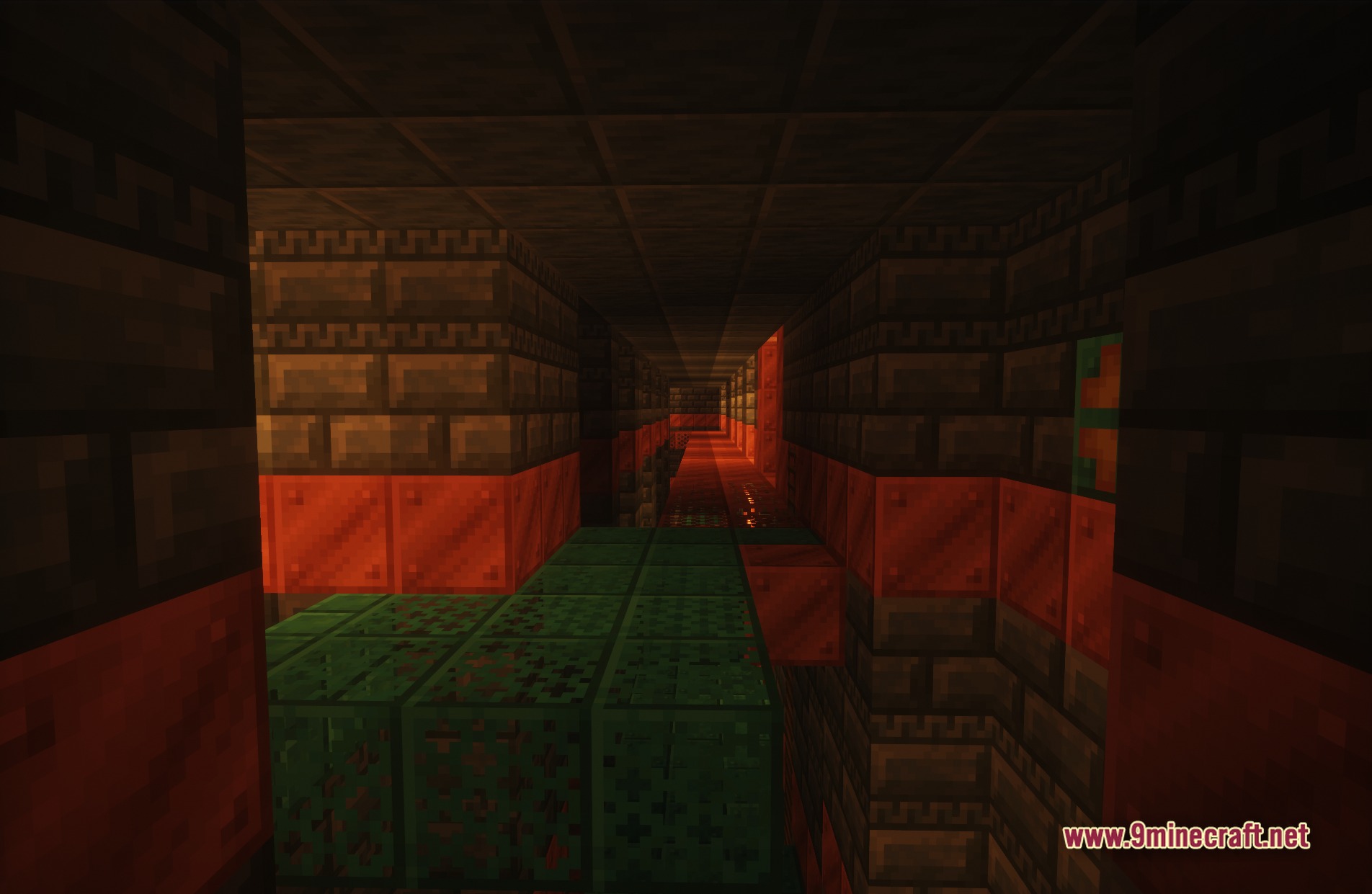
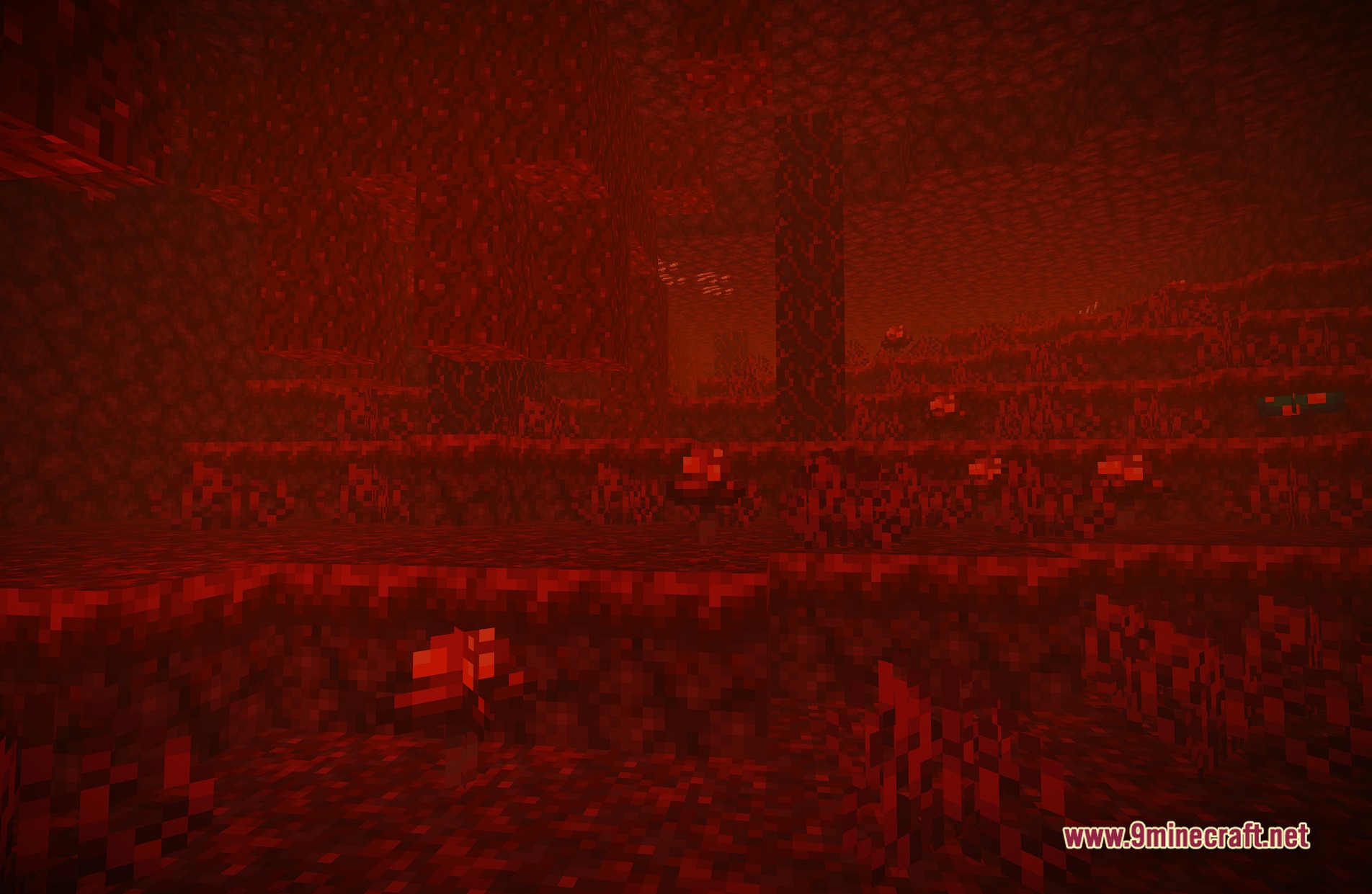
11 images from the Skylumine Shaders page.
You May Also Like
Wikis that share the most with this one
 Cealith Shaders
Wikis on the same theme: iron
More shader wikis on the site
 SketchPaper Shaders
 Simple Brightness Shaders
The most downloaded mods that have a wiki here