

 DownloadMCF Shaders
Get the files on 9Minecraft
Guides
Step-by-step, in-game.
Adjust Sky and Cloud Colors to Your PreferenceAccess Shader Settings MCF Shaders includes customization options to fine-tune the purple and pink tones that define…Enhance Water Reflections and ClarityLocate Water Reflection Settings MCF Shaders' water rendering is one of its signature features. Open your shader…Maintain Vanilla Block Appearance While Using the ShaderUnderstand the Shader's Design Philosophy MCF Shaders is specifically built to preserve vanilla block textures and…Optimize Performance While Using MCF ShadersCheck Your Current Frame Rate Before making changes, open the debug screen to see your current FPS. MCF Shaders adds…
Frequently asked questions
How do I enable MCF Shaders after installing it?
Open your video settings in-game, navigate to Shaders, and select MCF Shaders from the list. The shader will apply immediately to your world.
Why do my clouds look weird or too bright?
Check your shader settings for cloud brightness or saturation sliders—MCF Shaders often includes these options. You can also adjust your game's brightness setting to find a balance that works for your monitor.
Can I use MCF Shaders with other mods?
MCF Shaders is generally compatible with most mods, but mods that heavily alter rendering (like custom dimension mods or alternative water systems) may cause visual conflicts. Test your setup in a new world first.
My FPS dropped a lot after installing this shader. What can I do?
Reduce render distance, disable advanced water reflections in shader settings if available, lower cloud quality, or switch to a simpler shader for less demanding hardware. Check the performance optimization guide for more detailed steps.
See all 10 MCF Shaders questions ›
Gallery
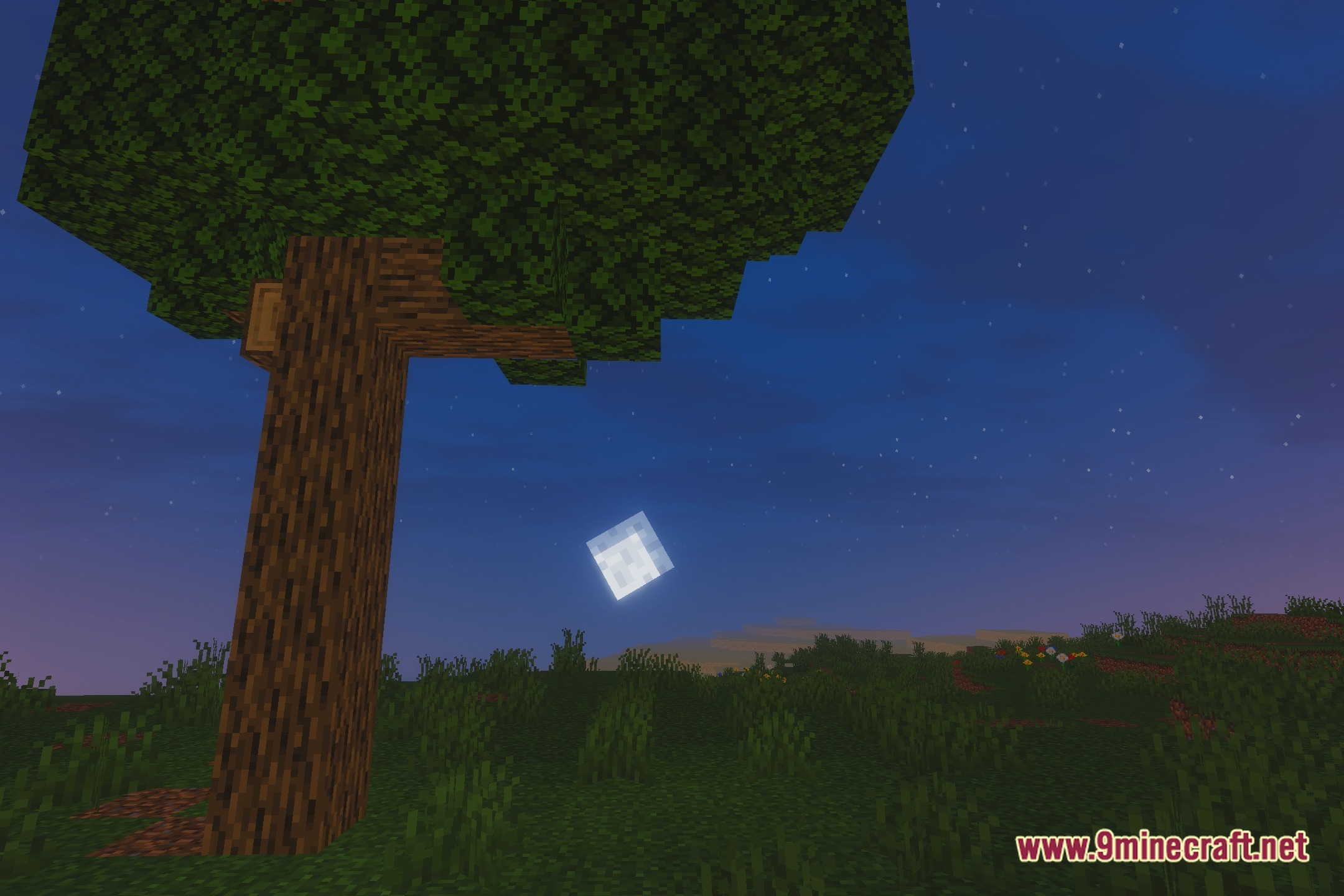
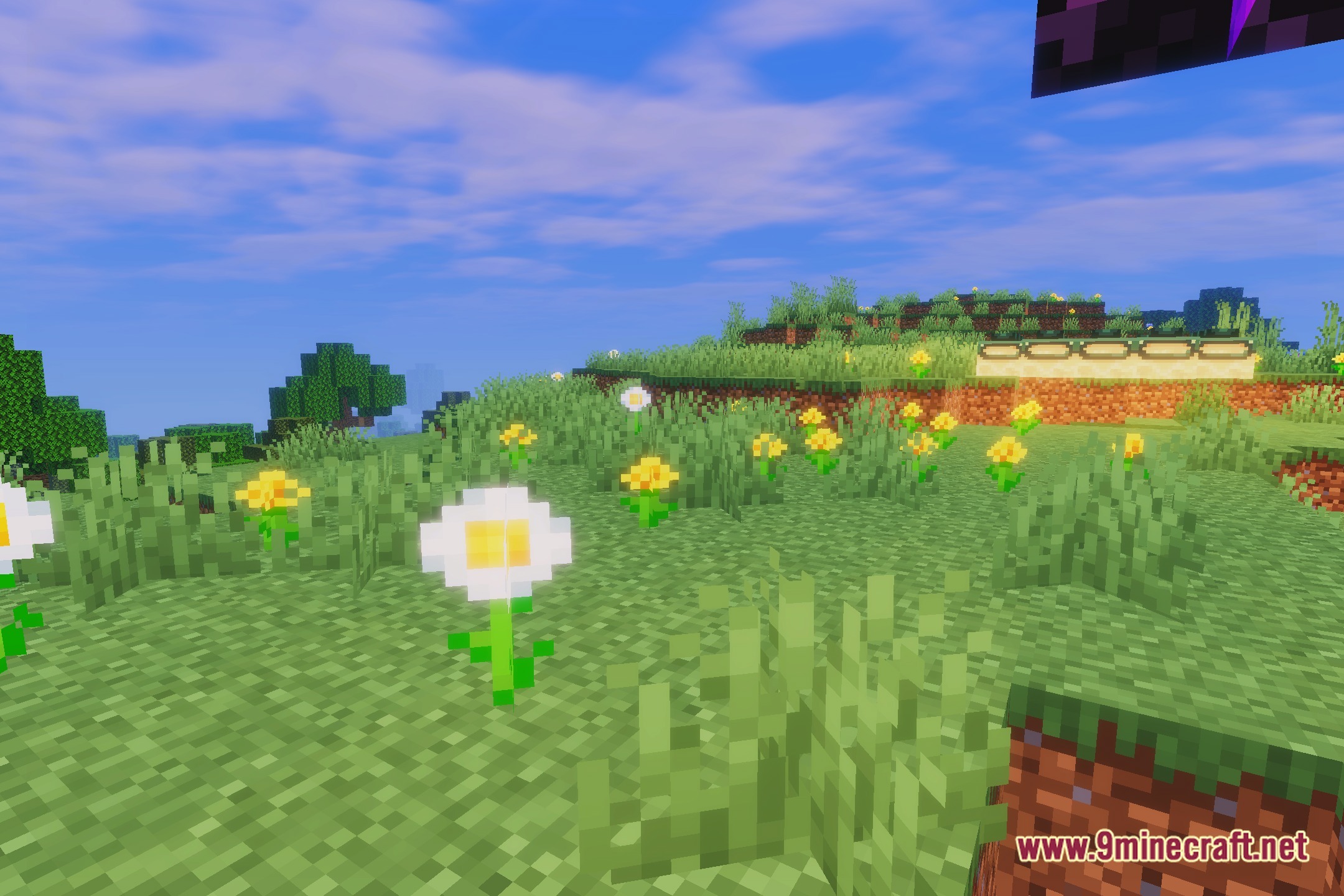
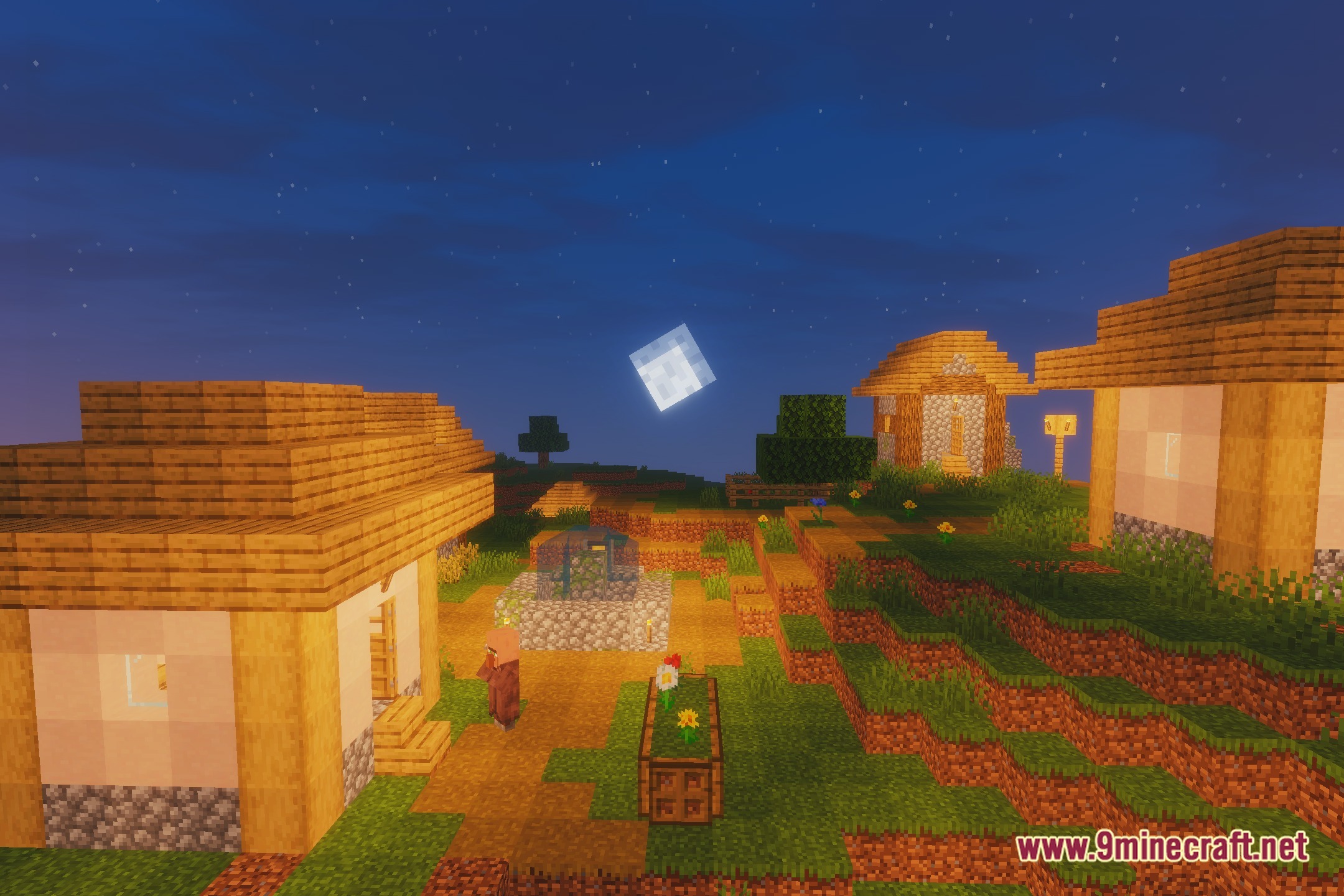
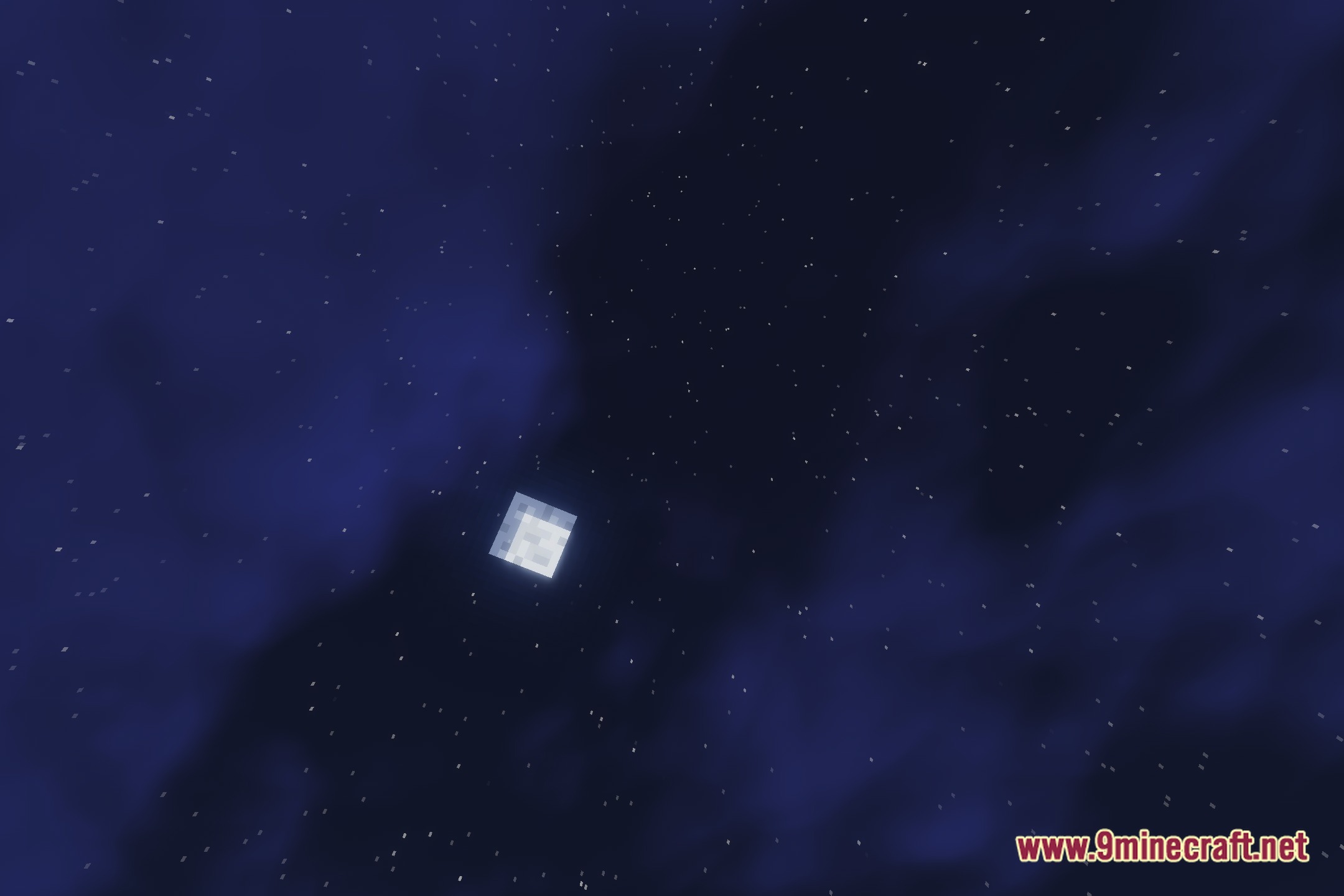
12 images from the Mcf Shaders page.
You May Also Like
Wikis that share the most with this one
Wikis on the same theme: iron
 Cealith Shaders
More shader wikis on the site
The most downloaded mods that have a wiki here