

Guides
Step-by-step, in-game.
Enable the Retro Scanline EffectAccess Shader Settings Open the shader options menu while in-game. Press the key bound to shader settings (typically…Enhance Color Vibrancy and SaturationOpen Color Adjustment Options Access the shader settings menu and look for saturation, vibrance, or color boost…Maximize Cartoon Outlines and Edge DefinitionLocate Edge Detection Settings Open your shader configuration menu and search for options related to outlines, edge…Optimize Shader Performance on Low-End HardwareDisable Heavy Optional Effects Animetro Shaders is designed to run well on older computers, but some optional…
Frequently asked questions
How do I turn on Animetro Shaders after installing it?
Open your Options menu, go to Video Settings, then Shaders, and select Animetro Shaders from the list. Make sure you have OptiFine or Iris installed first, as the shader requires one of these to load.
Why do my colors look washed out or too dark?
Check the Color Vibrancy setting in the shader options—increase the saturation slider to make colors pop more. You can also adjust your monitor's brightness if the overall image feels dim.
Can I remove the scanlines if they bother me?
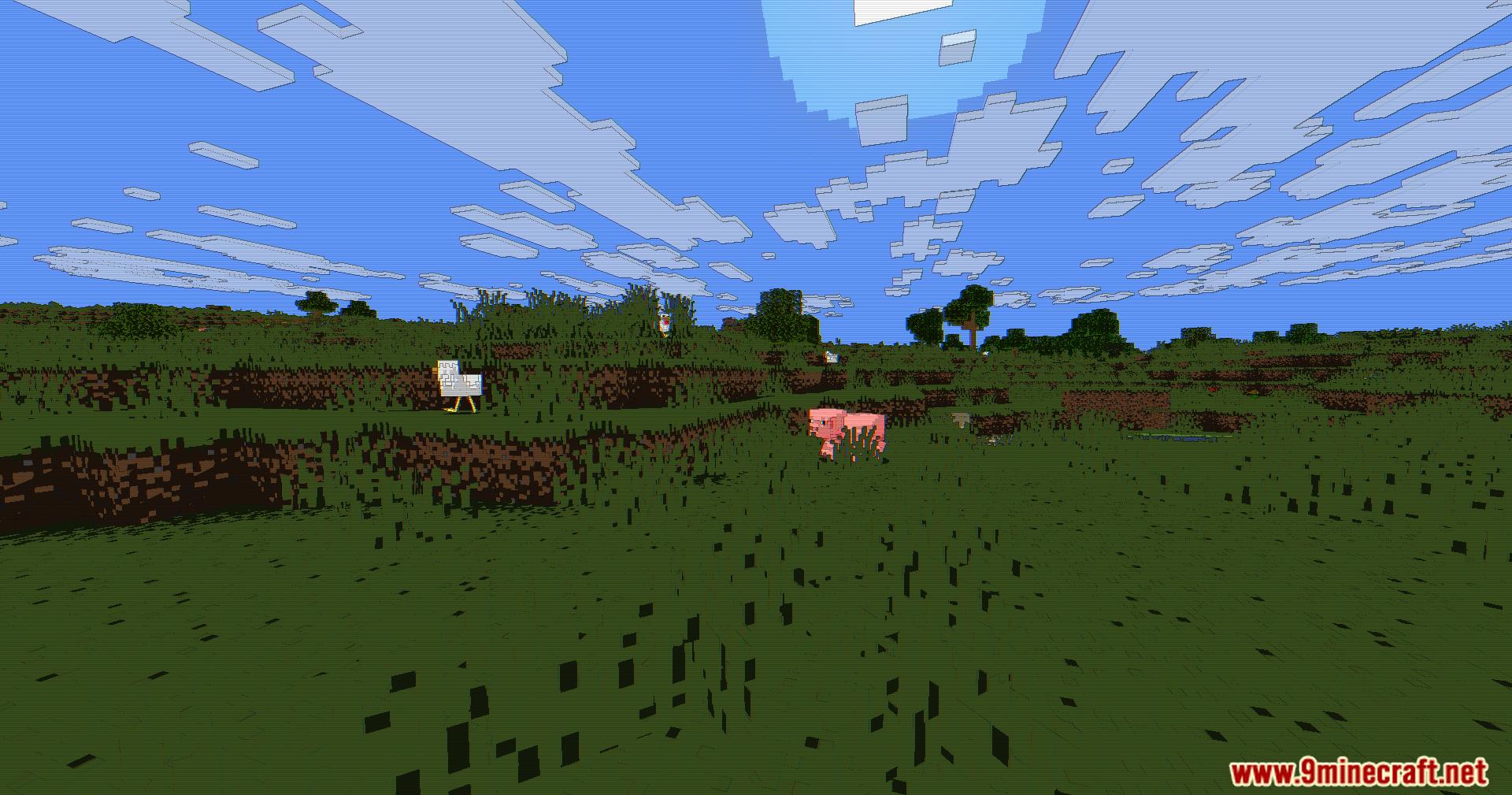
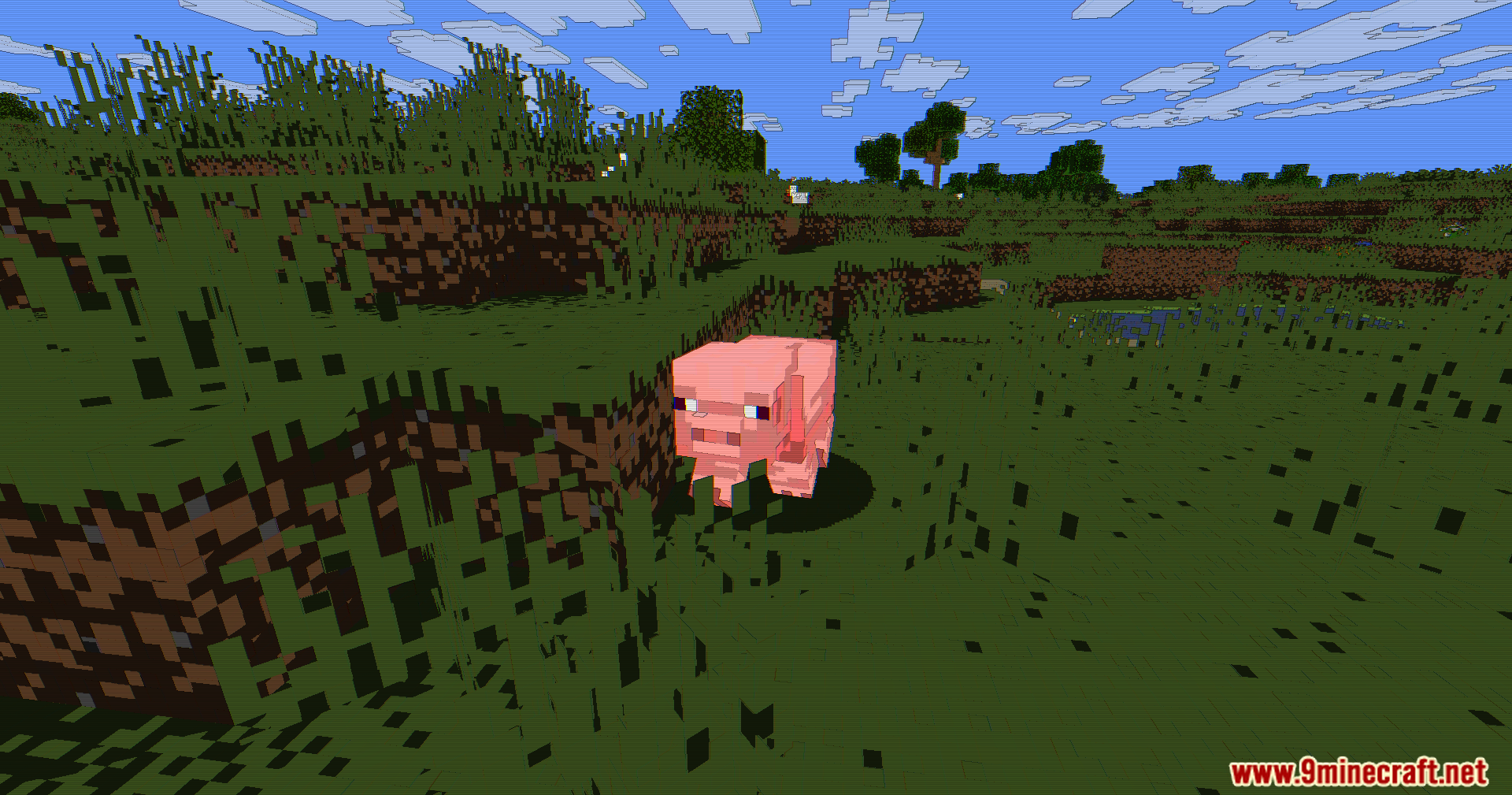
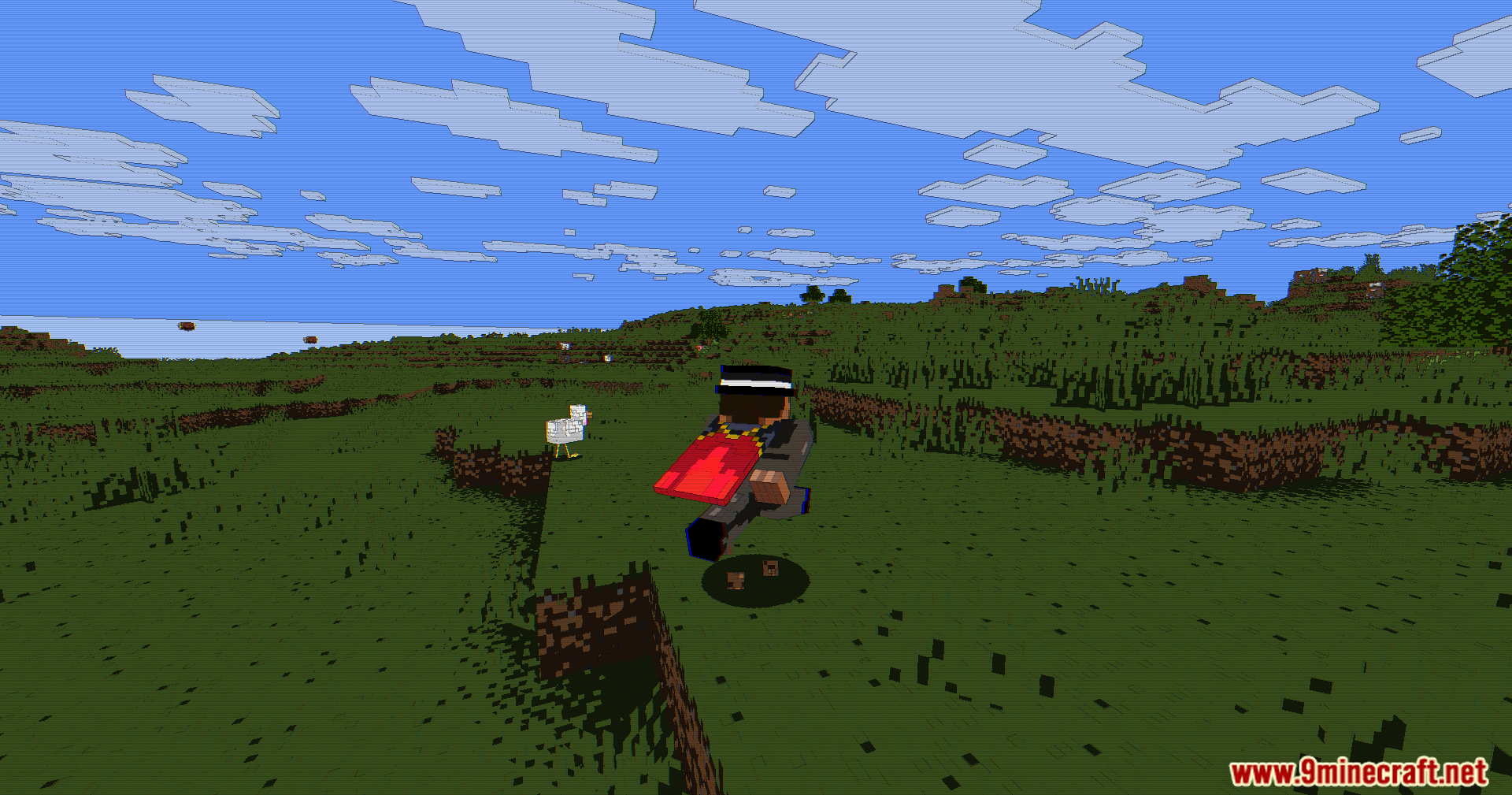
Yes, open the shader settings and look for the Retro Scanline Effect option, then lower or disable it. You'll keep the cartoon style and outlines while removing the TV-like horizontal lines.
Does Animetro Shaders work with resource packs?
Yes, the shader works alongside resource packs without conflict. Your chosen resource pack's textures will be painted with the cartoon style and outlines on top.
See all 10 Animetro Shaders questions ›
Gallery
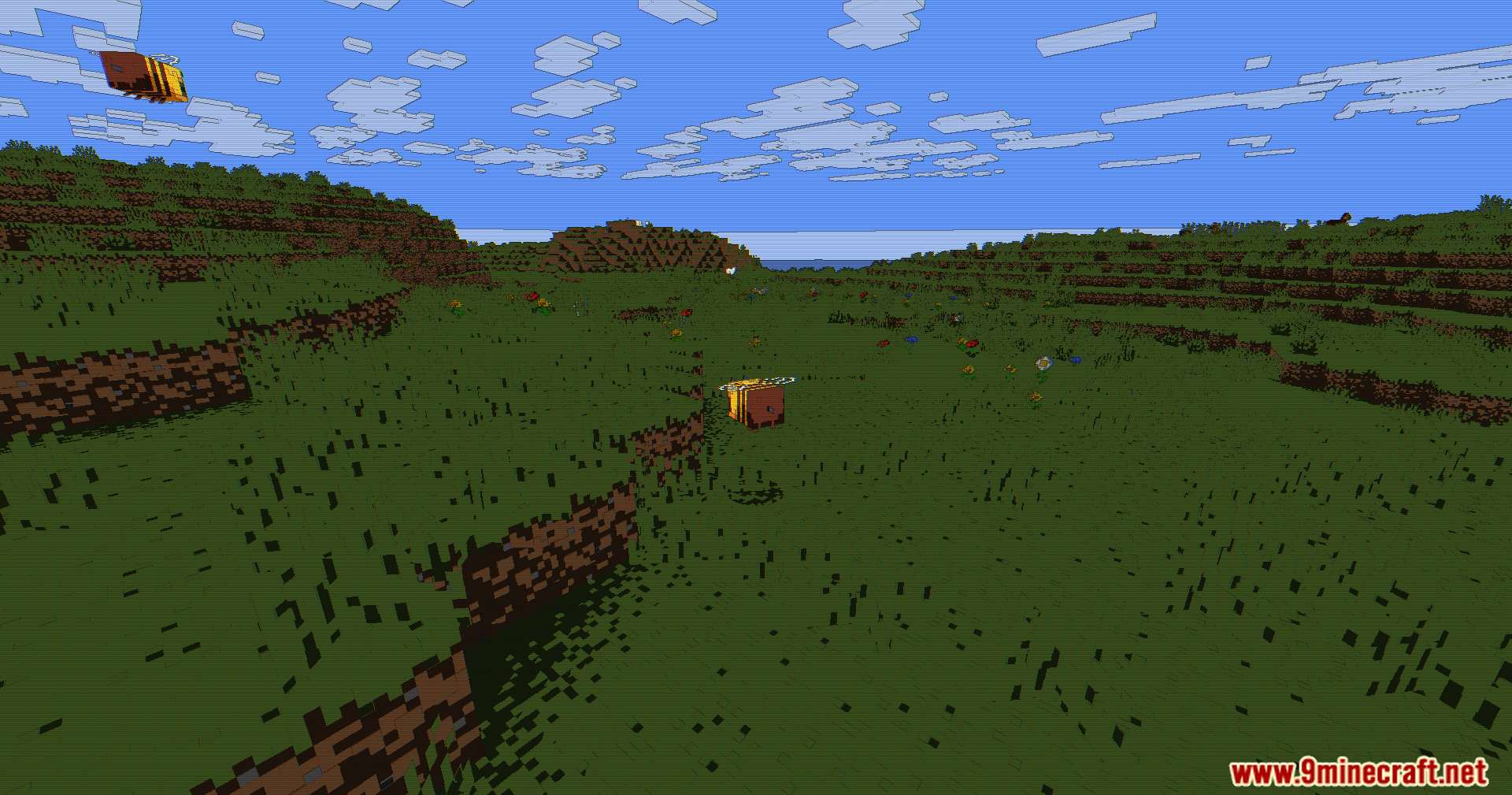
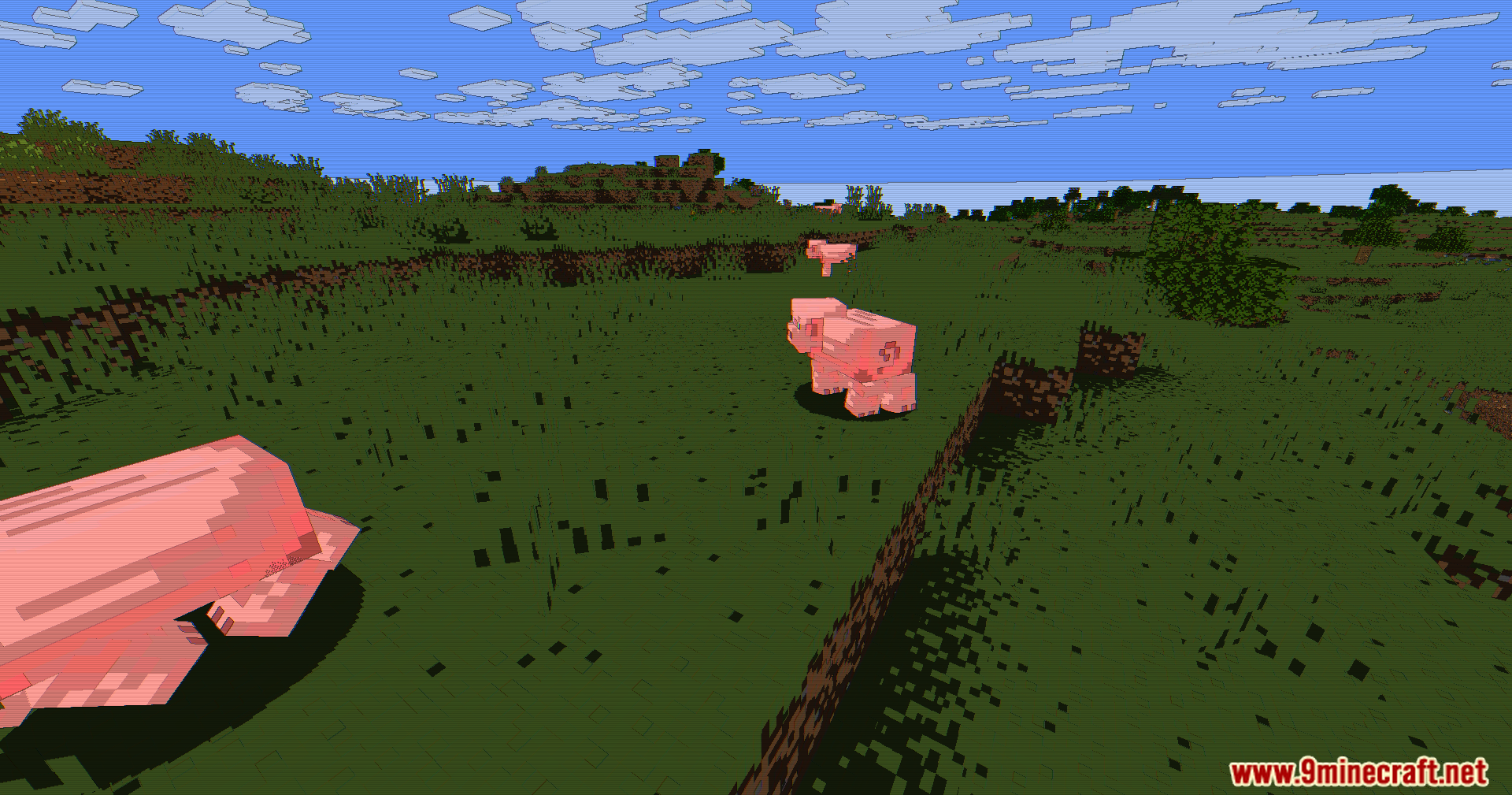
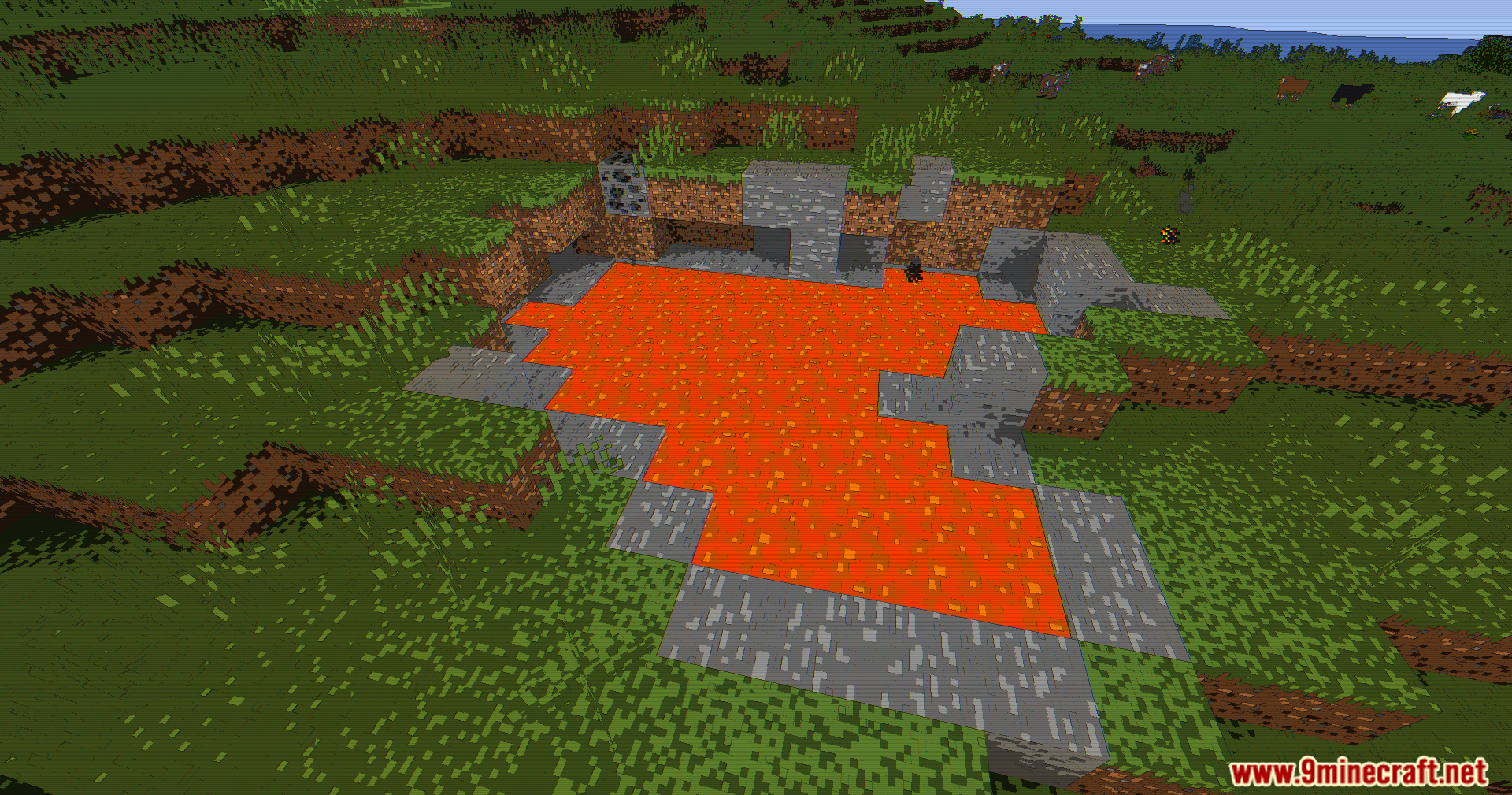
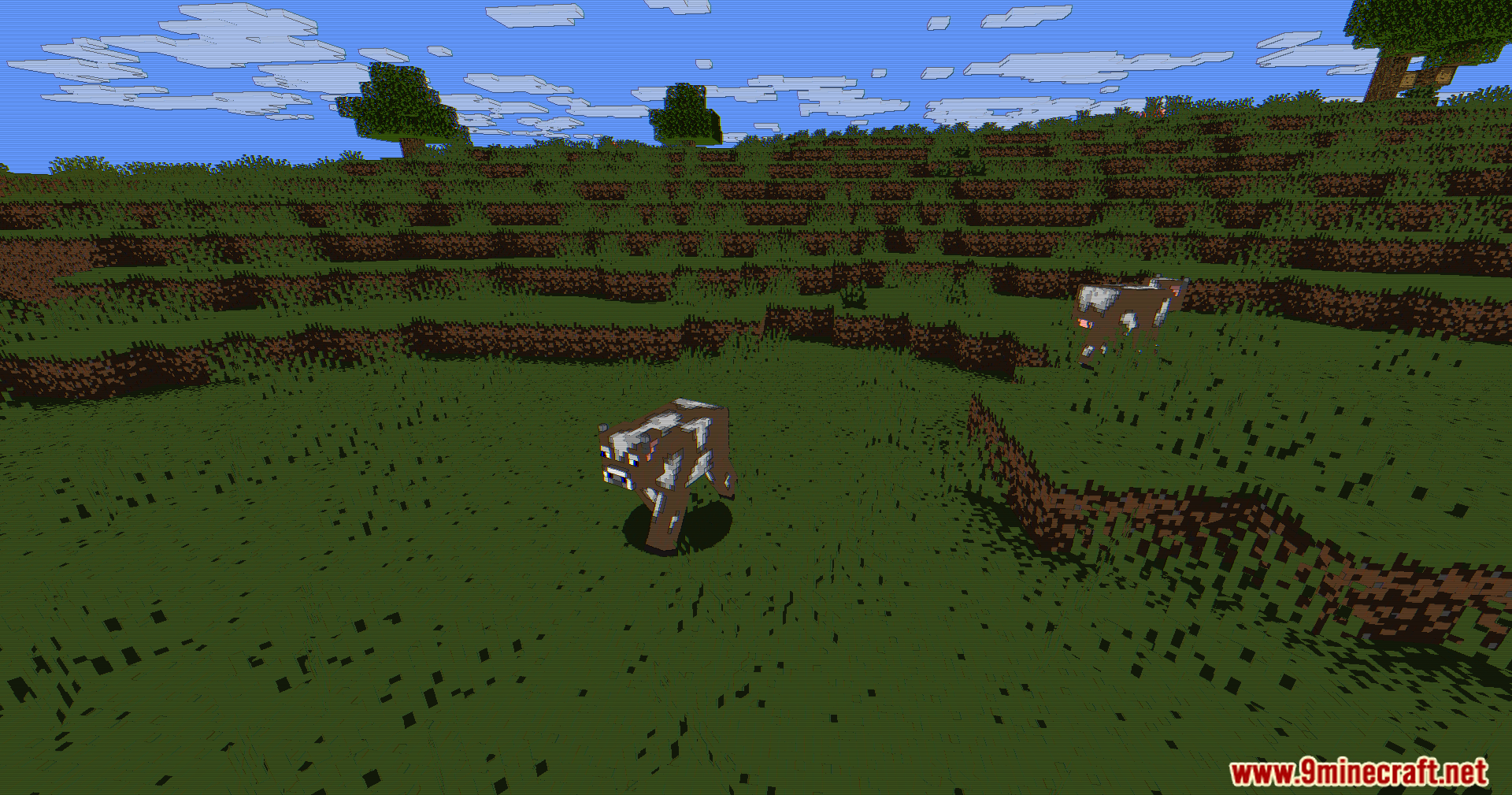
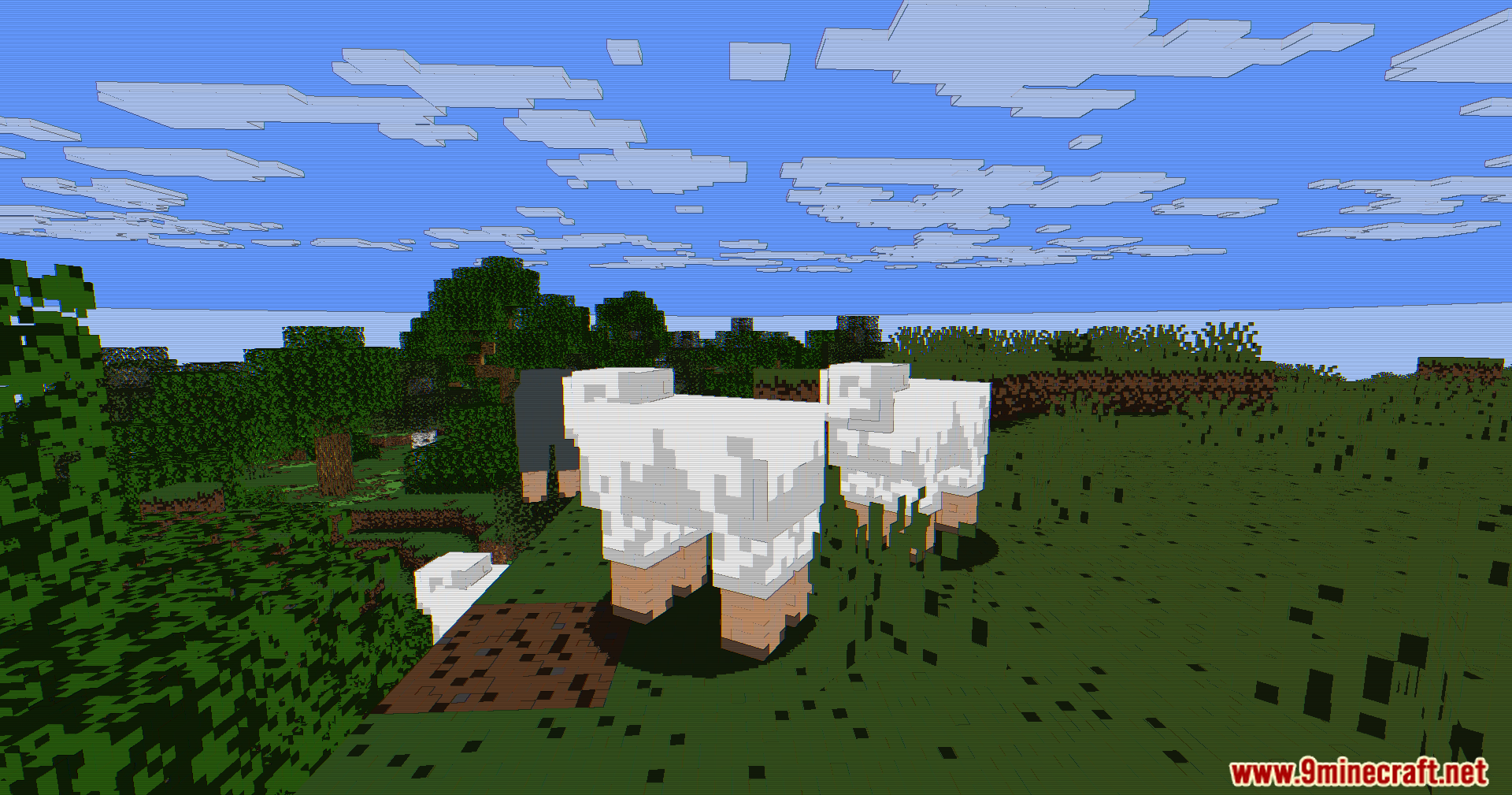
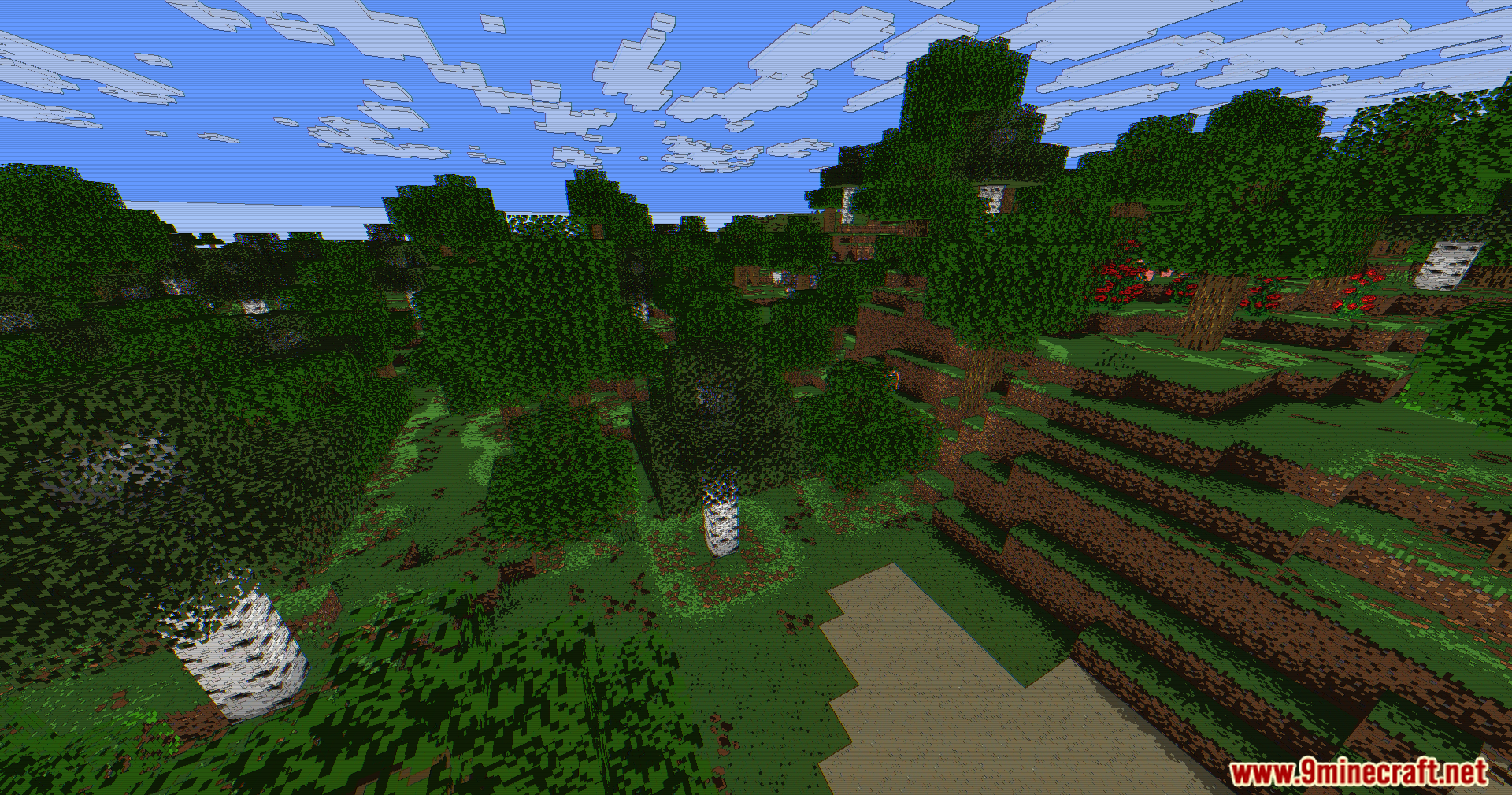
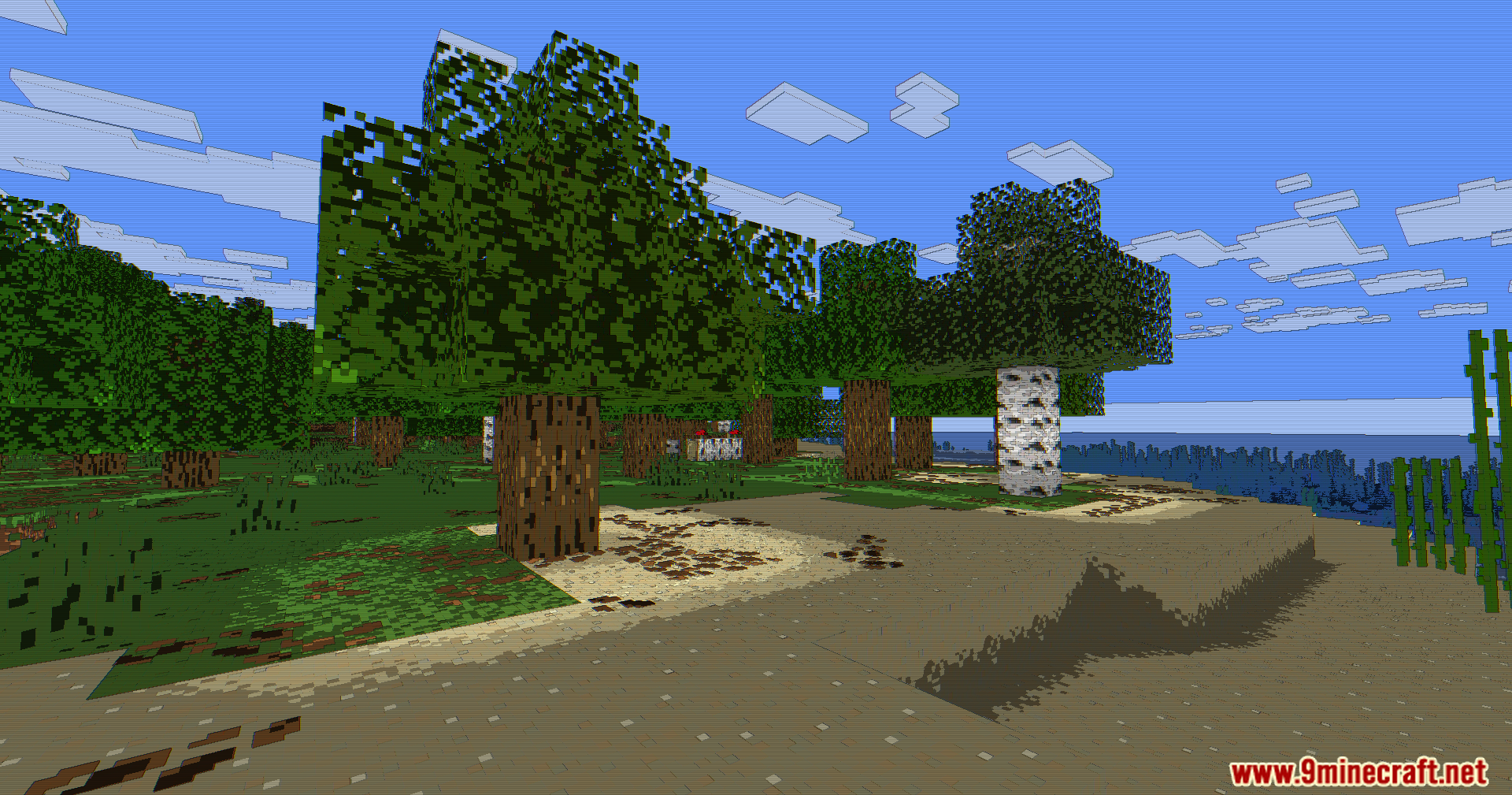
11 images from the Animetro Shaders page.
You May Also Like
Wikis that share the most with this one
Wikis on the same theme: world
More shader wikis on the site
 AetherVisuals Shaders
The most downloaded mods that have a wiki here