

 DownloadArnavMC’s Shaders
Get the files on 9Minecraft
Guides
Step-by-step, in-game.
Adjust Shader Brightness and ContrastAccess Shader Settings Open your pause menu while in-game, then navigate to Options → Video Settings → Shaders . Look…Customize Shadow Direction and TimingLocate Shadow Settings Open shader configuration (pause menu → Options → Video Settings → Shaders → shader config).…Enable or Disable Specific Visual EffectsAccess Effect Toggles Open shader settings (pause menu → Options → Video Settings → Shaders → shader config). The…Reduce Lag and Improve PerformanceLower Shadow Quality Access shader settings (pause menu → Options → Video Settings → Shaders → shader config). Look…
Frequently asked questions
How do I turn on the shader after installing it?
Launch Minecraft and open Options > Video Settings > Shaders, then select ArnavMC's Shaders from the list and click Apply. The shader will activate immediately in your world.
Why does my game look too dark or too bright with this shader?
Open the shader settings menu (usually by pressing a key like Right Shift or through Video Settings) and adjust the Brightness and Contrast sliders until the lighting matches your preference.
Can I use this shader on a low-end PC without lag?
Yes, this shader is specifically designed for low-end and potato devices. If you still experience lag, try disabling specific visual effects like bloom or shadow quality through the shader settings.
How do I make shadows point in a different direction?
Access the shader configuration menu and look for shadow direction or sun position settings, where you can adjust the angle to match your desired lighting direction.
See all 10 ArnavMC’s Shaders questions ›
Gallery
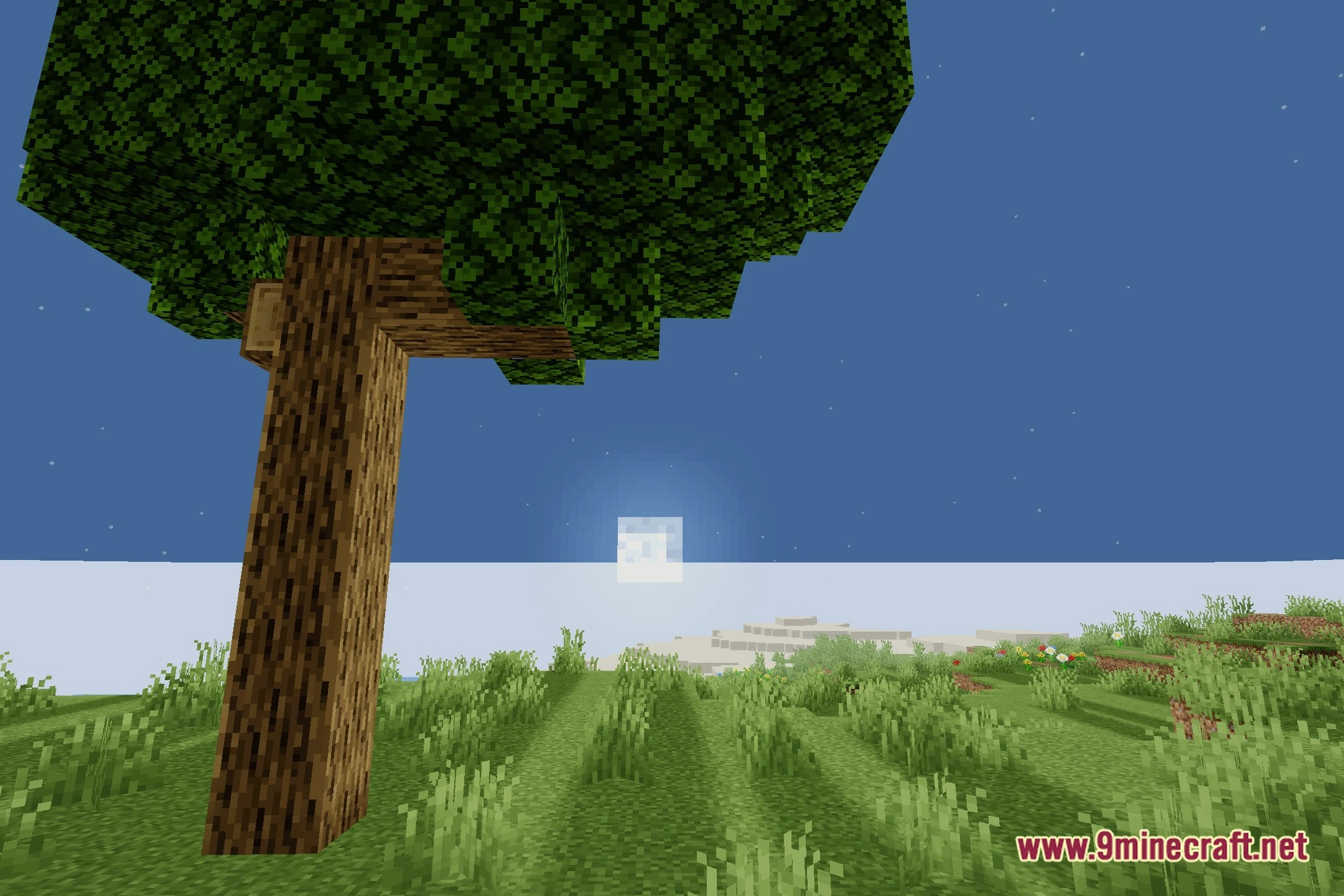
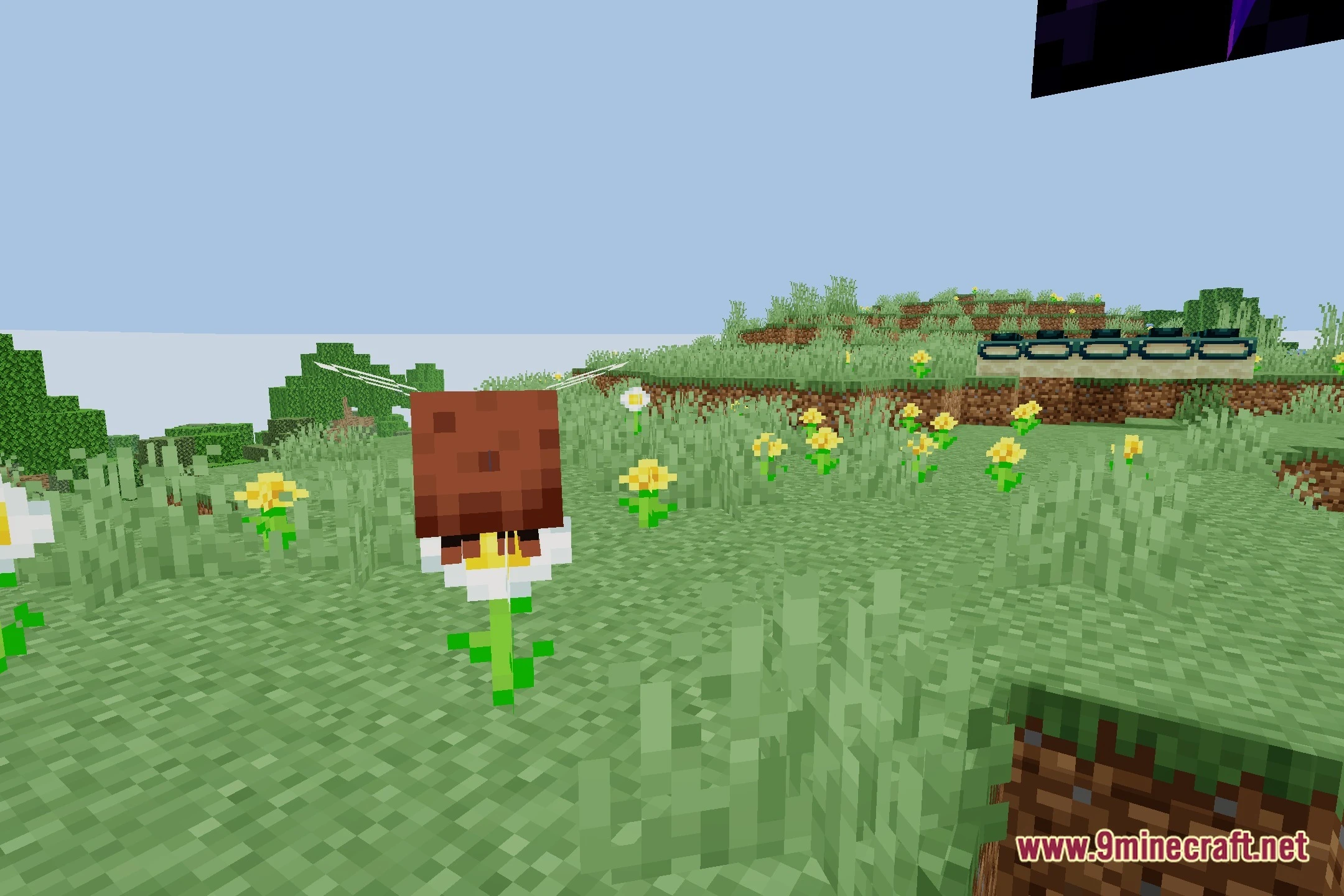
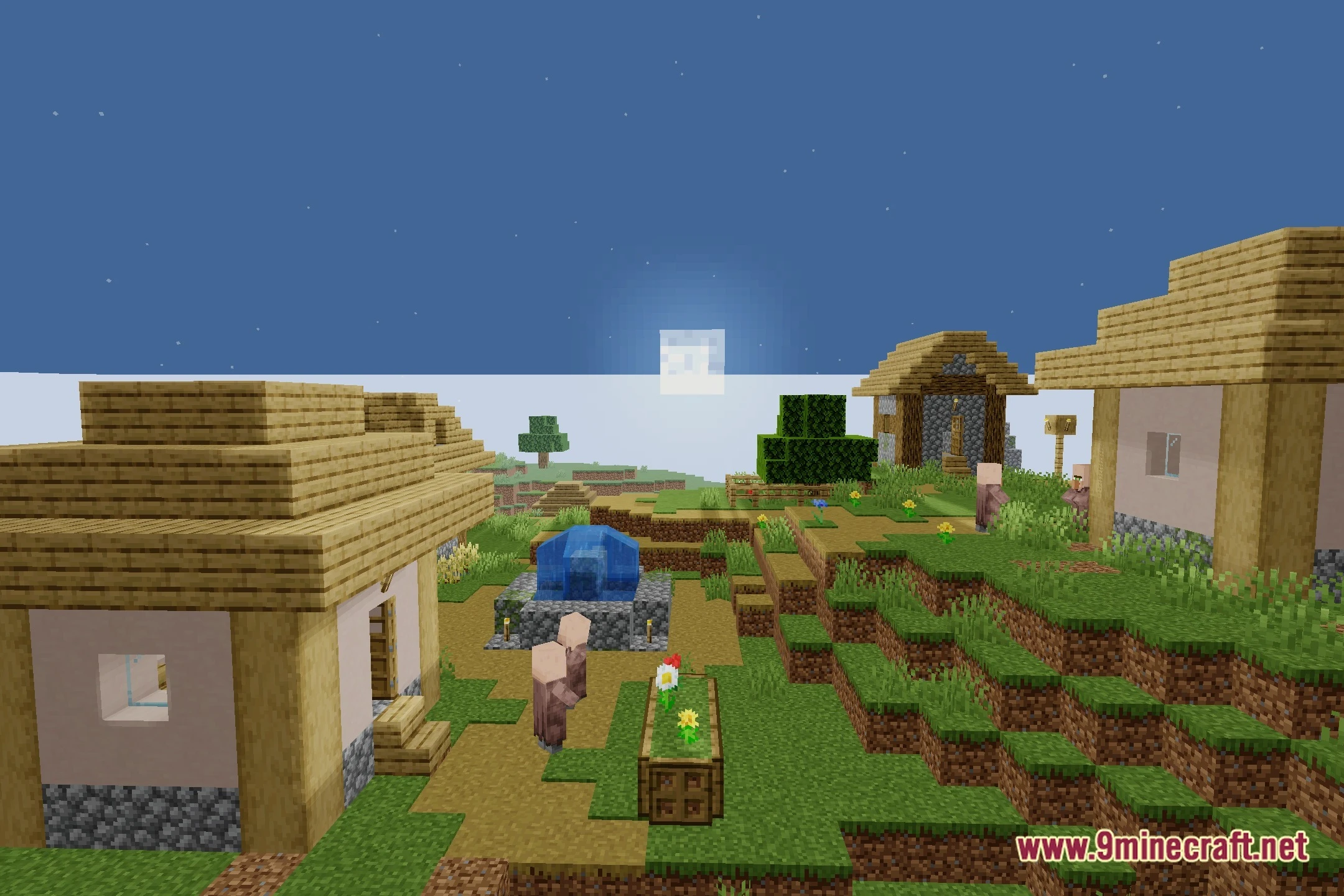
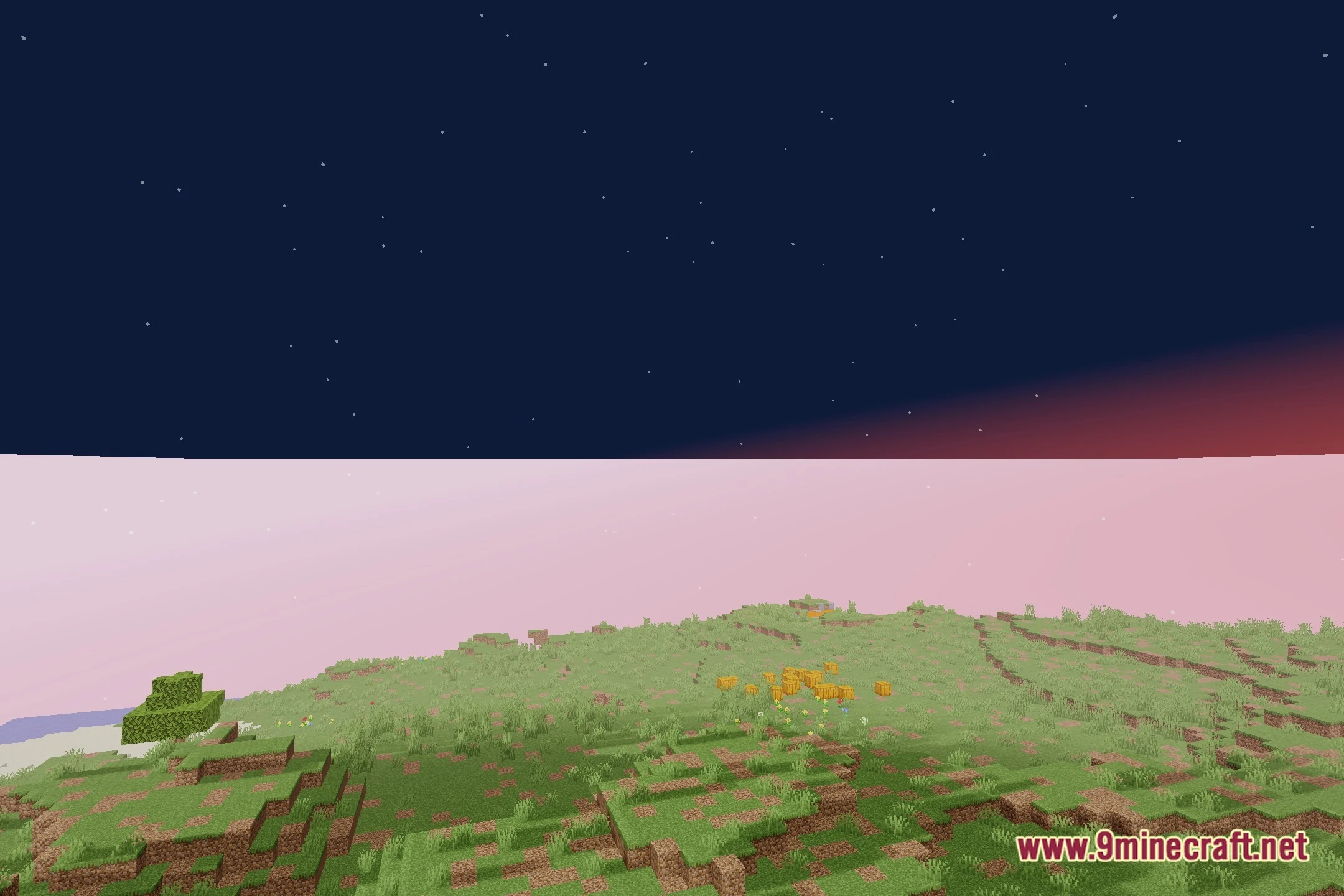
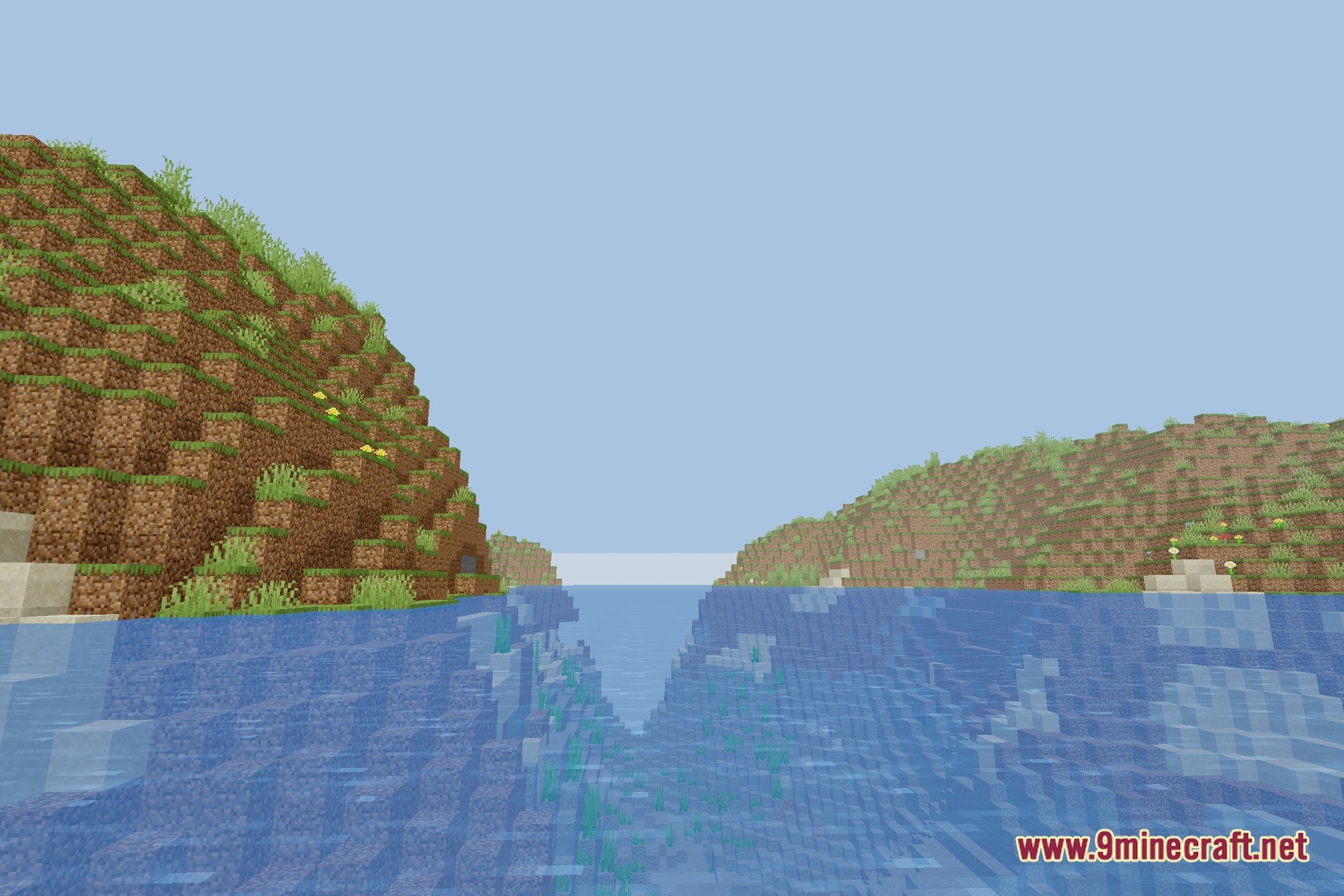
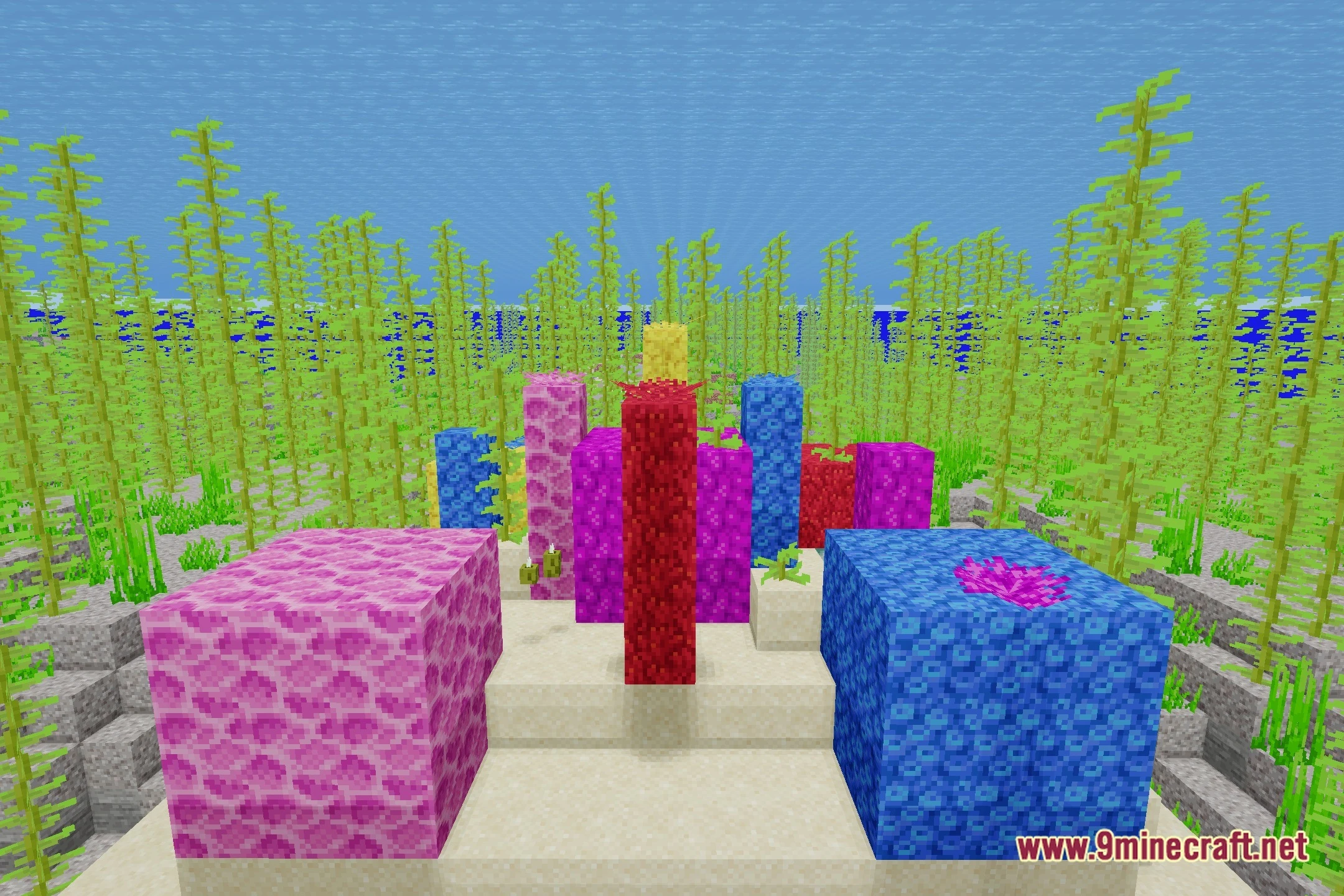
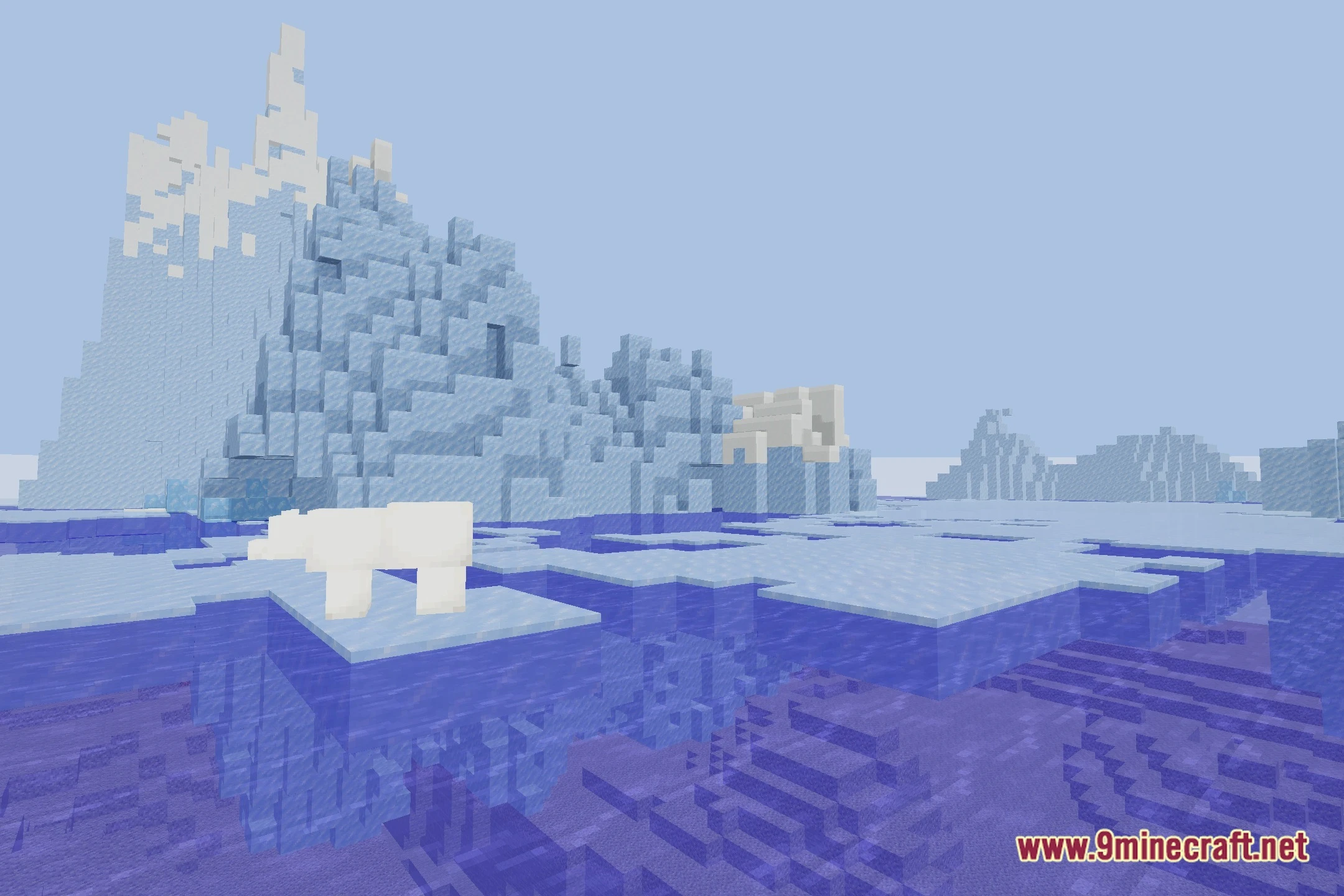
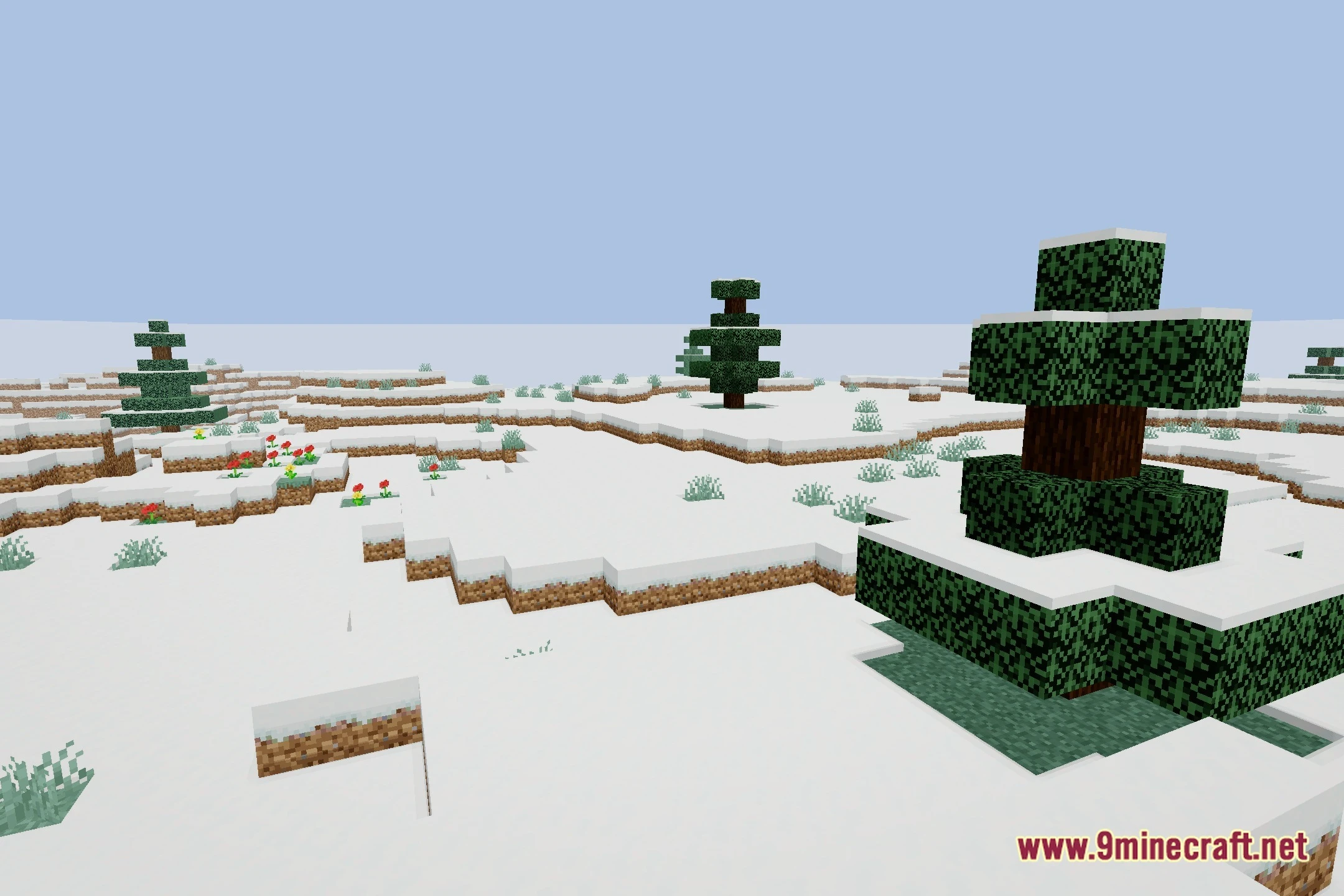
12 images from the Arnavmc S Shaders page.
You May Also Like
Wikis that share the most with this one
 Cealith Shaders
Wikis on the same theme: iron
More shader wikis on the site
The most downloaded mods that have a wiki here