

 DownloadMCL Shaders
Get the files on 9Minecraft
Guides
Step-by-step, in-game.
Adjust Shadow Quality and DarknessOpen Advanced Shader Options Access the shader settings menu (usually via pause menu → Video Settings → Shader…Enable and Control Foliage AnimationFind Animation Settings In shader options, navigate to Foliage , Wind , or Animation settings. MCL Shaders adds…Enhance Water Reflections and AppearanceLocate Water Settings In shader options, find the Water or Reflections menu. MCL Shaders treats water surfaces as…Switch Between Medium and High Profile SettingsAccess Shader Settings Open your pause menu while in-game and look for the Shader Options or Video Settings panel.…
Frequently asked questions
How do I turn on MCL Shaders after installing it?
Open your video settings in-game, find the Shaders option, and select MCL Shaders from the list. The shader will activate immediately and you'll see shadows and lighting effects appear in your world.
My game is lagging with shaders on. What should I do?
Switch to the Medium profile instead of High in your shader settings—this reduces shadow detail and processing load while keeping most visual improvements. If lag persists, lower your render distance or disable foliage animation.
Why do my shadows look too dark or too light?
Go to shader options and adjust the Shadow Darkness slider to your preference. You can also fine-tune Shadow Quality to find the balance between visual detail and performance that works for your setup.
Can I use MCL Shaders with other mods?
MCL Shaders works with most mods, but mods that heavily modify lighting, water, or terrain rendering may conflict. Test your mod combination in a test world first to check for visual glitches.
See all 10 MCL Shaders questions ›
Gallery
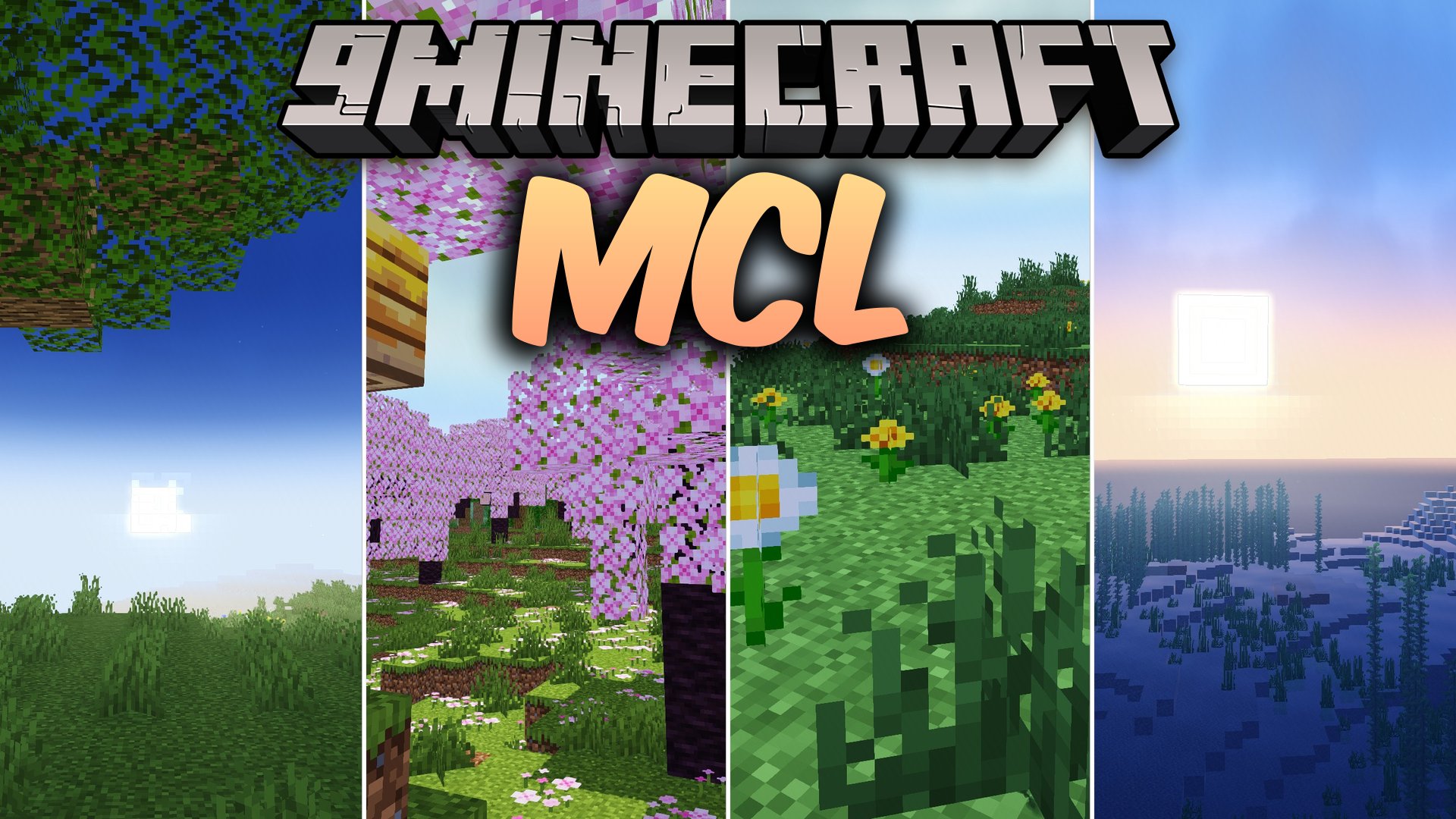
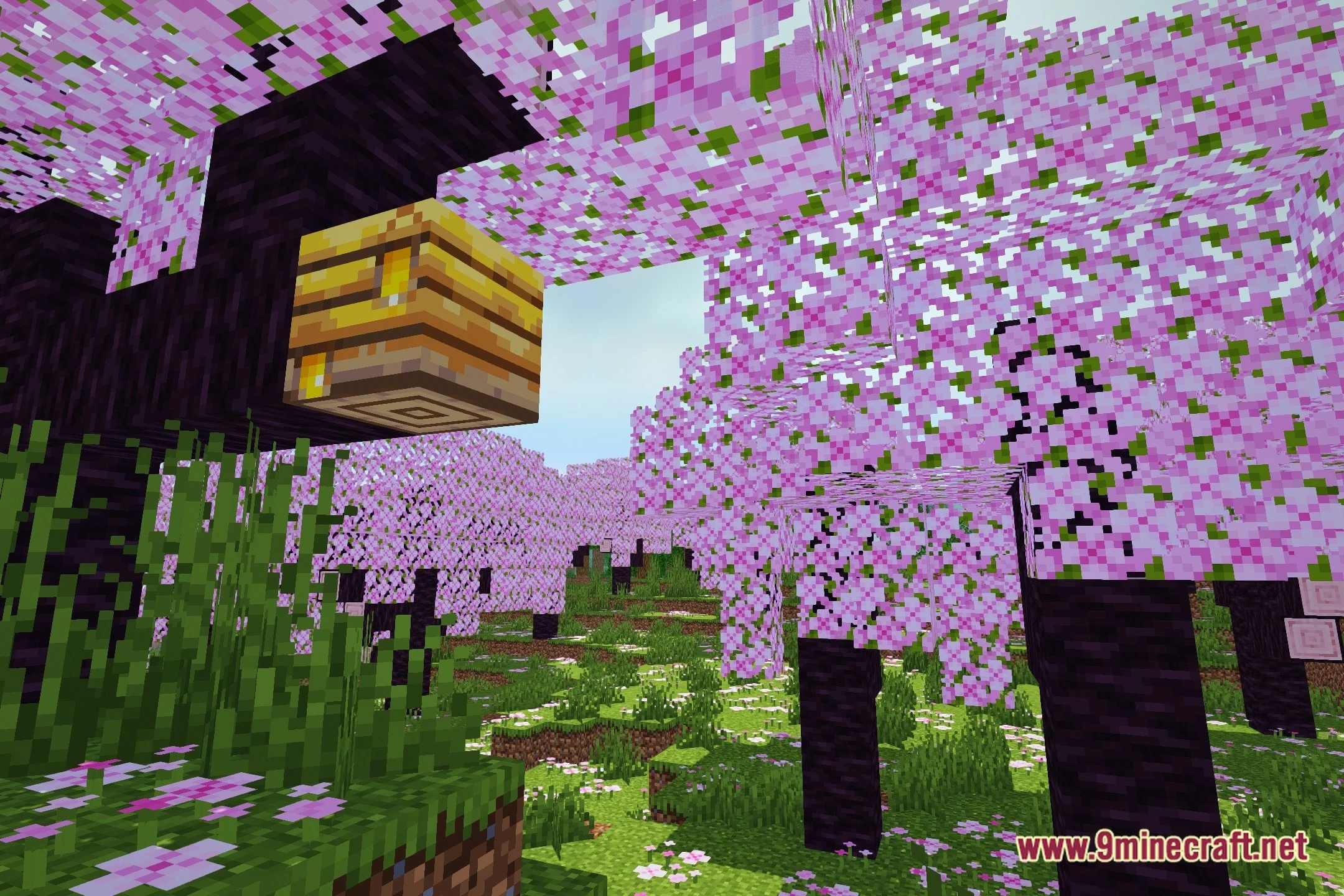
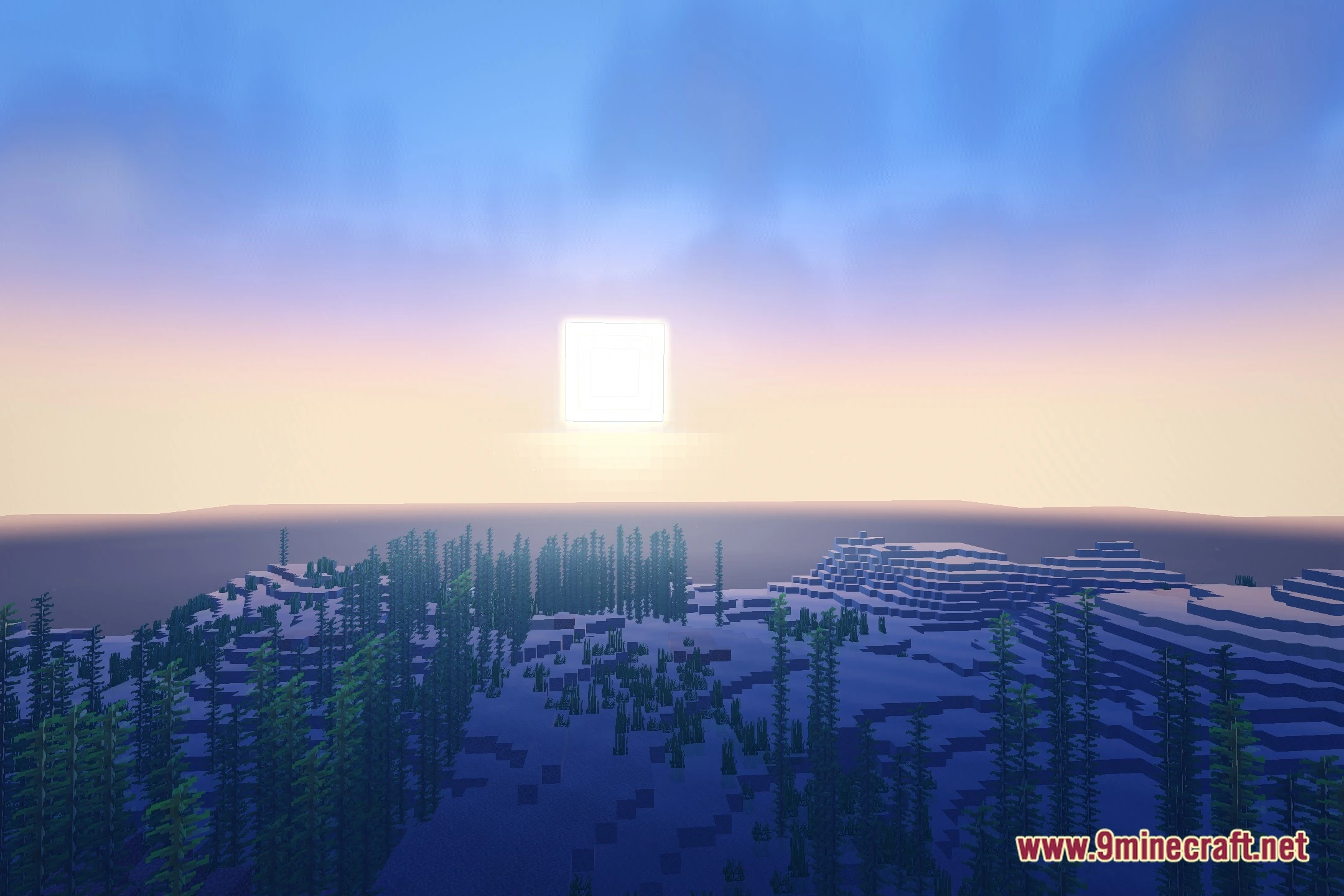
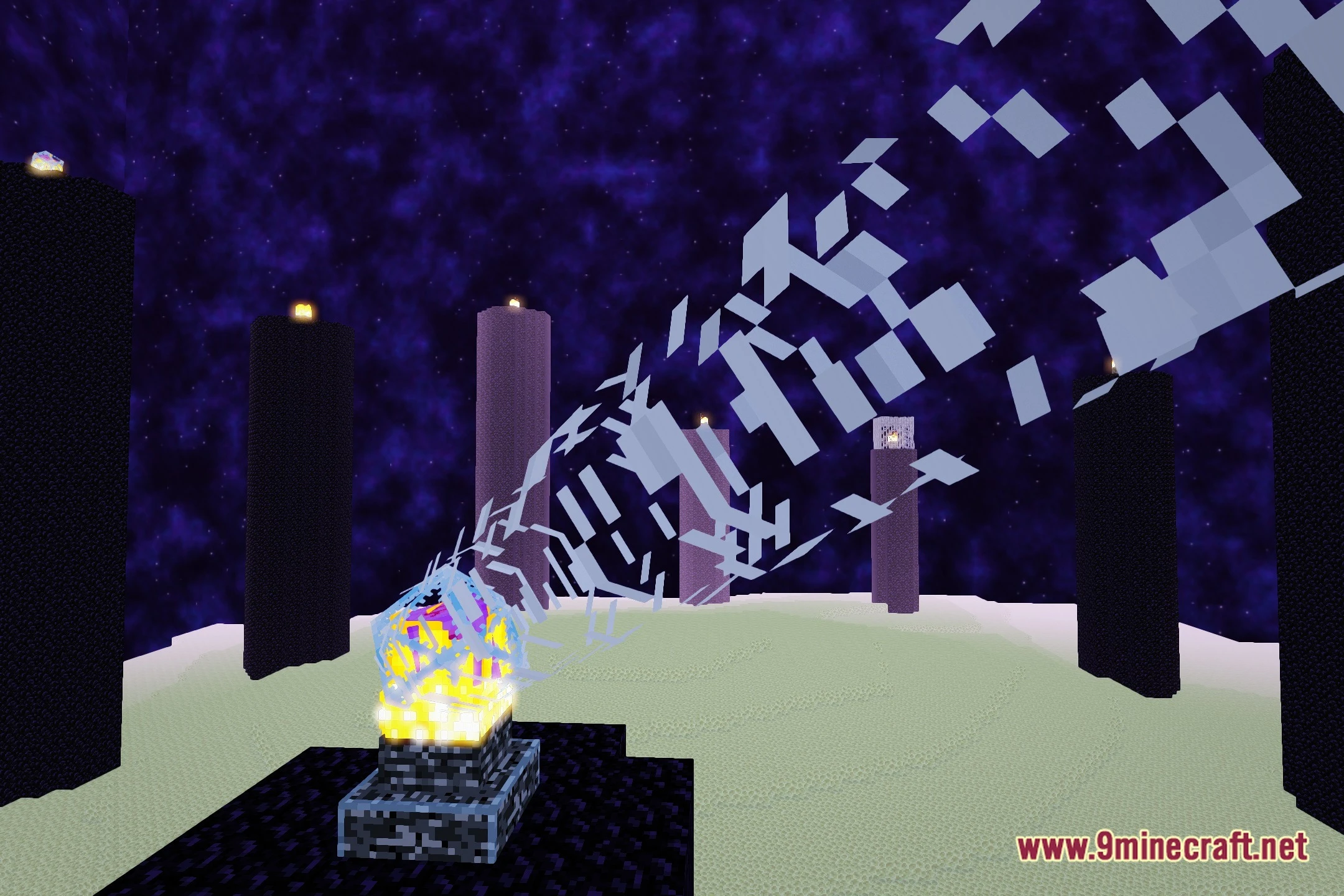
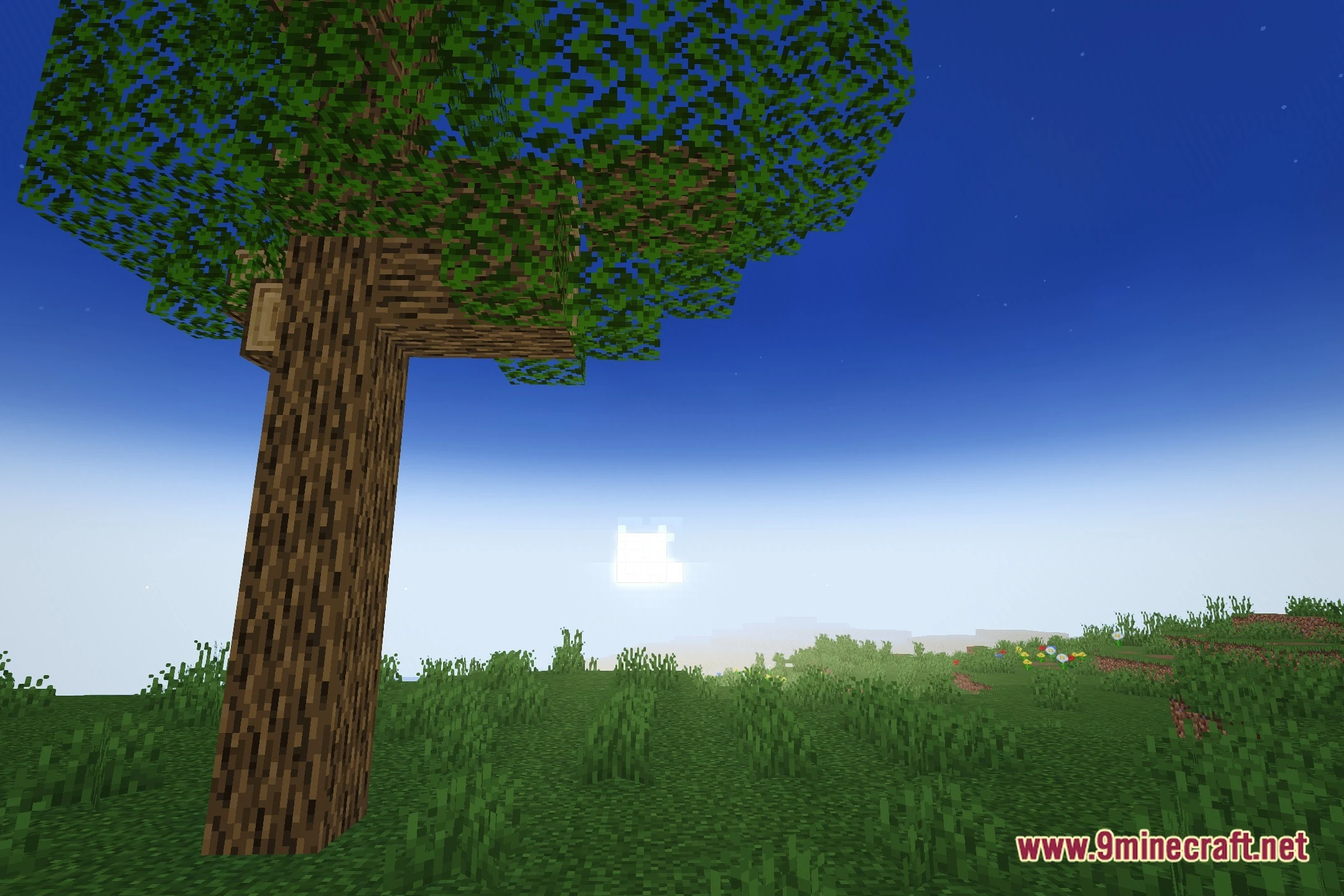
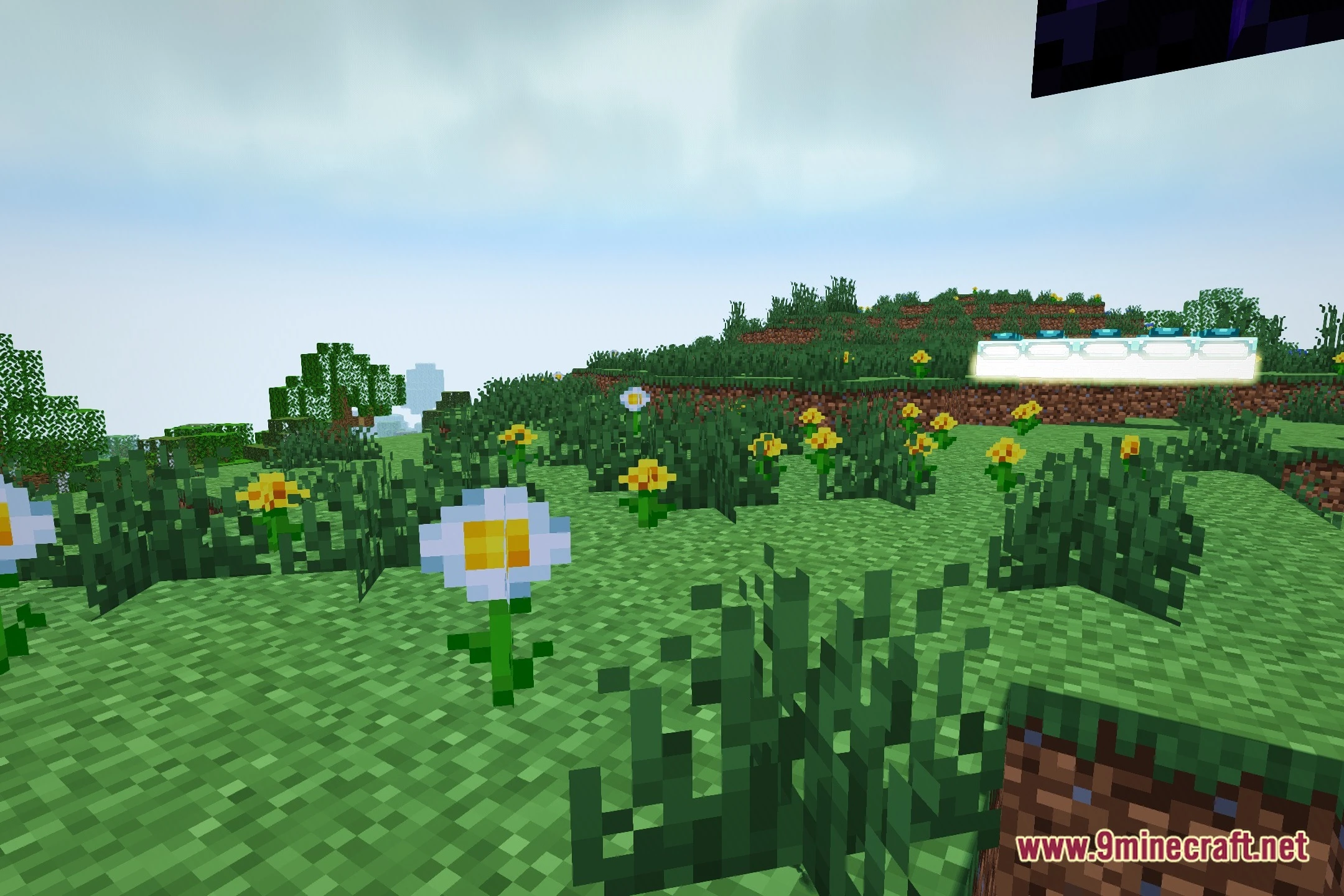
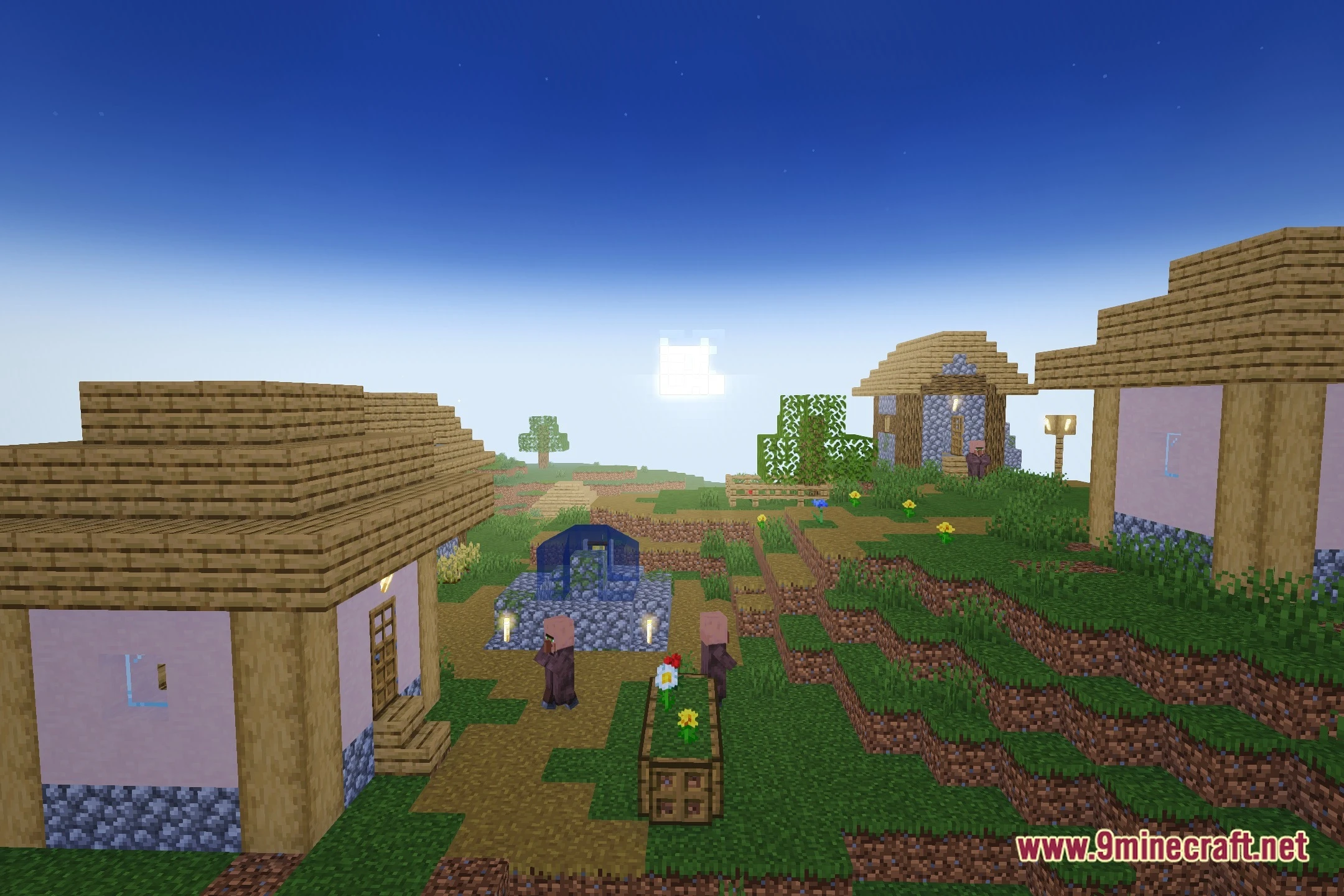
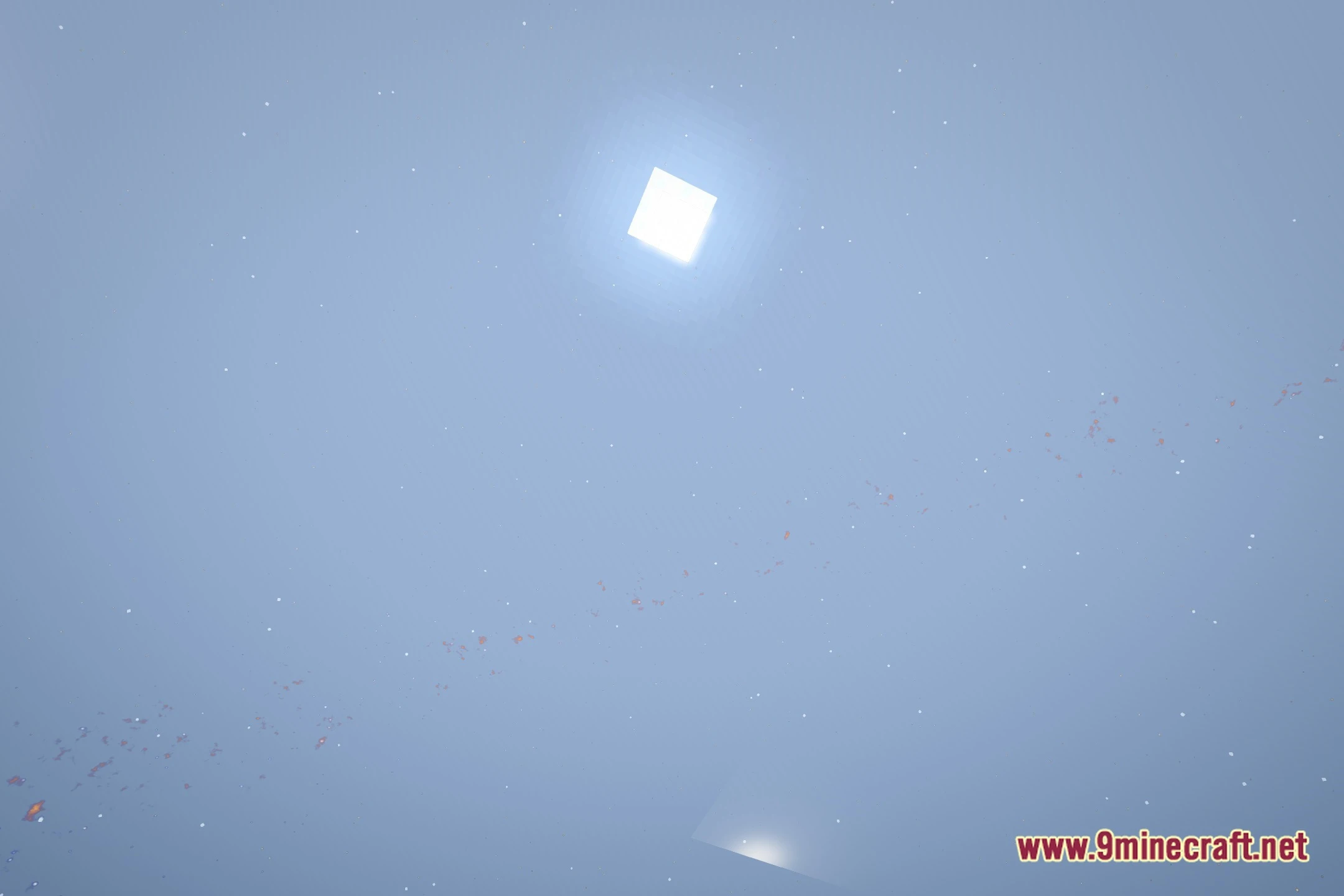
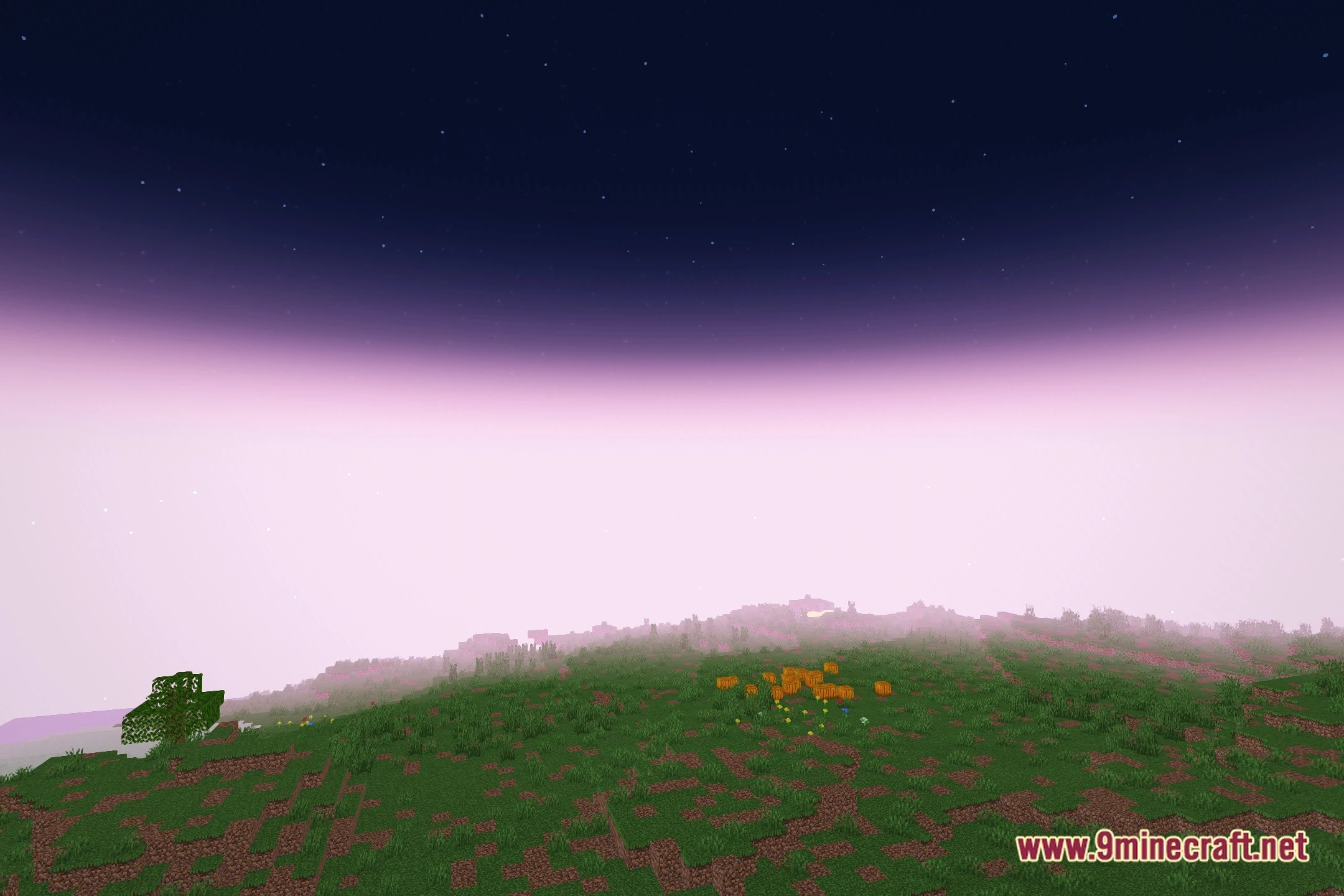
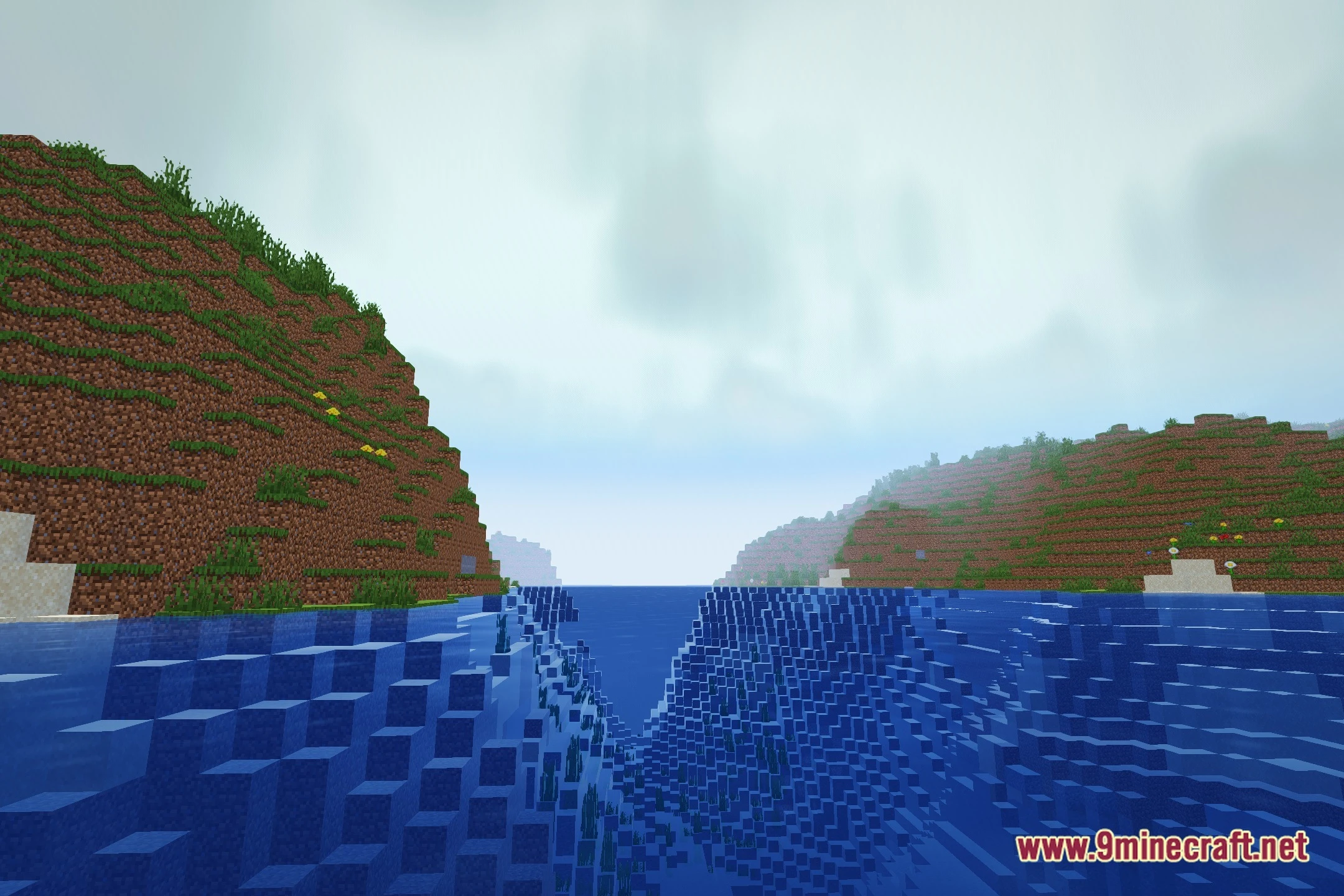
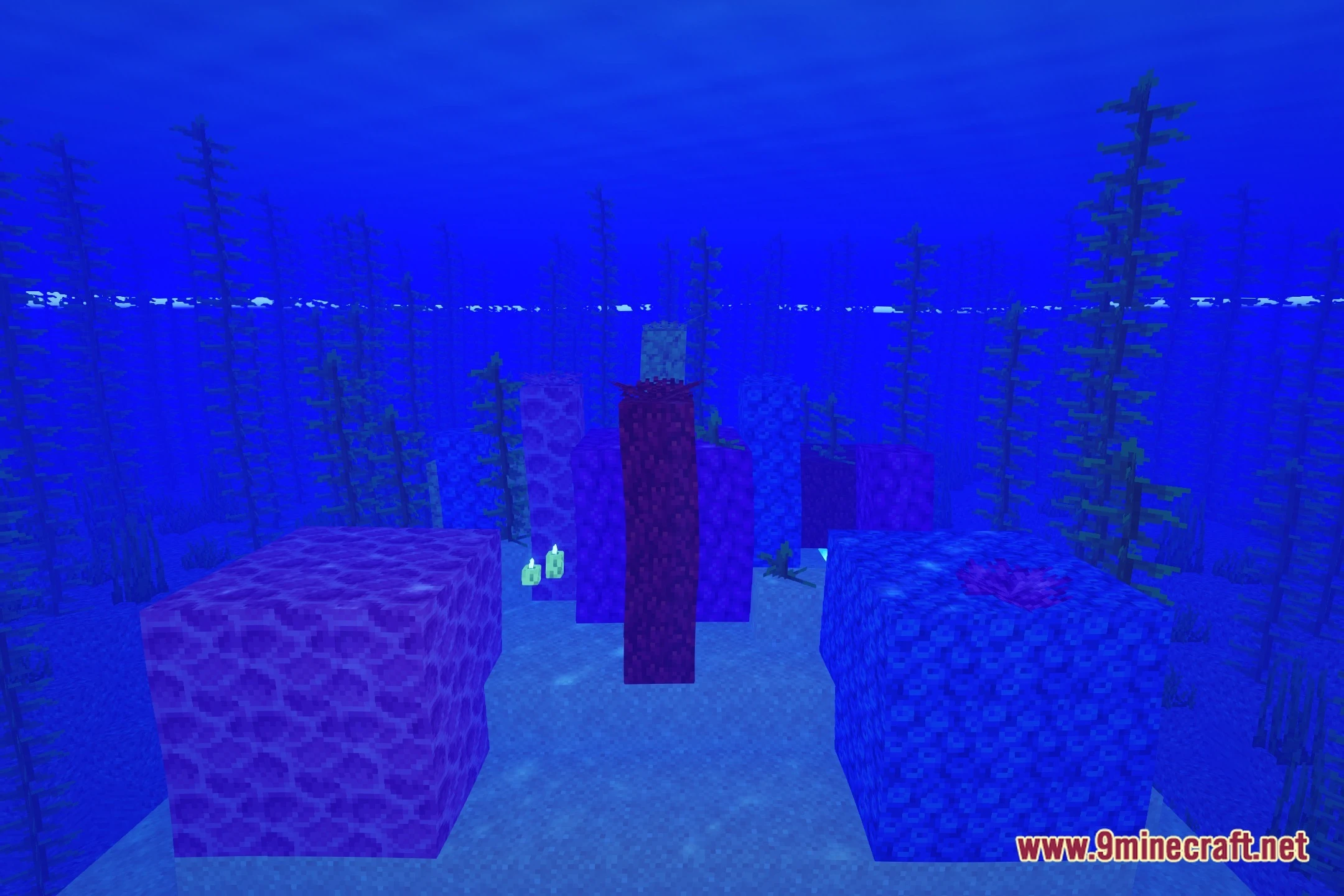
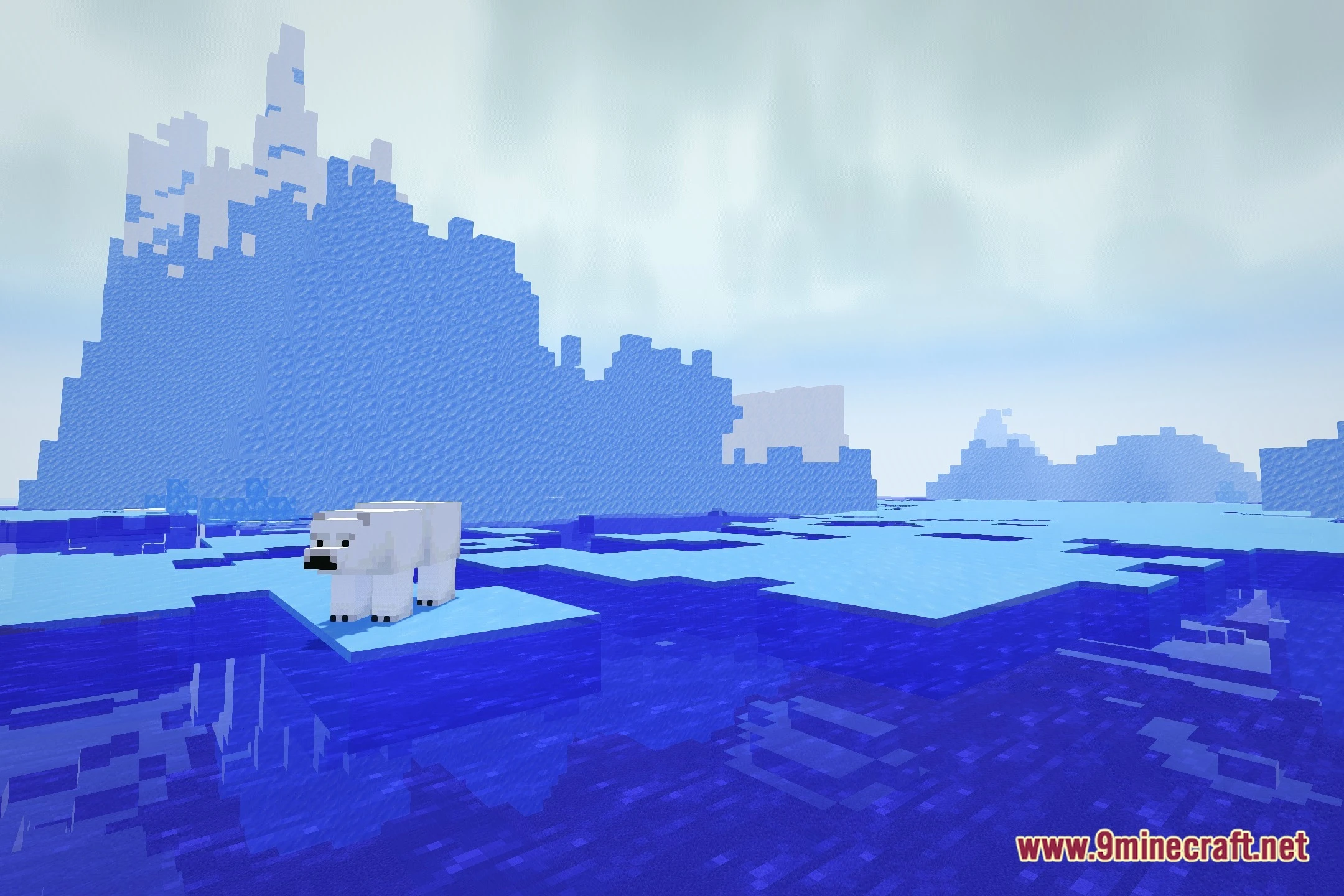
12 images from the Mcl Shaders page.
You May Also Like
Wikis that share the most with this one
Wikis on the same theme: end
More shader wikis on the site
The most downloaded mods that have a wiki here