

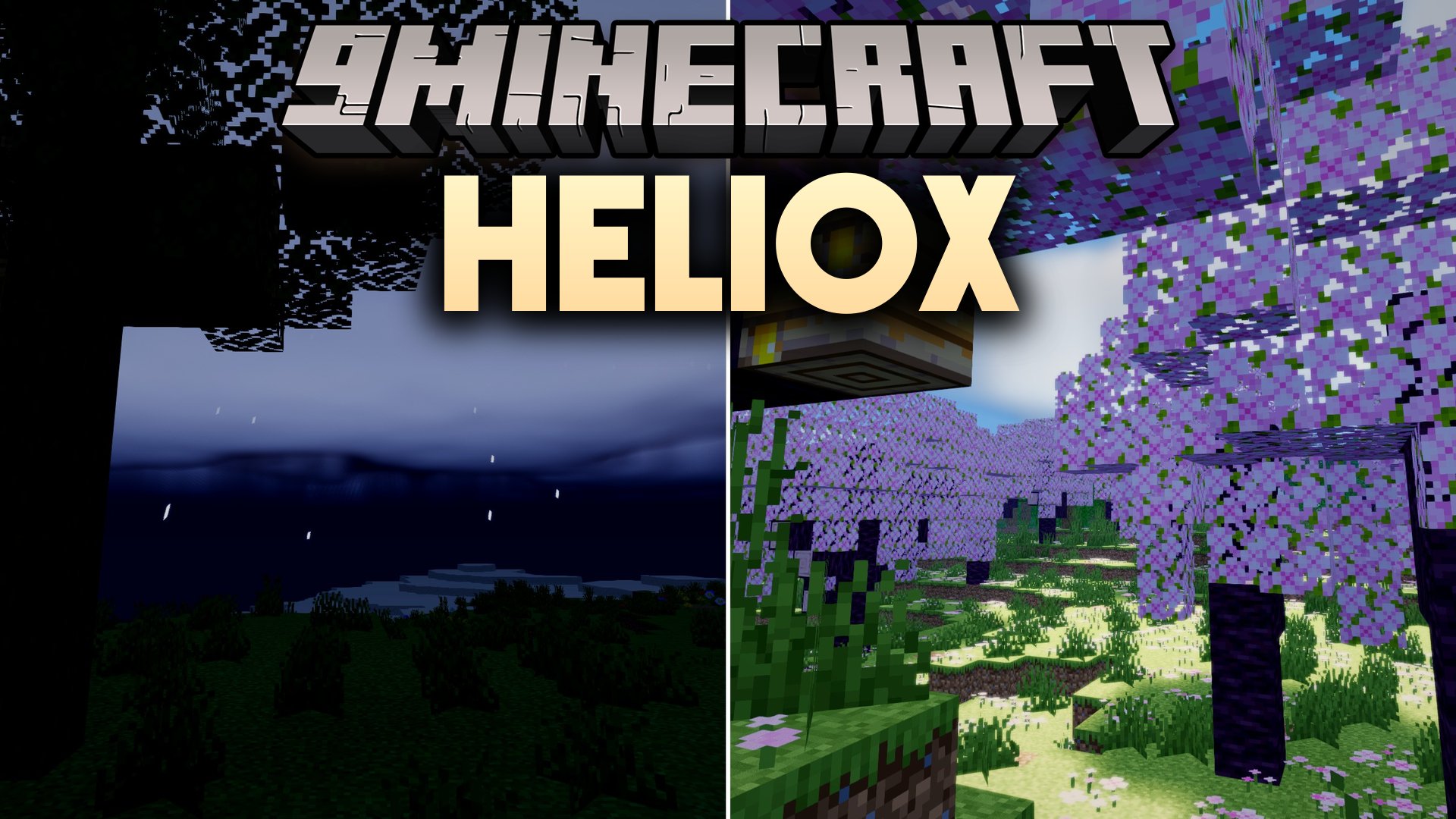
 DownloadHeliox Shaders
Get the files on 9Minecraft
Guides
Step-by-step, in-game.
Adjust Lighting Intensity for Your Build StyleAccess Shader Settings Open the shader options menu while in-game by pressing the designated key (usually accessed…Create Dramatic Lighting for Nighttime BuildsUnderstand Day/Night Contrast Settings Heliox Shaders includes adjustable brightness for daytime and darkness levels…Optimize Water Reflections for PerformanceLocate Water Reflection Settings Open your shader configuration menu and find the water quality or reflection options…Troubleshoot Uneven Lighting or Shadow ArtifactsIdentify the Problem Uneven lighting often appears as sudden brightness changes between adjacent areas, or shadows…
Frequently asked questions
How do I turn on the shader after installing it?
Open your Video Settings, go to Shaders, and select Heliox Shaders from the list. The shader will activate immediately and you'll see colored lighting and shadows appear in your world.
Why do my shadows look broken or have weird lines in them?
Shadow artifacts often happen when your render distance is too high or your graphics card can't keep up. Try lowering render distance, disabling shadow detail in the shader options, or checking that your GPU drivers are up to date.
Can I use Heliox Shaders with mods that add new blocks?
Yes, Heliox Shaders works with most block-adding mods, but custom blocks may not receive colored lighting the same way vanilla blocks do. Compatibility depends on how the mod is coded, so test it in your world first.
The water reflections are making my game lag. How do I fix this?
Water reflections are performance-heavy; try lowering the reflection quality in the shader settings or reducing your render distance. You can also disable reflections entirely if performance is critical.
See all 10 Heliox Shaders questions ›
Gallery
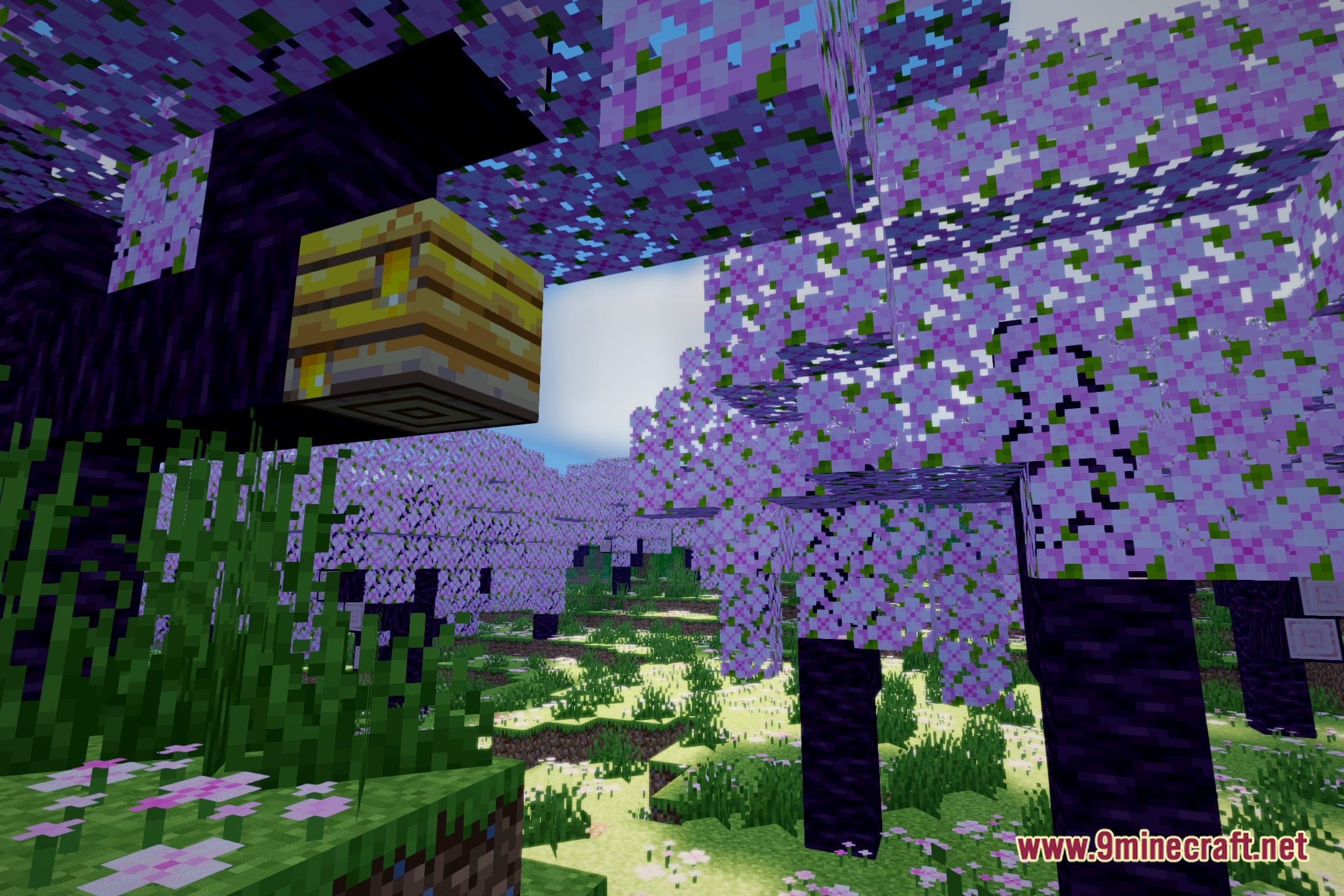
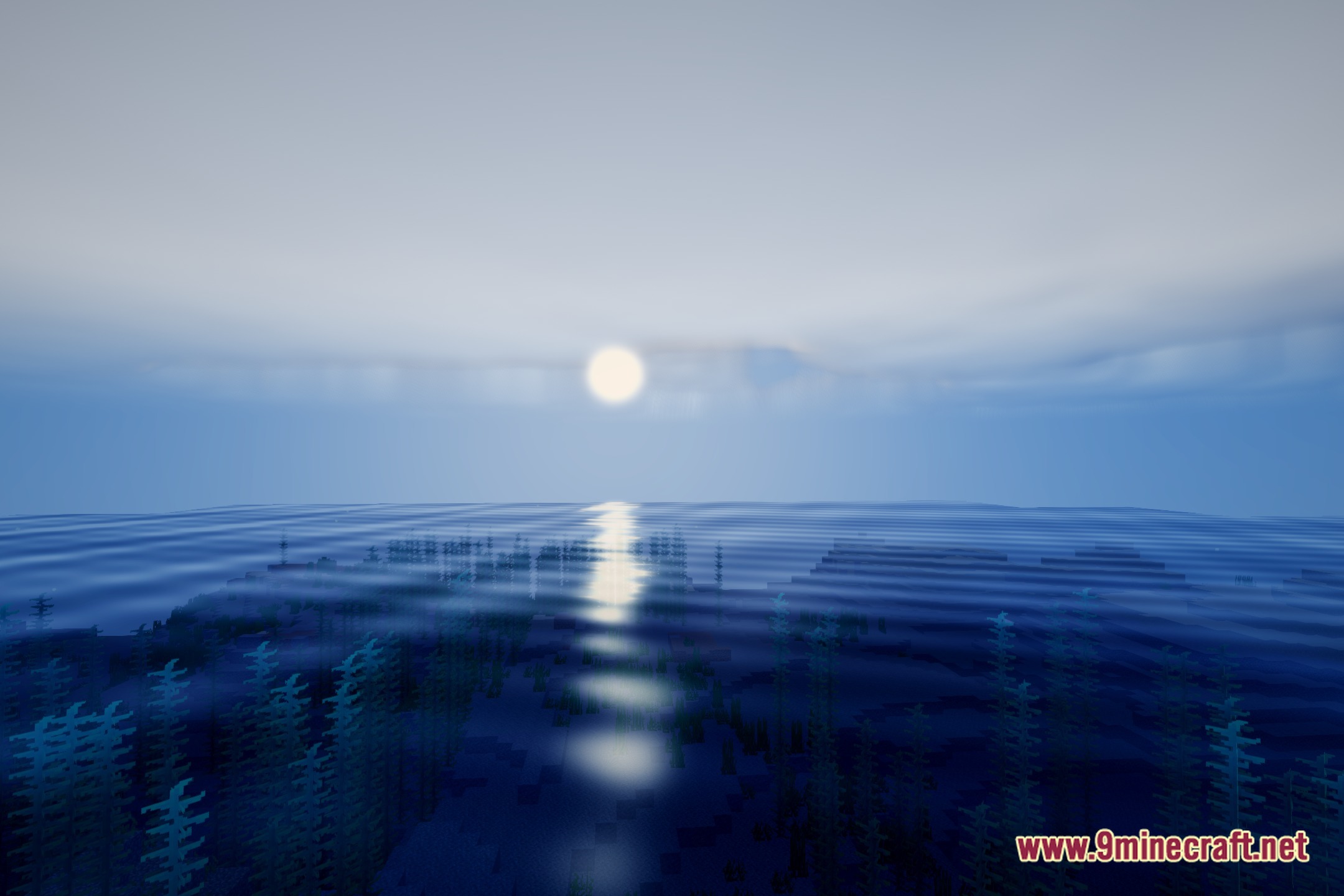
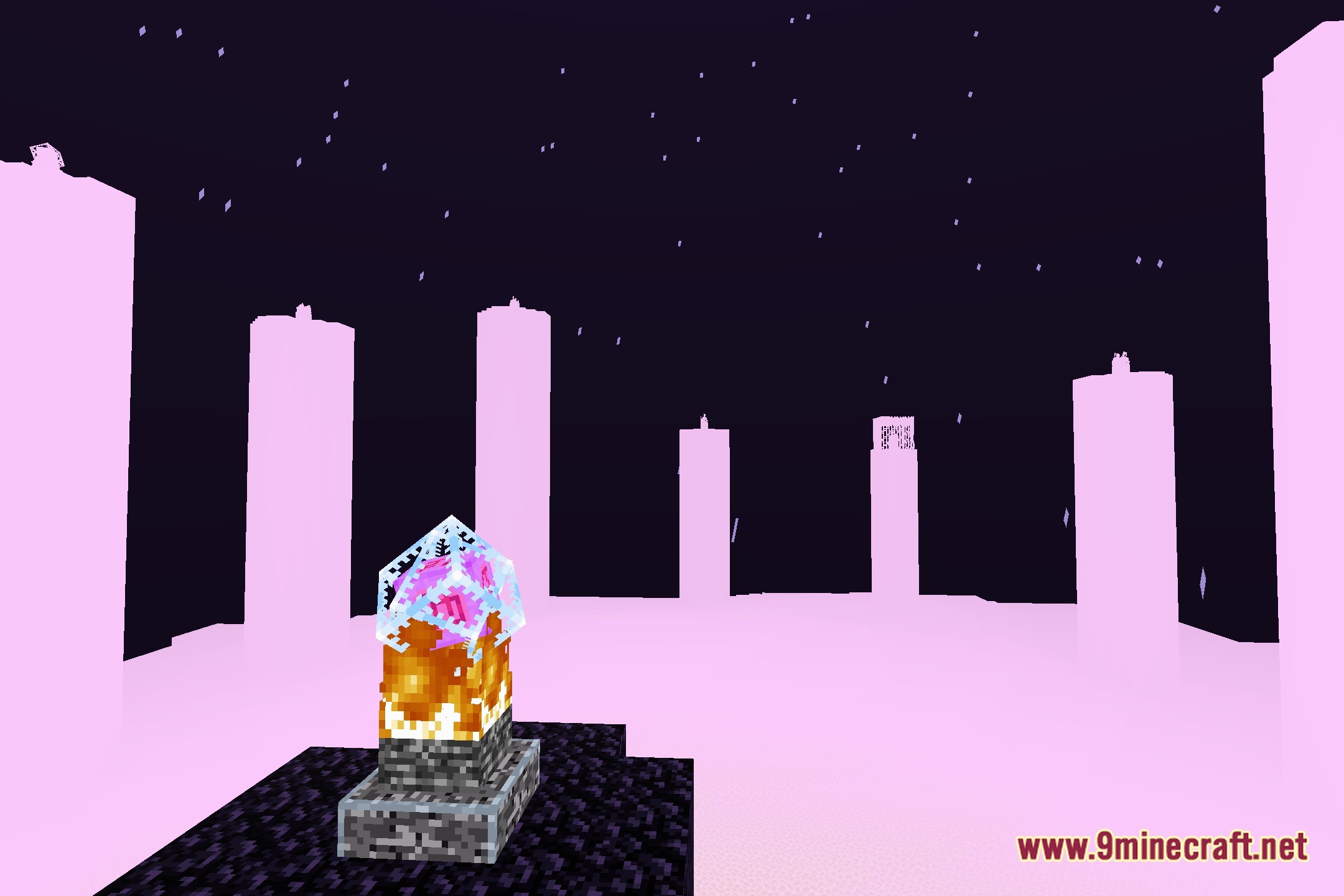
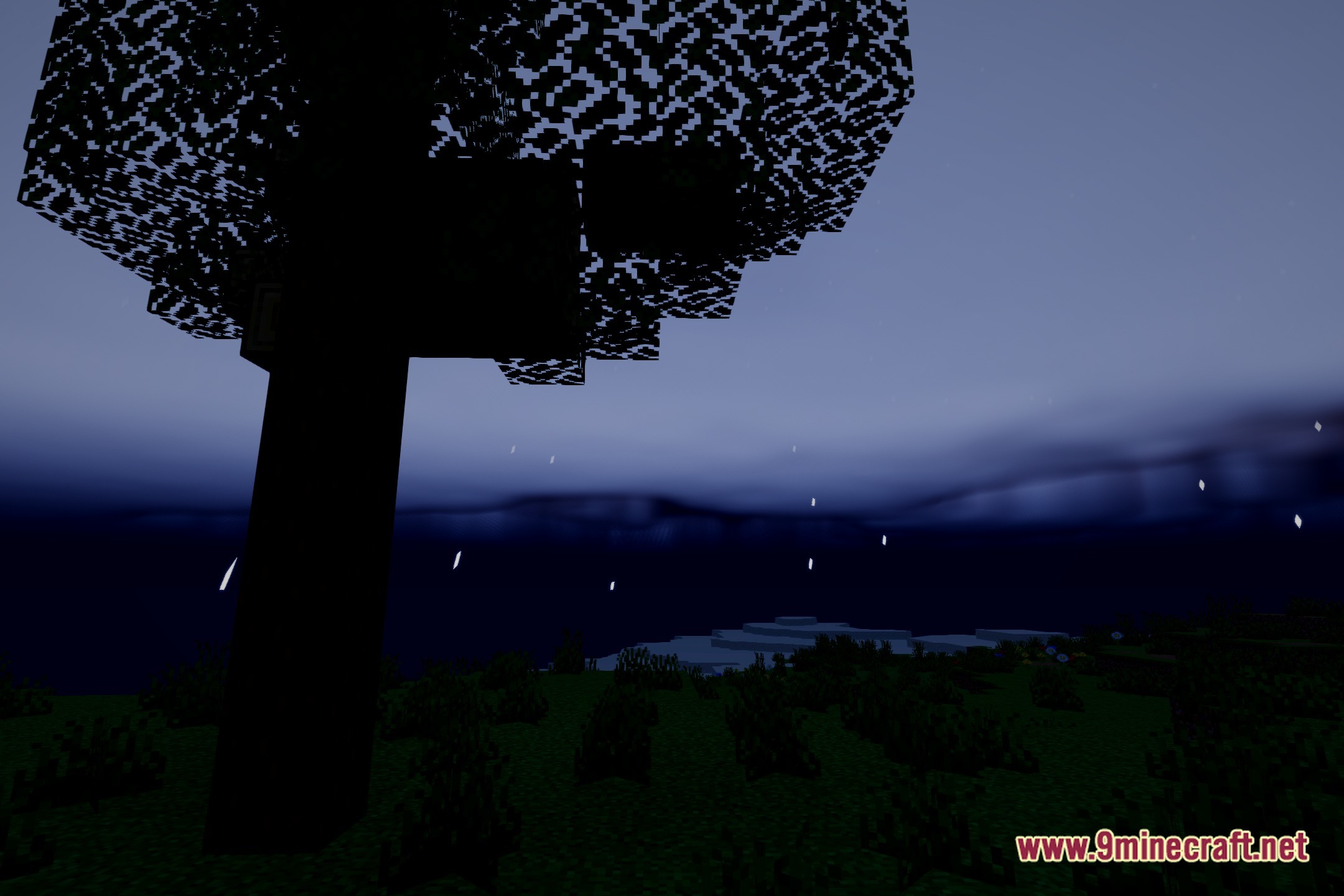
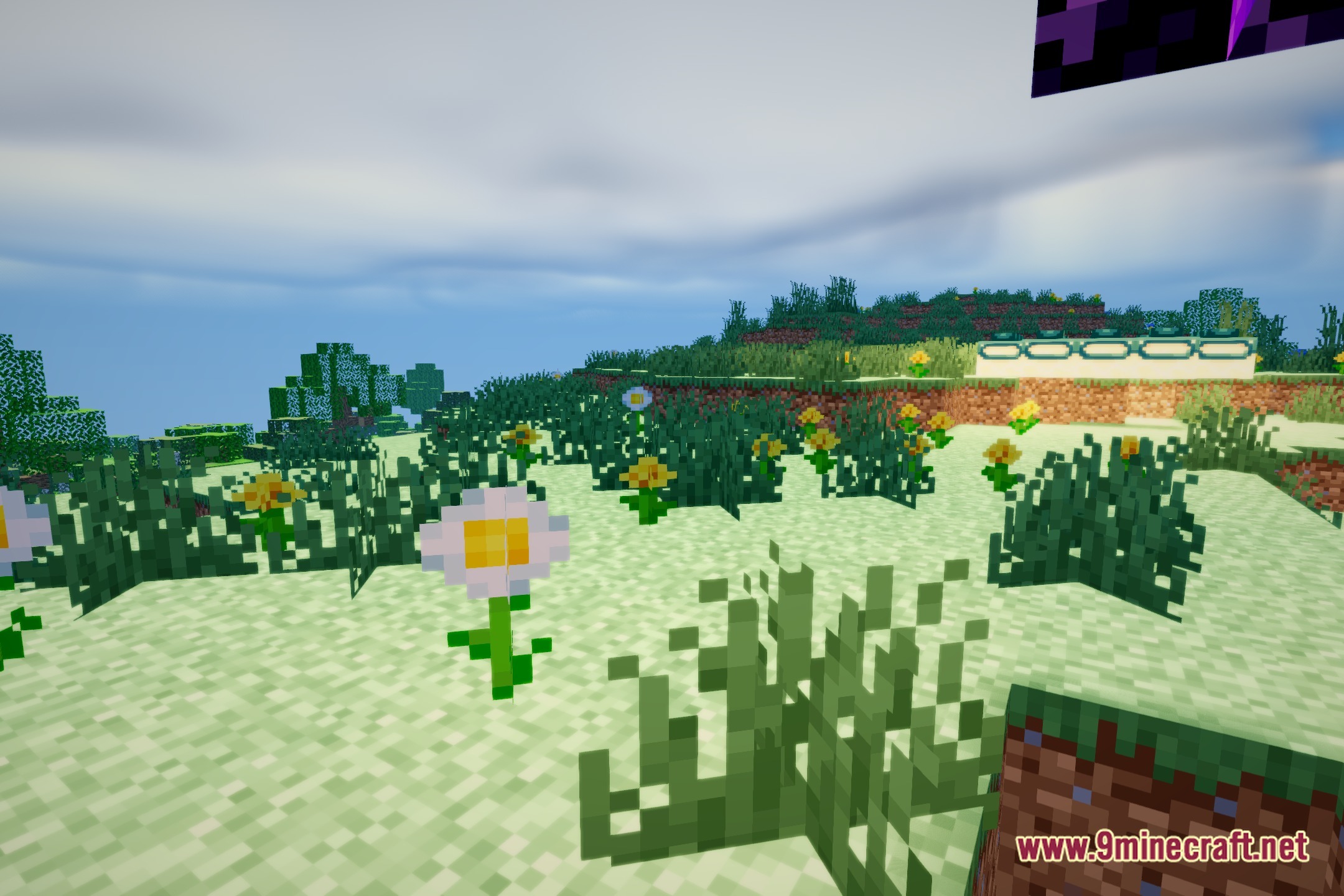
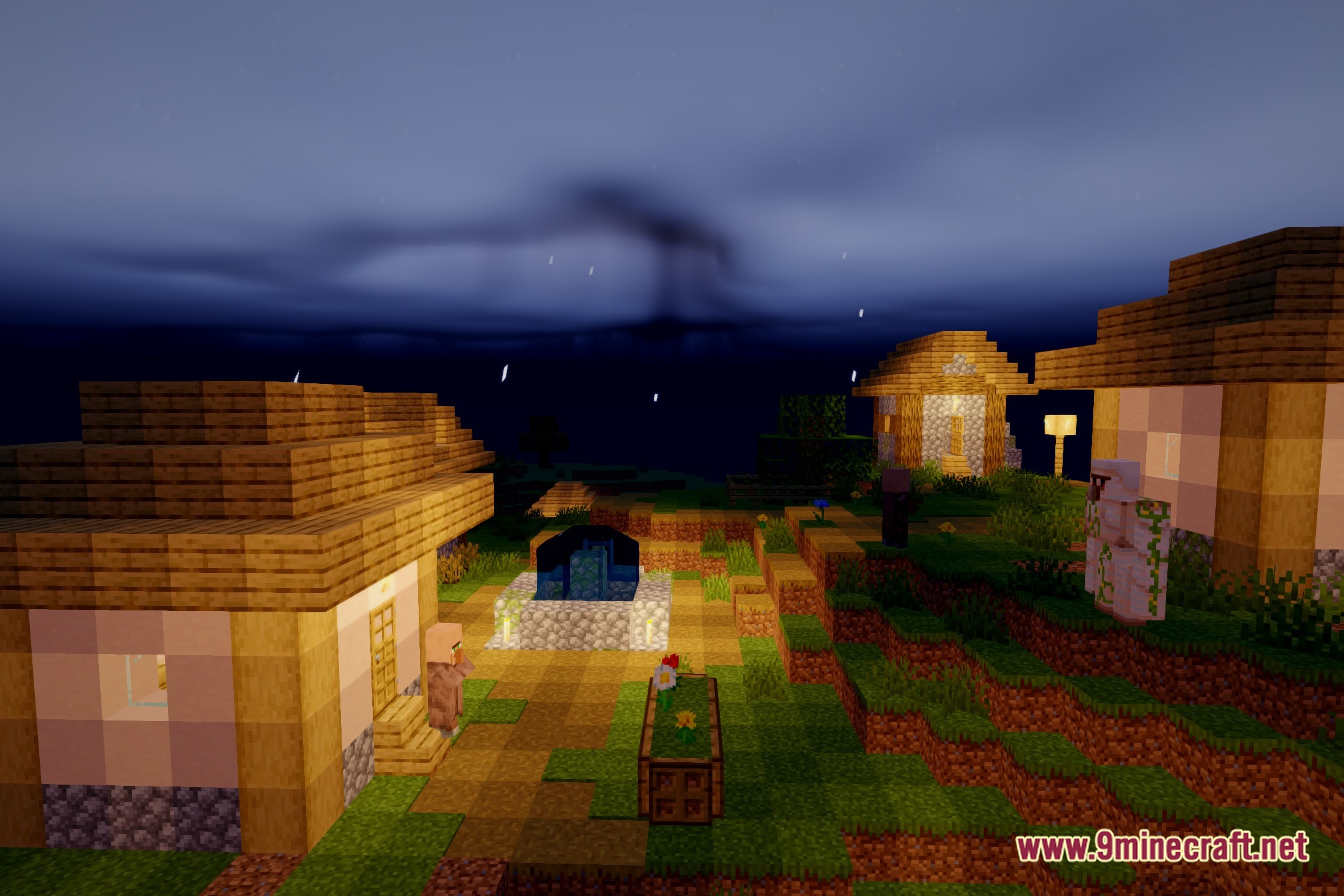
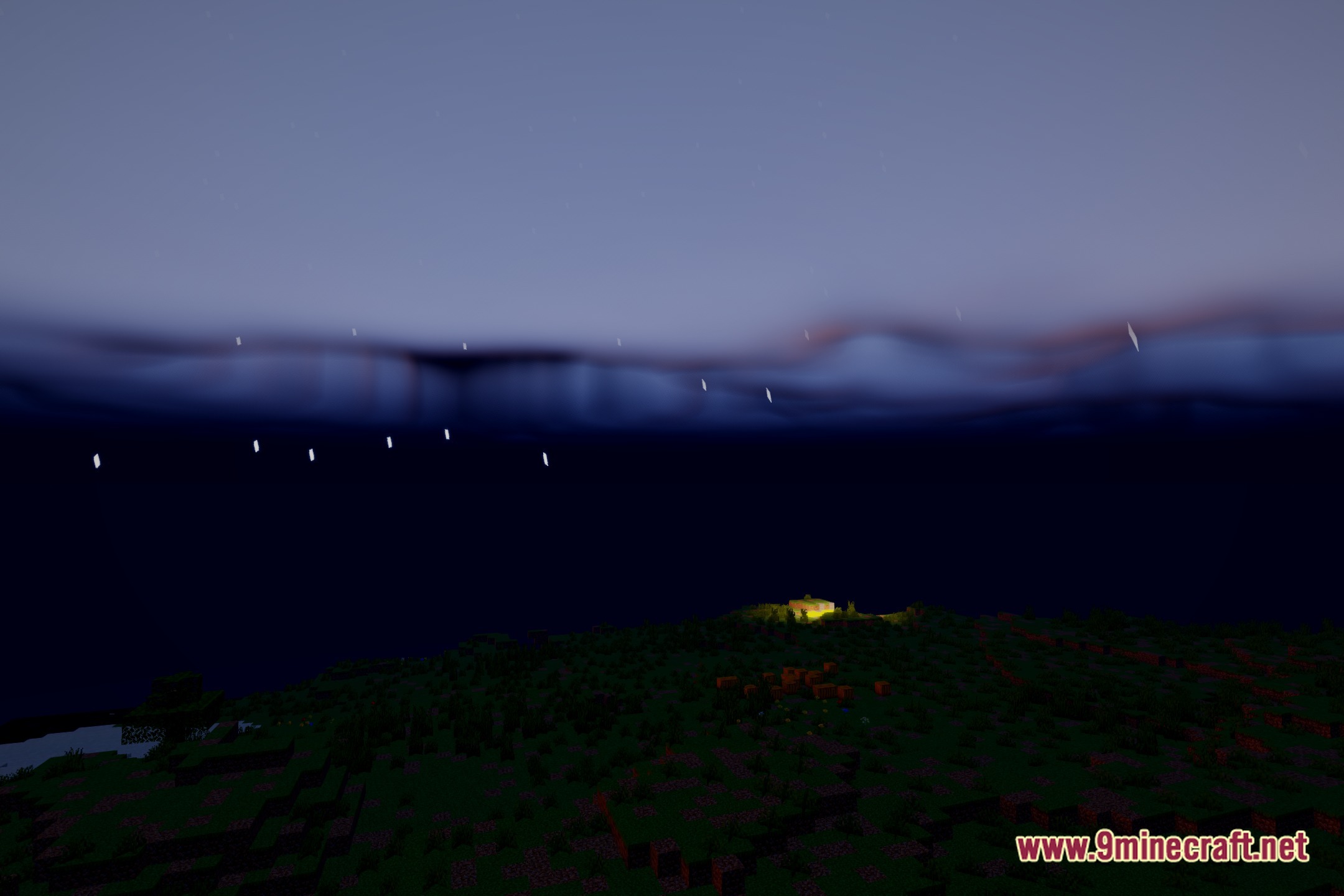
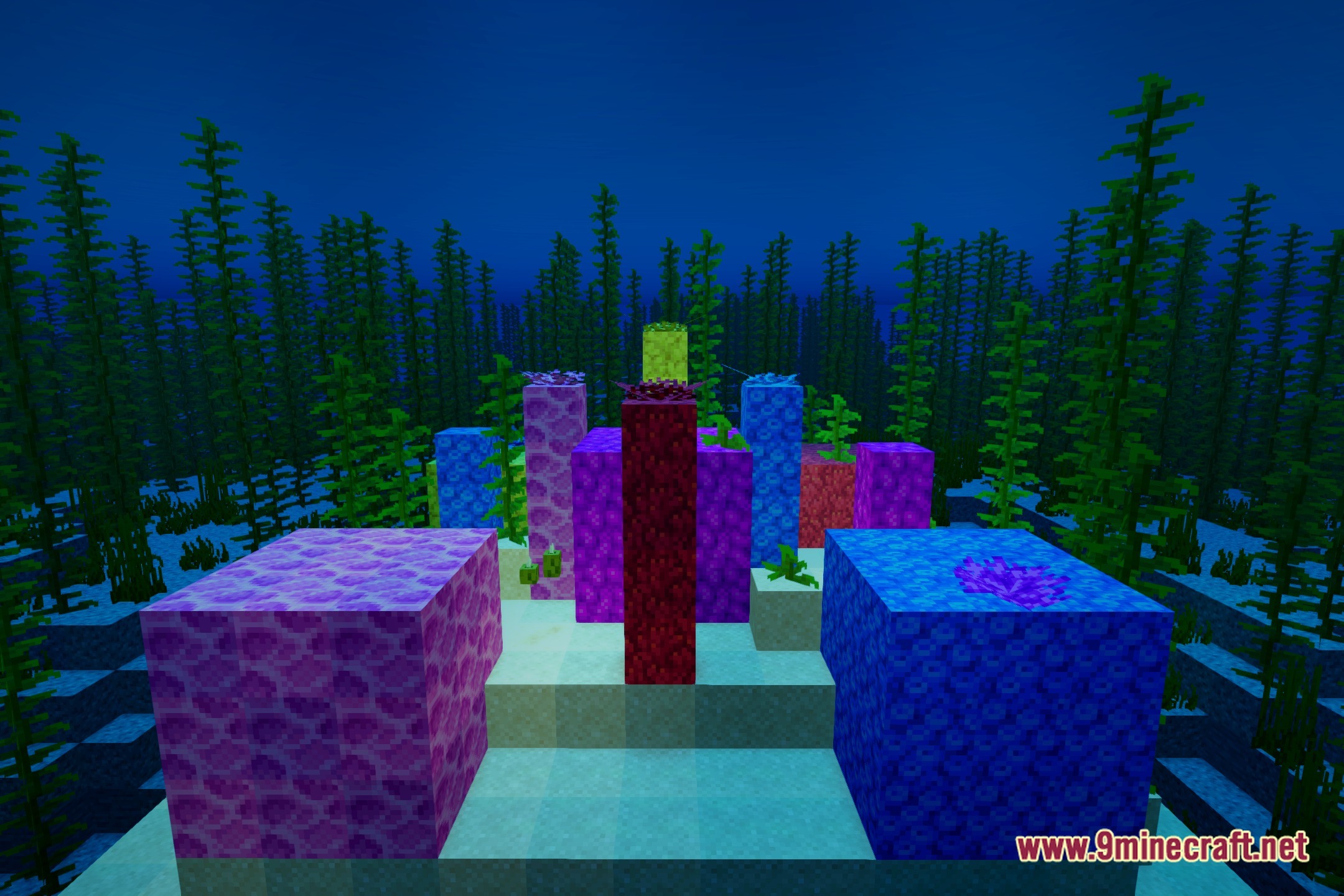
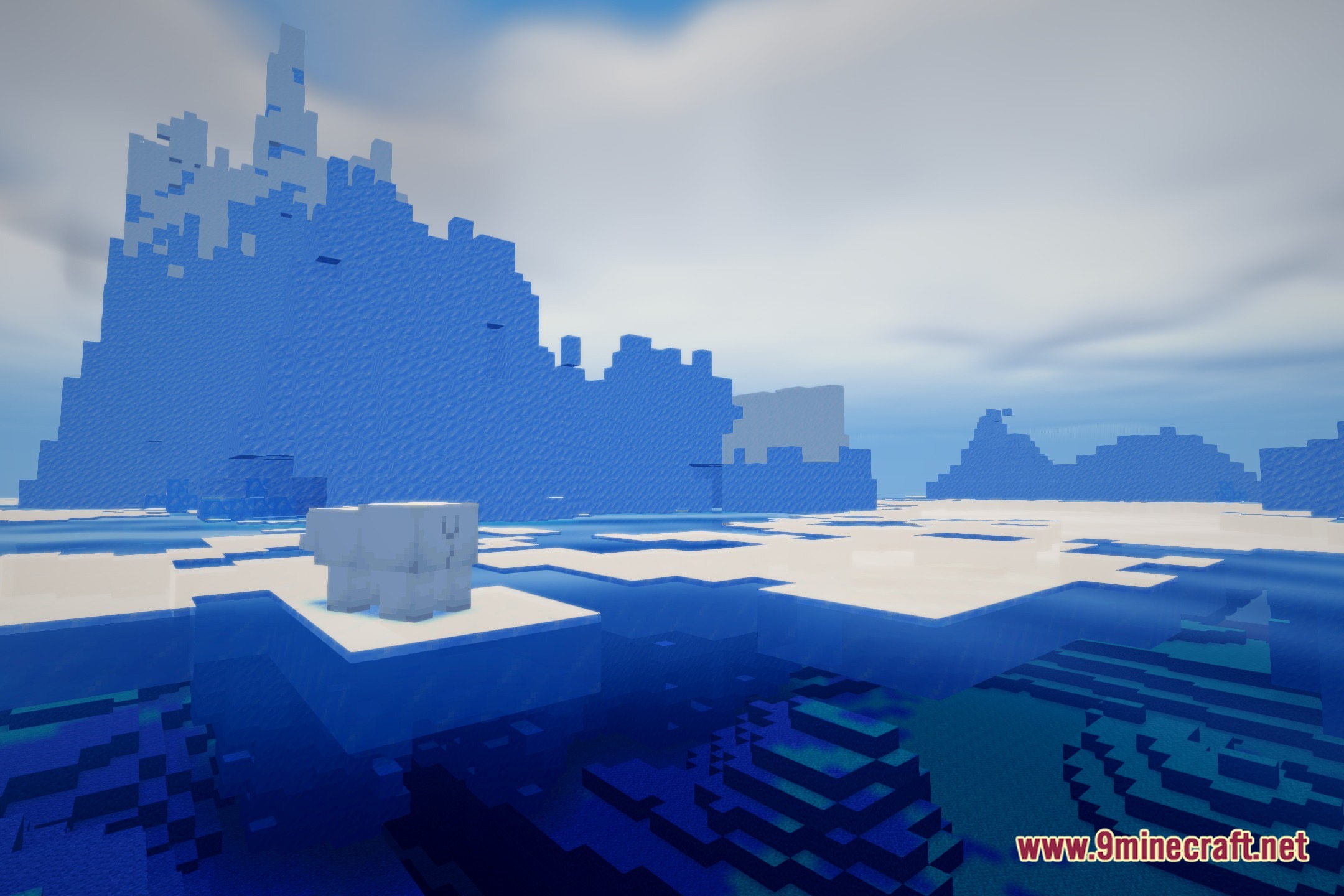
12 images from the Heliox Shaders page.


You May Also Like
Wikis that share the most with this one
 Cealith Shaders
Wikis on the same theme: iron
More shader wikis on the site
Helian MMCO Sundial Lite Edit ShadersHearthlight ShadersHearthglow Cottagecore Cozy ShadersHeart of the Universe ShadersHazy Industrial Glow ShadersHaze ShadersHaunting Cinematic Shadows ShadersHaunted Cinematic Glow ShadersHaste ShadersHarran Cinematic Shadows Shaders Hallucination ShaderHalcyon Shaders
The most downloaded mods that have a wiki here