

 DownloadAfterimage Shaders
Get the files on 9Minecraft
Guides
Step-by-step, in-game.
Adjust Volumetric Fog Density for Better VisibilityAccess Shader Settings Press the key to open the Iris shader menu (default is O ). Navigate to the Afterimage Shaders…Configure the End Dimension Black Hole EffectLocate End Dimension Settings Open the Iris shader menu and find Afterimage Shaders options. Search for End-specific…Customize Day and Night Sky AppearanceOpen Shader Configuration Access the Iris shader menu and find the Afterimage Shaders panel. Look for sky or…Enhance Nether Atmosphere and LightingAccess Nether-Specific Settings Open the Iris shader menu and navigate to Afterimage Shaders options. Look for…
Frequently asked questions
How do I enable Afterimage Shaders after installing it?
Open your Video Settings in-game, select Shaders, and locate Afterimage Shaders in your shader pack list. Click it to activate, then confirm the changes.
Why is my fog so thick I can't see anything?
Volumetric fog density is likely set too high. Open the shader options menu (usually accessible from Video Settings > Shaders > Shader Options) and reduce the fog density slider until you reach your preferred visibility.
Can I use Afterimage Shaders with other mods?
Yes, Afterimage Shaders works with most mods since it only affects visuals. However, mods that heavily modify sky rendering or dimension visuals may conflict—test in-game to confirm compatibility.
The Nether looks completely black. Is that normal?
Yes, Afterimage Shaders intentionally darkens the Nether with moody ambient lighting for atmosphere. If it's unplayable, reduce ambient light or fog density in the shader options.
See all 10 Afterimage Shaders questions ›
Gallery
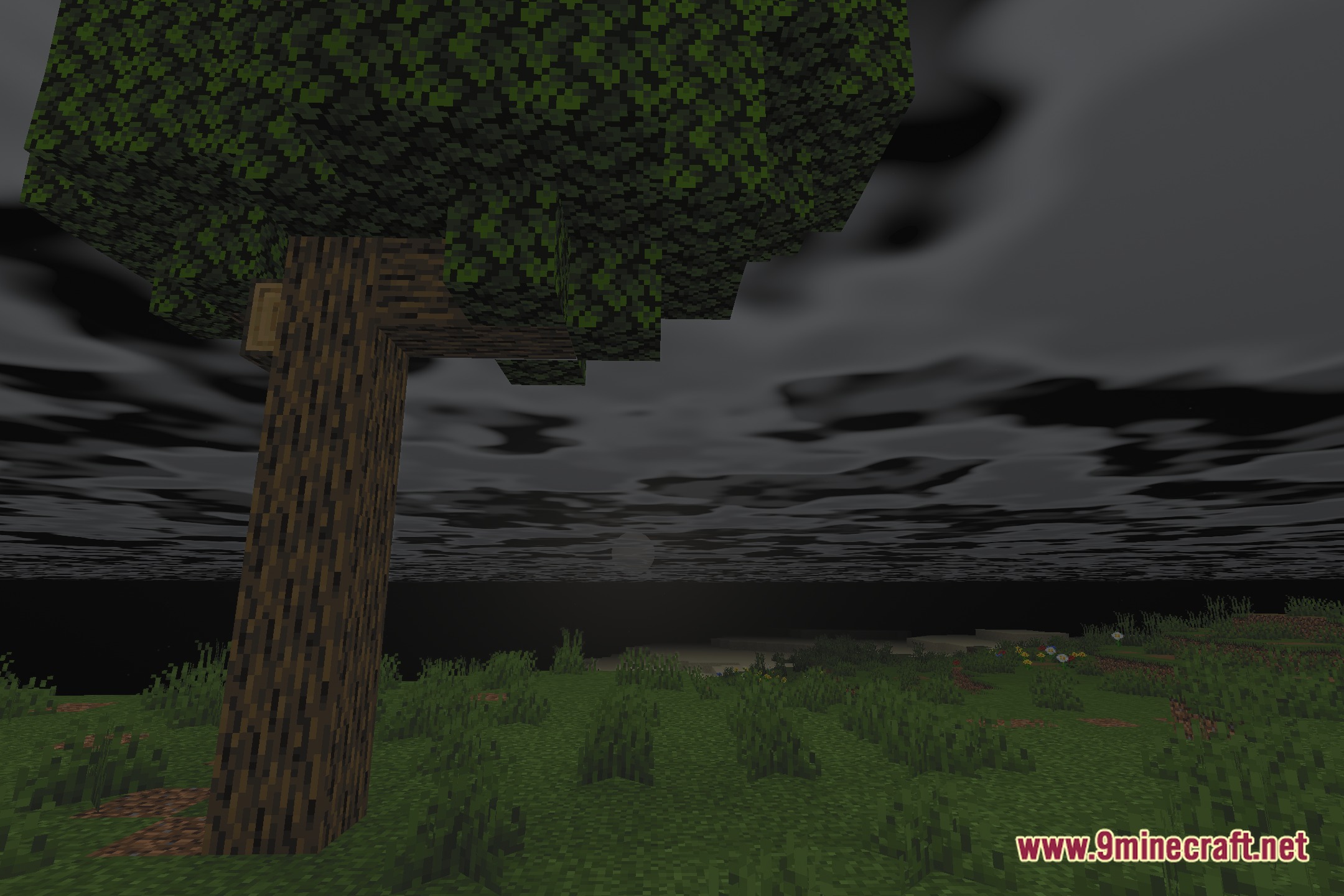
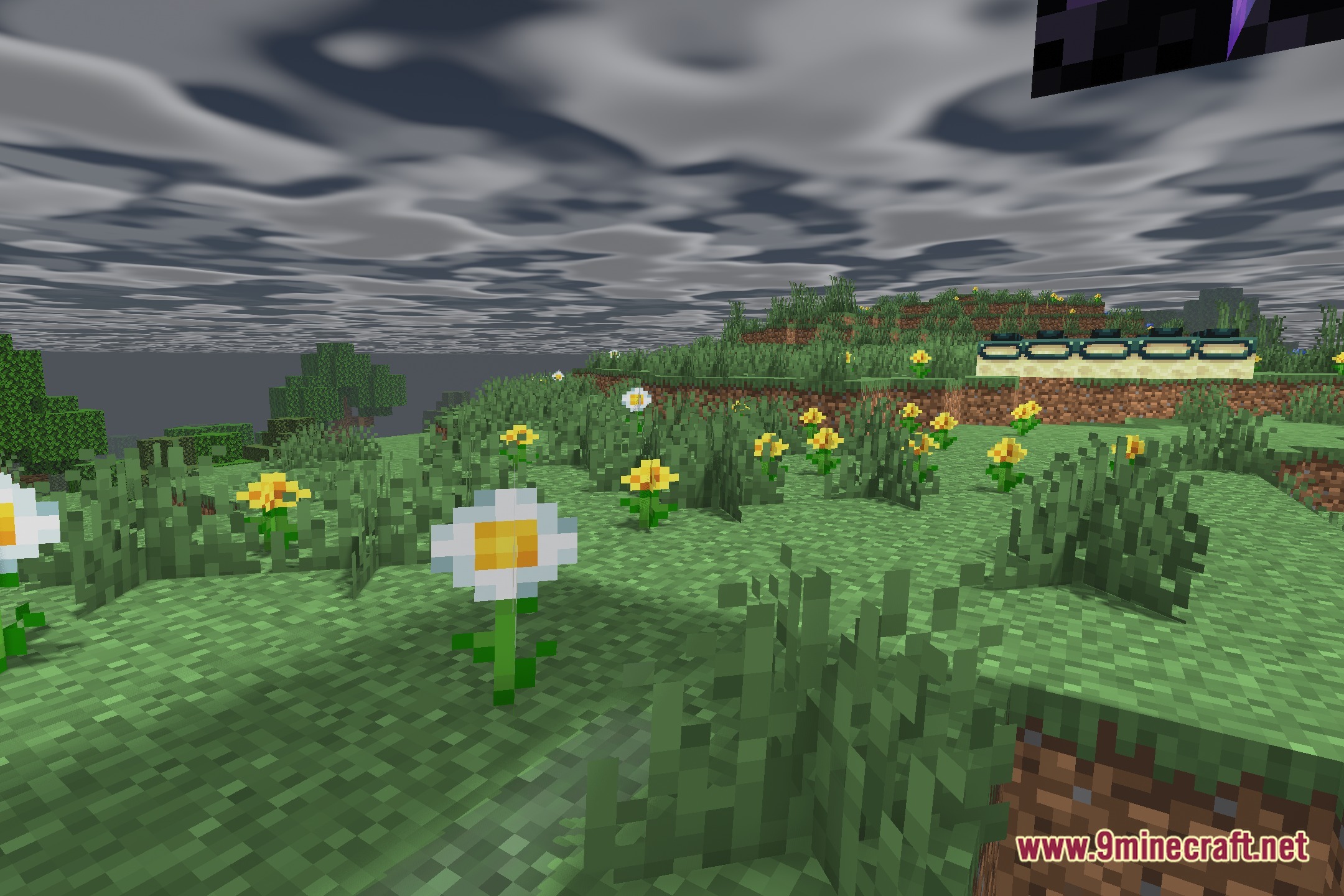
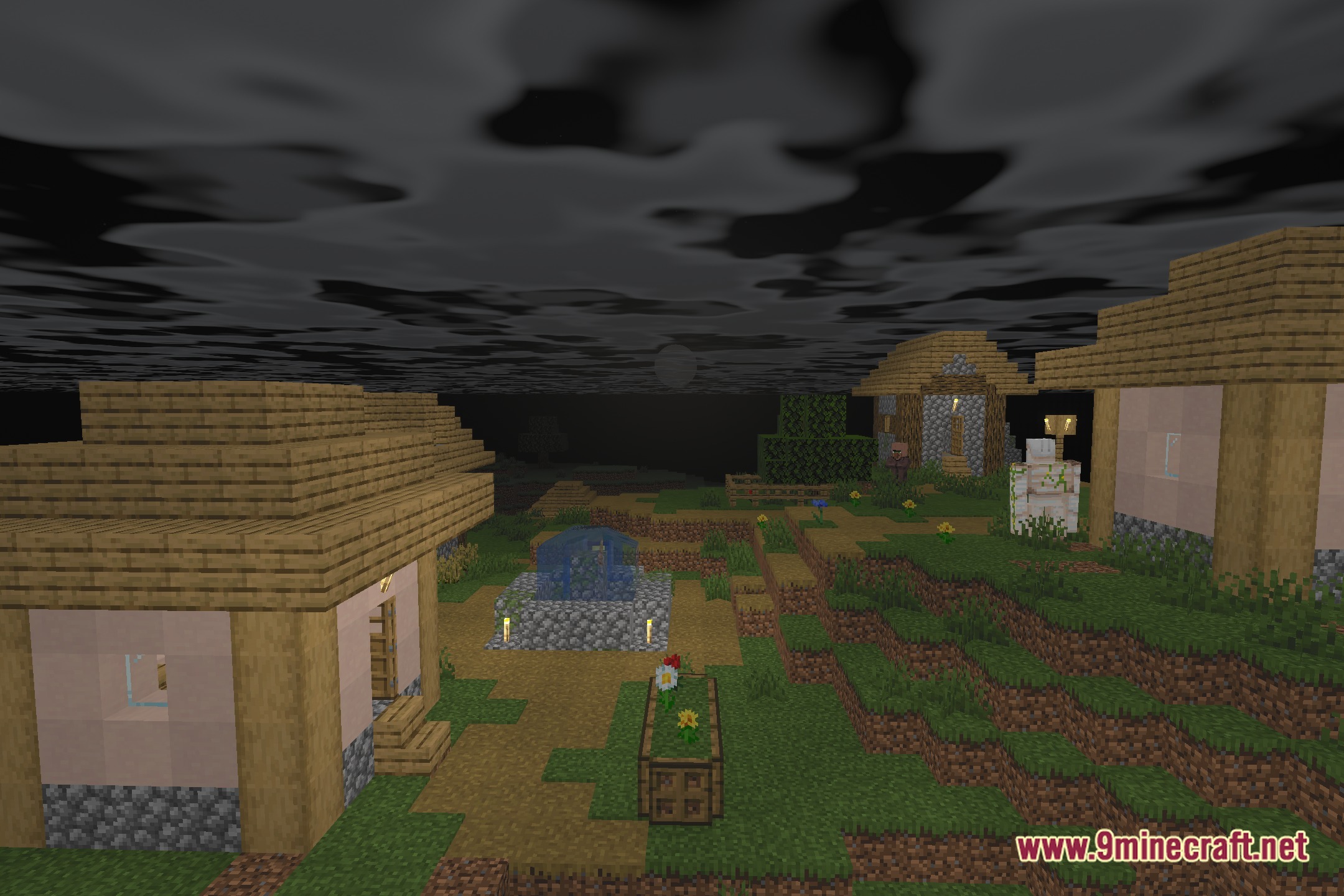
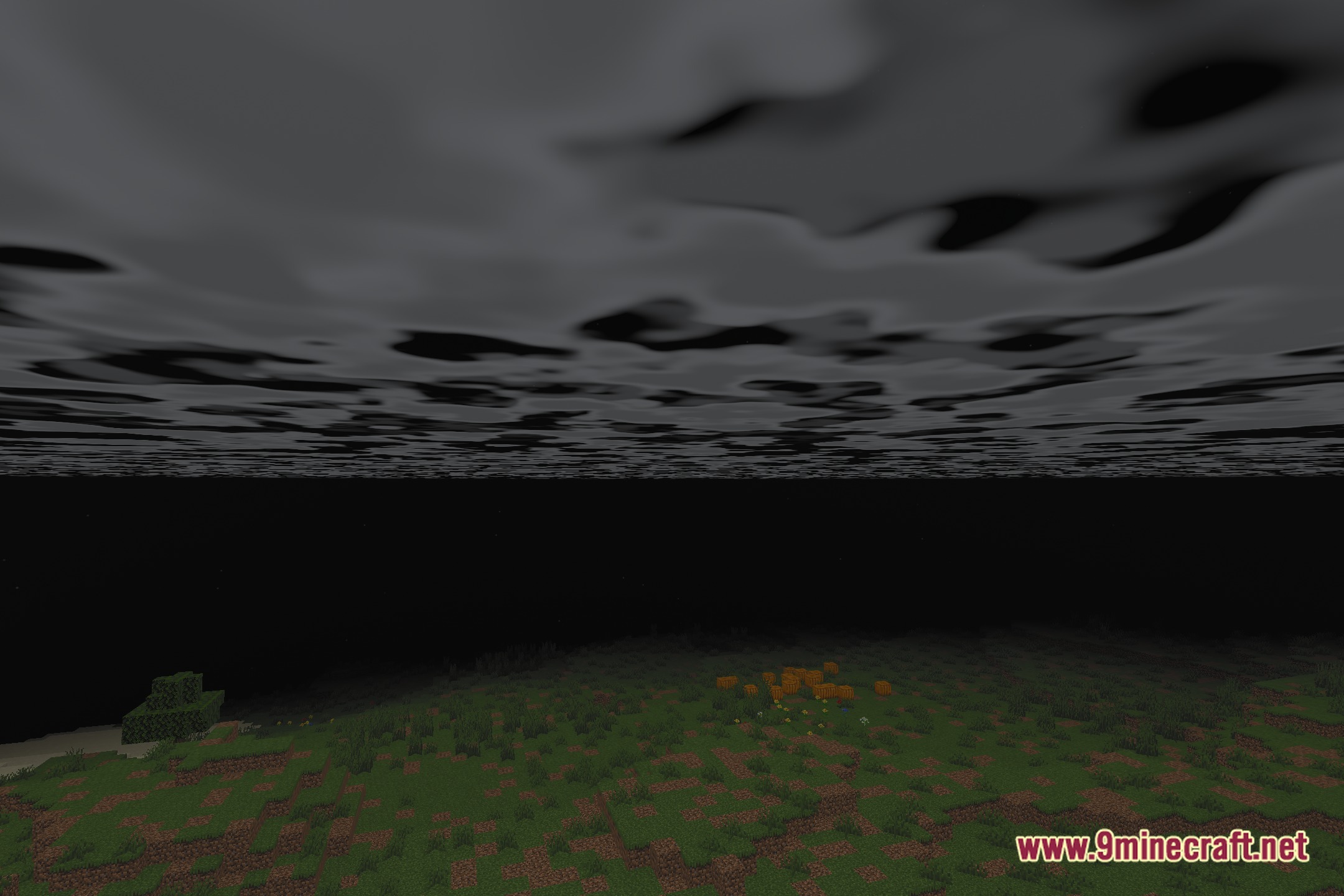
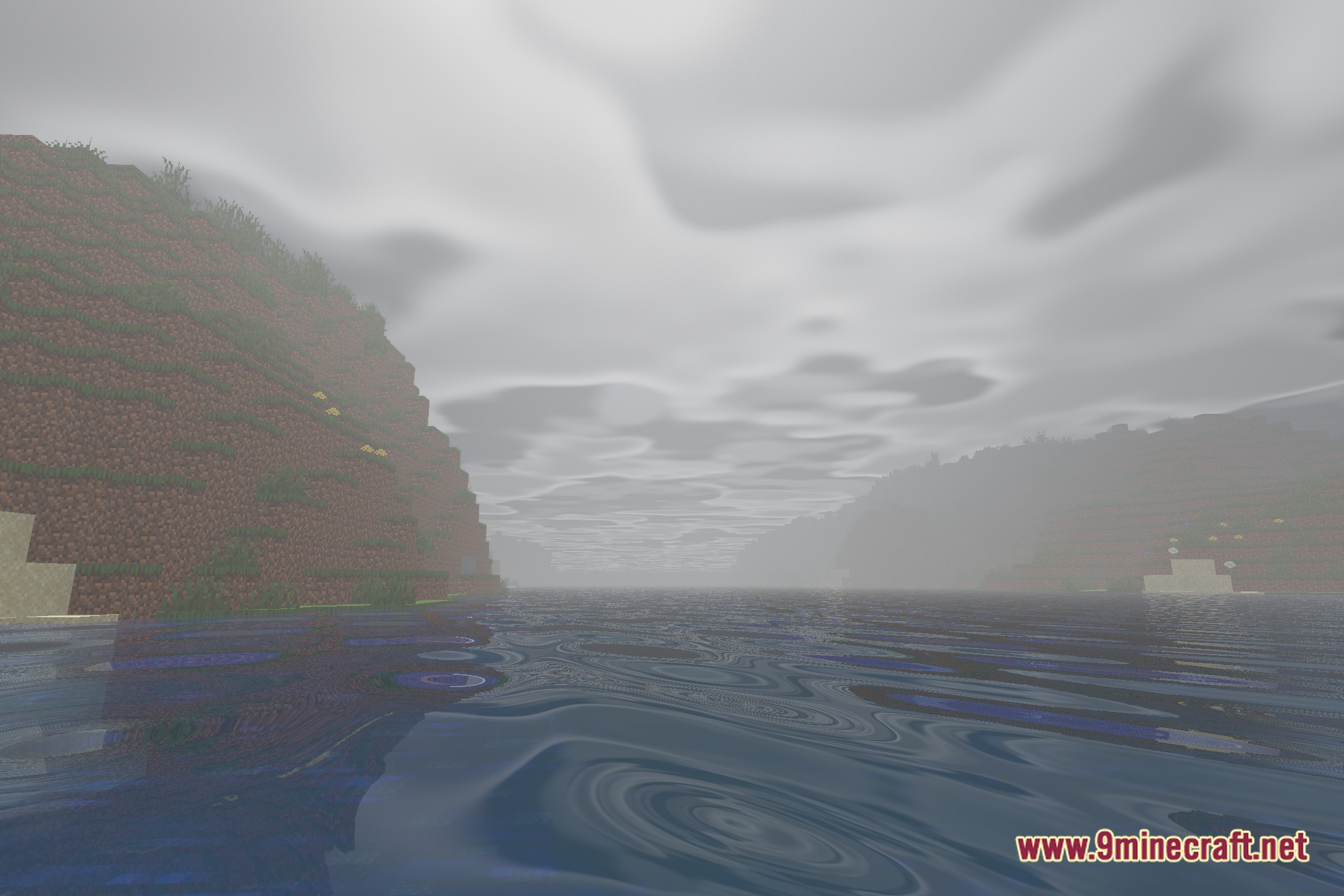
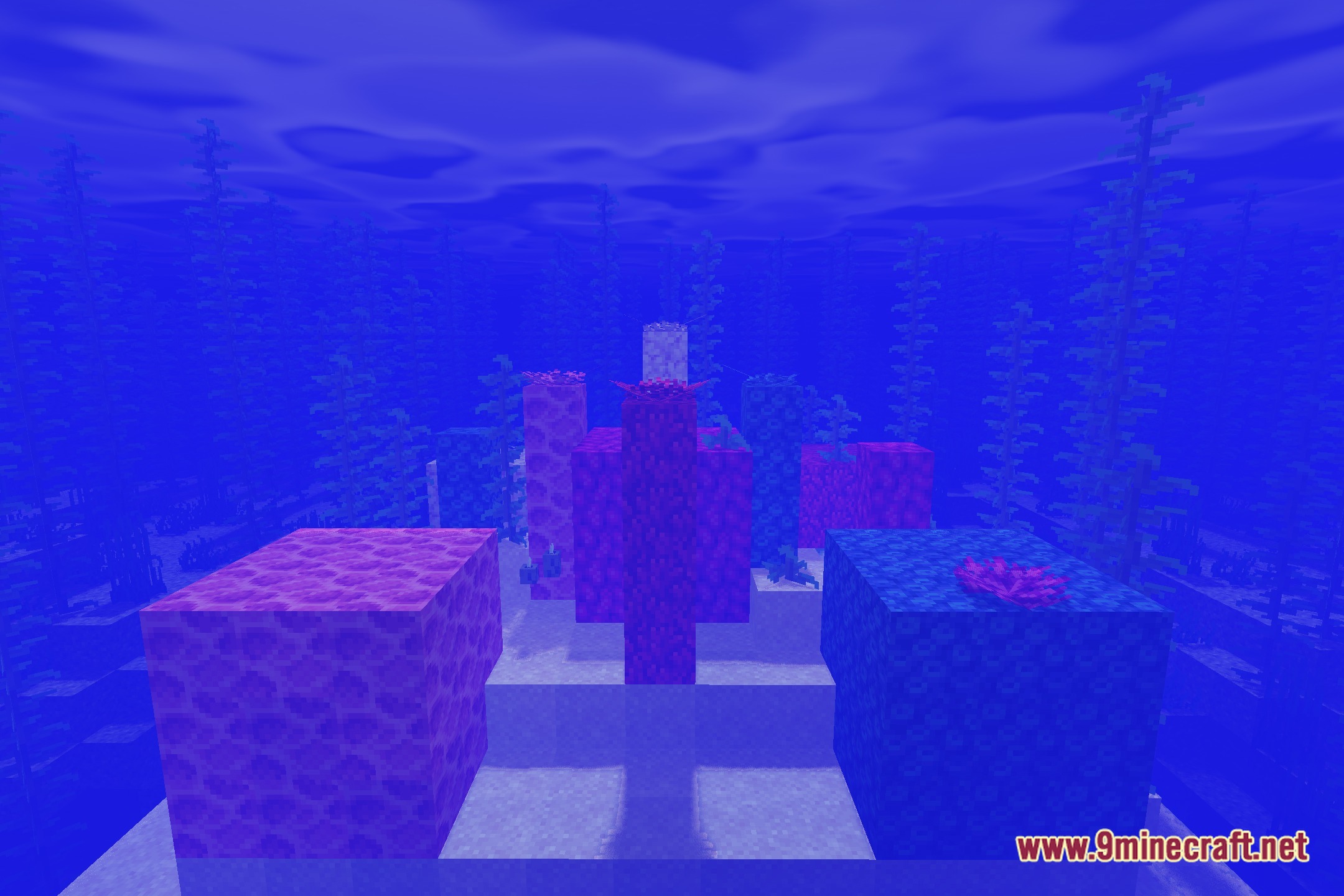
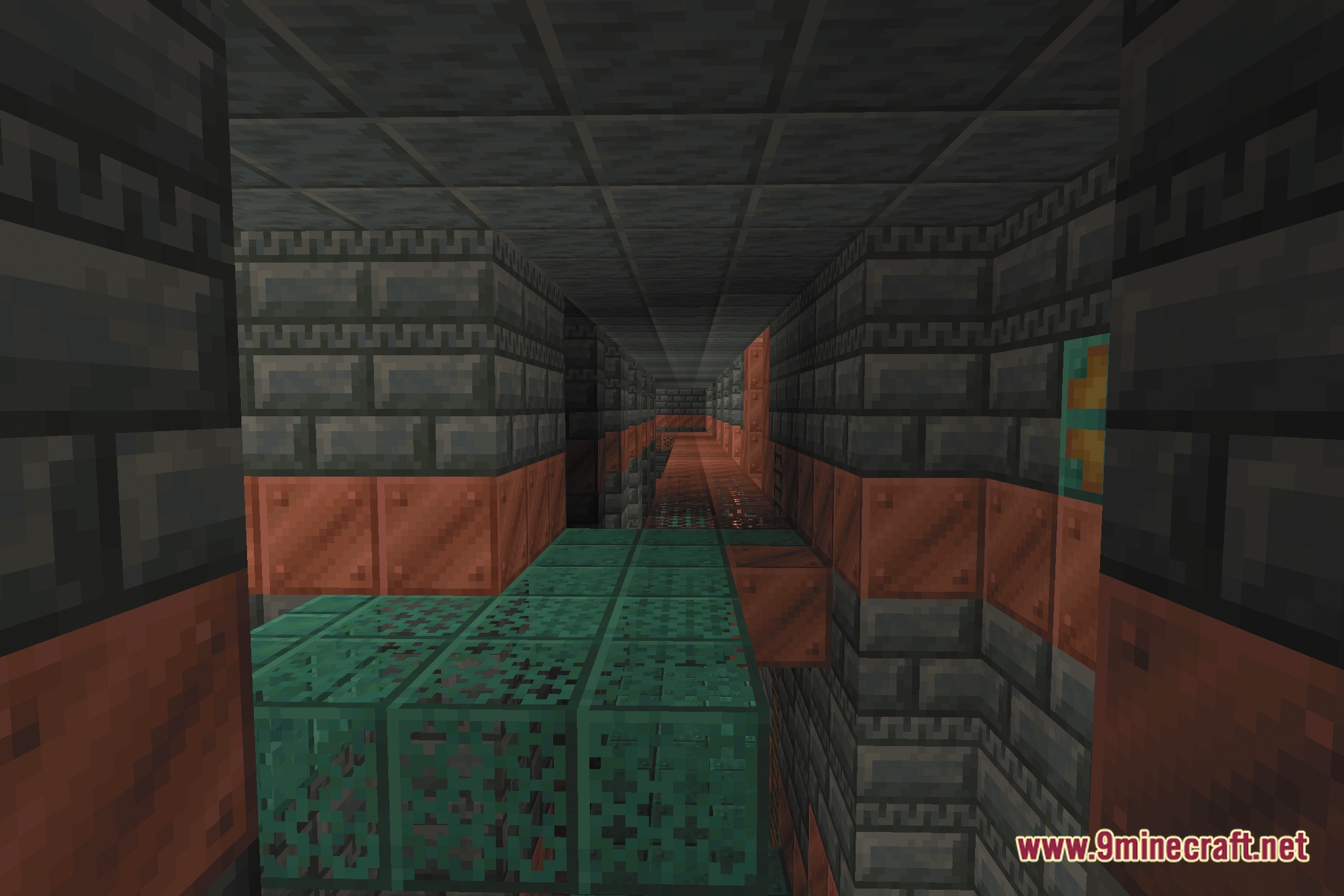
12 images from the Afterimage Shaders page.

You May Also Like
Wikis that share the most with this one
 AetherVisuals Shaders
More shader wikis on the site
The most downloaded mods that have a wiki here