

 DownloadAnti Aliasing TAA FXAA Shaders
Get the files on 9Minecraft
Guides
Step-by-step, in-game.
Fix Jagged Block Edges at DistanceWhy Distant Blocks Look Jagged When you look far into your world, block edges appear harsh and pixelated because the…Improve Performance While Using Anti-AliasingWhy FXAA is Performance-Friendly FXAA is designed to be computationally efficient compared to other anti-aliasing…Maintain Vanilla Look While Improving Visual QualityPreserving Minecraft's Classic Style Anti-aliasing shaders smooth edges without adding lighting effects, bloom, or…Reduce Flickering on Thin Objects Like Fences and LeavesUnderstanding TAA for Thin Geometry Temporal Anti-Aliasing (TAA) works by blending information from multiple frames…
Frequently asked questions
How do I turn on the anti-aliasing effect?
The shader effects are active by default once the mod is installed. If you don't see smoothing on block edges, check that shaders are enabled in your video settings and that no conflicting shader packs are loaded at the same time.
Why do my fences and leaves still flicker?
Flickering on thin transparent objects is reduced by TAA, but may still appear slightly depending on your camera movement speed and distance. Try reducing your render distance or moving more slowly to minimize the effect.
Does this mod work with other shader packs?
No, this mod applies anti-aliasing at the engine level and conflicts with other shader packs. You should disable or remove other shaders before using this mod.
Will this mod make my game run slower?
FXAA is designed to be lightweight, but TAA does require processing multiple frames. Most modern computers see minimal performance impact, though older systems may notice a small FPS decrease.
See all 10 Anti Aliasing TAA FXAA Shaders questions ›
Gallery
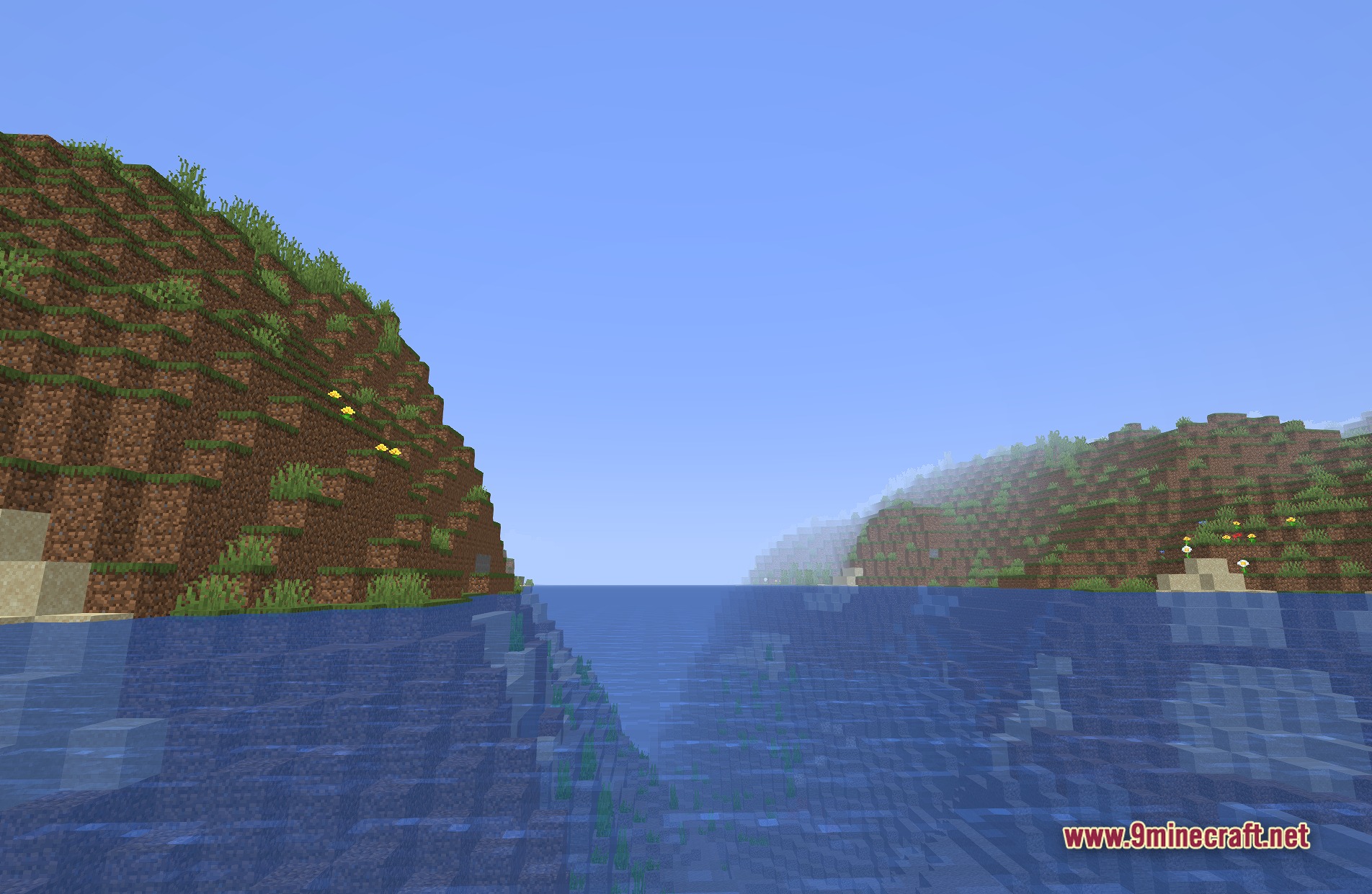
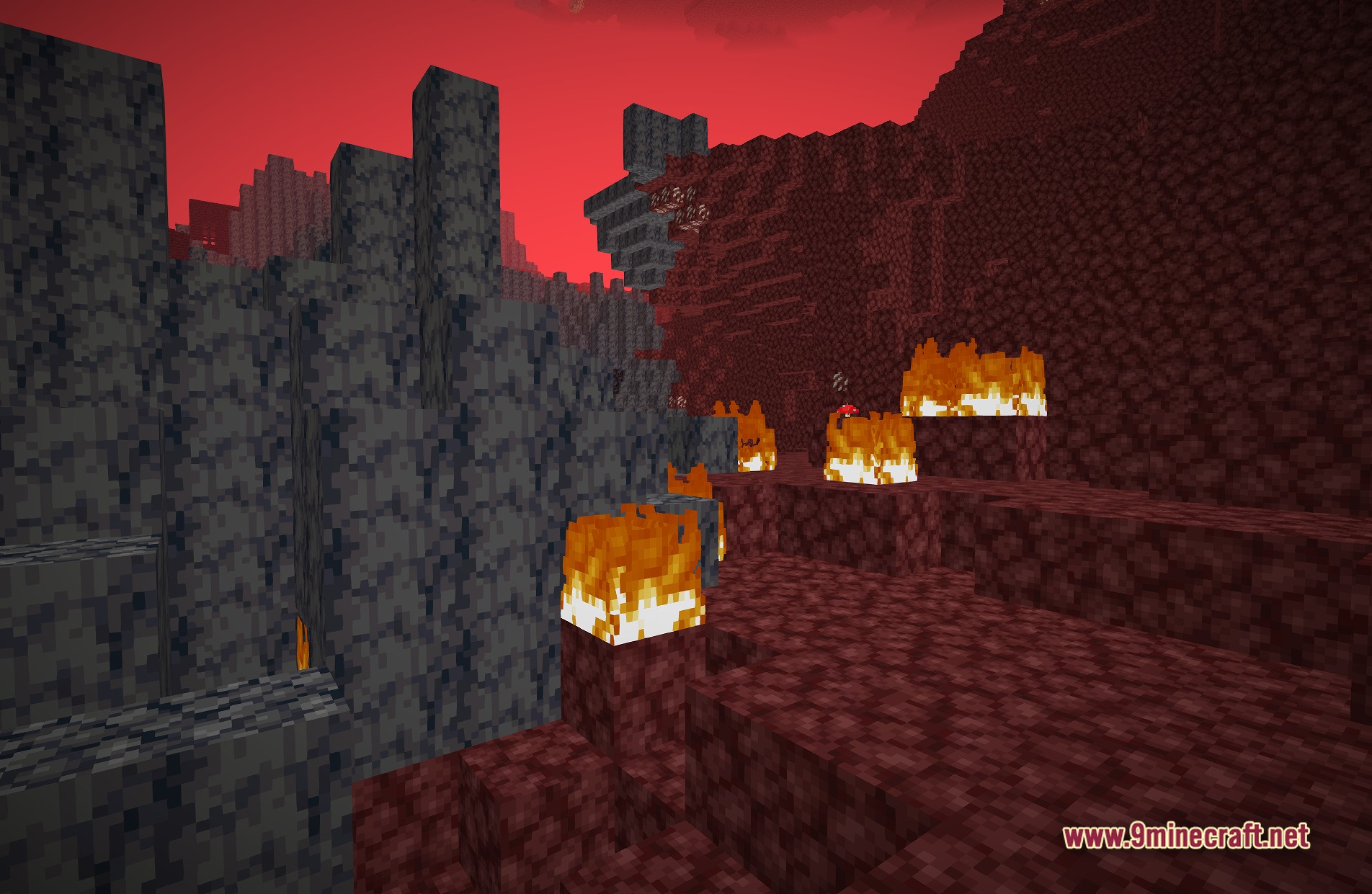
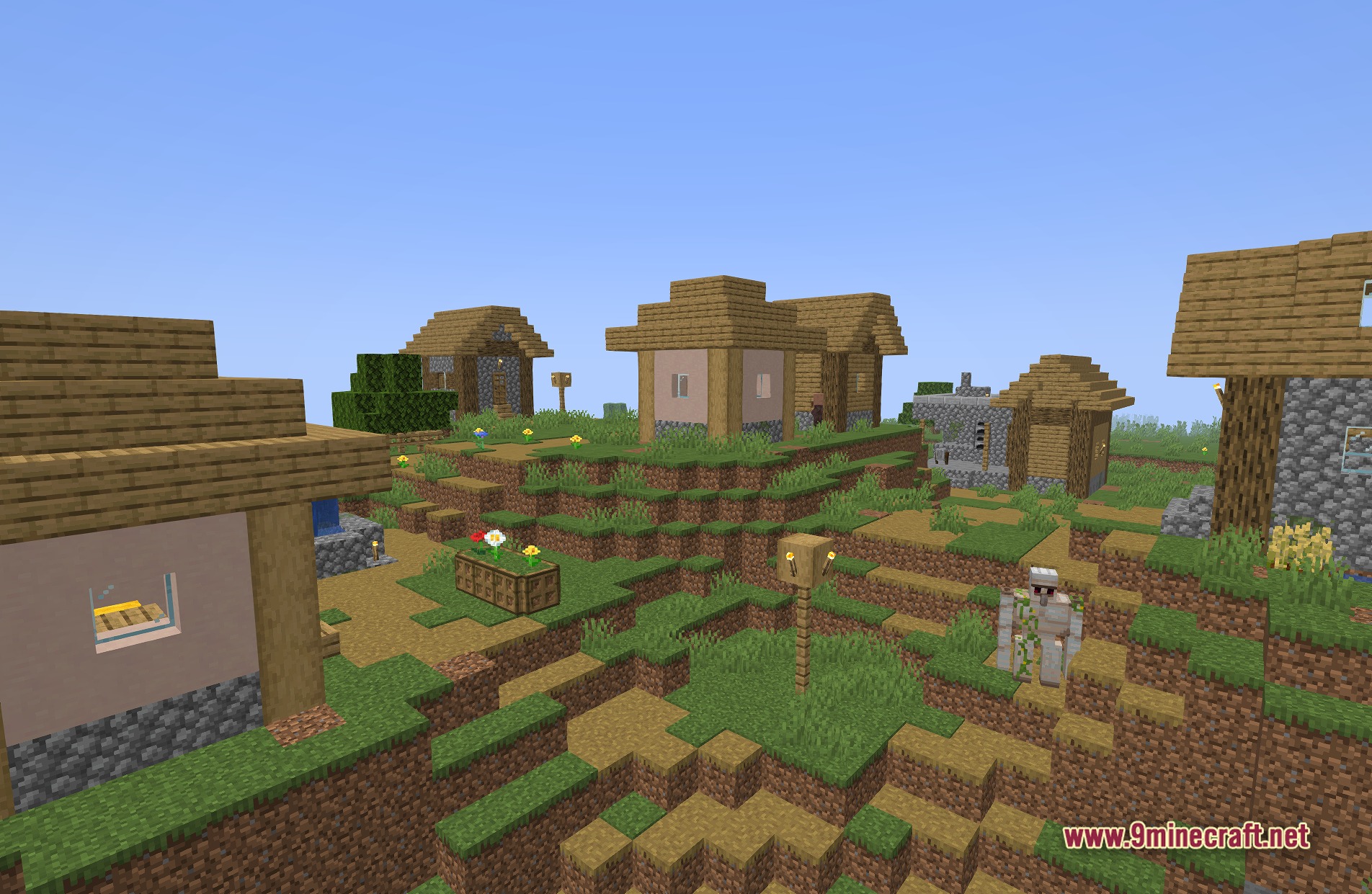
11 images from the Anti Aliasing Taa Fxaa Shaders page.
You May Also Like
Wikis that share the most with this one
More shader wikis on the site
 AetherVisuals Shaders
The most downloaded mods that have a wiki here