

 DownloadEveliteshaders
Get the files on 9Minecraft
Guides
Step-by-step, in-game.
Adjust Atmospheric Depth for Different BiomesAccess Atmosphere Settings Open your shader settings menu and locate options related to atmosphere, fog, or sky…Capture Cinematic Screenshots with Volumetric LightingPosition Yourself for Light Beams Volumetric lighting looks most dramatic when sunlight filters through obstacles.…Enhance Water Visibility and RealismUnderstand Water Rendering Changes Eveliteshaders transforms water from flat surfaces into clear, reflective planes…Optimize Eveliteshaders Performance on Mid-Range HardwareReduce Volumetric Effects Volumetric fog and light beams are the most demanding features. Access your shader settings…
Frequently asked questions
Why does my game lag so much with Eveliteshaders enabled?
Eveliteshaders is one of the most demanding shader packs available because of its volumetric lighting and atmospheric effects. Start by lowering shadow distance and volumetric fog intensity in the shader settings, or reduce your render distance to improve frame rates on mid-range hardware.
How do I turn off volumetric fog if it's too thick?
Open the shader options menu (usually by pressing a hotkey like Shift+O in-game) and look for volumetric fog or atmospheric settings. You can reduce the fog density or disable it entirely, though this removes one of the shader's signature visual effects.
Can I use Eveliteshaders on a laptop?
It's possible but challenging—the shader is designed for powerful PCs and will likely cause significant lag on most laptops. If you want to try, disable volumetric effects, lower shadow quality, and reduce render distance to bare minimums.
Why do shadows look weird or flicker?
Shadow flickering usually happens when your shadow distance is set too high for your hardware or when you're moving between chunks. Try reducing shadow distance in the shader settings or enabling shadow stabilization if available.
See all 10 Eveliteshaders questions ›
Gallery
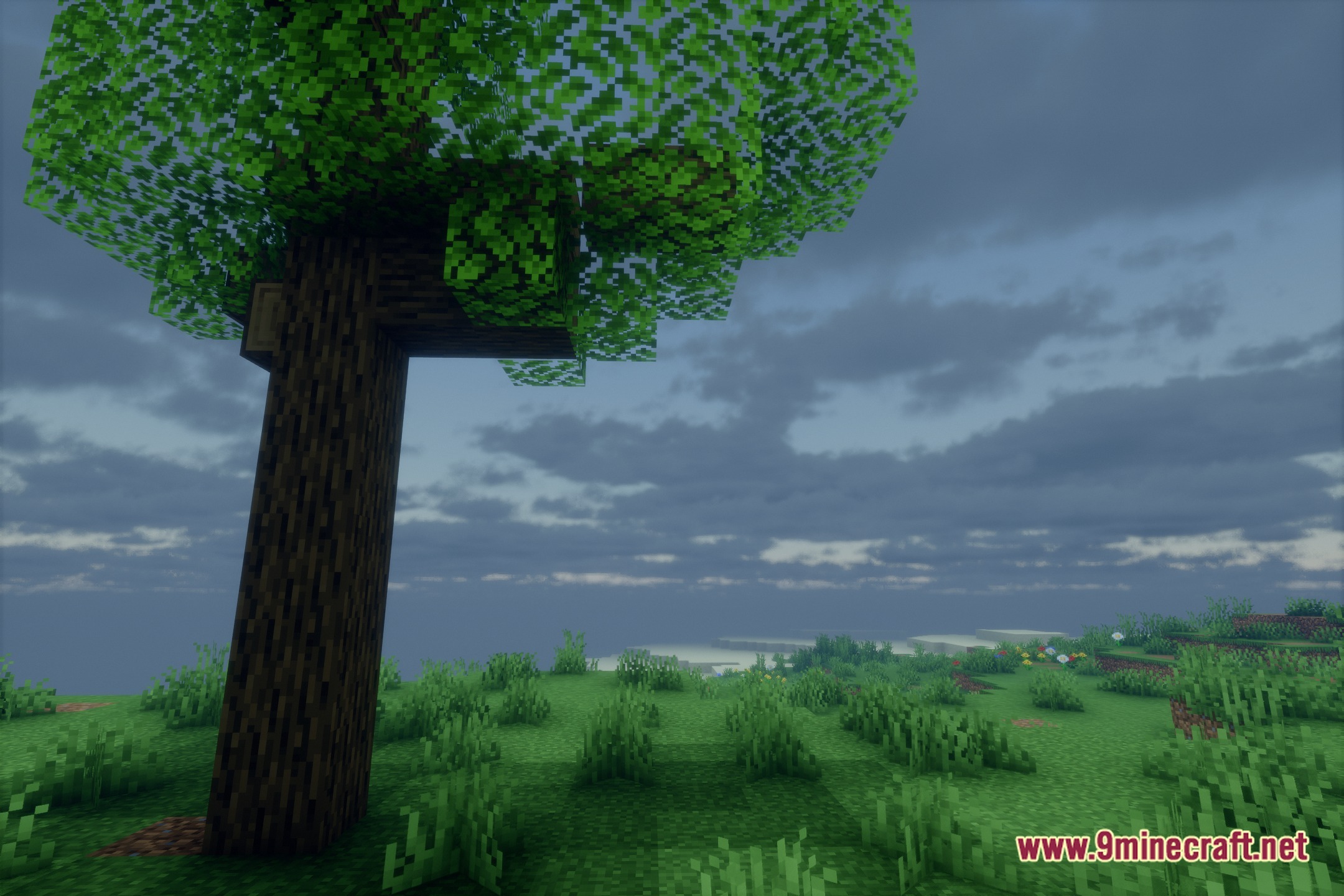
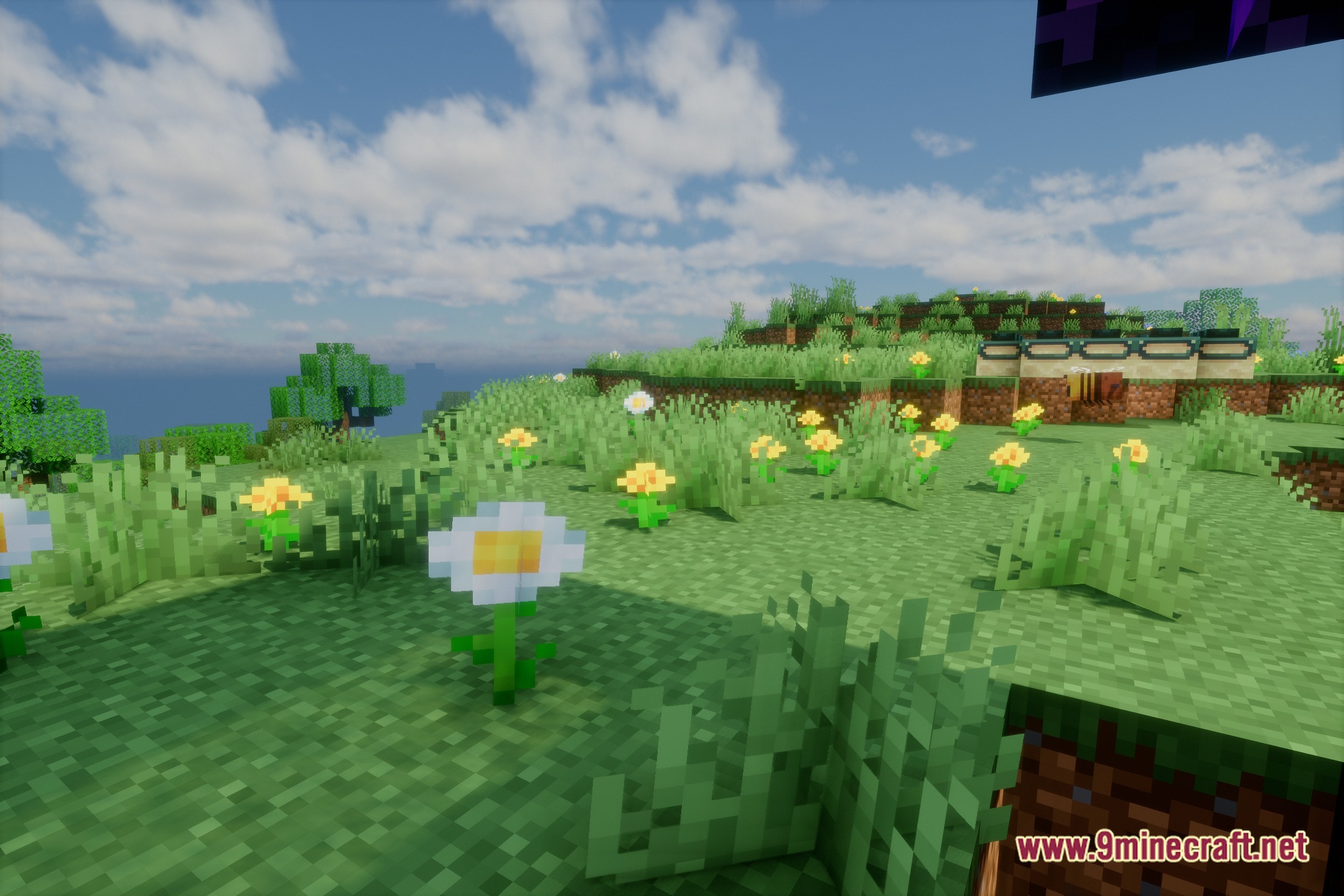
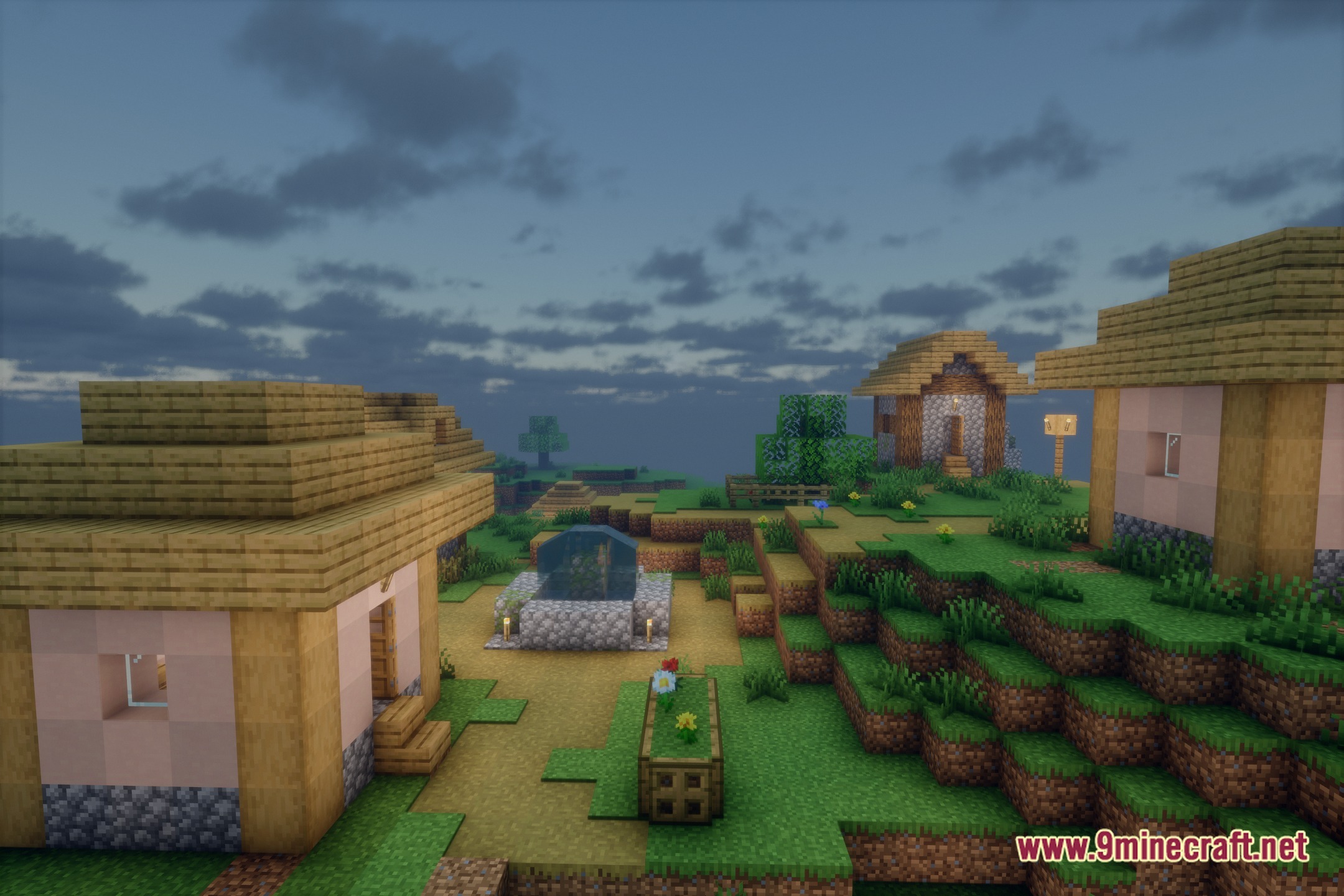
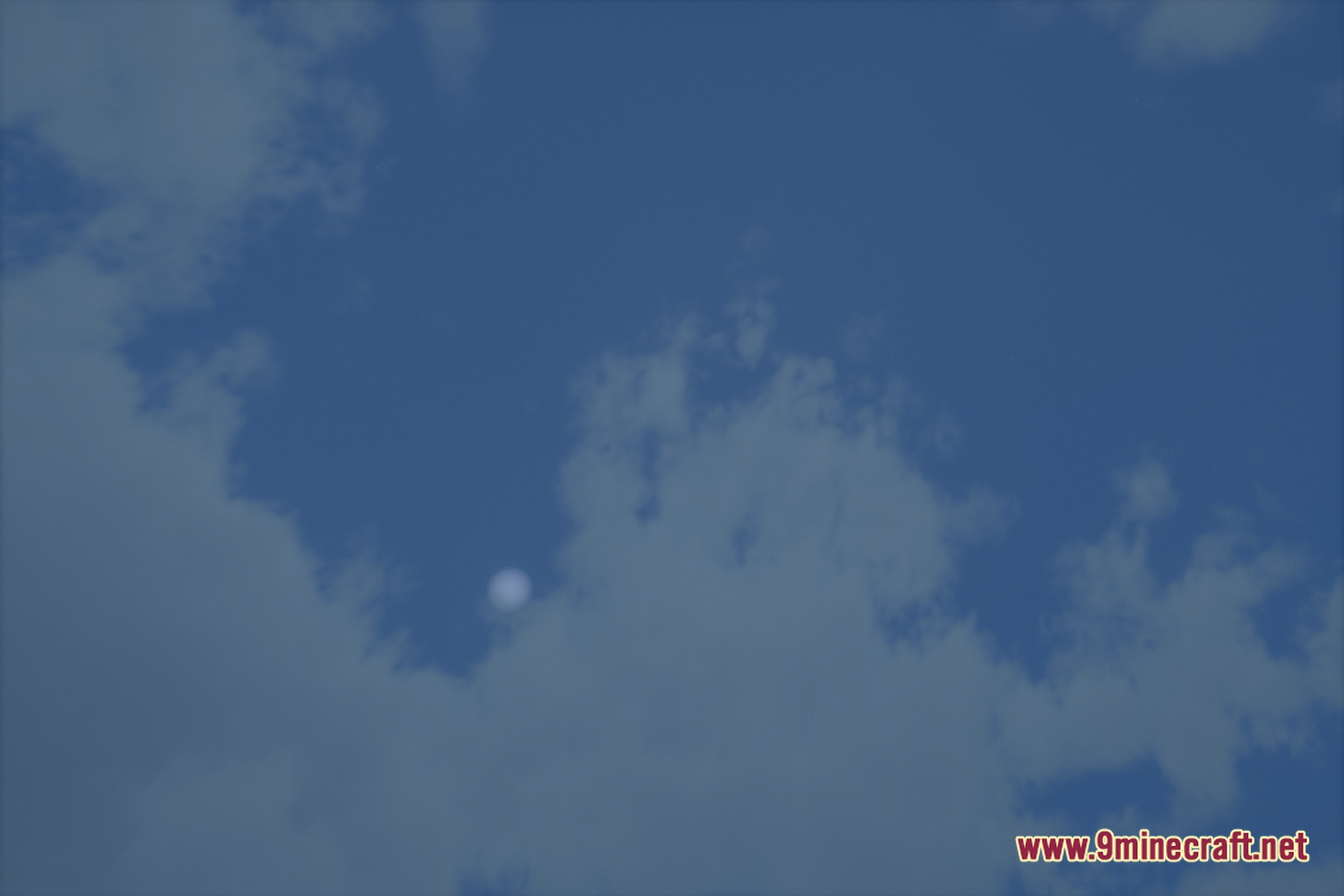
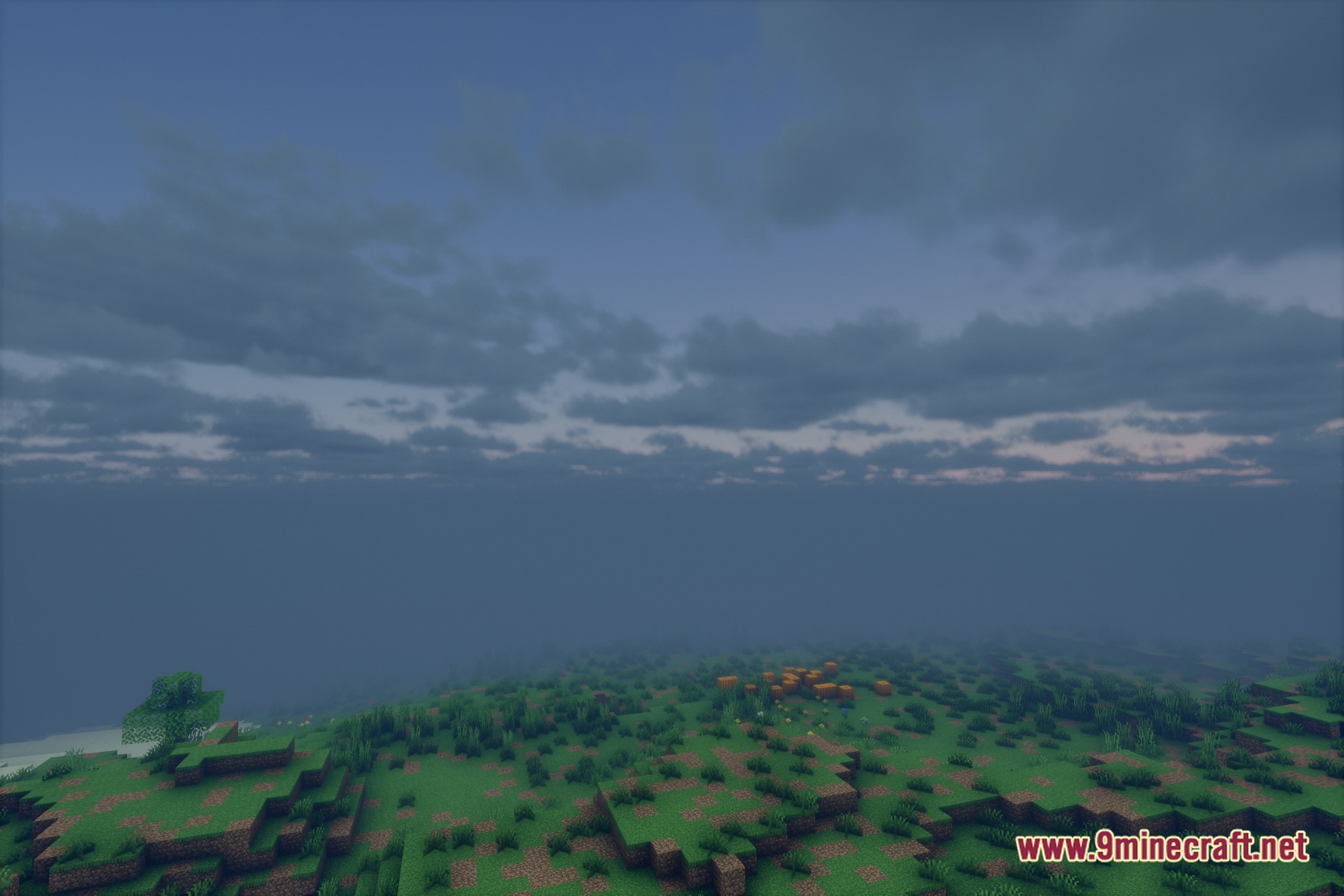
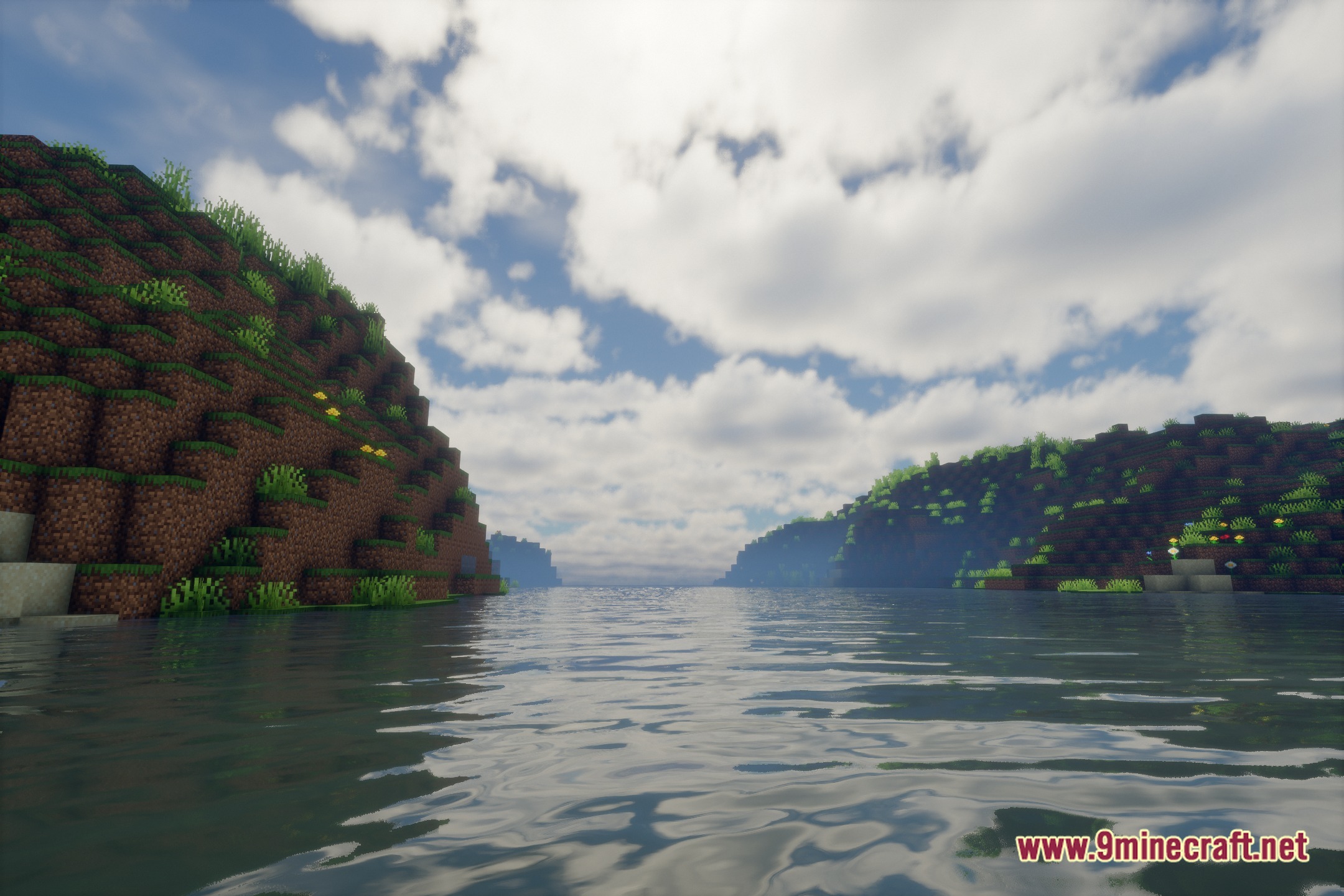
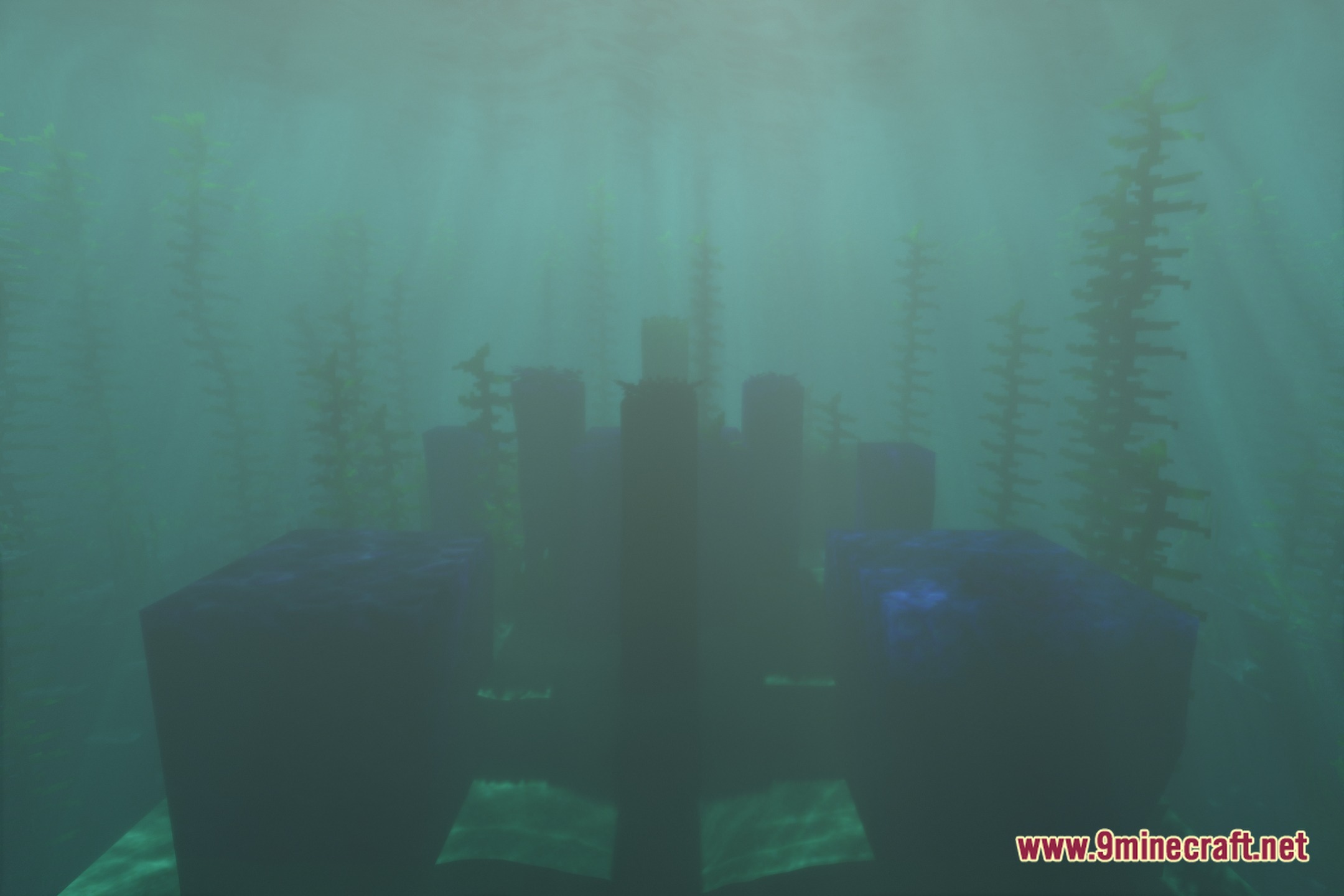
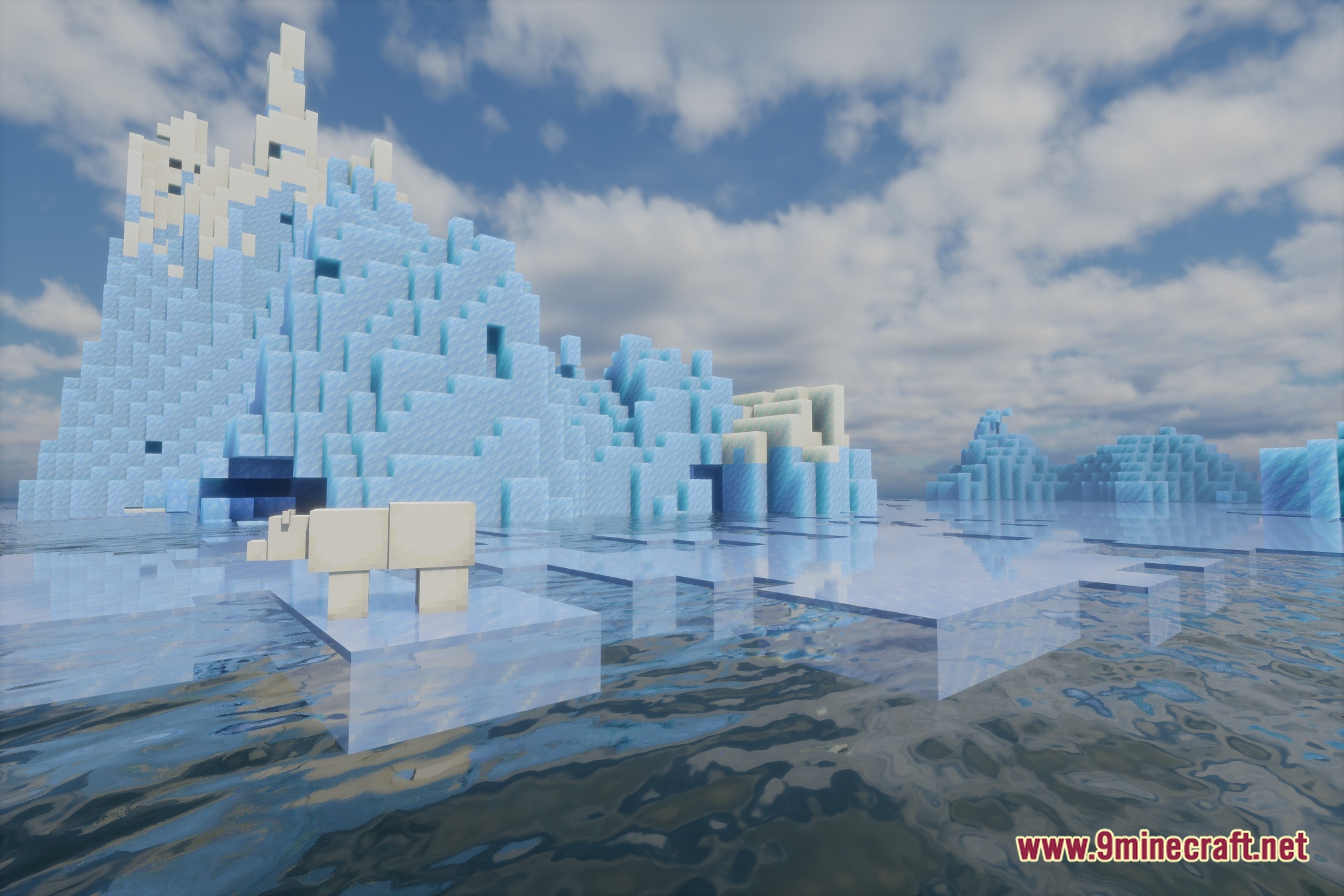
12 images from the Eveliteshaders Shaders page.
You May Also Like
Wikis that share the most with this one
 Cealith Shaders
Wikis on the same theme: iron
More shader wikis on the site
 Epic Shaders All The Shaders Modpack
The most downloaded mods that have a wiki here