

 DownloadLumora Shaders
Get the files on 9Minecraft
Guides
Step-by-step, in-game.
Adjust Cinematic Lighting to Match Your PlaystyleUnderstanding Cinematic Lighting Lumora's cinematic lighting system changes how light spreads and colors your world.…Enable and Configure Portal Glow EffectsActivating Portal Glow Portals in Lumora Shaders emit a bright, visible glow that makes them stand out in dark…Experience the Custom End Dimension SkyWhat Changed in the End Lumora Shaders replaces the vanilla End's plain black void with a custom sky, creating a more…Maximize Block Reflections on Wet and Shiny SurfacesUnderstanding Reflection Coverage Lumora Shaders adds reflective properties to specific blocks, particularly those…
Frequently asked questions
How do I turn on Lumora Shaders after installing it?
Open your video settings in-game, go to Shaders, and select Lumora from the list. The shader will apply immediately to your world.
Why don't portals glow in my world?
Make sure Portal Glow is enabled in the shader options menu. If it's on but still dim, check that your brightness settings aren't set too low, as this can override the glow effect.
Can I use Lumora with other shader packs at the same time?
No, only one shader pack can be active at a time. You'll need to switch between them in your video settings.
Block reflections aren't showing up on water or wet surfaces—what's wrong?
Check that reflections are enabled in the shader settings. If they're on, make sure you're looking at blocks that support reflections (like water, ice, or polished stone variants), as not all blocks reflect in Lumora.
See all 10 Lumora Shaders questions ›
Gallery
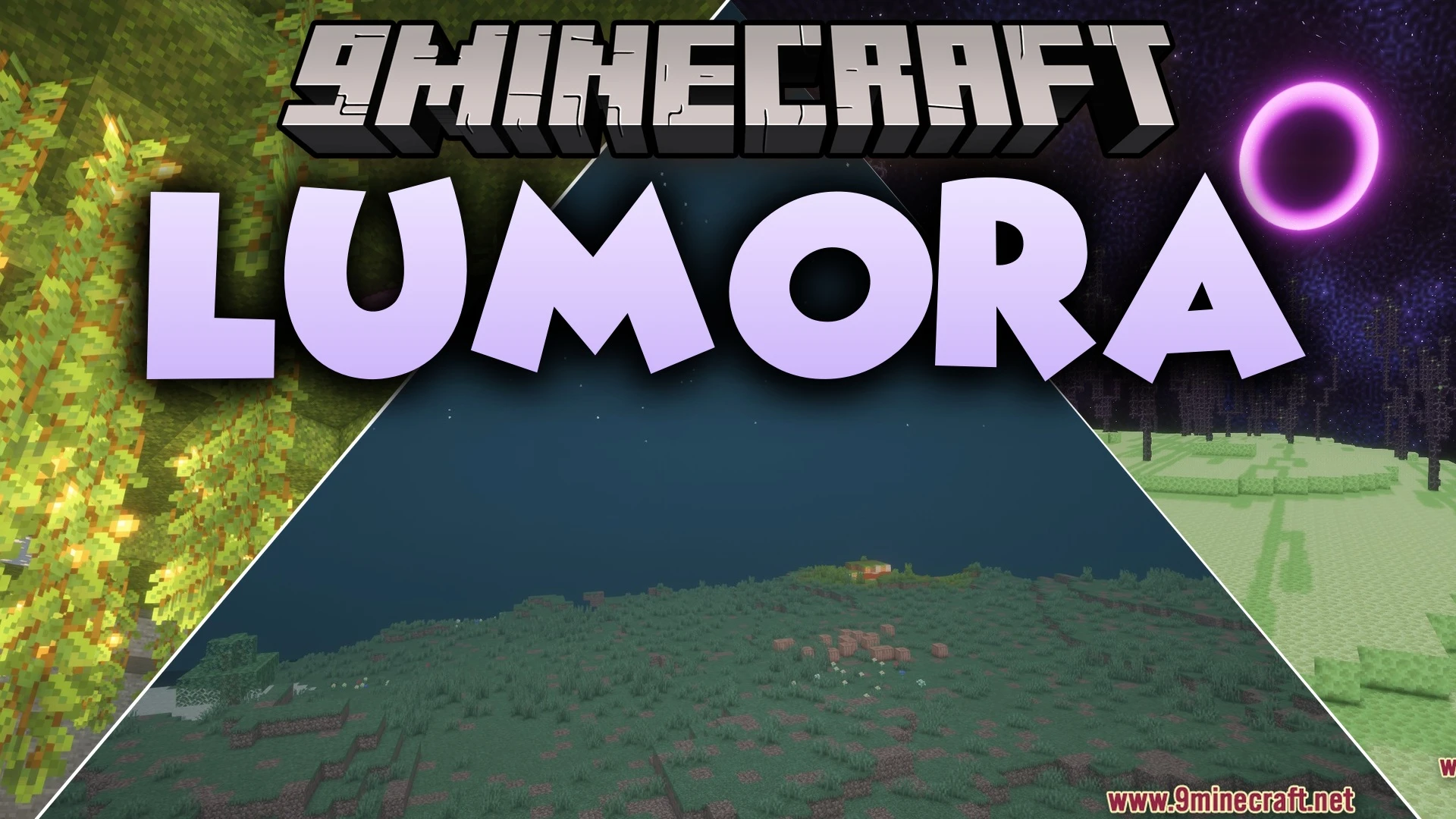
11 images from the Lumora Shaders page.


You May Also Like
Wikis that share the most with this one
 Cealith Shaders
Wikis on the same theme: iron
More shader wikis on the site
Luminous X-ray Vision ShadersLuminous Tide Reflections ShadersLuminous Swiftness ShadersLuminous Radar Rays ShadersLuminous Classic Atmosphere ShadersLuminous Cinematic Reflections ShadersLuminous Cinematic Horizon ShadersLuminous Breeze ShadersLuminous Balanced Lighting ShadersLuminous Aura Vibe ShadersLuminary ShadersLuminara Rebuilt Shaders
The most downloaded mods that have a wiki here