

 DownloadAppleSkin
Get the files on 9Minecraft
Contents (6)
Guides
Step-by-step, in-game.
How to Configure AppleSkin's HUD and Tooltip OptionsOpening the Config AppleSkin provides in-game configuration so you can change what information appears and where.…How to Read the Hunger and Saturation HUD OverlayWhat the Overlay Shows When you have AppleSkin installed, the vanilla hunger bar becomes more informative. Instead of…How to Track Food Exhaustion While PlayingWhat Exhaustion Means Food exhaustion is a hidden value that builds up as you perform actions like sprinting,…How to Use Food Tooltips to Compare FoodsHovering Over Food With AppleSkin installed, hover your cursor over any food item in your inventory, a chest, or a…
Configuration
Every setting in the mod config file, with what it changes.
| Option | What it does |
|---|---|
showFoodValuesInTooltipAlwaysAlways show food values in tooltip | Shows food hunger and saturation values in tooltips without holding SHIFT |
showVanillaAnimationsOverlayAnimate HUD icons to match Minecraft | Makes HUD overlay icons shake like vanilla Minecraft icons |
maxHudOverlayFlashAlphaMax alpha of flashing HUD icons | Sets maximum opacity of flashing HUD overlay icons |
showFoodHealthHudOverlayShow estimated health overlay | Shows estimated health restored by held food on the health bar |
showFoodExhaustionHudUnderlayShow exhaustion underlay | Shows food exhaustion as a progress bar behind the hunger bar |
showFoodStatsInDebugOverlayShow food values in Debug Screen | Shows hunger, saturation, and exhaustion values in the Debug Screen |
showFoodValuesInTooltip | Shows food hunger and saturation values in tooltips while holding SHIFT |
showFoodValuesHudOverlayShow hunger restored from held food | Shows hunger restored by held food on the hunger bar |
showFoodValuesHudOverlayWhenOffhandShow overlays for food in off-hand | Enables hunger and saturation overlays for food held in the off-hand |
showSaturationHudOverlayShow saturation overlay | Shows current saturation level overlaid on the hunger bar |
Other settings in this file
2 more options the mod ships without its own description. Names are taken straight from the config file.
- clientAppleSkin
- tooltipAlpha value of the flashing icons at their most visible point (1.0 = fully opaque, 0.0 = fully transparent)
Frequently asked questions
What does AppleSkin Mod do?
AppleSkin is a client-side mod that shows hunger, saturation, and food exhaustion information through HUD overlays and tooltips. It doesn't add new items or change gameplay — it just makes the vanilla hunger system visible so you can make better food choices.
How to use AppleSkin Mod?
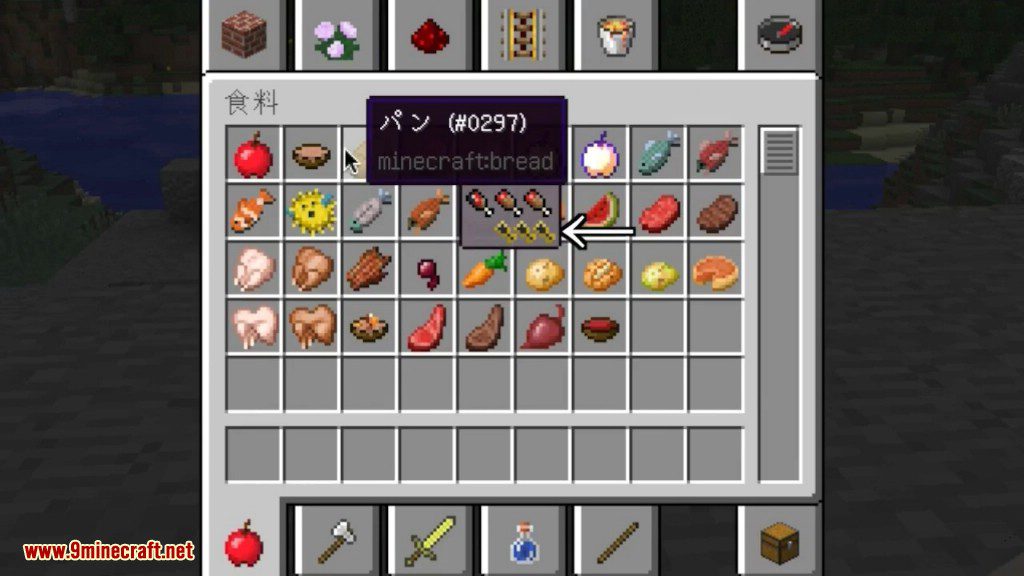
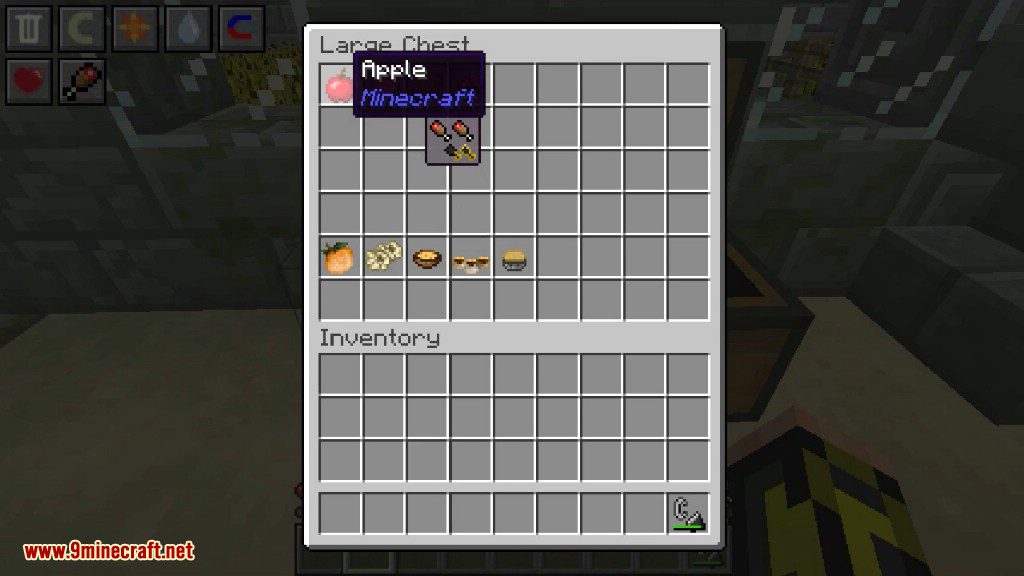
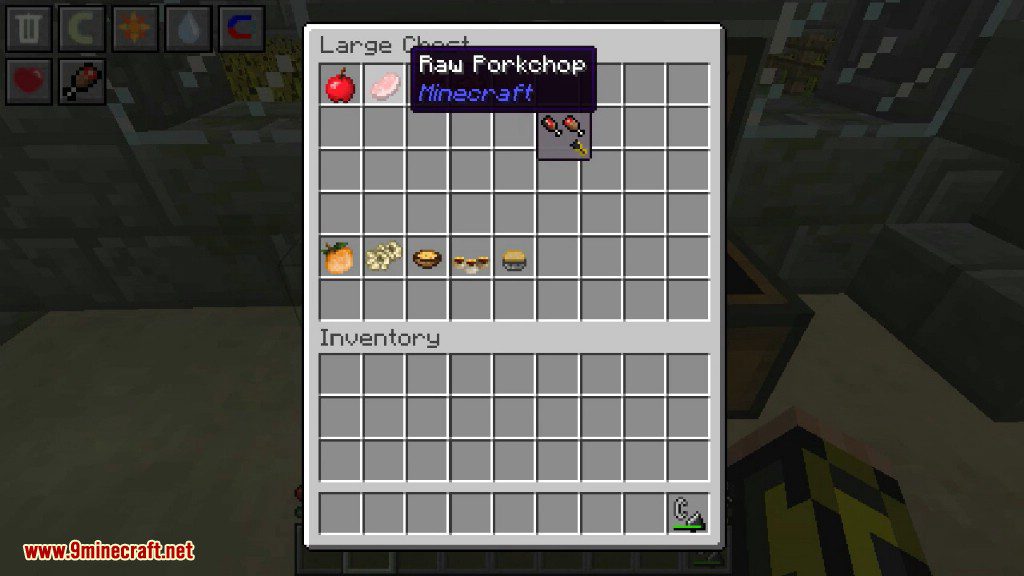
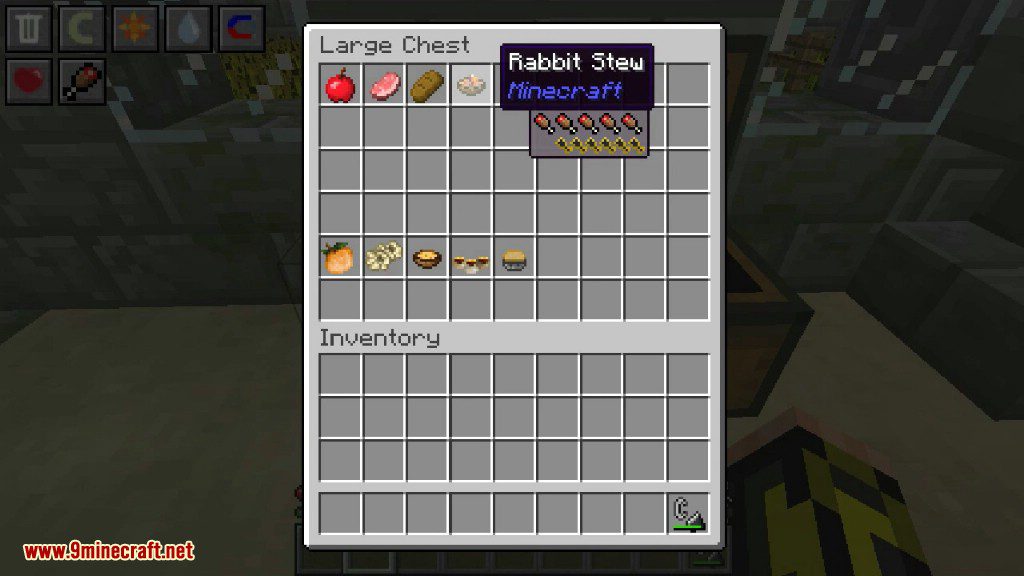
Once installed, AppleSkin works automatically — no keybind or activation needed. Just eat food and watch the HUD: the overlay shows your saturation as a faint second layer over the hunger bar, and hovering over any food item in your inventory shows its hunger and saturation values in the tooltip.
How do I see saturation in Minecraft with AppleSkin?
Saturation appears as a translucent overlay on top of your normal hunger bar, rendered in the same drumstick icons but in a different shade. The more saturation you have, the more of the hunger bar is covered by that overlay.
AppleSkin Mod Bedrock
AppleSkin is a Java Edition mod and does not exist for Bedrock Edition. Bedrock has no equivalent client-side mod loader for this kind of HUD overlay, so there's no official or ported version for MCPE.
See all 10 AppleSkin questions ›
Gallery
9 images from the Appleskin Mod page.


You May Also Like
Wikis that share the most with this one
Wikis on the same theme: food
More mod wikis on the site
The most downloaded mods that have a wiki here
A few wikis from each of the other kinds