

 DownloadRtf Shader
Get the files on 9Minecraft
Guides
Step-by-step, in-game.
Adjust Shadow Intensity and SoftnessAccess Shader Settings Press the shader menu key (default: K ) while in-game to open the RtfShader configuration…Balance Brightness Between Lit and Dark AreasOpen Exposure and Contrast Settings Access the shader menu (default: K ) and look for exposure, brightness, or…Configure Foliage and Crop Wind EffectsAccess Animation Settings Open the shader menu (default: K ) and find the foliage or animation section. This controls…Enhance Water Reflections and ClarityOpen Water Settings Access the shader configuration menu (default: K ) and navigate to the water or reflection…
Frequently asked questions
How do I turn on RtfShader after installing it?
Open your Options menu in-game, go to Video Settings, then select Shaders. Find RtfShader in the list and click it to activate. You'll see the shader take effect immediately on your world.
Why do my shadows look too harsh or too soft?
Open the shader options menu (usually by clicking the Settings button next to the shader name in Video Settings) and adjust the Shadow Intensity and Shadow Softness sliders to your preference. Lower intensity makes shadows more subtle, while higher softness creates smoother shadow edges.
Can I make water reflections look more realistic?
Yes—access the shader settings and look for Water Reflection or Water Clarity options. Increasing these values will make the sky and surroundings reflect more clearly on water surfaces, though higher settings may impact performance slightly.
The mod makes dark caves too bright—how do I fix this?
Adjust the Brightness Balance setting in the shader options to reduce how much light spreads into dark areas, or lower the overall brightness slider. This will restore more contrast while keeping lit areas visible.
See all 10 Rtf Shader questions ›
Gallery
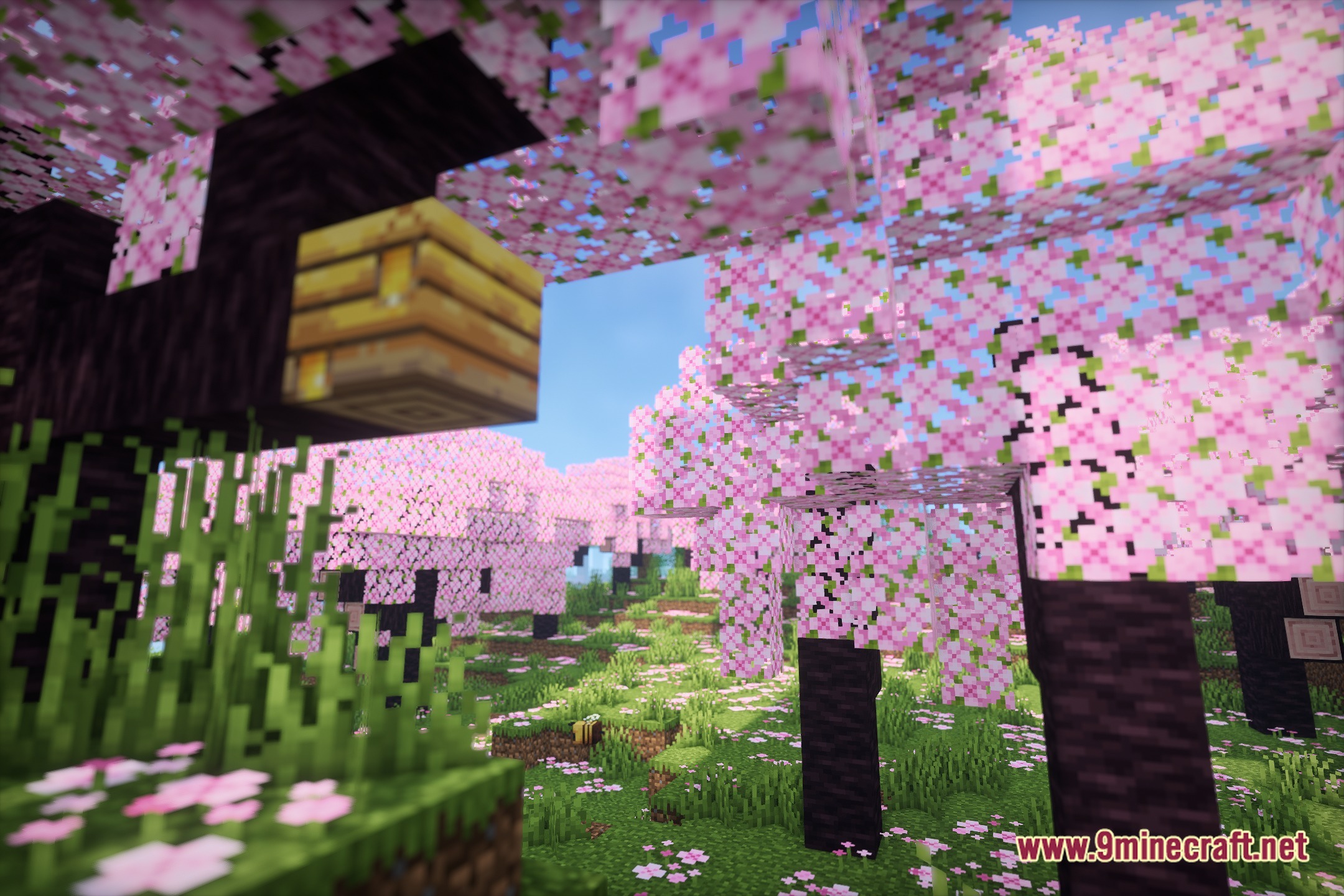
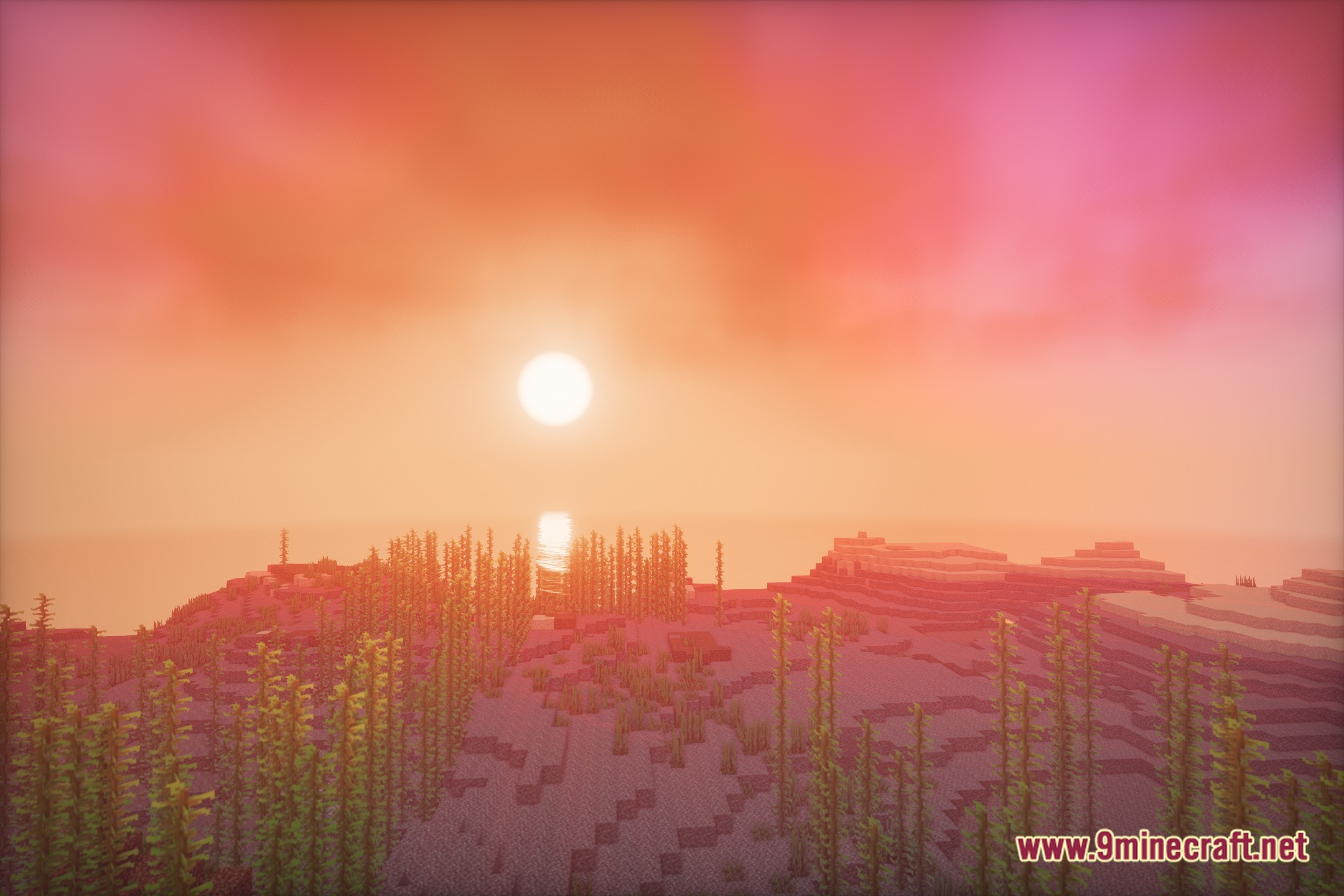
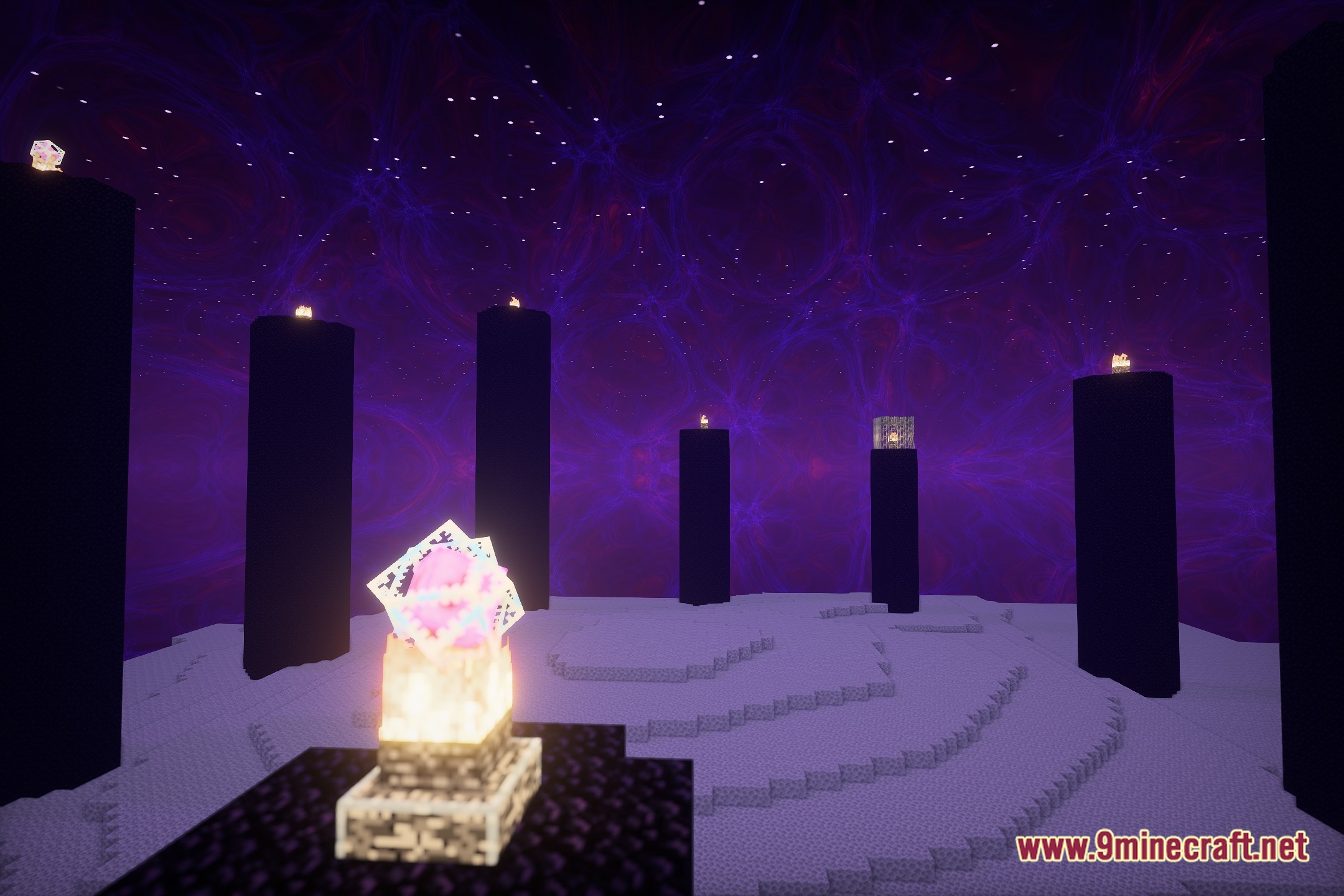
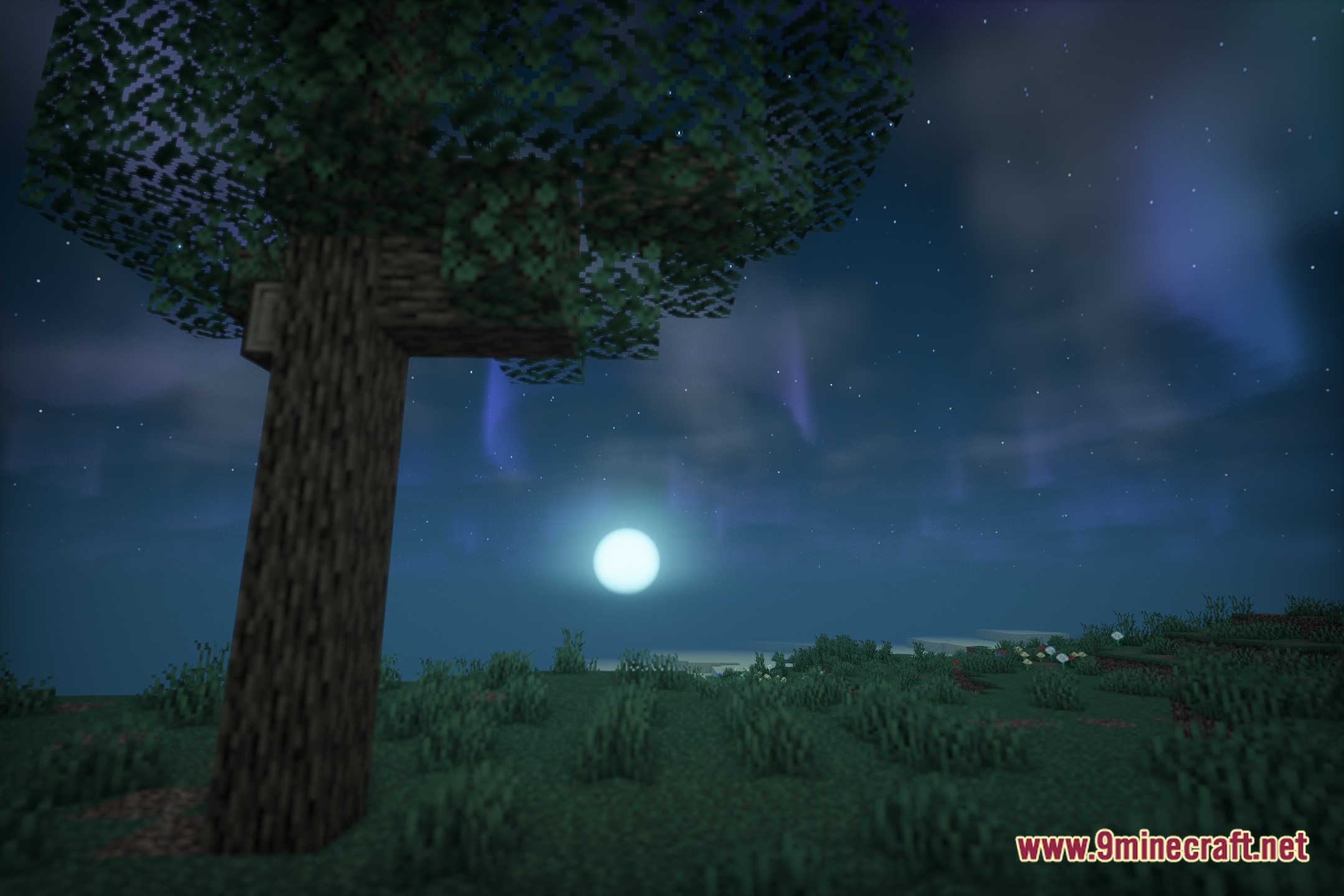
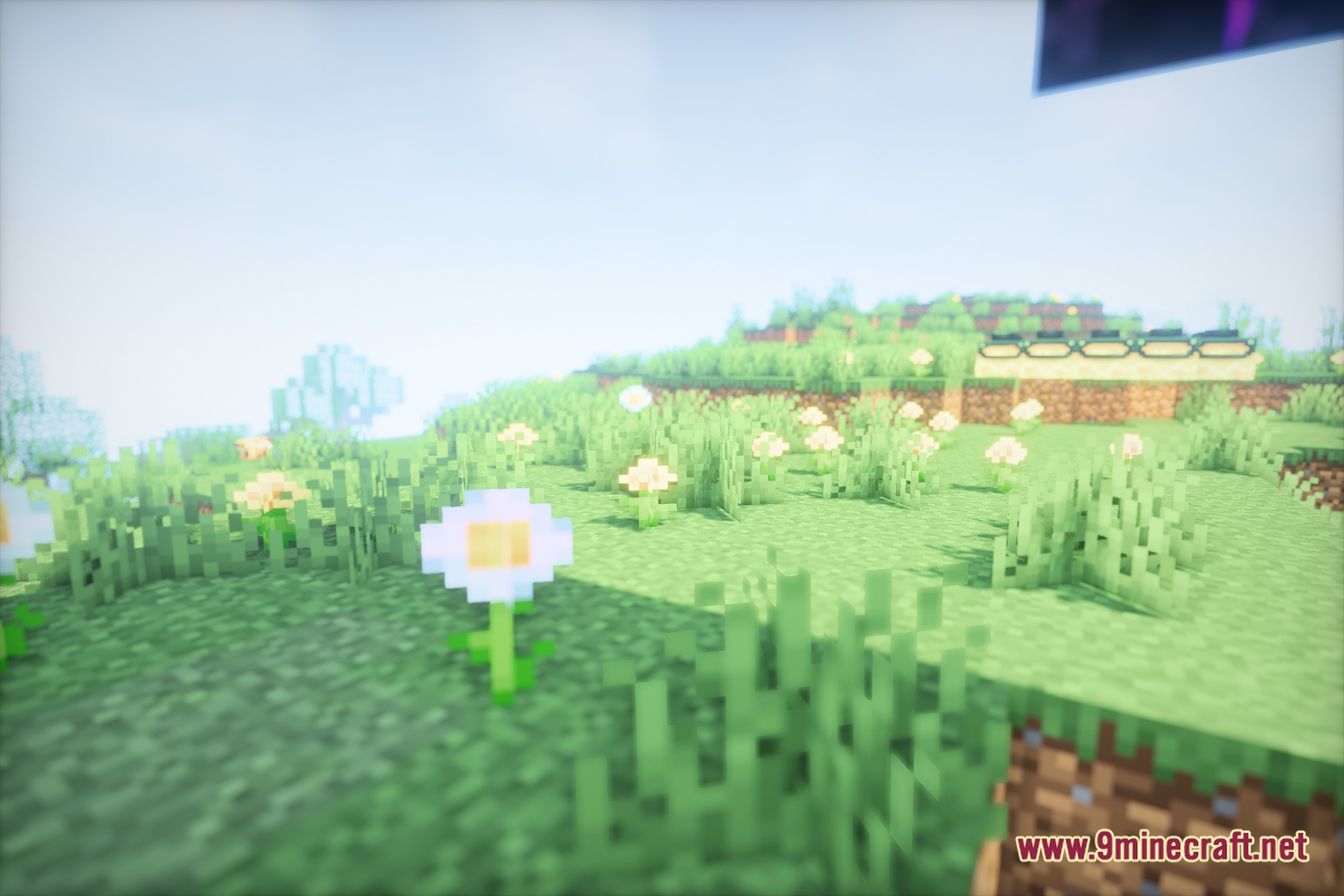
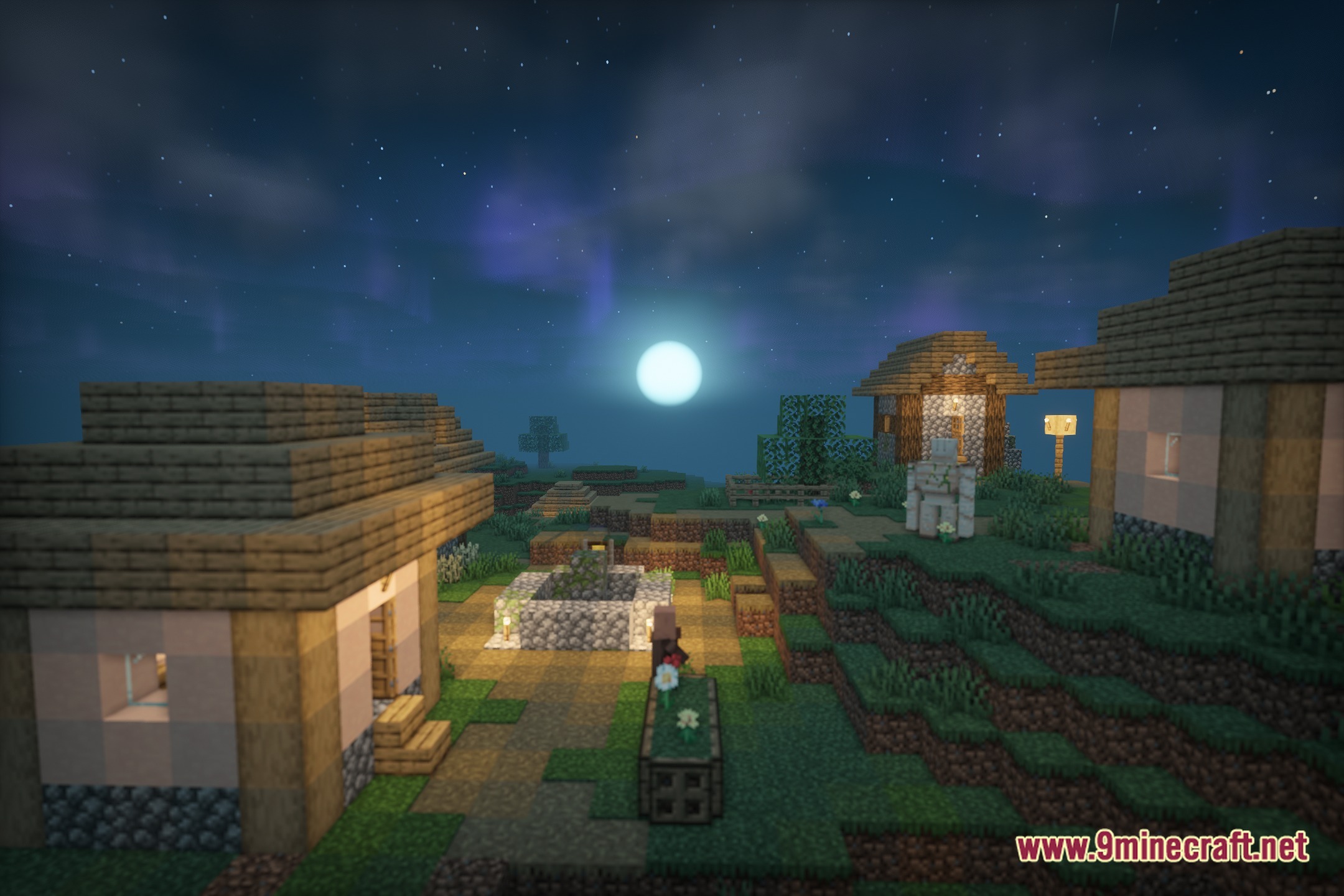
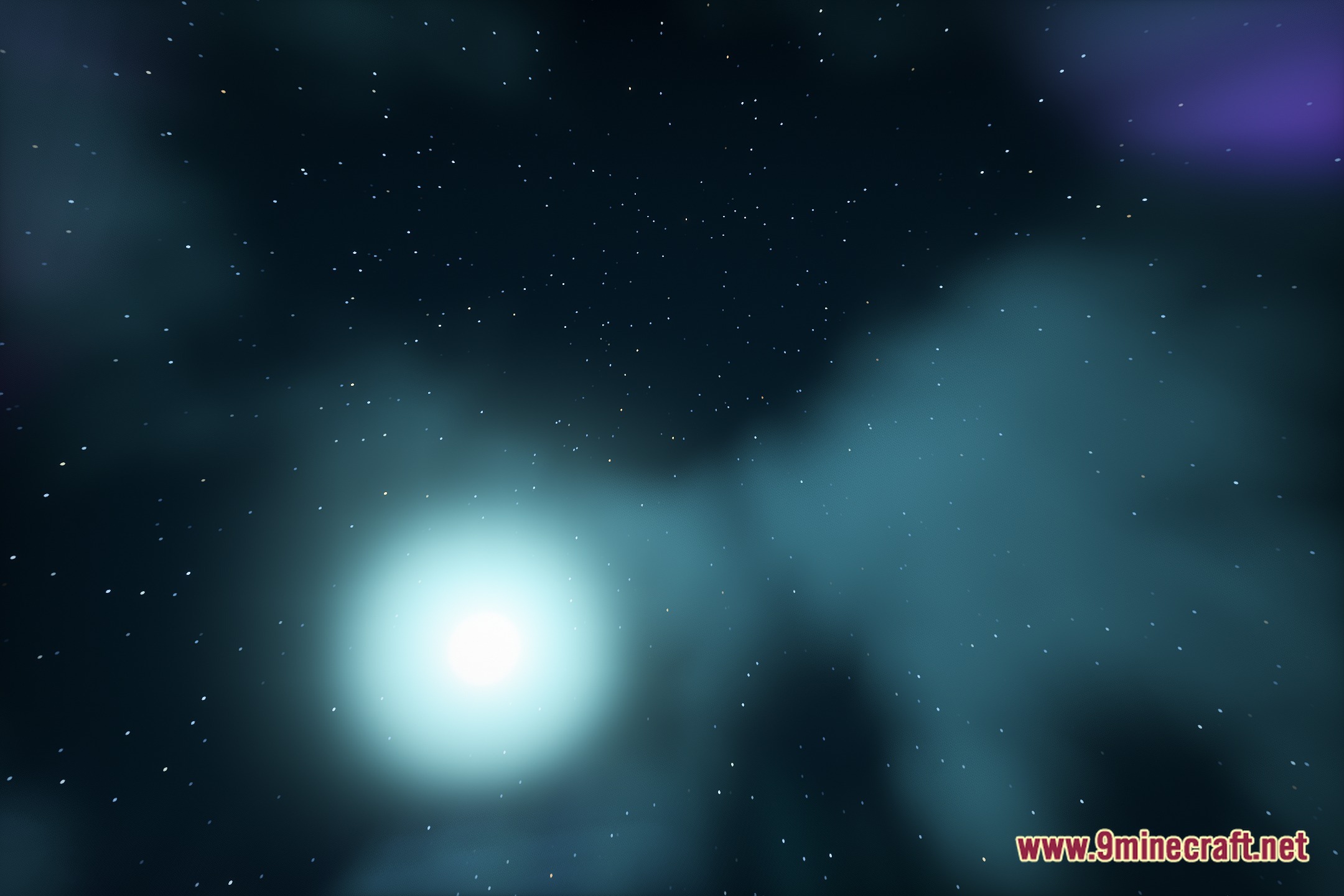
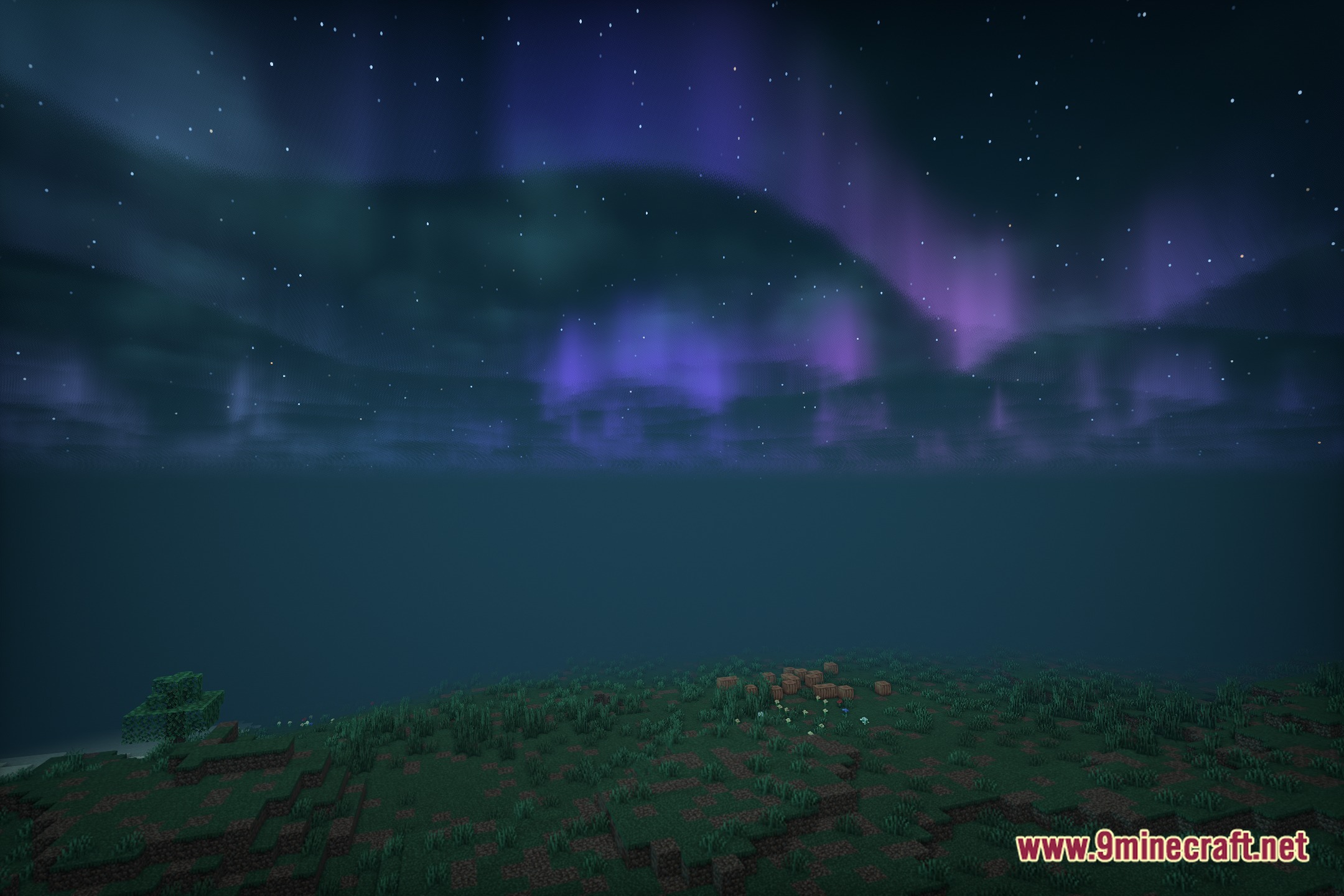
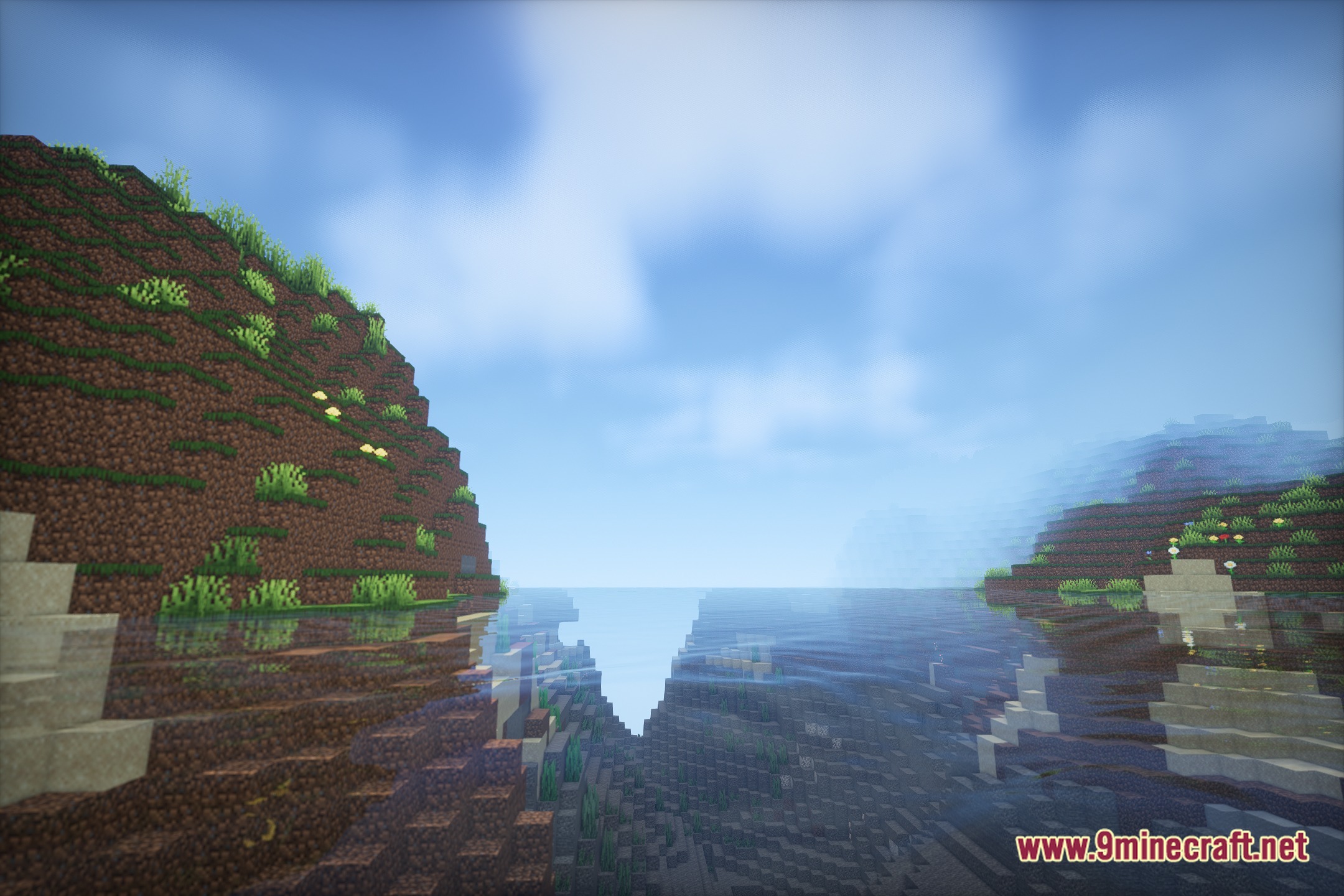
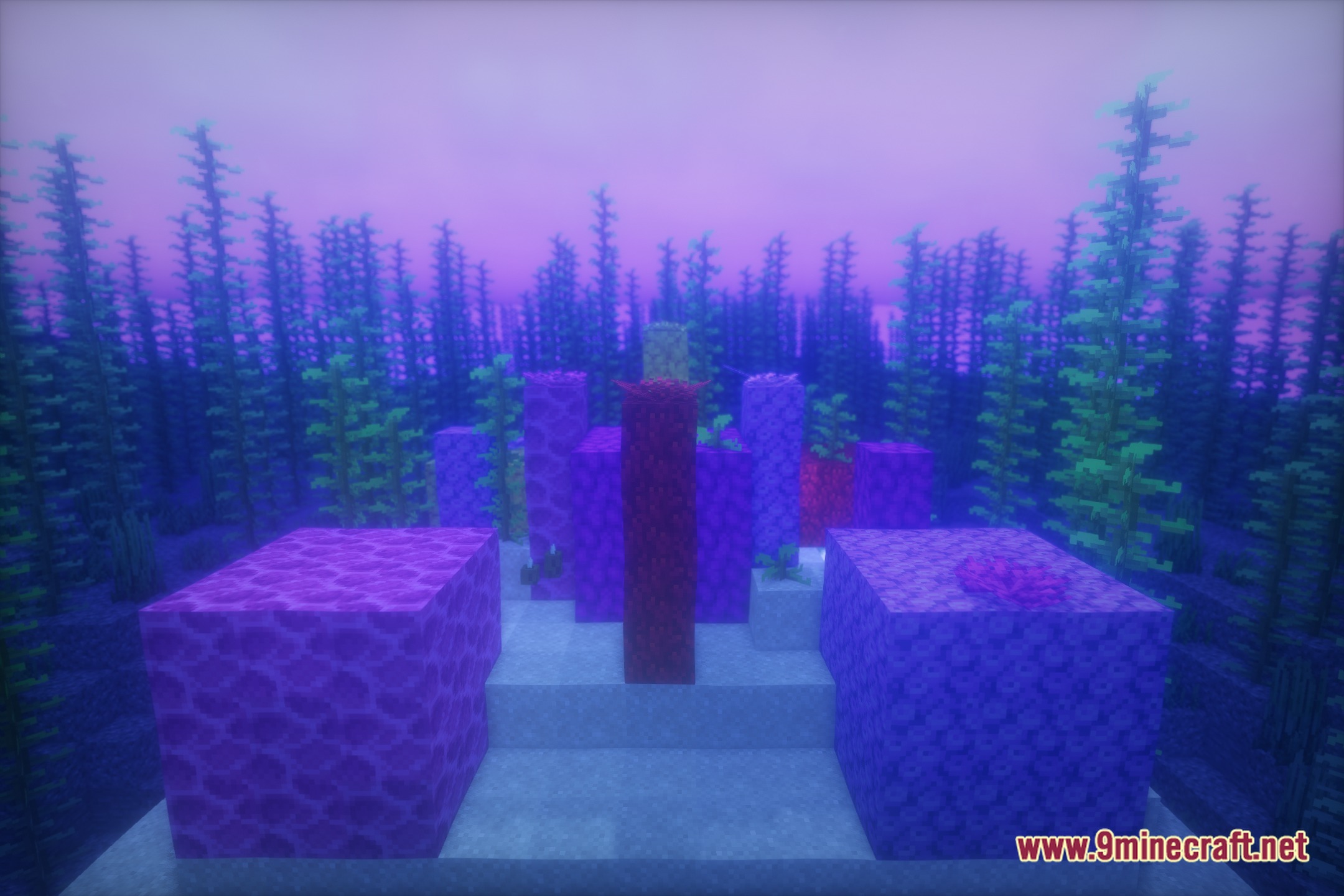
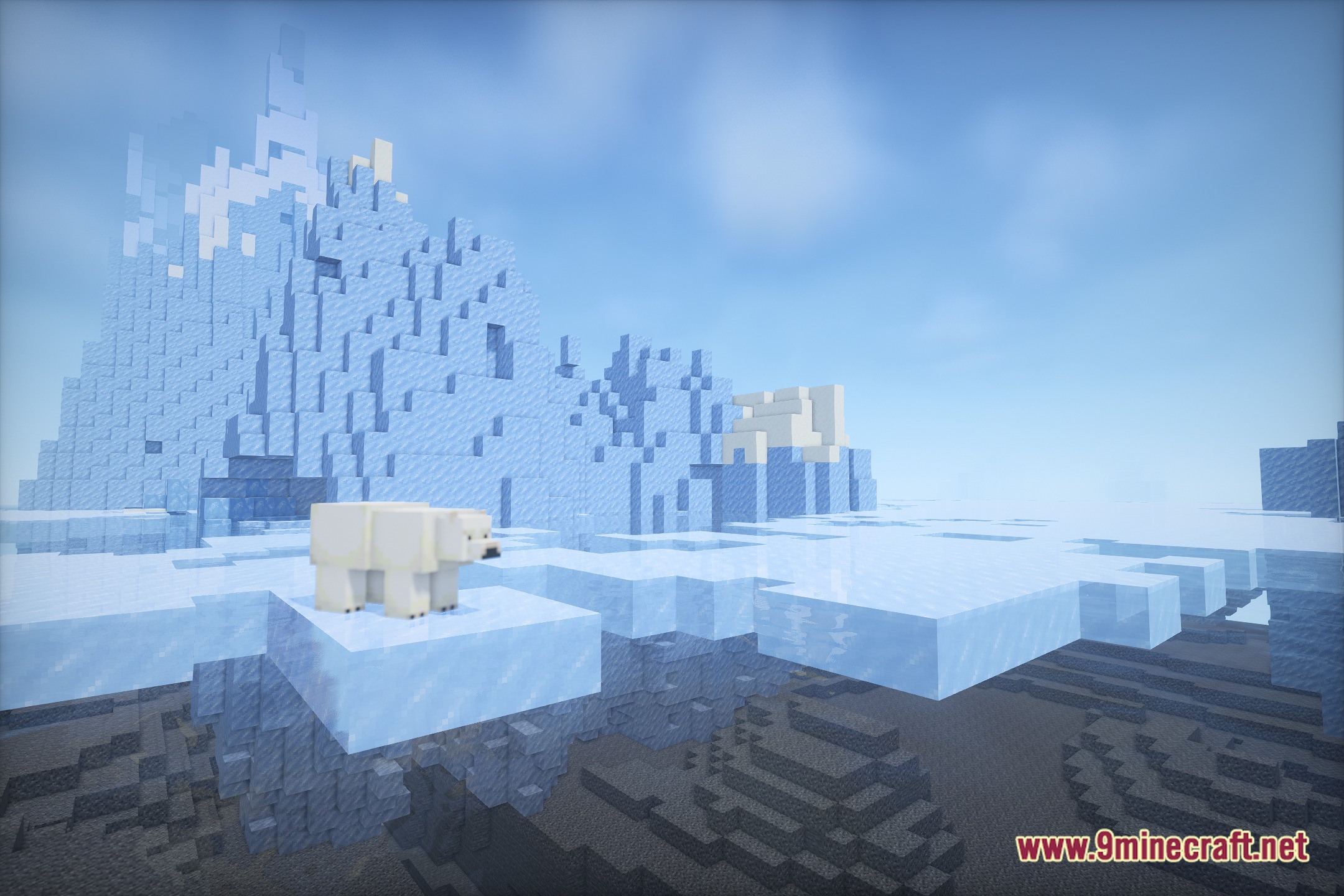
12 images from the Rtfshader Shaders page.
You May Also Like
Wikis that share the most with this one
Wikis on the same theme: iron
 Cealith Shaders
More shader wikis on the site
 Rivet Lite Animatic 1 Shaders
 RenderKit Utilities Shaders
The most downloaded mods that have a wiki here