

 DownloadAmethyst Horizon Pack Shaders
Get the files on 9Minecraft
Guides
Step-by-step, in-game.
Adjust Water Reflection IntensityAccess Shader Settings Open the shader options menu while in-game by pressing the designated key (usually found in…Customize Sunrise and Sunset Sky ColorsOpen Sky and Atmosphere Settings Access the shader menu and navigate to Sky , Atmosphere , or Colors settings. This…Enhance Shadow Detail Under Trees and StructuresLocate Shadow Settings Open the shader configuration menu and find the Shadows or Lighting section. This controls how…Reduce or Increase Atmospheric Fog DistanceFind Fog Configuration Options Open the shader settings and search for Fog , Atmosphere , or Distance Rendering .…
Frequently asked questions
How do I turn on the shader after installing it?
Open Options > Video Settings > Shaders, then select Amethyst Horizon Pack Shaders from the list and click Apply. You'll see the effects take hold immediately in your world.
Why do my shadows look too dark or too light?
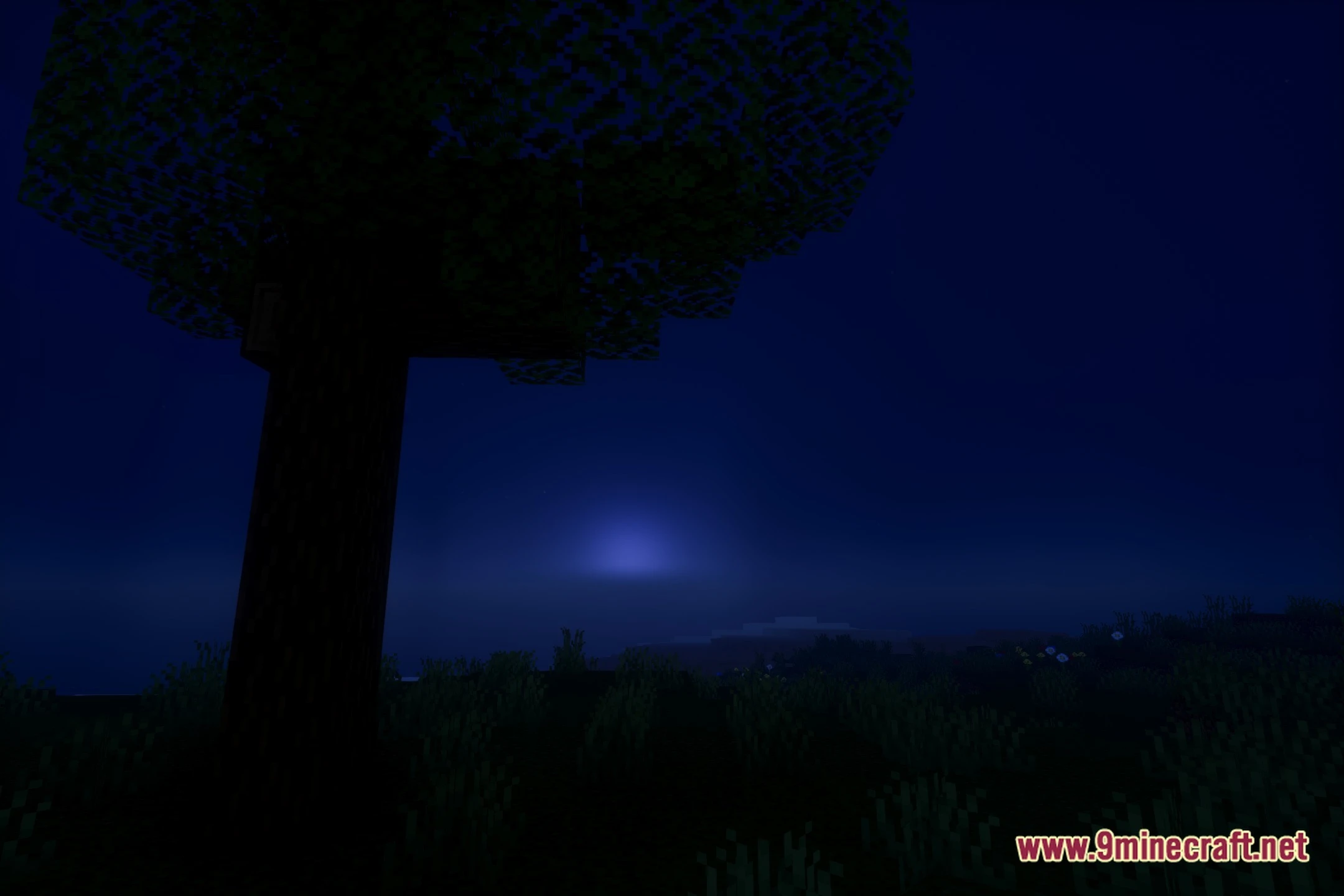
Adjust shadow intensity in the shader settings menu (usually accessed by clicking the Settings button next to the shader name in Video Settings). You can also enhance shadow detail under trees and structures through the customization options.
Can I make the water less reflective?
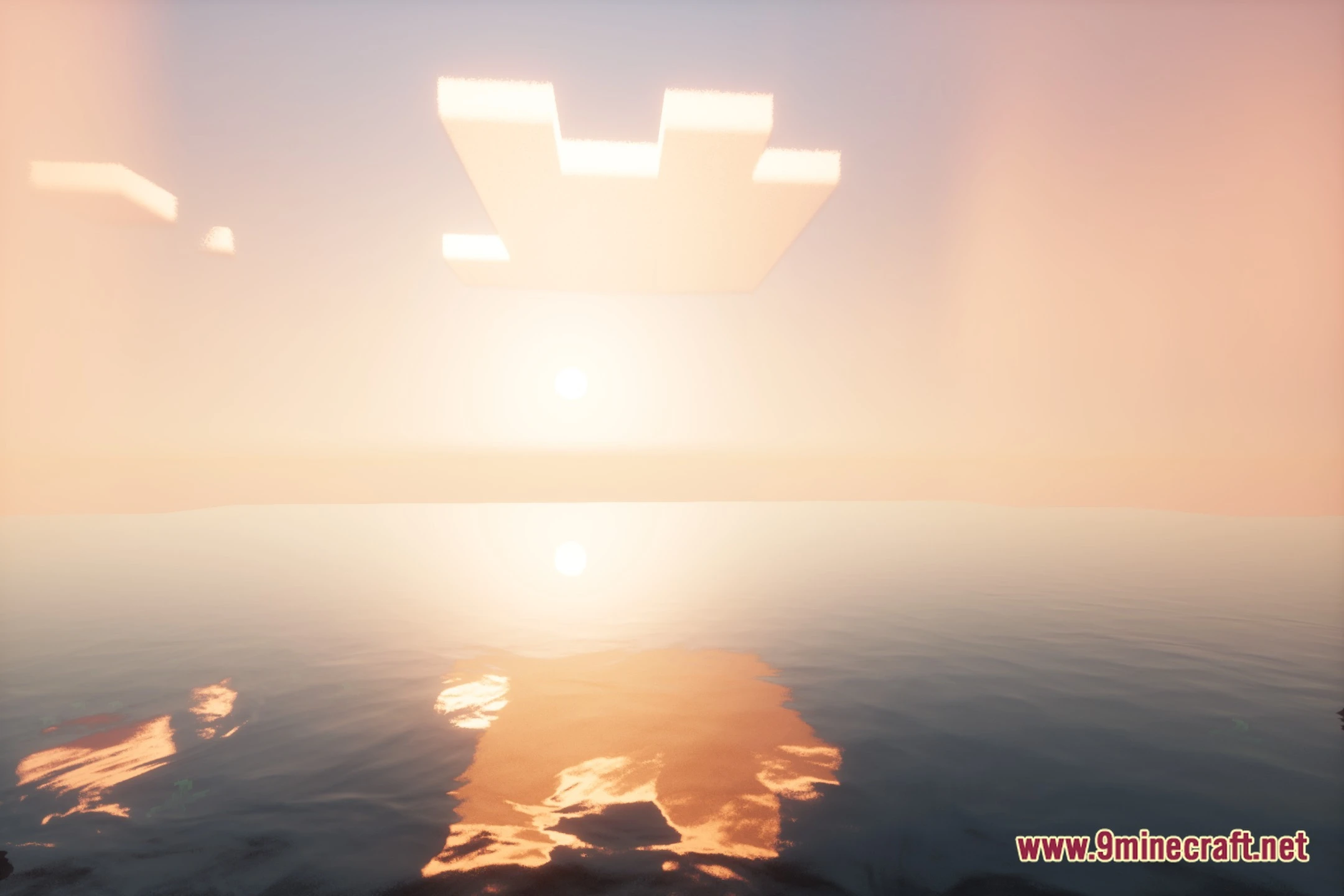
Yes—open the shader settings and look for water reflection or water quality options. You can reduce the reflection intensity to make water appear less mirror-like while keeping the ripple effects.
The fog is too thick and I can't see far. How do I fix this?
In shader settings, find the fog distance or atmospheric fog slider and increase it to see further into the distance. Decreasing fog density will also help if the air feels too hazy.
See all 10 Amethyst Horizon Pack Shaders questions ›
Gallery
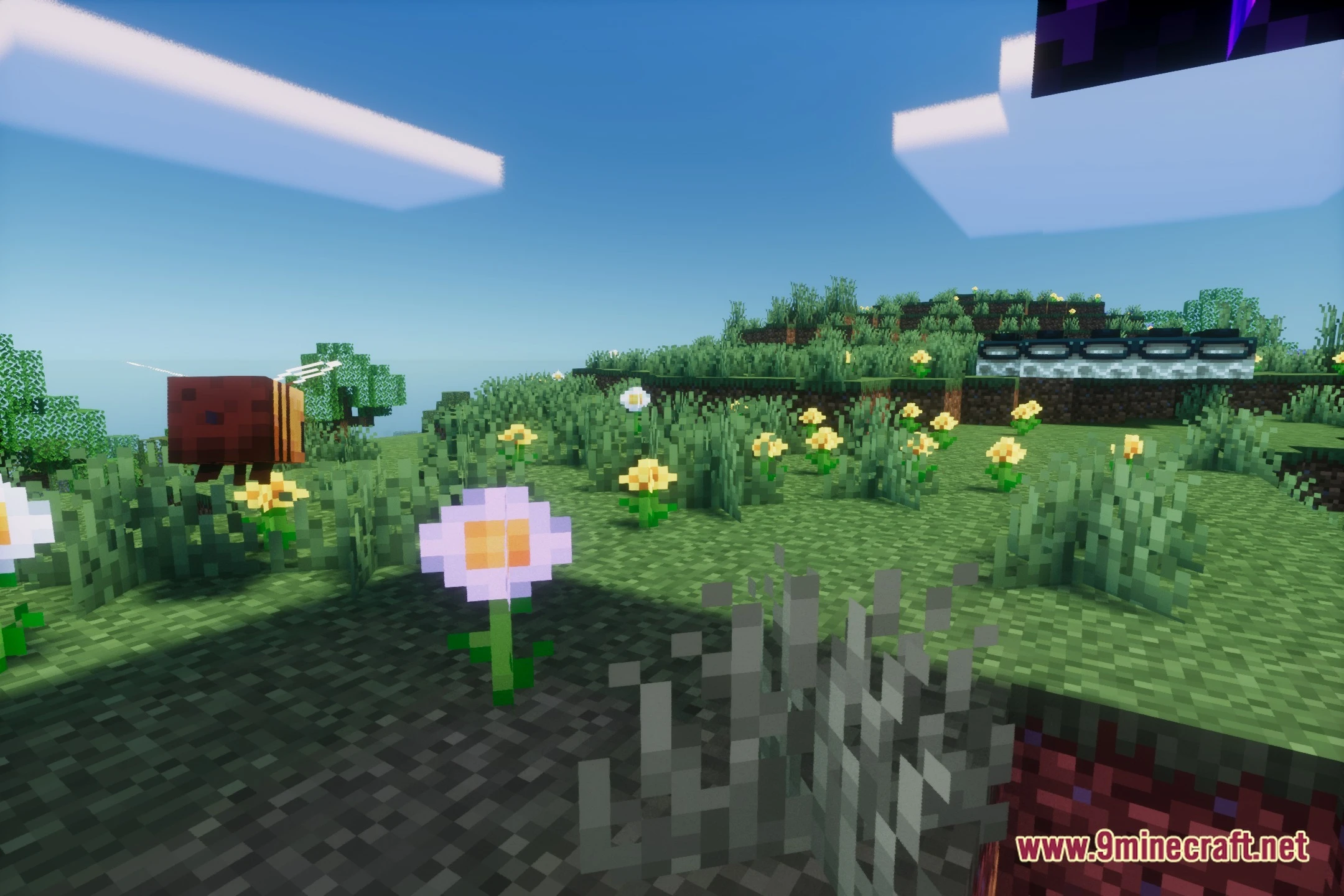
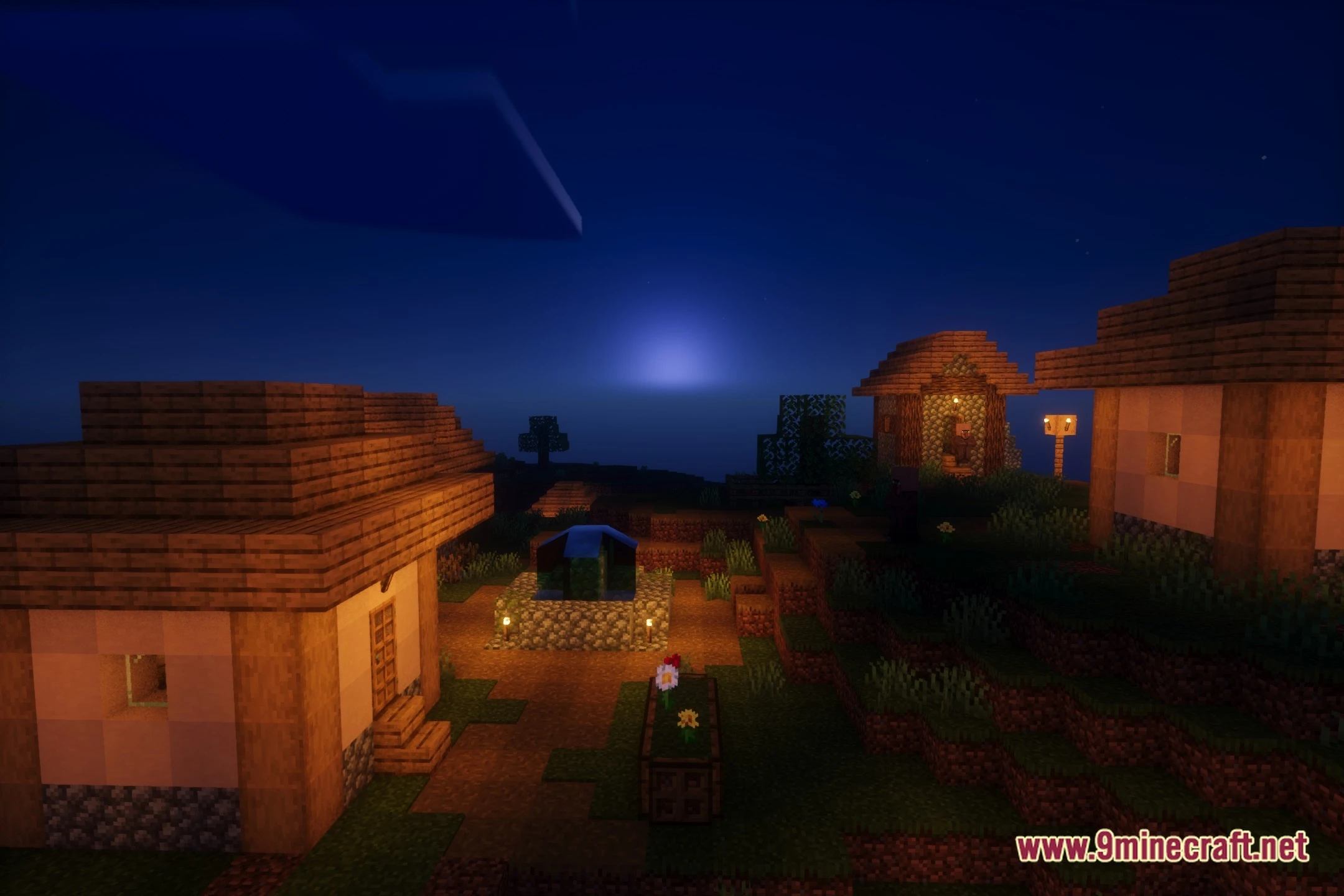
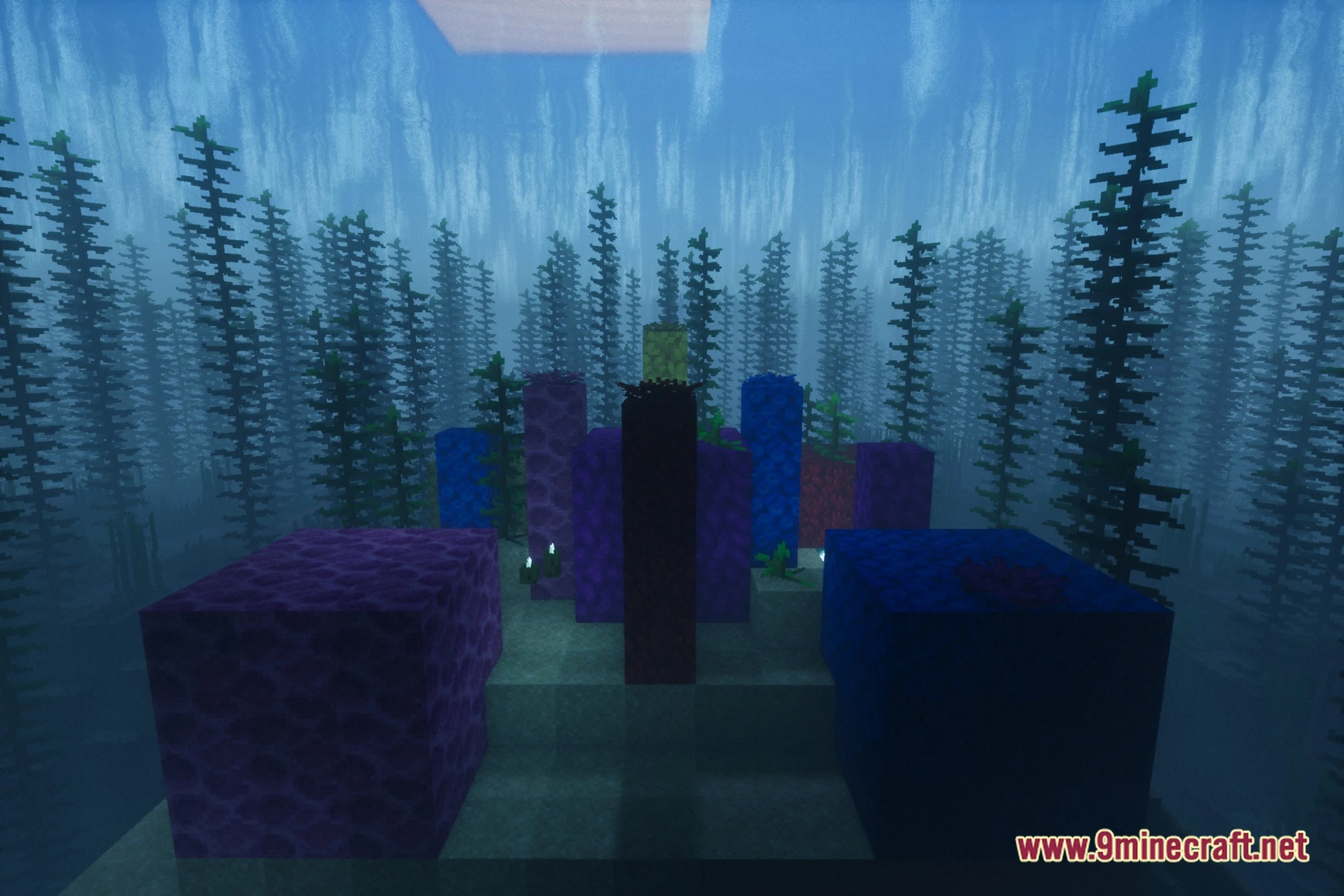
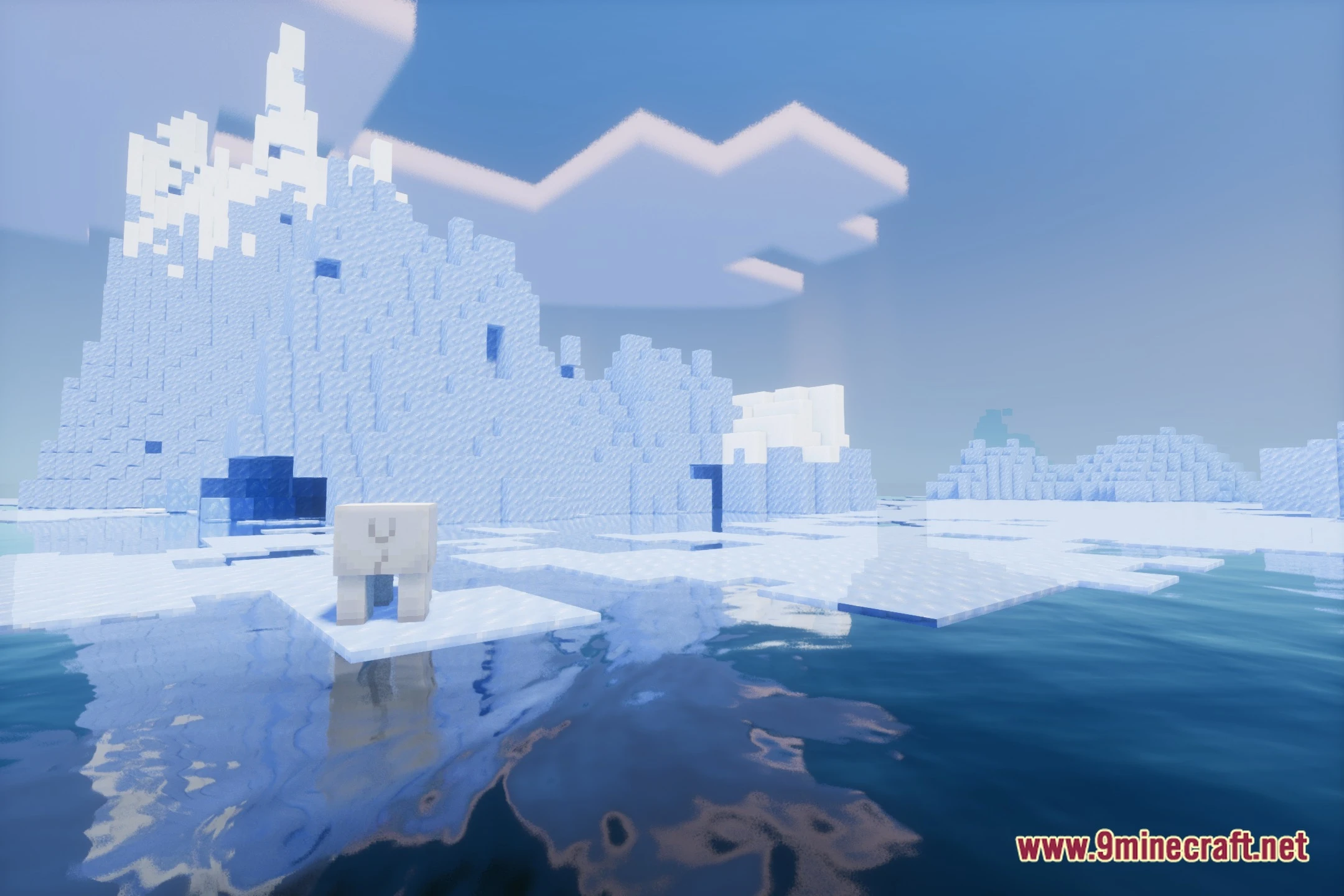
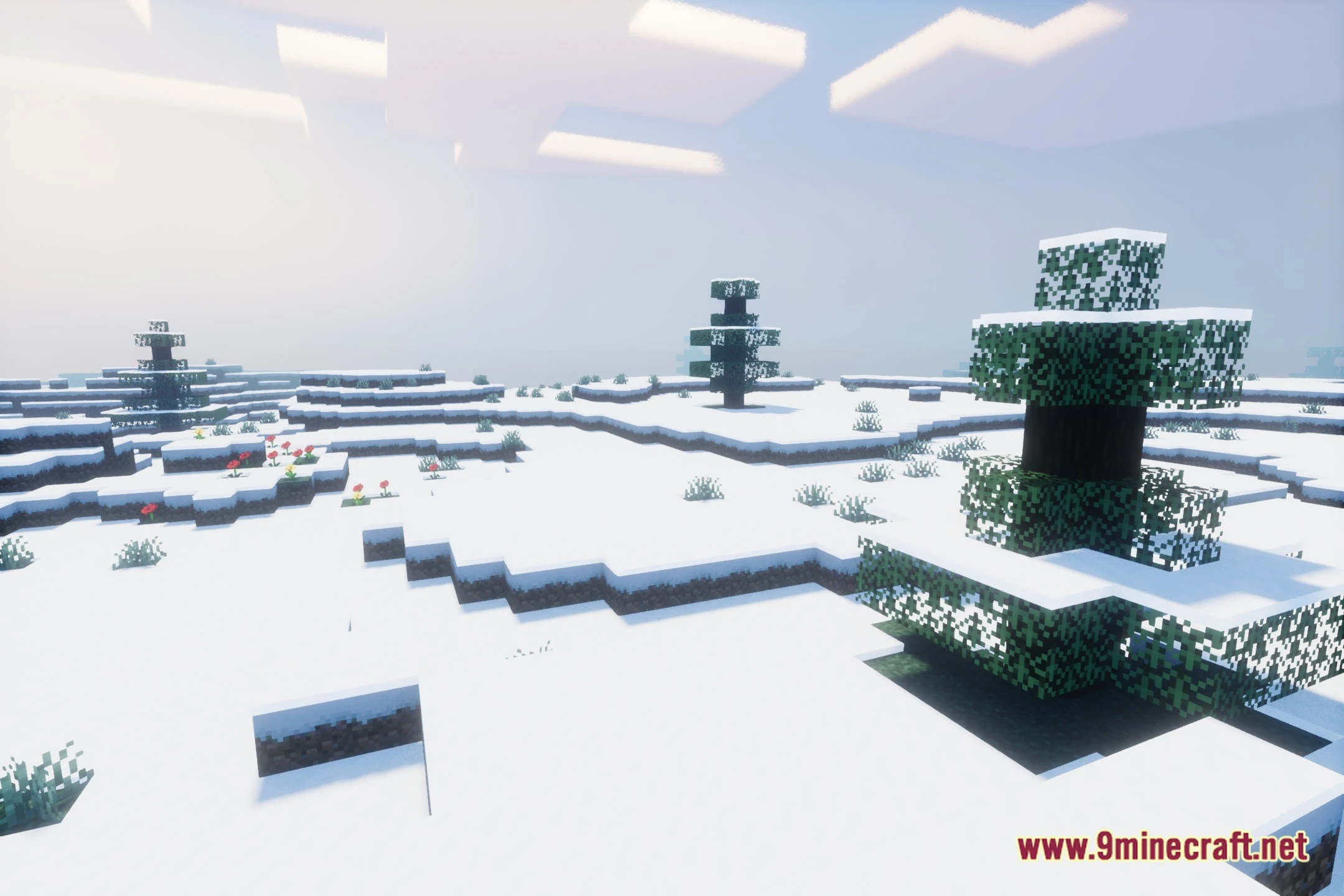
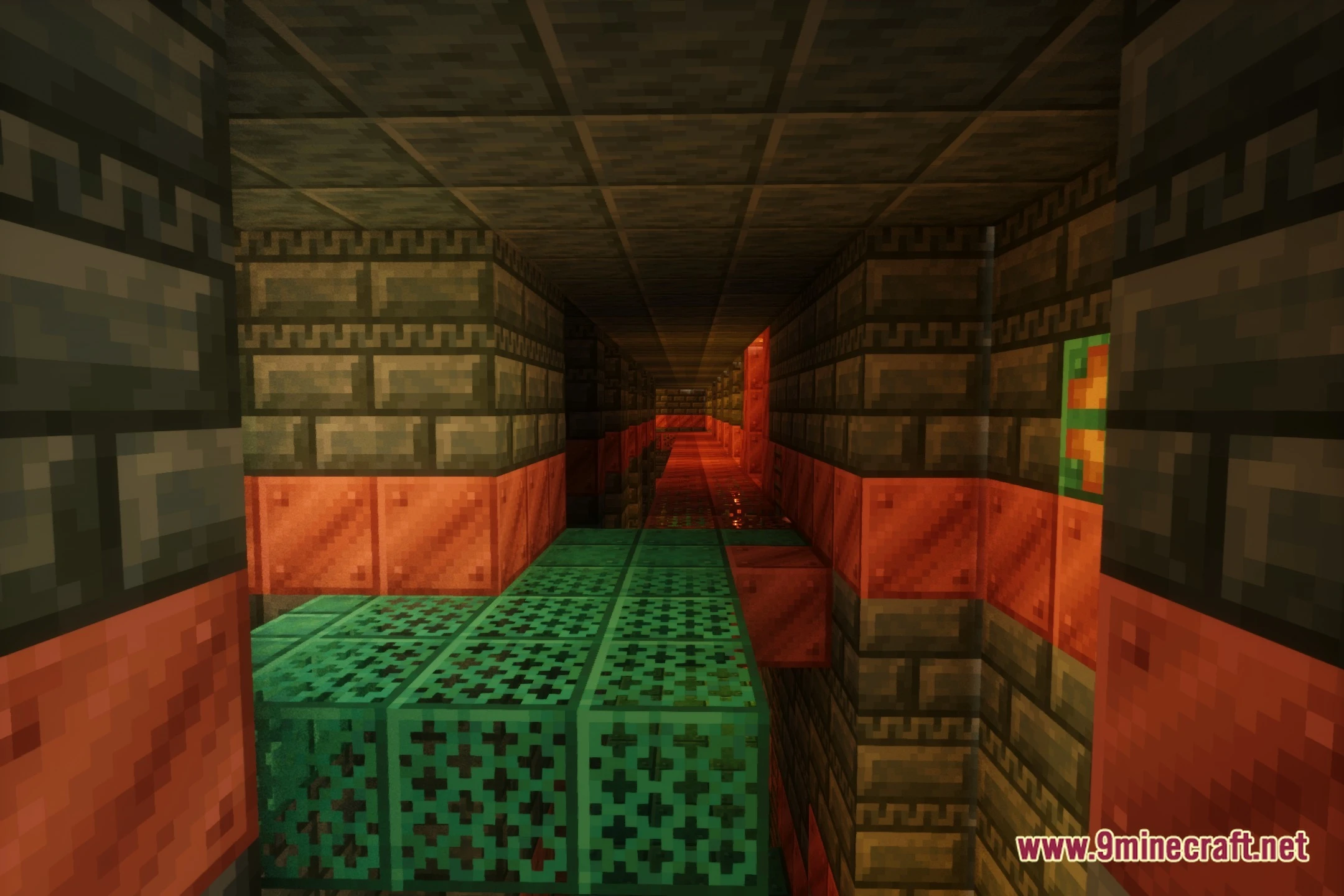
12 images from the Amethyst Horizon Pack Shaders page.
You May Also Like
Wikis that share the most with this one
More shader wikis on the site
 AetherVisuals Shaders
The most downloaded mods that have a wiki here